Popup regarding recent Brizy update...

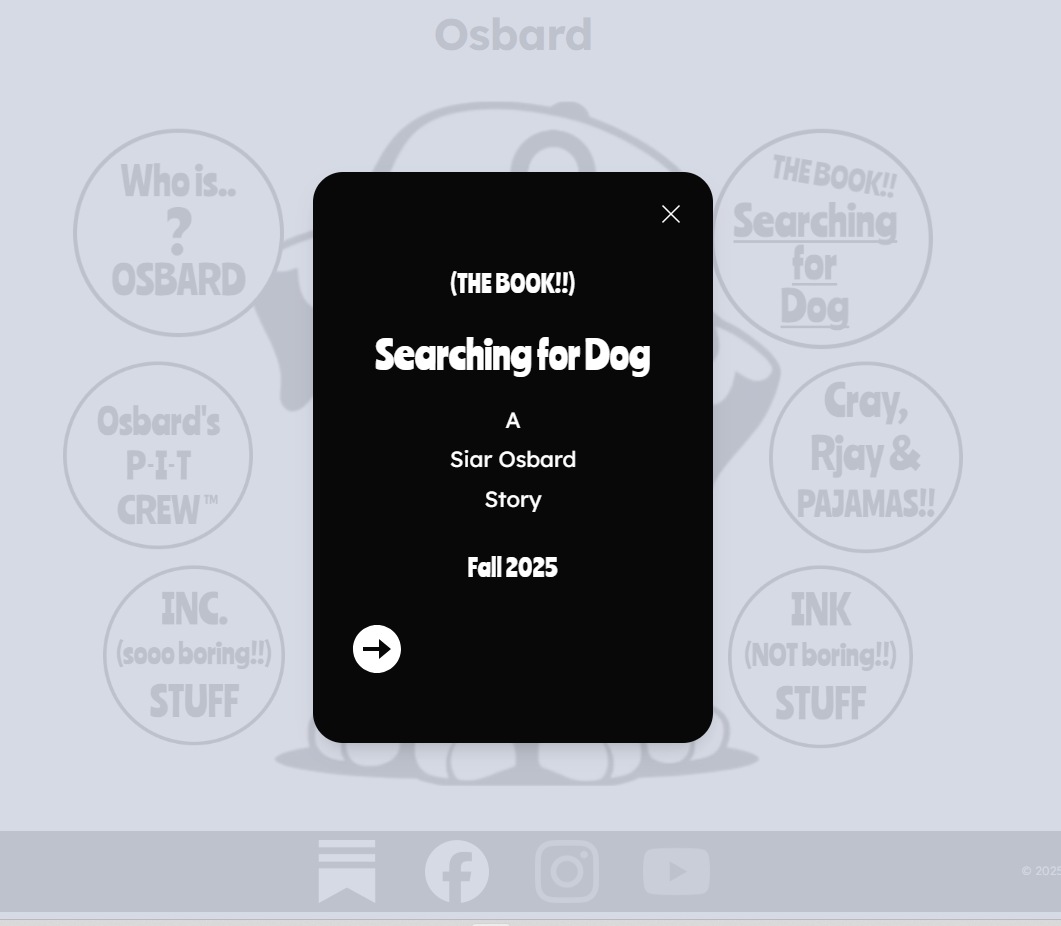
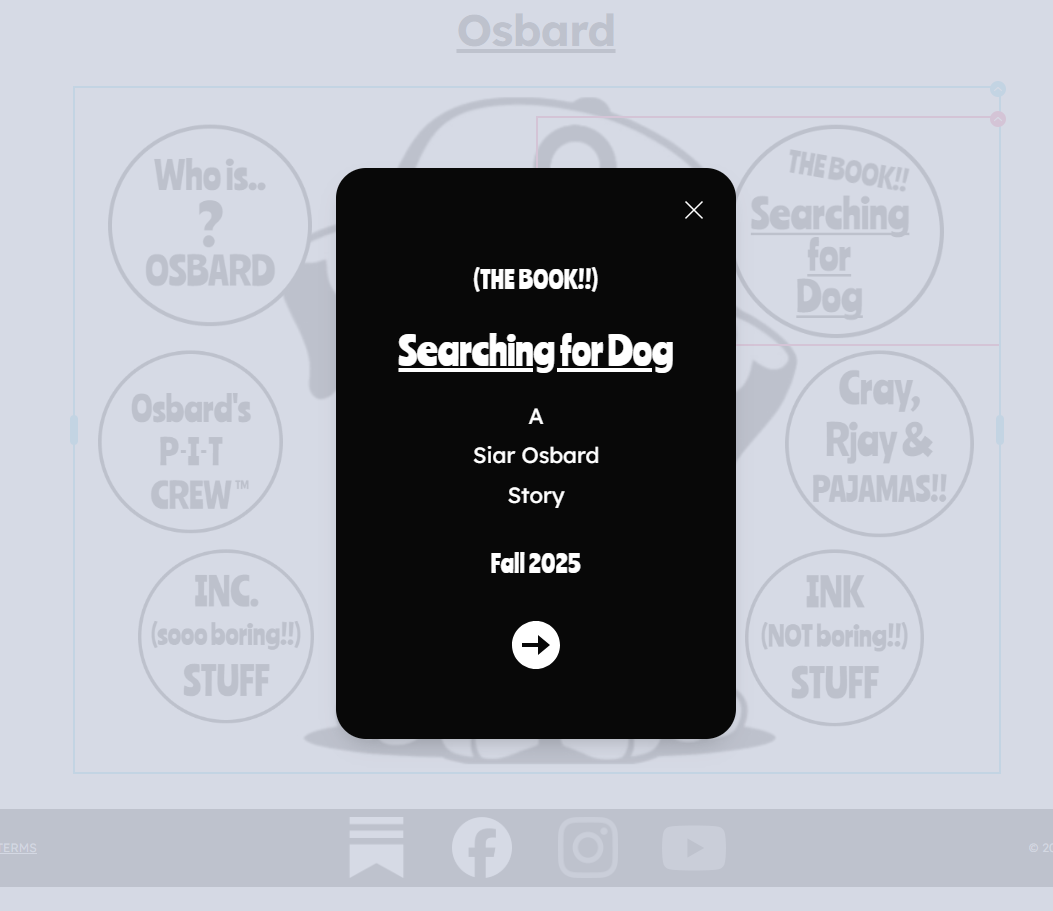
Hi. I have several popups on my homepage. Some popups are two slides with an arrow ➡️ at the bottom for navigating between the 2 windows within a single popup. These arrows are at the bottom of the popup window and Centered. This past week, I noticed that the arrows are no longer Centered, but rather aligned Left. I've logged in and changed it inside Brizy Wordpress, but the arrows still remain aligned Left. This has never happened before.
-

Hi Emiliano,
Thank you for contacting us.
Please ensure that you have these versions installed.

If the issue continues, to help troubleshoot the icon alignment issue, please try the following steps:
-Clear your browser cache or try viewing the page in a different browser to see if the issue persists.
-If you're using any caching plugins, please purge the cache and check again.
- If the issue continues, try temporarily disabling all other plugins except for Brizy and Brizy Pro, then see if the problem still occurs.
If the problem still occurs after trying the above, please provide temporary access to your WP Admin so we can take a closer look at your site? Kindly add us as an Admin user in your WordPress Dashboard and send the details to communitysupport@brizy.io:
Community Post link: https://support.brizy.io/hc/en-us/community/posts/26780610370322
WordPress Admin URL:
Username:
Password:Best regards,
Ariel H.0
Please sign in to leave a comment.
Comments
1 comment