Something went wrong on publish shopify

Hello, KC George.
I'm having the same trouble, I wanted to connect the mail chimp signup module and after doing that update I got the "Something went wrong on publishing" error and now the front page is broken not loading the Brizy design for the store.
Can you please help resolve this issue? I need to let the client know that the site is ready so I can transfer to him. But now is not even loading the Brizy theme design on the home page.
I have already added the brizy support email as staff to the backoffice of shopify to see if you guys can help me solve this problem.
Thanks
JLQ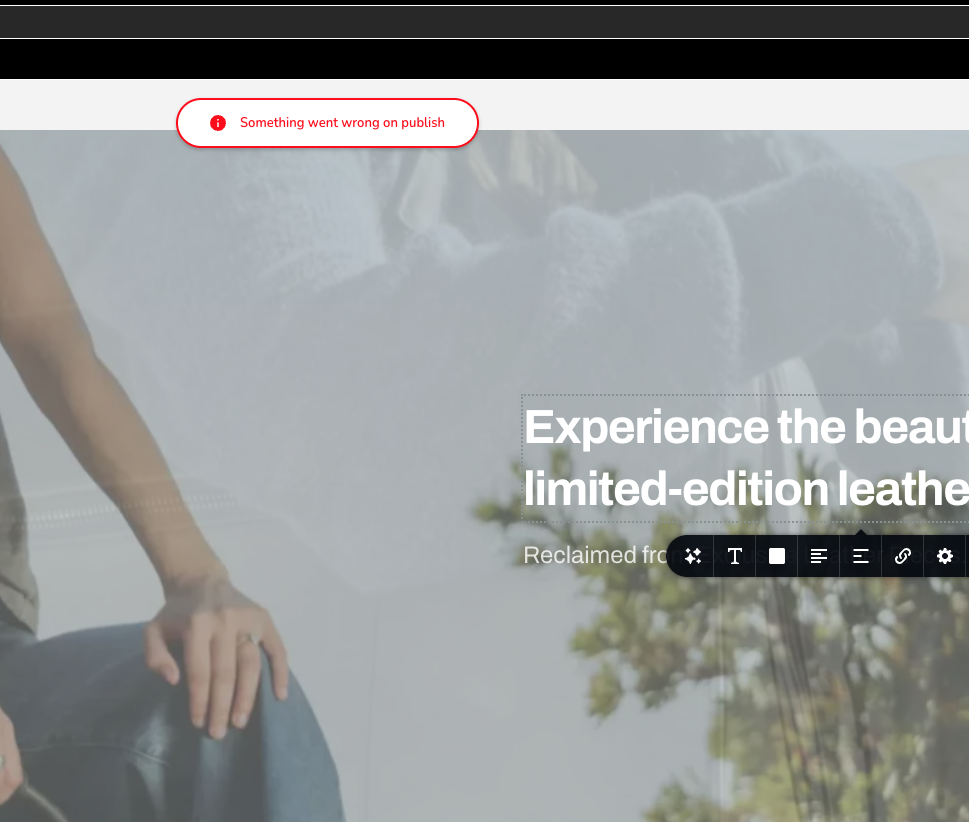
-

Hello Jose,
We could get access to your Shopify store. However when attempting to access Brizy Landing Page Builder, we see the "Access Denied" error.

The store permissions listed at https://jmp.sh/bN8yPm7q must be enabled for us to access the Brizy Landing Page Builder. Can you please grant us these permissions?
0 -
Hi KC George, access was granted following the image-instructions you shared.
After doing a few more investigation yesterday in an attempt to solve it because I needed to present progress to my client.
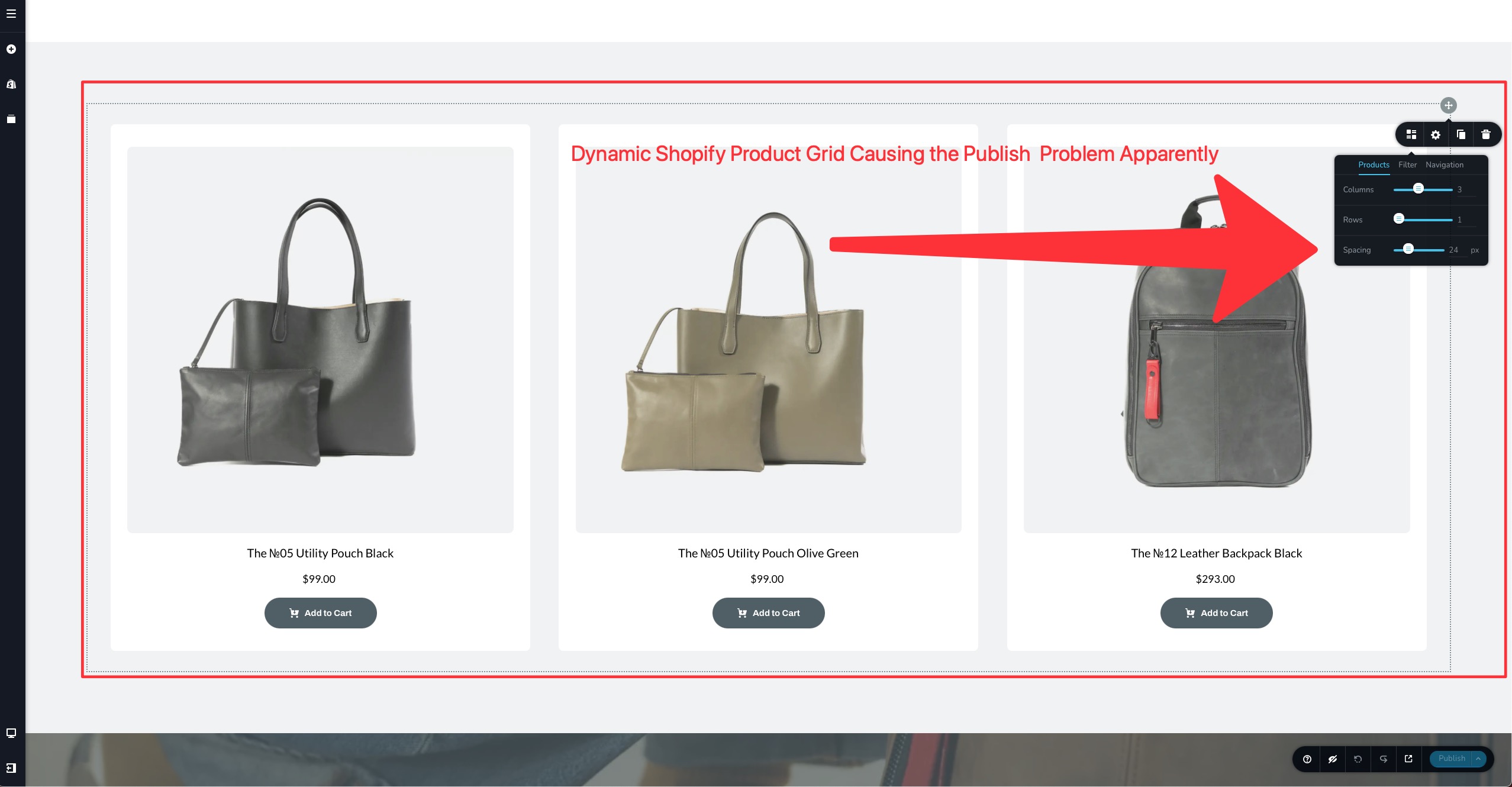
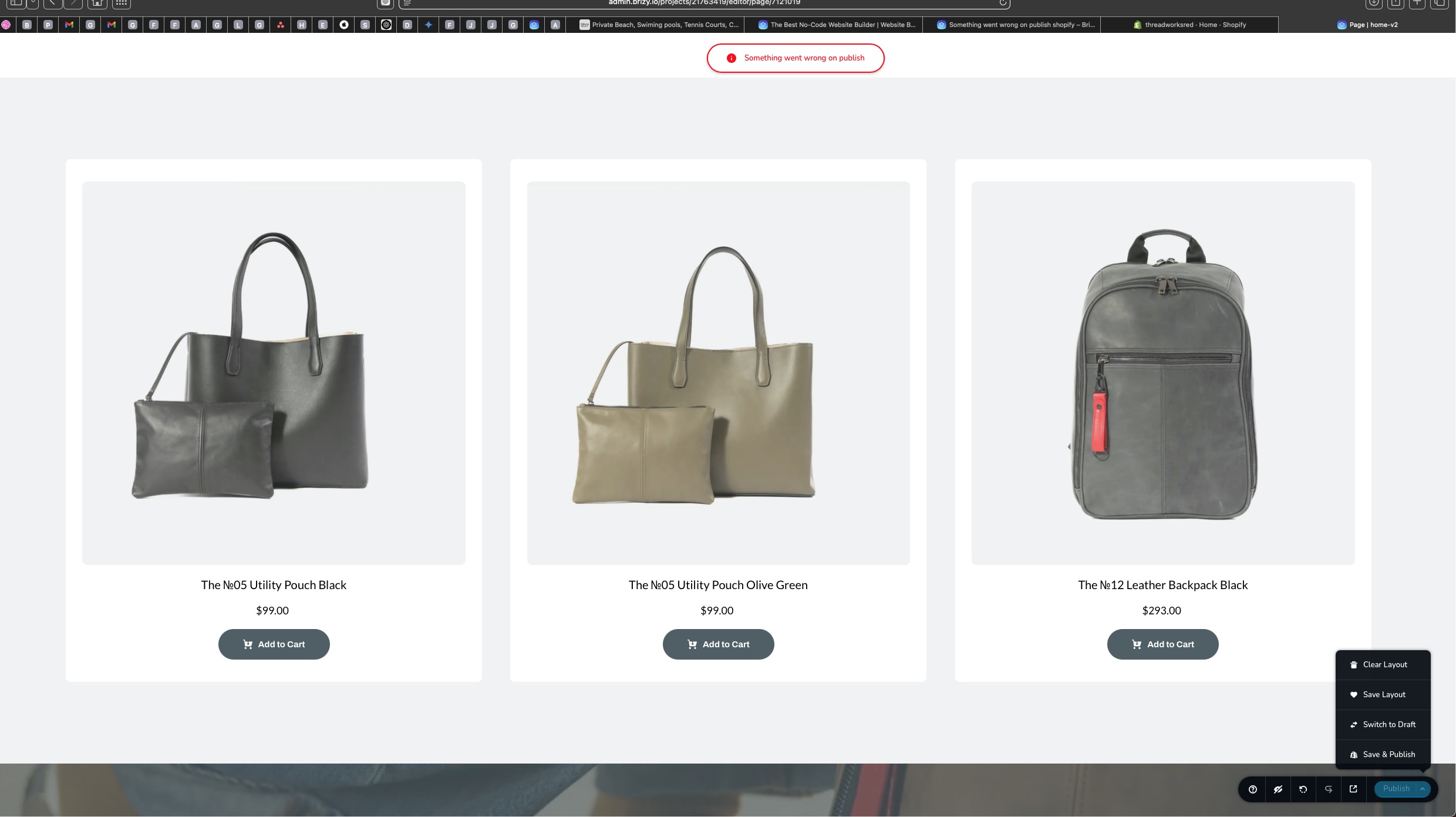
I was able to realized that the block that is apparently causing the publish error is the dynamic product grid that displays the products from Shopify.
See my screen grabs for further context.
The first image show the theme design that I created for my home page ( on that one I had to remove the dynamic Shopify product grid to be able to save and show my client progress) but I am missing the products on the home page.
The other screen grabs show how I replicated the Home page design in another page named Home-V2, in that page I added a dynamic product grid and is when I realized that is that block causing the error when I was attempting to publish.
I really appreciate if you guys can help resolve this problem as I am falling behind in delivering this project to the client.
Thanks!
JLQ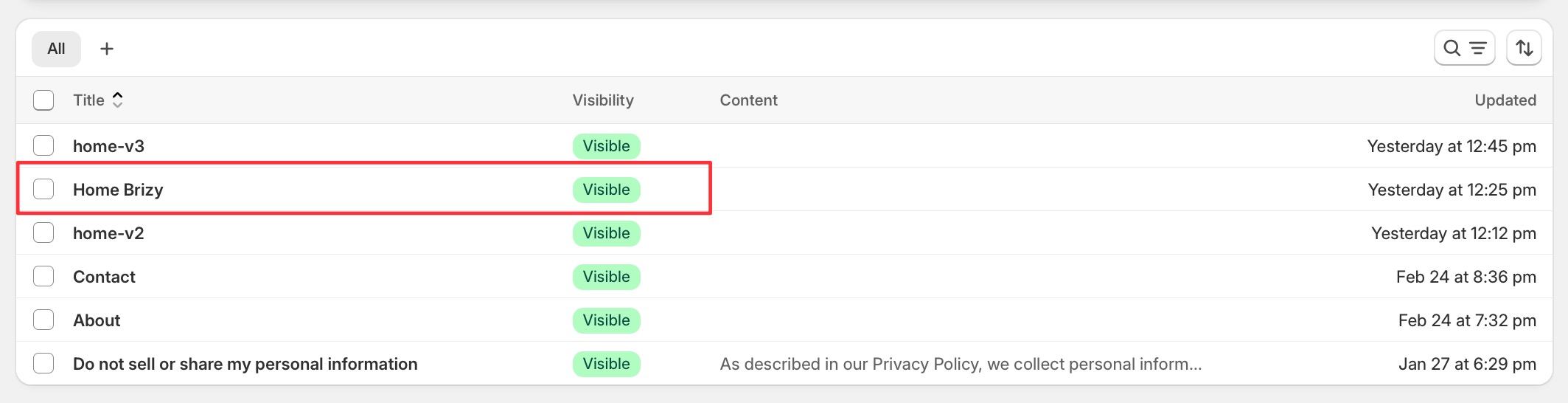
 0
0 -
Hello Jose,
Looks like we have a bug with the "Products" element. We have escalated the issue to a developer and are working on fixing it. When this bug will be fixed is unknown. It can take from a few days to a few weeks.
You might need to consider an alternate solution if you have a tight deadline for finishing the project.
0 -
Hi KC George,
Thanks for replying, I had to manually build some of the product cards to show some progress to the client.
But when I was building the product cards, I realized that any dynamic element, such as images, product titles, or even pricing, cause the same problem of preventing the publication of the page.
So I had to manually update, images, input product titles, and urls for each product card, while I wait for a fix.
I'll be awaiting for any update on resolving this issue.
Another question, is there a way to save and reuse blocks in the Shopify builder as we have the ability to do so in Wordpress and Brizy Cloud? I wasn't able to do so, nor to save the color and front styles, I couldn't find the way to do it here in the Shopify Brizy Builder.
Thanks
JLQ0 -
Hello Jose,
The Brizy "Save Block and Layout" feature is not compatible with the Shopify technology and hence we had to remove it. We apologize for the inconvenience. Currently there is no option to reuse an existing design in Brizy Shopify.
0 -
Hi KC George, any update on the error previously described?
I've also found more errors with the shopify brizy app.
Neither the contact form nor the subscribe form were able to work when I connected mailchimp. Theres a big red error bar.
And now that I am trying to edit the brizy pages, I am getting yet again the error:Oops! An Error Occurred
The server returned a "401 Unauthorized".
Something is broken. Please let us know what you were doing when this error occurred. We will fix it as soon as possible. Sorry for any inconvenience caused.
Oh man, I feel so terrible not able to complete this project, please let me know if your Brizy team can provide support. the they have access to the store users as Brizy Support with the permissions you mentioned above.
Thanks!
JLQ0 -
Hello Jose,
The access given to us earlier does not seem to work any longer. When trying to access your store "threadworksred" we see the error below.
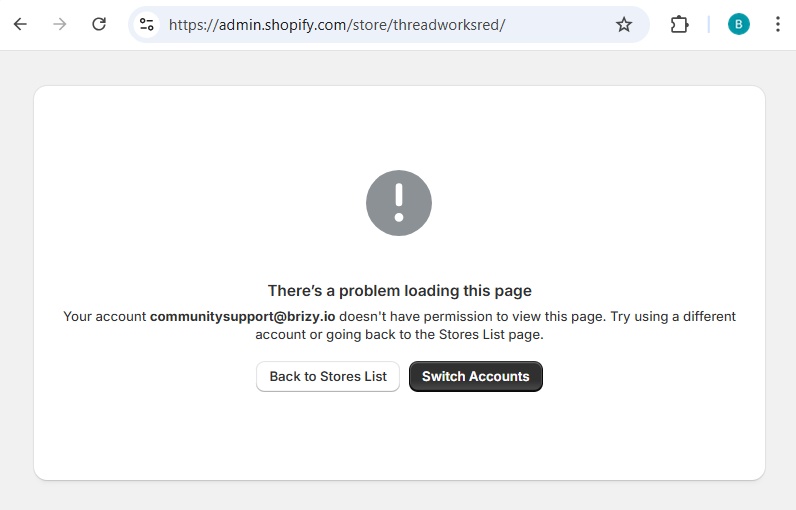
Since the Mailchimp integration is a Pro feature, it will not work with a free account. Given the project's deadline, you might want to consider switching to another Shopify page builder or theme to recreate the store.
0
Please sign in to leave a comment.
Comments
7 comments