Menu doesn't stick at its place in the top

Hi Brizy team,
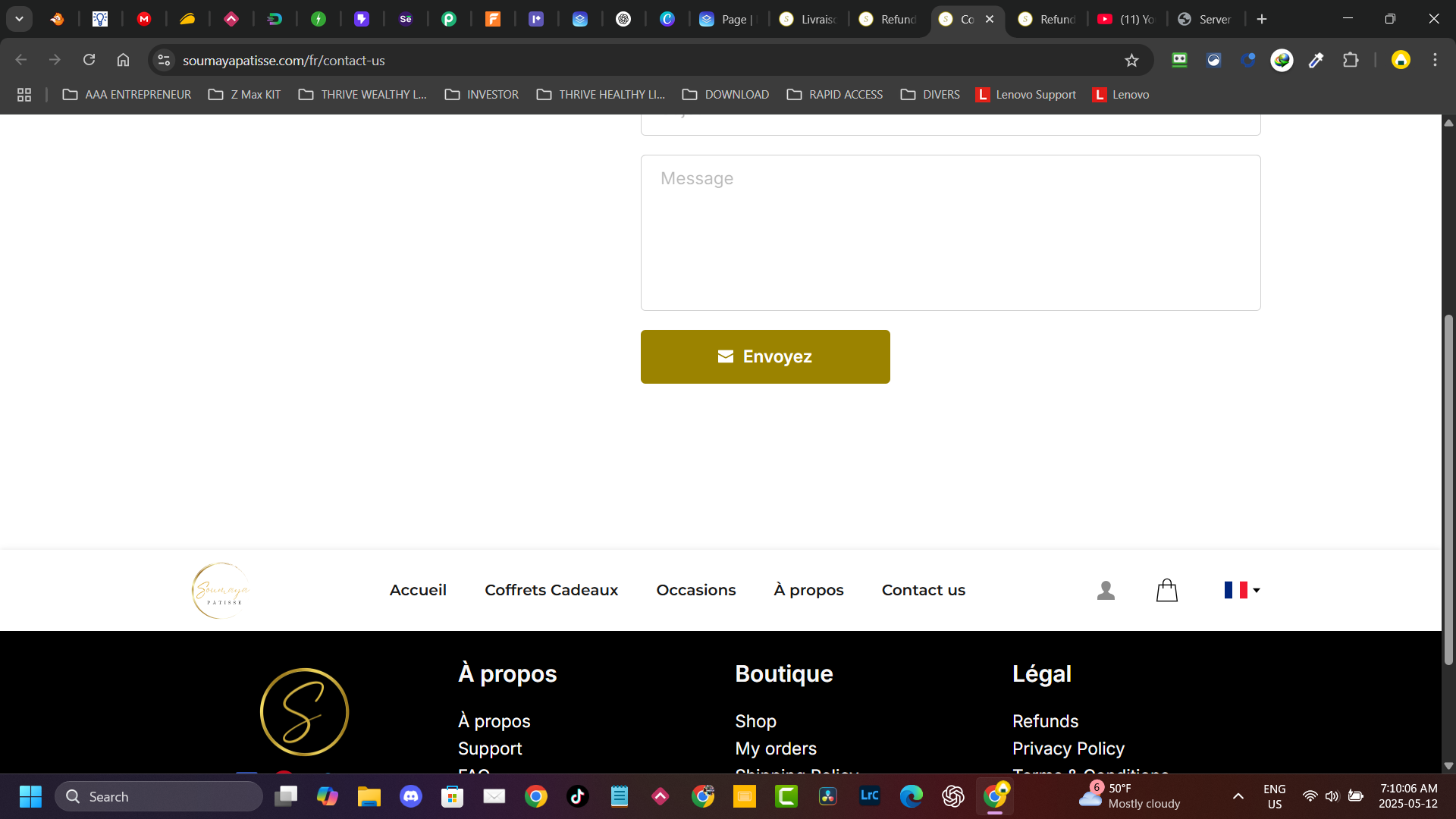
I'm having an issue with the top menu on my Brizy Cloud site. No matter how many times I try to adjust it, it eventually stops sticking to the top of the page and moves down. I’ve tried recreating it and checking the settings, repace it at the top of the page, but the problem keeps happening.
Could you please help me understand why the menu isn’t staying fixed at the top and how to resolve it permanently?
Thanks in advance for your support!
Best regards,
-

Hello Mahfoudh,
Any block above the global header must be a global block. If not, the global header can shift its position on the page. This issue happened on your project due to the block above the global header on your homepage with the text "Livraison gratuite sur les commandes de 75$ et plus au Québec"

I have set this block as global. This should help resolve the issue. Please let us know if the issue persists.0 -
Hi George,
Thank you for your prompt response, I hope this will fix the problem definitely.
Accordingly!0
Please sign in to leave a comment.
Comments
2 comments