How to align 2 elements horizontally

Hi
I am hoping you can help me re-create the design as shown below:
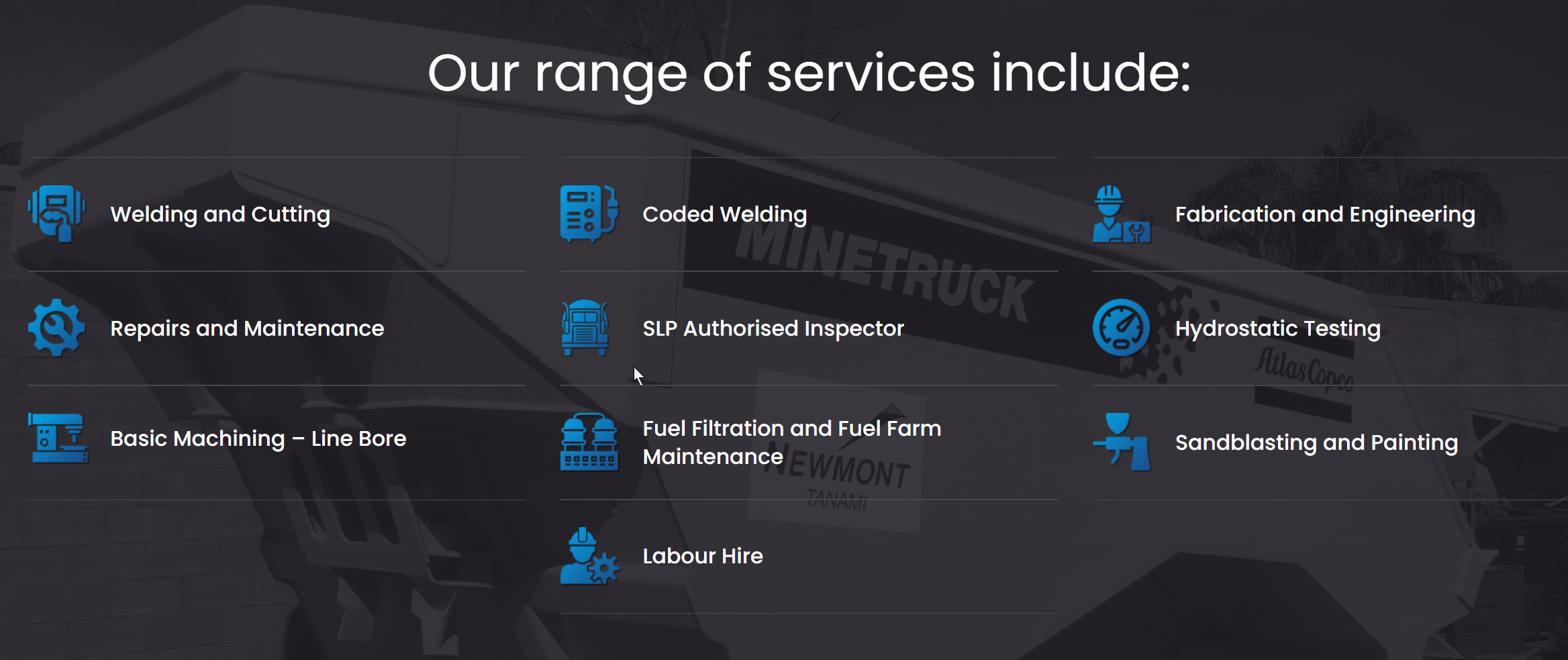
I have set up the main framework of the main section, with 3 main columns so that part was easy. But I'm stuck with how to align the icons next to the text without adding a whole heap of separate rows and columns.
Could you advise how I would do this by flexbox horizontal setting? Does Brizy have this function and if not, is it on the roadmap as modern web design requires this a lot.
So far I have tried adding both elements to either a row or a column but they only stack vertically:
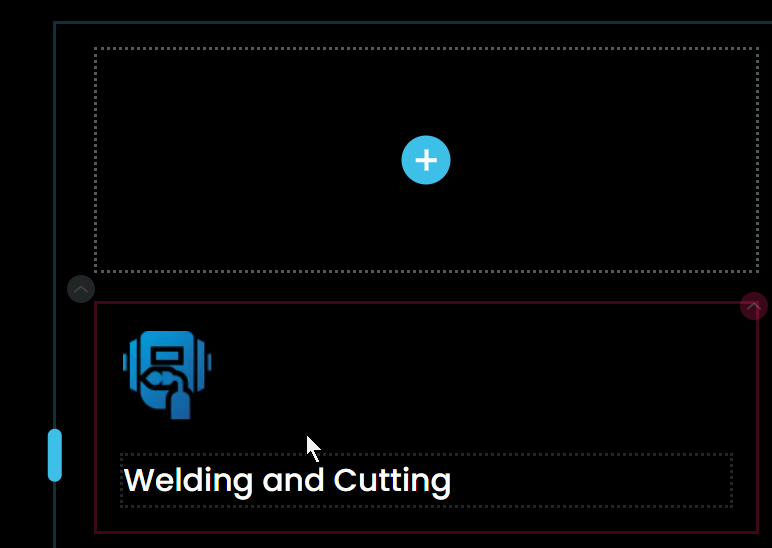
Can you advise on how to get them next to eachother and each one will need to have the same spacing, so I though CSS would be the way to go if Brizy doesn't have horizontal flexbox settings built in.
Also I'm never sure to use either a row or a column with things like this ...?
I cannot use the Icon Box element because the icons are not SVG's they are PNG files so it won't let me upload the icons - otherwise this might have worked.
The site is here: https://admin.letslaunch.au/projects/22425856/editor/page/7073609
Thanks.
-

Hello Eva,
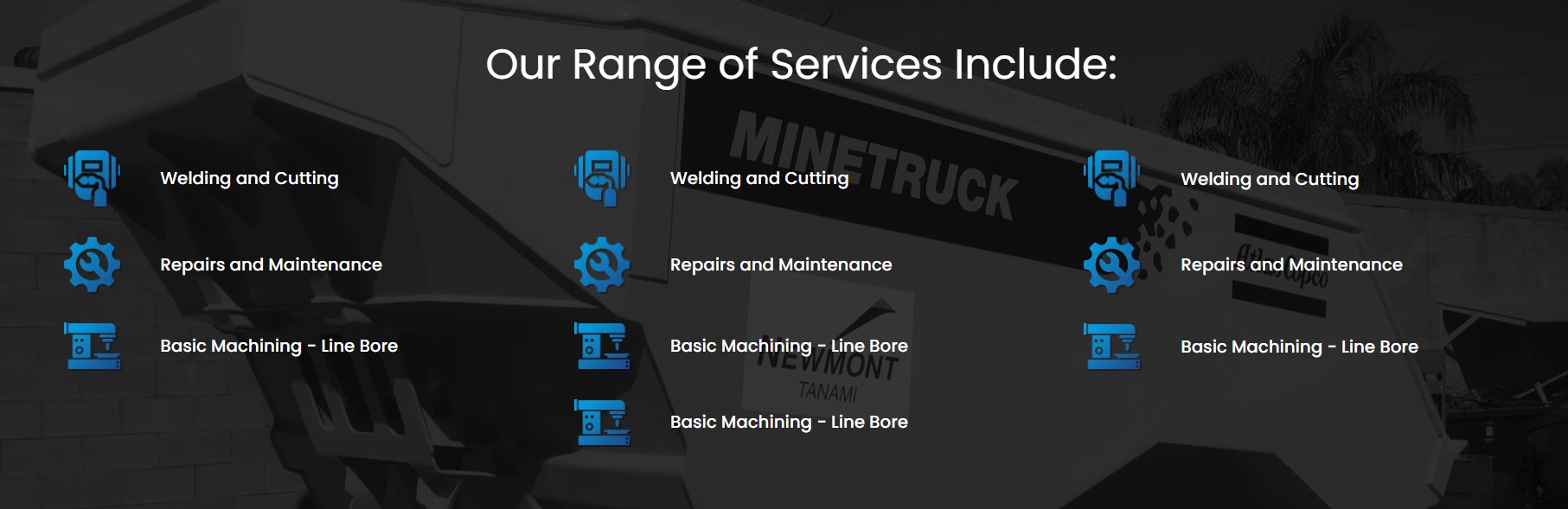
Since the icons are PNG, you must place the icon in one column and the text in another. I have designed your first column and have duplicated the design to the second and third columns. You can complete the design by replacing the icon and the text.
 0
0 -
Hi KC George
Thank you for your help.
Do you think Brizy might introduce horizontal flex capability into the builder?
0 -
Hello Eva,
We have a feature request for a Flex Box implementation at https://brizy.canny.io/idea-board/p/div-container-in-line-elements-flex-box This is likely to get added to the builder sometime in the future.
0 -

That's great, thank you. I just voted for it on the idea board.
0
Please sign in to leave a comment.
Comments
4 comments