Licensing issue - WP theme author license

Hello
I have a Wordpress theme author license. My site is set up to sync with Easy Digital downloads and the brizy licensing system. When someone buys from me, I automatically issue a license key from EDD, the same key activates Brizy Pro. This whole system worked fine. Today, one of my customers activated an EDD license and was unable to activate a license for Brizy Pro. An error occurs, see attachment. I tried to activate the license issued by EDD for Brizy on another domain, and the error appeared again. For some reason, the license for brizy pro is not activated on both sites, but the errors on the sites are different. I will send you two print screens.
Please help me as soon as possible.
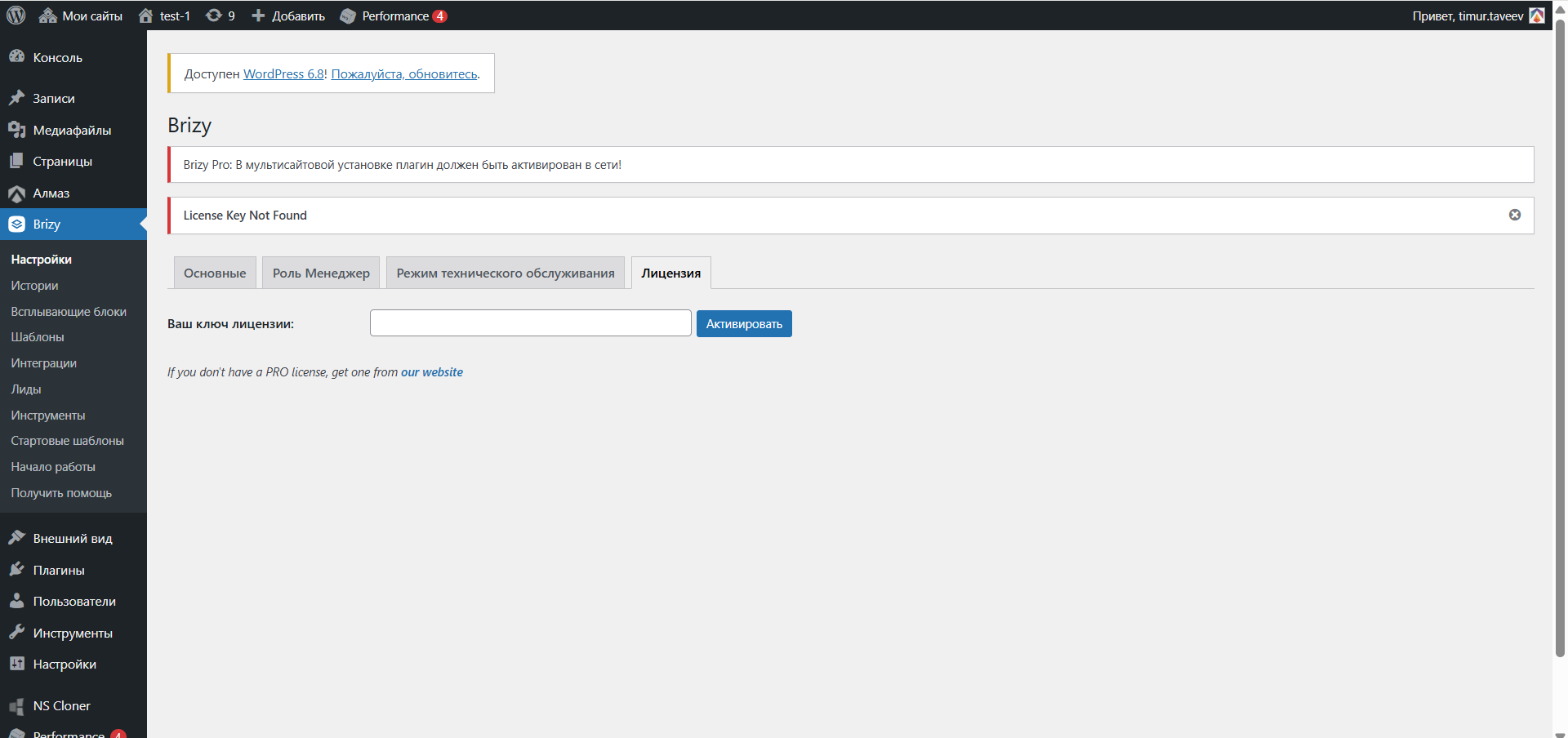
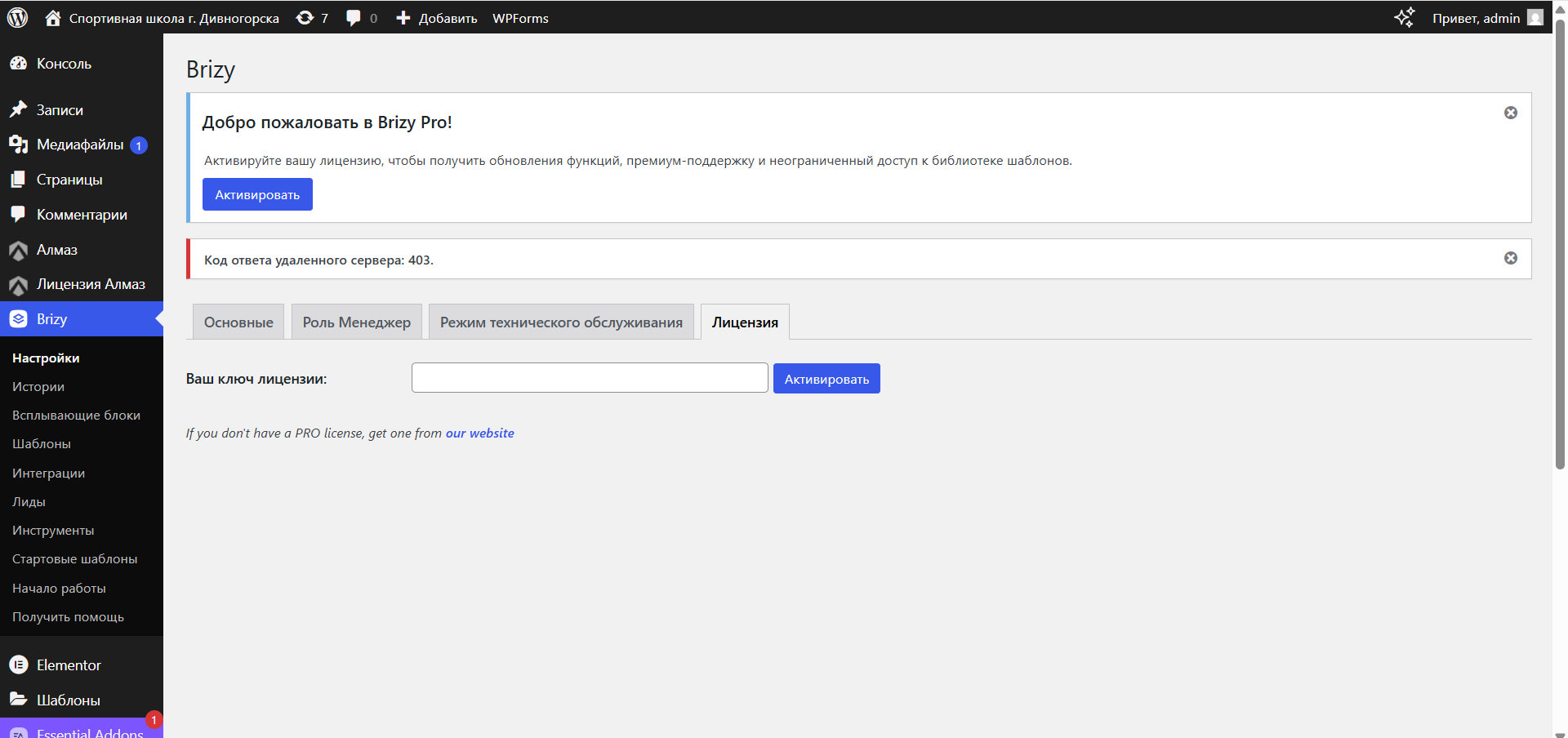
-
Now I had a new purchase, the last client had no problems with activating breeze pro.
The client with the breeze activation error still has the 403 problem. Why is this happening?
Here is the login and password from the site where the 403 error occurs when activating breeze.
I tried to activate a license for breeze created manually, this license also does not work.
0 -

Hi Timur,
Thank you for the update, and I’m sorry for the continued trouble with activation.
We’re currently looking into this issue to understand why the 403 error is still happening on your client’s site, even with a manually created license. I’ll follow up with you as soon as we have more information.
We appreciate your patience while we work to get this sorted out.
Best regards,
Ariel0 -

Hello Timur,
The 403 error while adding a license key is due to our firewall blocking the IP address of your hosting server. We have white-listed the IPs of https://cy49700-wordpress-9351v.tw1.ru/ Now you can add a license key to this website. If you encounter this error on another website, kindly share its URL with us and we will whitelist its IP.
Kindly share with the WordPress Dashboard credentials of the website where you are experiencing the error "License key not found" We will take a look. Please add a new user to your dashboard and send the following details to our email: communitysupport@brizy.io
- Support Forum link:
- WordPress Admin URL:
- Username
- Password
Please let us know in this forum when you send us the email.
0 -
Hello
Thank you! Now everything works!
0 -

I have the same problem, with the activation key, error 403. With the brizy pro
0 -
Can you help me?
0 -
Hello Hector,
My colleague Basharat Reyaz is in contact with you through email. Let's continue the discussion there.
0
Please sign in to leave a comment.
Comments
7 comments