レイアウトの挿入ができない

レイアウトの挿入が、全然できない!
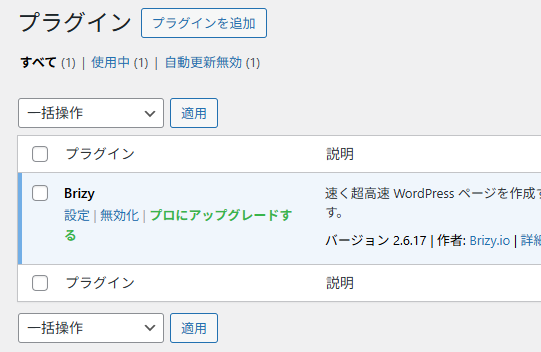
新規にBrizyだけをプラグインとして入れても、
最初から変なヘッダーとフッターが挿入されたままです。
消しません。
その上、ブロックの挿入はできますが・・
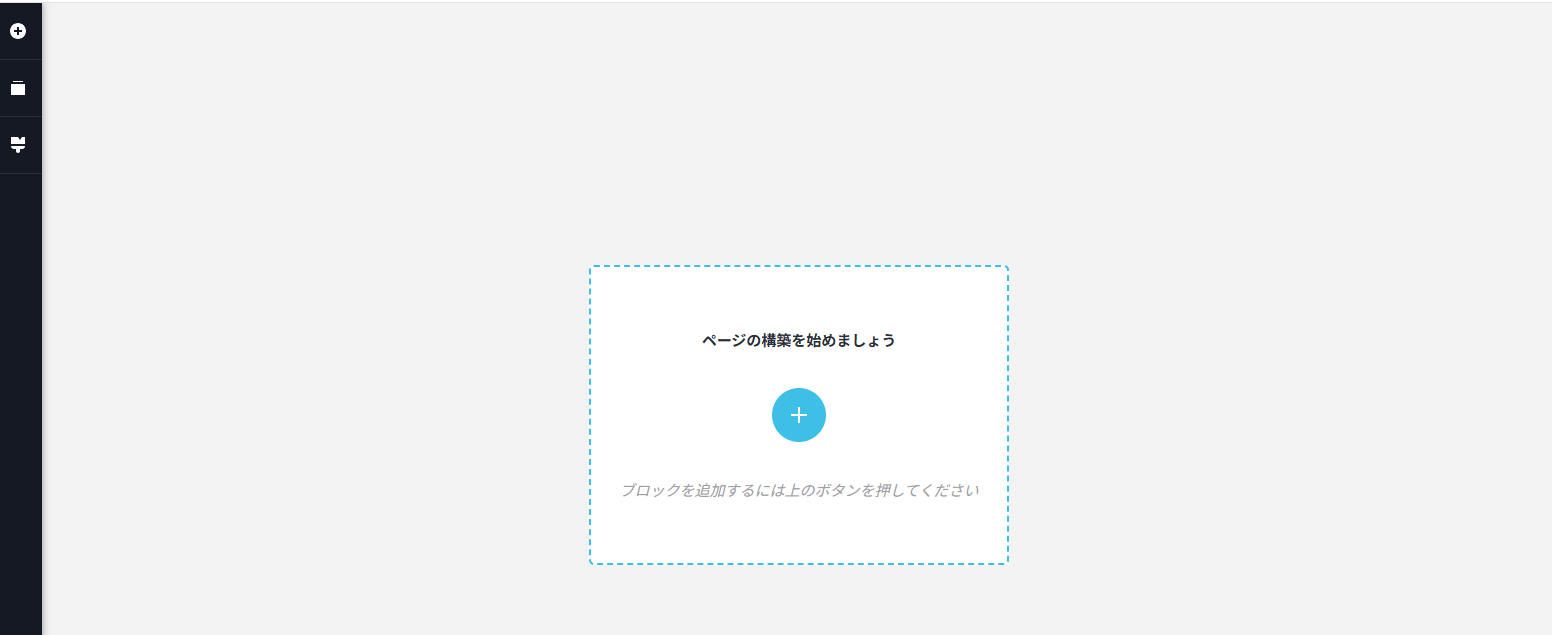
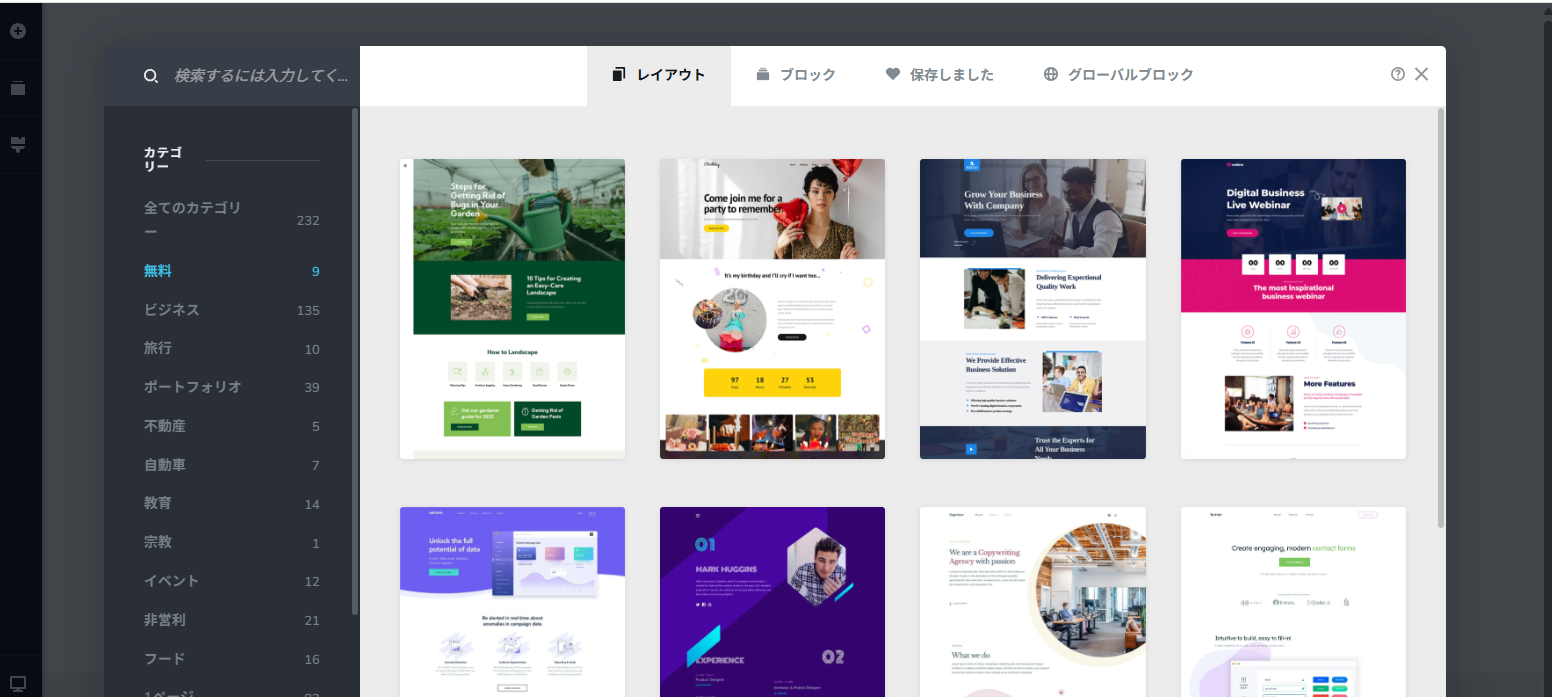
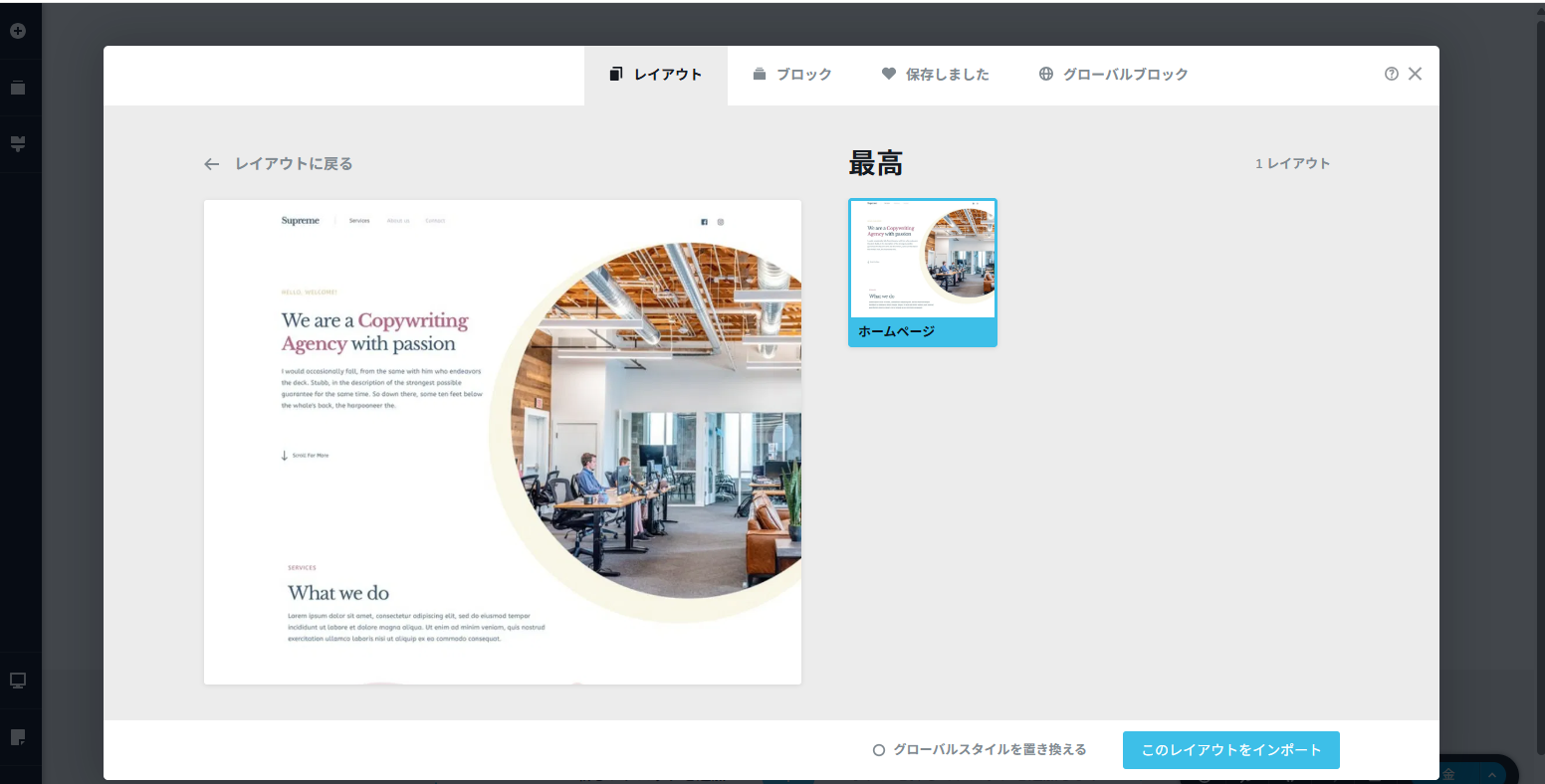
ページ・レイアウトの挿入ができない状態です。
レイアウトをクリックすると、真っ白な何も入力できない画面が表示されます。
いや、まったく使い物になりません。
-

Hi Yang,
Thank you for reaching out, and I’m sorry for the trouble you’re experiencing.
Could you please share a screencast showing the issue? That will help us better understand what’s happening.
In the meantime, try disabling all plugins except Brizy and Brizy Pro to see if that resolves the problem. It’s also a good idea to temporarily switch to a different theme to check if the issue is theme-related. If you’ve added any custom code to your pages, please try removing it temporarily as well.
If the issue is resolved after disabling other plugins, re-enable them one at a time while testing the page to pinpoint which one might be causing the conflict. If changing the theme helps, consider switching to a more compatible option like Blocksy or Astra.
Please try this and let me know how it goes.
Best regards,
Ariel H.0 -
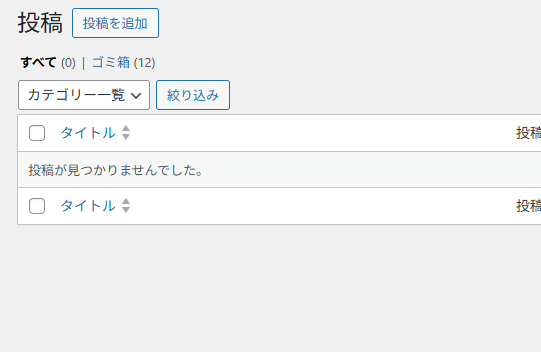
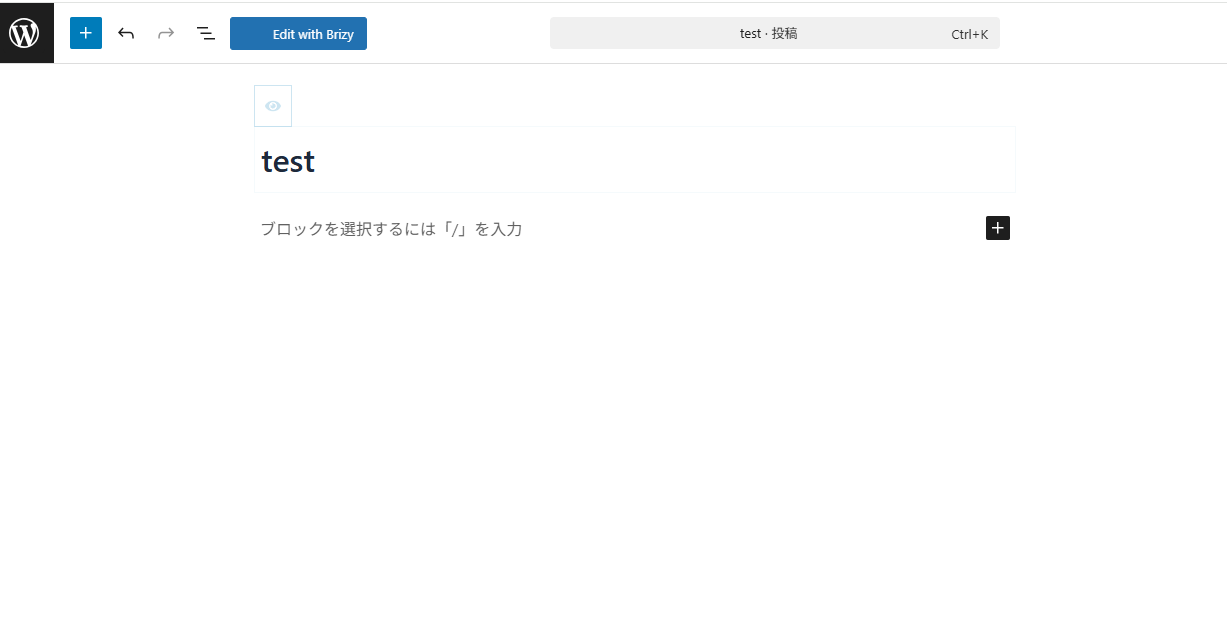
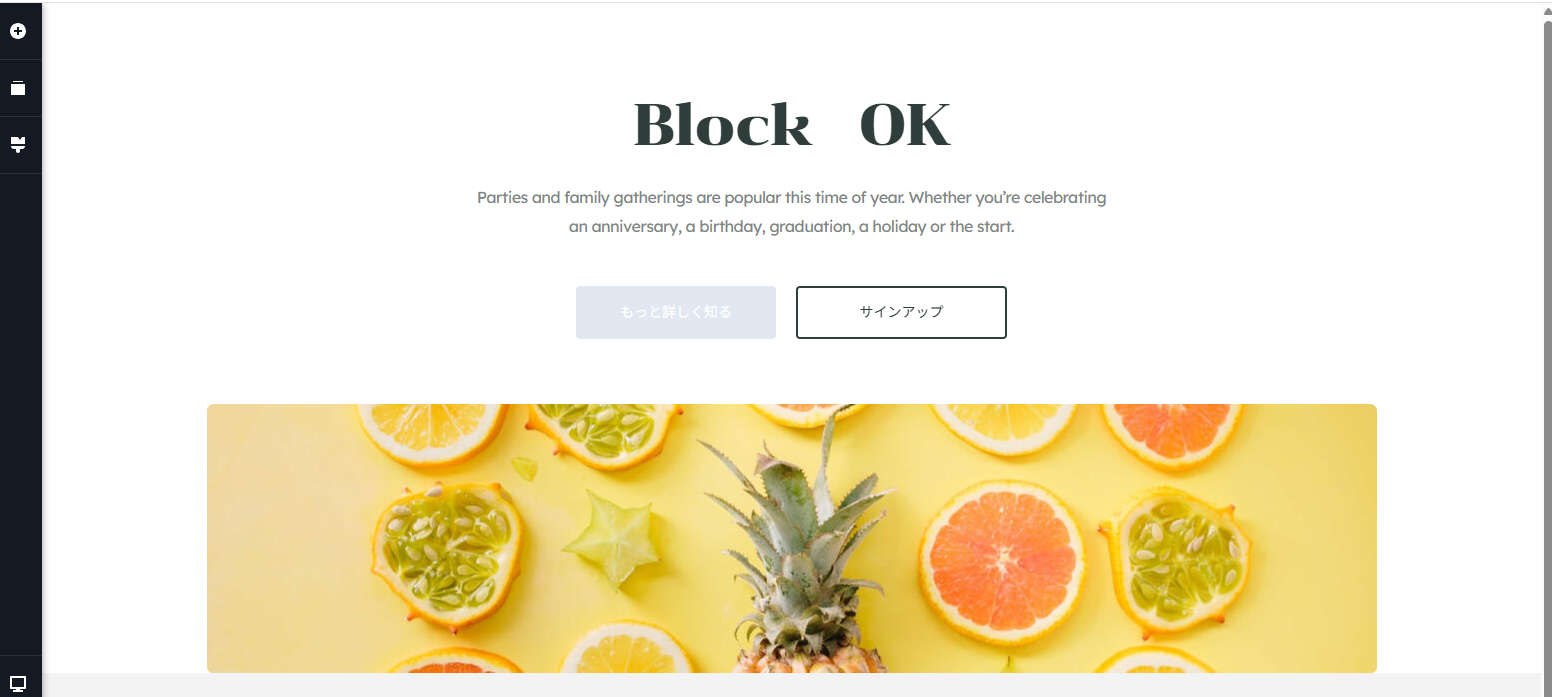
下記のページを見て
Look at this pagehttps://web-design.akira-sensei.cyou/2025/04/25/test/

 0
0 -
Hi Yang,,
We're sorry to hear you're having this issue with Brizy.
Could you please provide us temporary access your website so we can take a closer look? Kindly add us as an Admin user in your WordPress Dashboard and send the details to communitysupport@brizy.io:
Community Post link: https://support.brizy.io/hc/en-us/community/posts/26245691928722
WordPress Admin URL:
Username:
Password:Please make a full backup of your site as a precaution.
Best regards,
Ariel H.0 -
以下でログインして
原因を調査してください。コミュニティ投稿リンク:
https://support.brizy.io/hc/en-us/community/posts/26245691928722WordPress管理URL:
ユーザー名:
パスワード0 -

Hello Hi Yang,
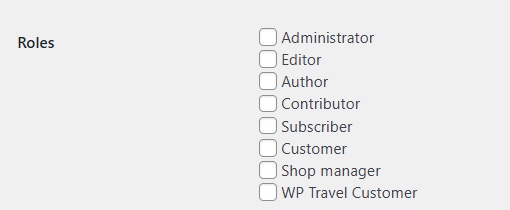
The current Role you have assigned does not give us access to these areas of your dashboard and hence difficult to troubleshoot.
- Access to the Brizy > Settings menu to check your PRO license.
- The "Appearance" menu to check your theme settings.
- Plugins menu to check plugin conflicts
Kindly check the Role assigned to the Brizy user. If possible, grant us to "Administrator" Role
 0
0 -
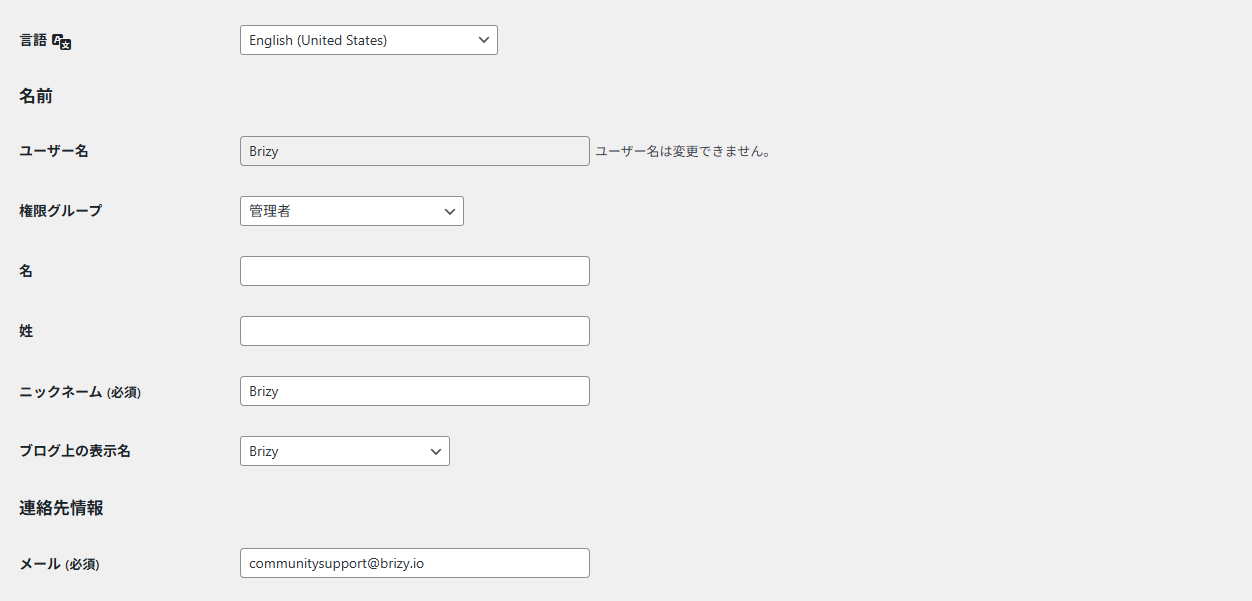
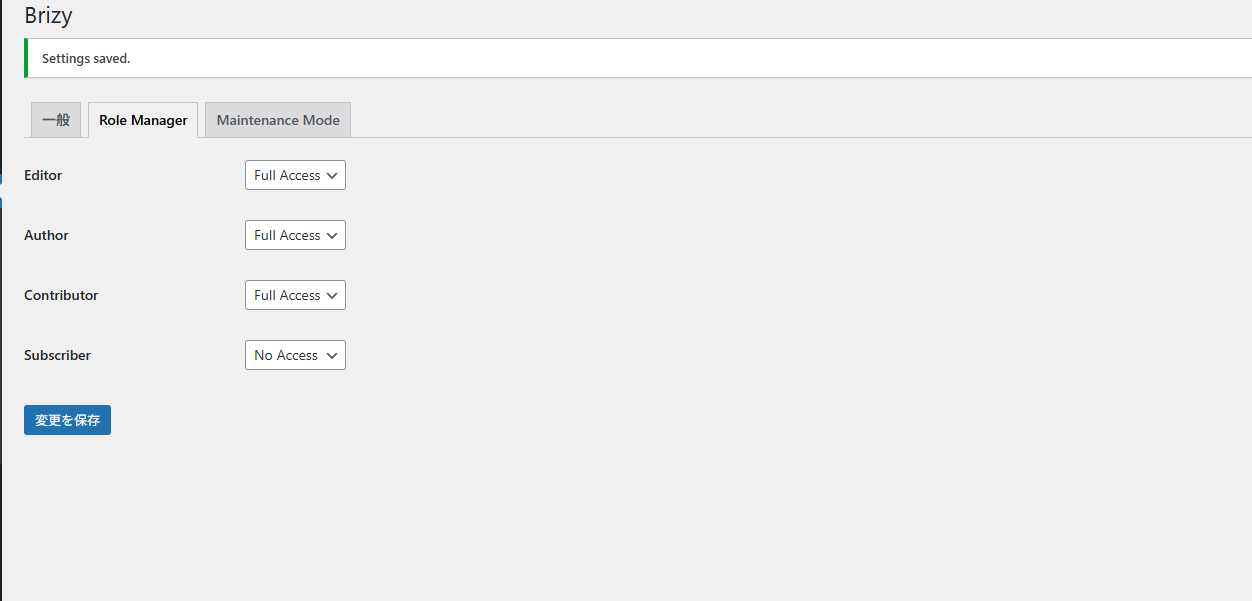
これでいかがでしようか
0 -
Hello Yo Nagasawa,
I wasn't referring to the Roles within Brizy; but the Role assigned to the Brizy user in WordPress under Users. For us to access these areas of your dashboard, we need a higher WordPress Role
- Brizy > Settings menu to check your PRO license.
- The "Appearance" menu to check your theme settings.
- Plugins menu to check plugin conflicts
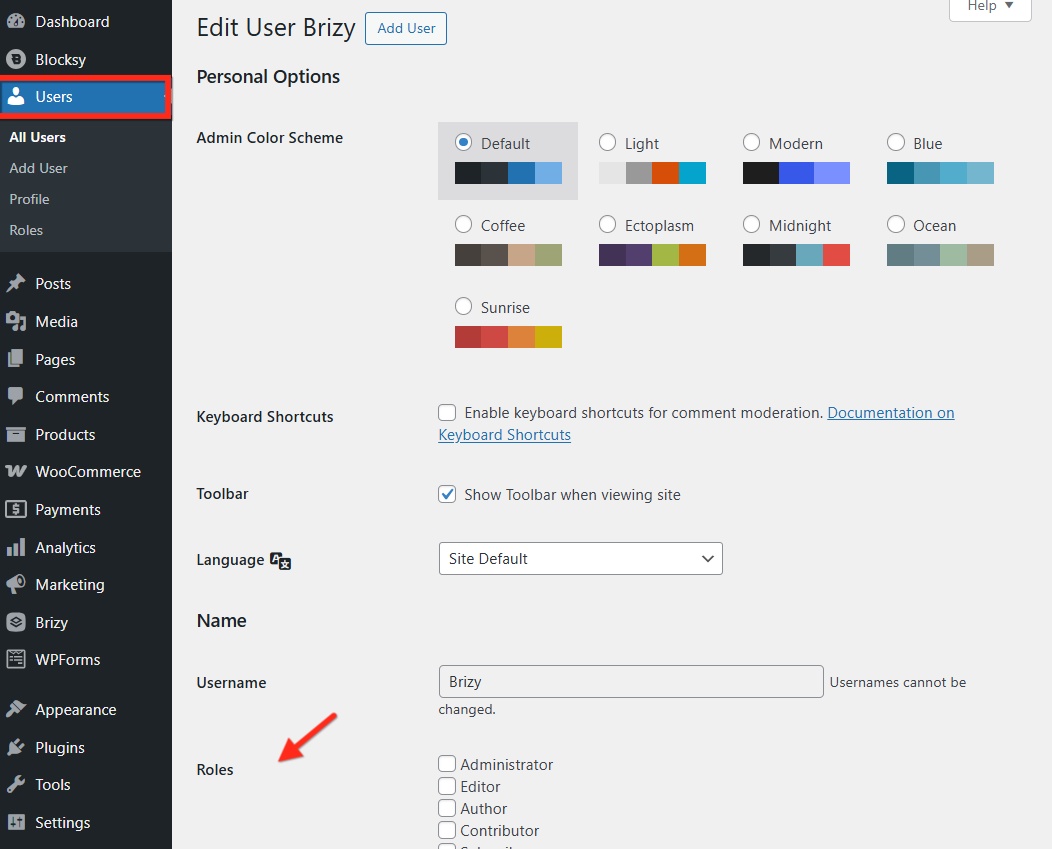 0
0 -
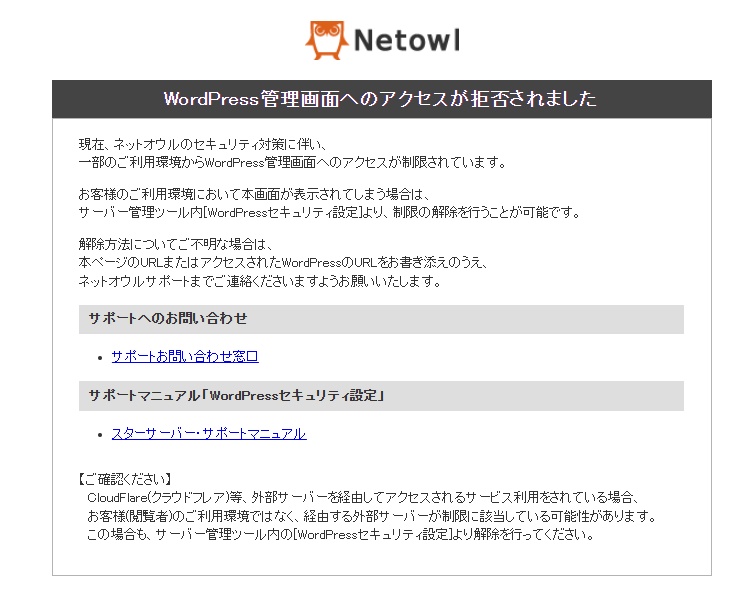
We also see this warning now. You may need to check your security plugin.
 0
0 -
ユーザーの所に「ロール」なんてないです。
また、セキュリティプラグインは一切入れてありません。プラグ
インは「Brizy 1つだけ」です
ブログ情報
ログインフォーム
非常に必要です。ぜひ
解消してください。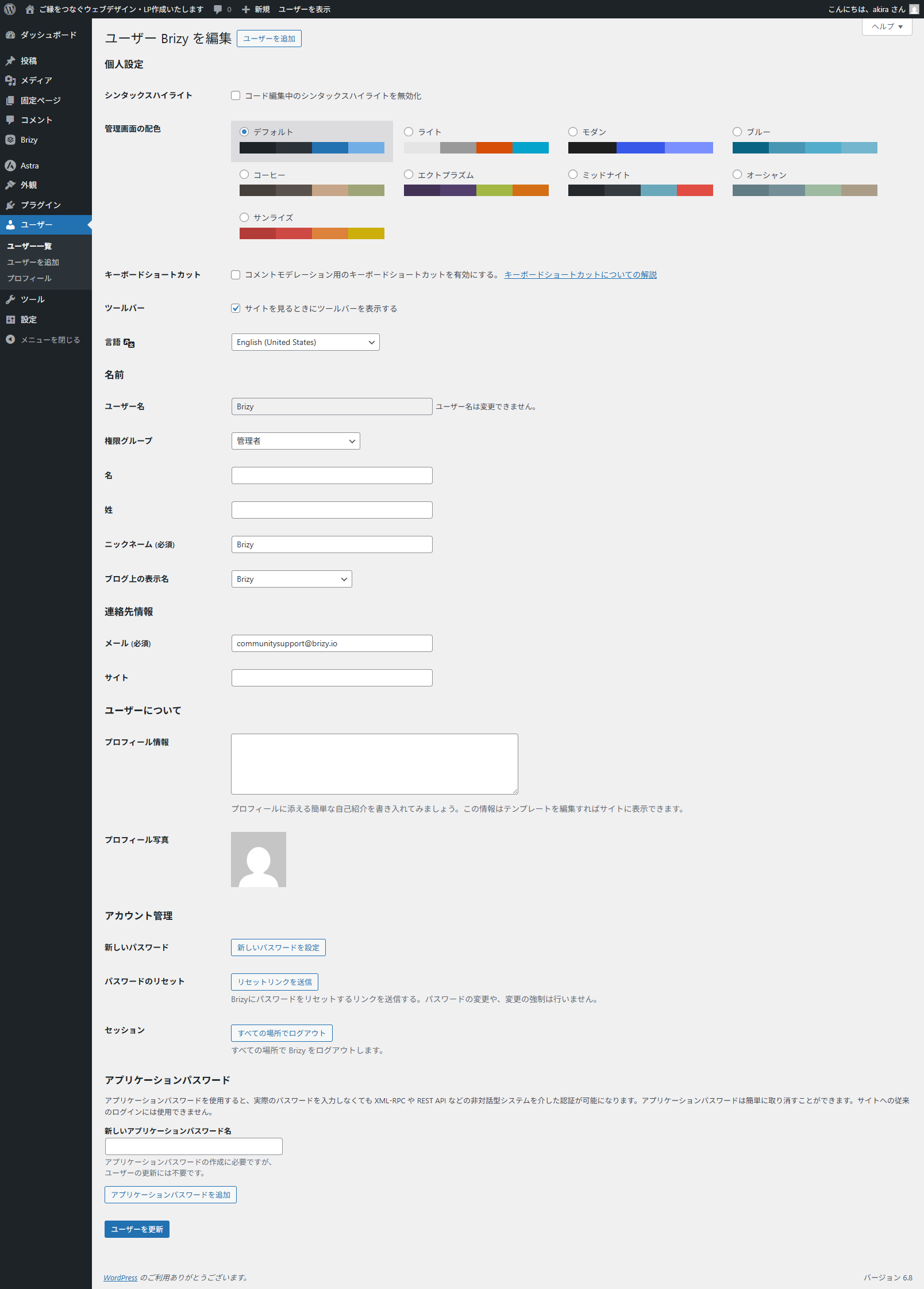 0
0 -
Hello Yo Nagasawa,
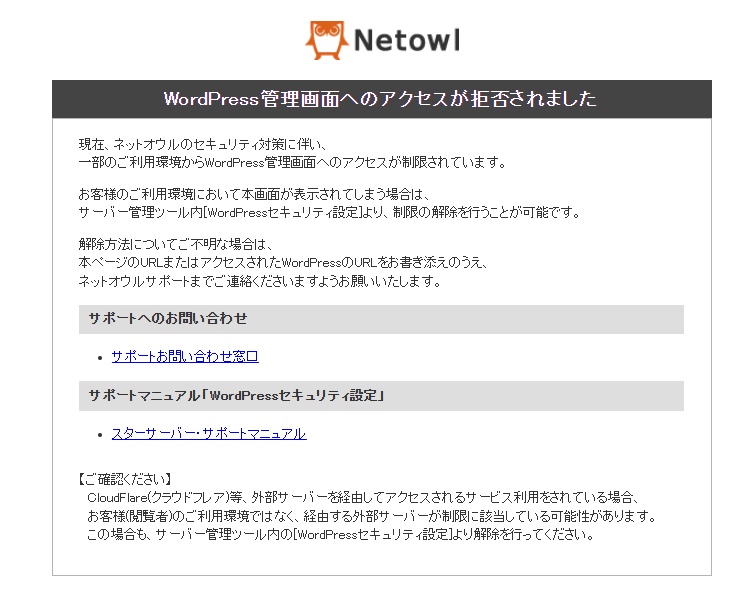
We are unable to access your WordPress Dashboard due to restrictions imposed on access to WordPress Dashboard from overseas. Kindly disable international access restrictions following the procedure at https://www.star.ne.jp/old/manual/homepage_wp_security.php
 0
0 -
制限を解除しました。
早急に 原因を解明し、
普通に使えるようにしてください。
私が所有する、ほかの独自ドメインにも
新規にワードプレスを入れて、
brizy を入れて試していますが・・・
・ブロックは可能 ですが・・
・レイアウトの挿入 は全然できないです。
0 -
Hello Yo Nagasawa,
I am able to import a design layout into a test page on your website. Have a look at https://web-design.akira-sensei.cyou/test/ You can see me importing the design layout at https://jmp.sh/aAslSGRb
Can you try these?
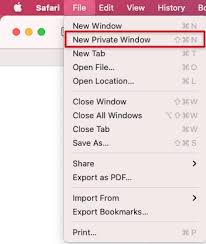
- Sign into your WordPress Dashboard from an New Private Window of your browser and check if that makes a difference
- Sign into your WordPress Dashboard from a different computer and using a different Internet Service Provider and check if that makes a difference
0 - Sign into your WordPress Dashboard from an New Private Window of your browser and check if that makes a difference
Please sign in to leave a comment.
Comments
12 comments