Text input into WYSYWIG in WooCommerce Dashboard - set paragraph height to next line not 1/1.2 lines or 2

Hello
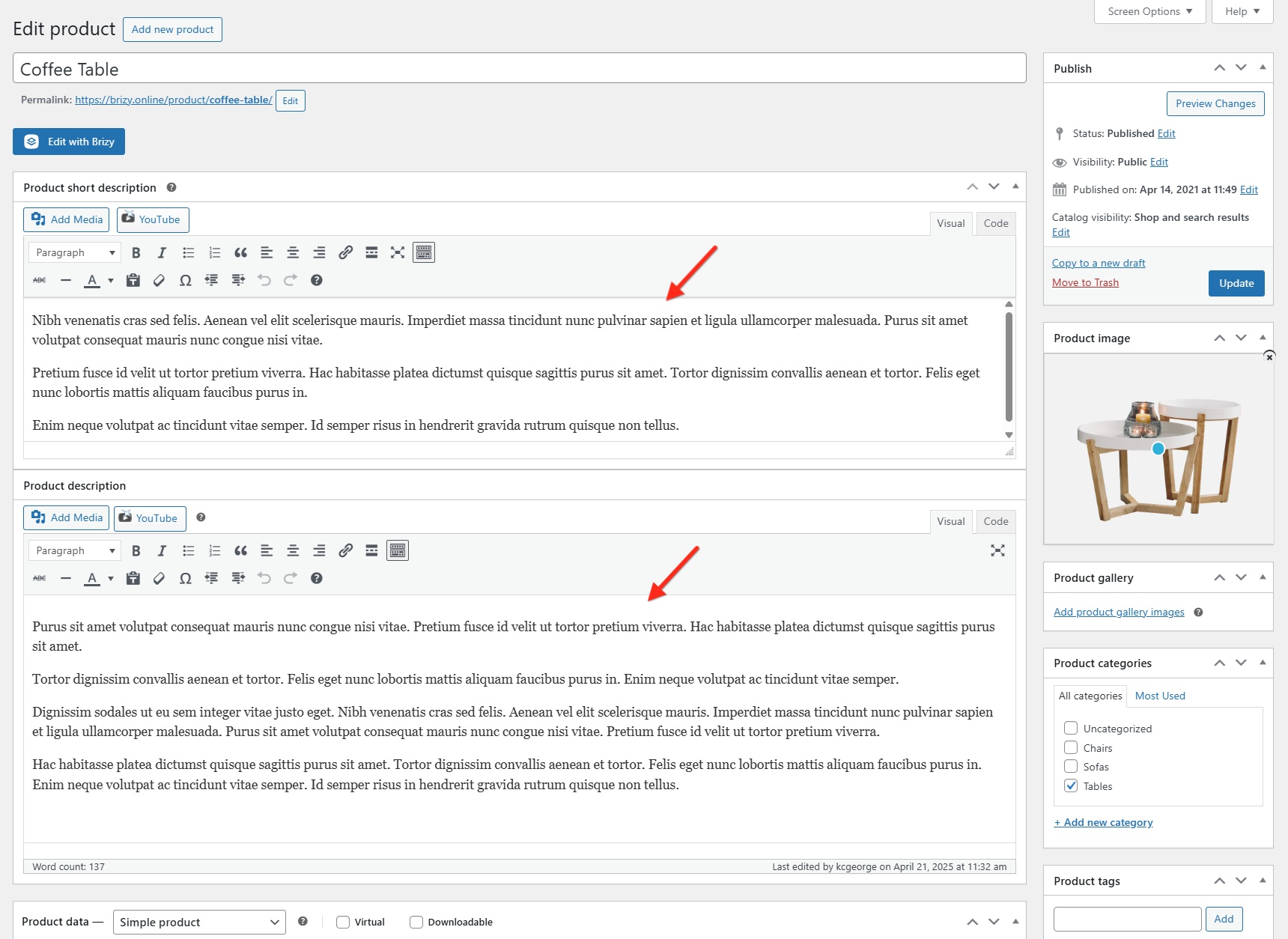
Currently when using any WYSIWYG in WooCommerce when text is added directly to the field and return is pressed the next paragraph automatically adds a space of a line between the end of a paragraph and the next. Do not want this - the user should be able to hit return twice if they want this formatting. This is a recent change... How can we set the paragraph space to be the next line in the field?
Thanks
-

Hi Tushita,
Thanks for reaching out. To adjust the paragraph spacing behavior, please try adding the following CSS:.brz .brz-rich-text[data-brz-translate-text="1"] > * {
white-space: normal !important;
}You can add this in Appearance > Customize > Additional CSS.
This should help prevent the automatic extra spacing between paragraphs when pressing return once. Let us know if it works for you.
Best regards,
Ariel H.0 -

Hello Tushita,
When you say using WYSIWYG in WooCommerce, are you referring to adding Product Short Description and Product Description to WooCommerce Products? To have paragraphs without spaces in between them, please use "Shift" + "Enter" instead of the "Enter" key.
 0
0
Please sign in to leave a comment.
Comments
2 comments