Menu is missing on Mobile/Tablet

Hello!
I need your help fixing the menu for the mobile/tablet section. I'm using Brizy and Astra Pro.
Thanks!
Otis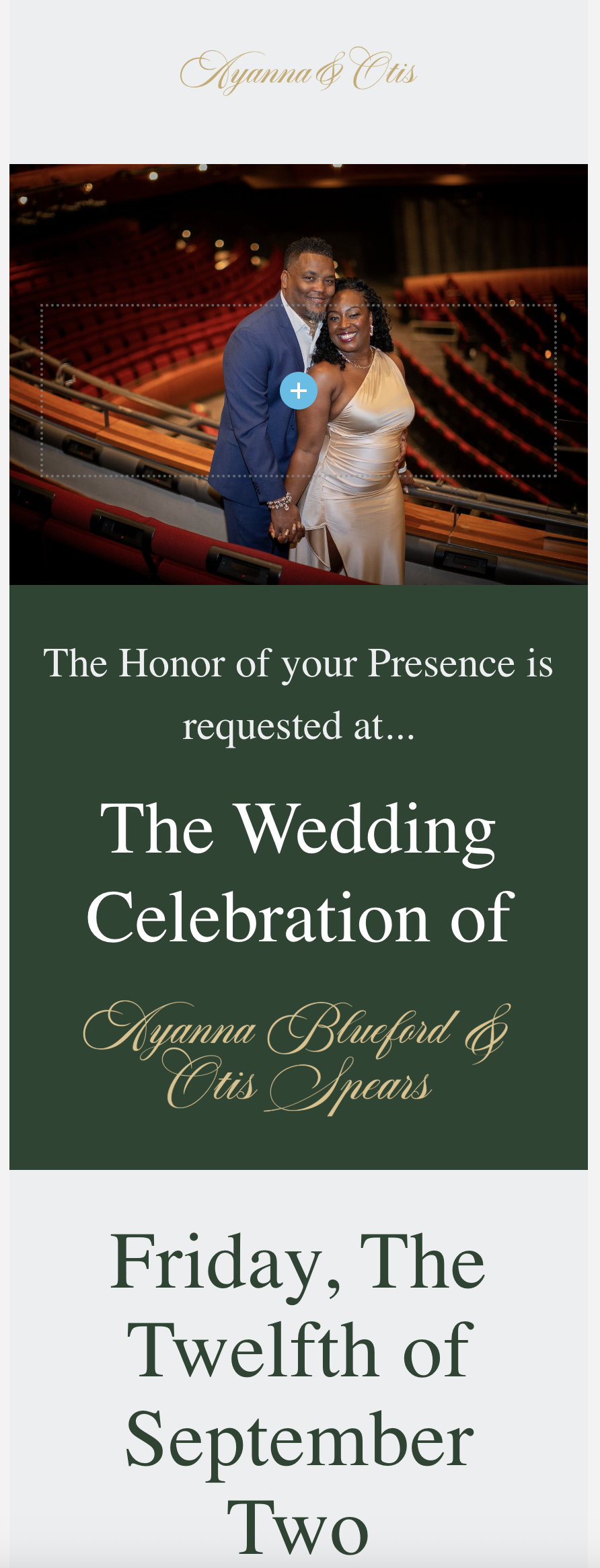
-

Hi Otis,
Thank you for contacting us.
This issue is likely caused by a conflict with another plugin or theme. Please try disabling all plugins except Brizy and Brizy Pro to see if that resolves the issue. You can also temporarily switch to a different theme to check if the problem is theme-related. If you've added any custom code to your pages, try temporarily removing it as well.
If disabling other plugins fixes the issue, re-enable them one by one while testing the page to identify the conflicting plugin. If switching themes resolves it, consider using a more compatible theme such as Blocksy or Astra.
If the issue continues, please send temporary access to your WordPress Admin Dashboard to communitysupport@brizy.io with the subject line: 26134798914578. If you’ve changed your WordPress default admin login URL, please make sure to include the correct login link as well.
Looking forward to your response.
Best regards,
Ariel H.0 -
Hi Otis,
Thank you for your cooperation.
Upon checking it appears that the hamburger menu was hidden in mobile view, as shown in this screencast: https://youtu.be/n1h1MReLcdQ.
To view hidden elements, you can click the eye icon in the update bar. An element is considered invisible if it appears greyed out. You can change its visibility by clicking the eye icon in the element properties.
If you have any more questions, feel free to reach out.
Best regards,
Ariel H.0
Please sign in to leave a comment.
Comments
2 comments