After updating Brizy Pro WP today, image blocks display an error message when trying to change


This is also happening when a new image block is inserted. Trying to access the dialog to select the image causes this error.
!!!!!
-

Hi Barry,
Thank you for contacting us.
This issue often occurs due to a version mismatch. To fix it, please manually delete Brizy version 2.5.10 and install the latest version. Unfortunately, there’s a known issue when updating from this version, which is why we’ve removed it from the WordPress.org repository. If you still have websites using this version, you can follow the steps in this video to fix it: https://youtu.be/q5IW_u3Ke0Y
If you have any further questions, please let us know.
Best regards,
Ariel H.0 -

What happened to the video link?
0 -
Hi Evan,
Thank you for contacting us.
The video has been taken down. However, if you’re using Brizy version 2.5.10, you can delete it from your WordPress Plugins page, then log in to your Brizy account dashboard, download the latest versions from there, and install them manually.
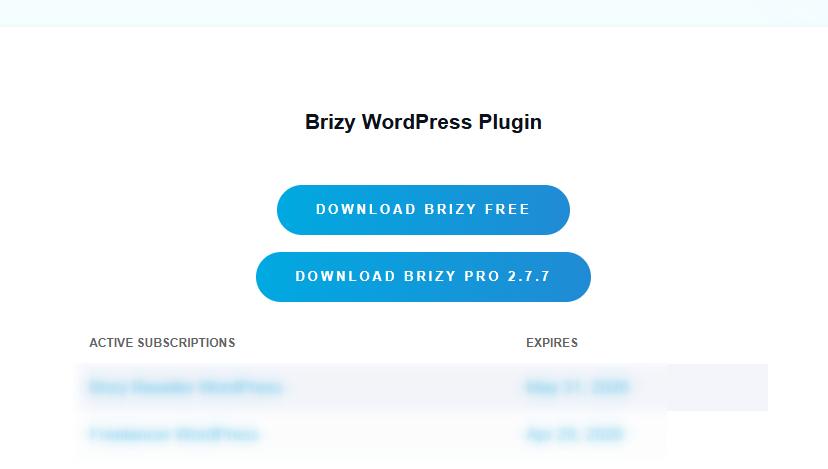
Please let me know if you need help with the installation steps.
Best regards,
Ariel H.0
Please sign in to leave a comment.
Comments
3 comments