Favicon not working

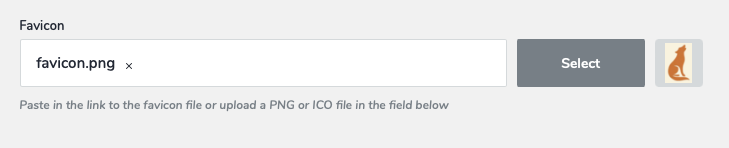
It shows the preview on the right side fine for "select" of the favicon; however
the url says favicon.png only not the actual url of the selected image. Also
you cannot type in an Url. Using Safari.
-

Hello Diane,
Please share the URL of the project where you are experiencing the above issue. Can you elaborate what is not working in more detail? Could you share a screenshot to demonstrate the issue?
0 -
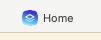
To add a favicon, you click on select and then pick the image. The image shows on the side but the url still says favicon.png which clearly will not show the image. Also, underneath where it says favicon.png, it says you can paste the url of the favicon, but this cannot be done at all--you can't click into that area even after deleting the favicon.png by clicking the little x. The first attachment shows the favicon has not changed.
 0
0 -
Hello Diane,
I see the right favicon when visiting your website on Google Chrome. Have a look at https://jmp.sh/SvGoIGlQ
Are you not seeing this favicon when visiting your website at your end? Please access your URL from different browsers and devices and share a screenshot similar to mine, if you do not see the favicon.
0 -
Sorry, it's been a long week! Should have cleared my cache...
It is working now. Thanks! Although it still won't paste in that spot...
0
Please sign in to leave a comment.
Comments
4 comments