Updates have boken my website

Hey,
I already post this message for a while (https://support.brizy.io/hc/en-us/community/posts/23939437339026-Updates-are-boken-my-websites?input_string=Updates%20have%20boken%20my%20website)
The problem is back (au-roi-de-landouille-64.com). If I try to update Brizy, then Brizy Pro, the site is totally broken. If I do Brizy alone, a few display bugs and some code appear.
I put a backup in place to recover the site.
Brizy version: 2.4.45
Brizy pro version: 2.4.38
What should I do, please?
Regards,
Laurent
-

Hi Laurent,
Thank you for contacting us.
Before updating Brizy and Brizy Pro, please disable all third-party plugins first. Once that’s done, go ahead with the update. After the update, enable your caching plugin first so you can purge the cache before reactivating the rest of your plugins.
If the issue continues, please provide us temporary access your website so we can take a closer look? Kindly add us as an Admin user in your WordPress Dashboard and send the details to communitysupport@brizy.io:
Community Post link: https://support.brizy.io/hc/en-us/community/posts/25945741479570
WordPress Admin URL:
Username:
Password:Please make a full backup of your site as a precaution.
Best regards,
Ariel H.0 -
Hi Ariel,
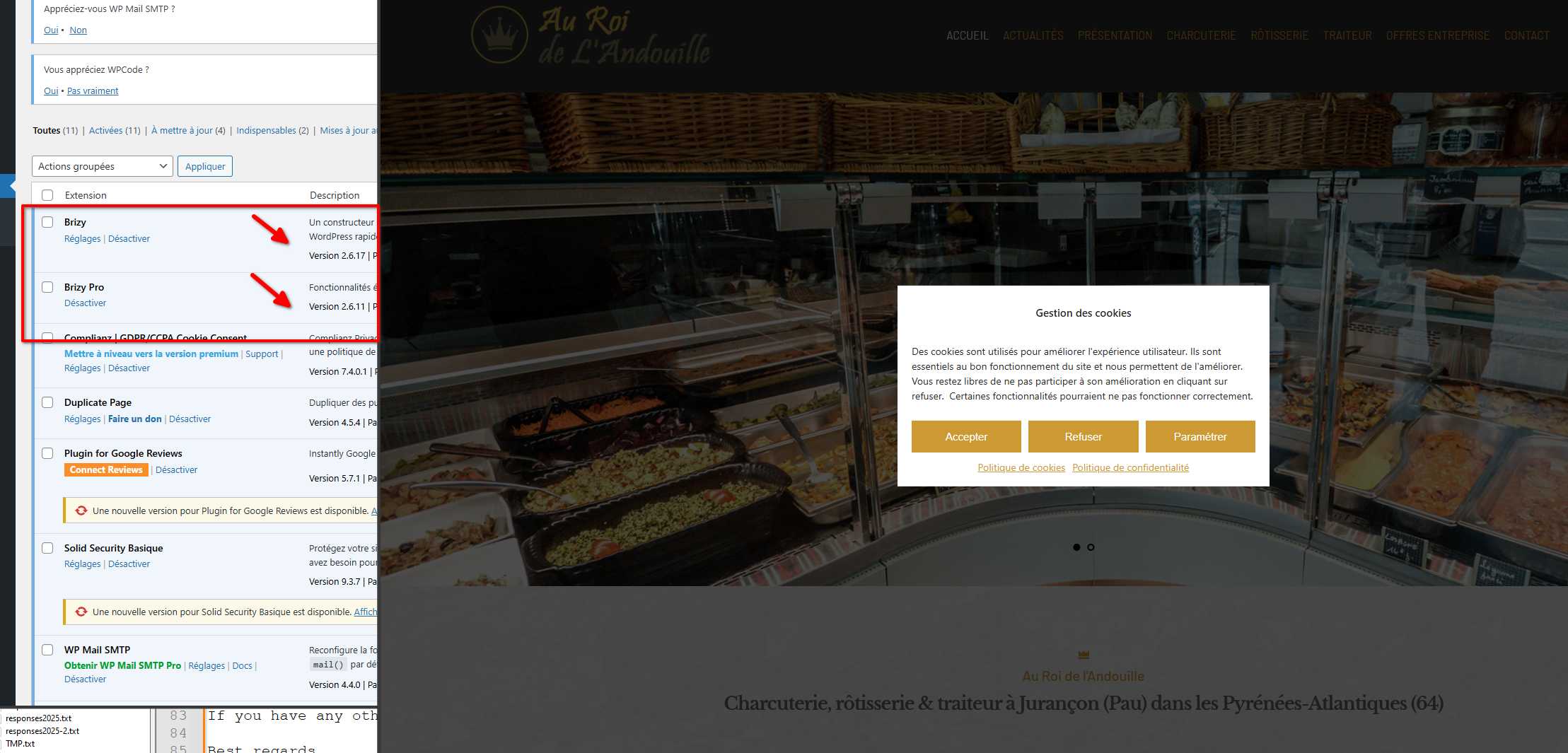
Sorry for my late reply. I tried to deactivate all extensions except Brizy and Brizy Pro, then I updated (Brizy then Brizy Pro) but the problem is the same. It already appears in the header when Brizy is updated and explodes completely after Brizy Pro is updated.I've e-mailed communitysupport@brizy.io the connection information (warning: this is the online version of the site) (I have backups).
Regards,
Laurent0 -
Hi Laurent,
Thank you for your cooperation.
We've resolved the issue, the layout was breaking because the page needed to be recompiled. If this happens again, you can fix it by editing any one page and making a small change, such as adding 1px of padding to a block. In your case, I updated the global header by adding 1px padding on all sides, saved the changes, and then reverted it after confirming the layout was displaying correctly. Updating one page is enough to recompile the layout across all pages.
If you have any other questions, feel free to reach out.
Best regards,
Ariel H.0 -
You have to know ^^
Is this bug likely to recur with each update (in which case I need to remember this tip)?
Thanks for your reactivity!
Best regards,
Laurent0 -
Hi Laurent,
Thank you for keeping in touch.
Updating from an old version of Brizy can sometimes break the layout, and older pages may not update automatically.
A simple edit like adding 1px padding or a period will force the page to recompile and fix the layout using the new version.
Best regards,
Ariel H.0 -
Great !
Thank you !Regards,
Laurent0
Please sign in to leave a comment.
Comments
6 comments