SVG Icon upload Brizy Cloud

Hi, I am trying to upload custom Icon SVG's but it does not work.
I did manage to use SVG's as an image but not as an icon.
I have a screencapture here: https://gumlet.tv/watch/67f139377ee0a66d6b3fb1b9/
Any advice?
Thanks
-

Hi Jeroen,
Thank you for reaching out. We're currently unable to replicate the issue you're experiencing with uploading custom icon SVGs.

To assist you further, could you please provide the SVG file you're trying to use?
In the meantime, I recommend trying to upload a different SVG file to see if that works.
Looking forward to your response.
Best regards,
Ariel H.0 -
Hi Ariel,
I would like to but I am not able to upload svg's in this support forum. I've also tried other svg's but they do not work either. Best, Jeroen0
 -

Hello Jeroen
I have added two SVG icons to your project "Brave". You can see my custom icons in "Custom" tab of the icons library.
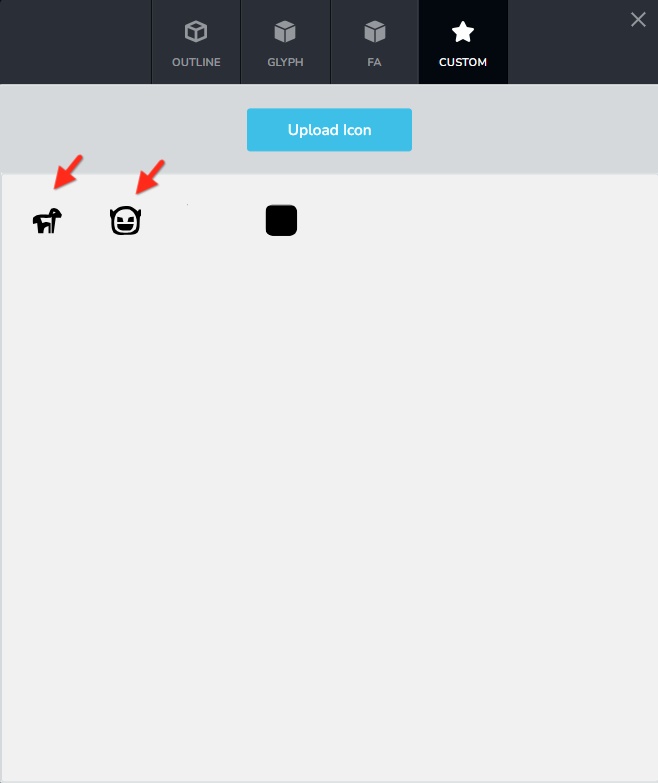
If the icon is available in another file format, use https://convertio.co/png-svg/ to convert the file to SVG and try uploading it again.
0 -
Yes, it worked with the help of convertio. I use affinity designer but apparently that did not work.
Thanks
0 -

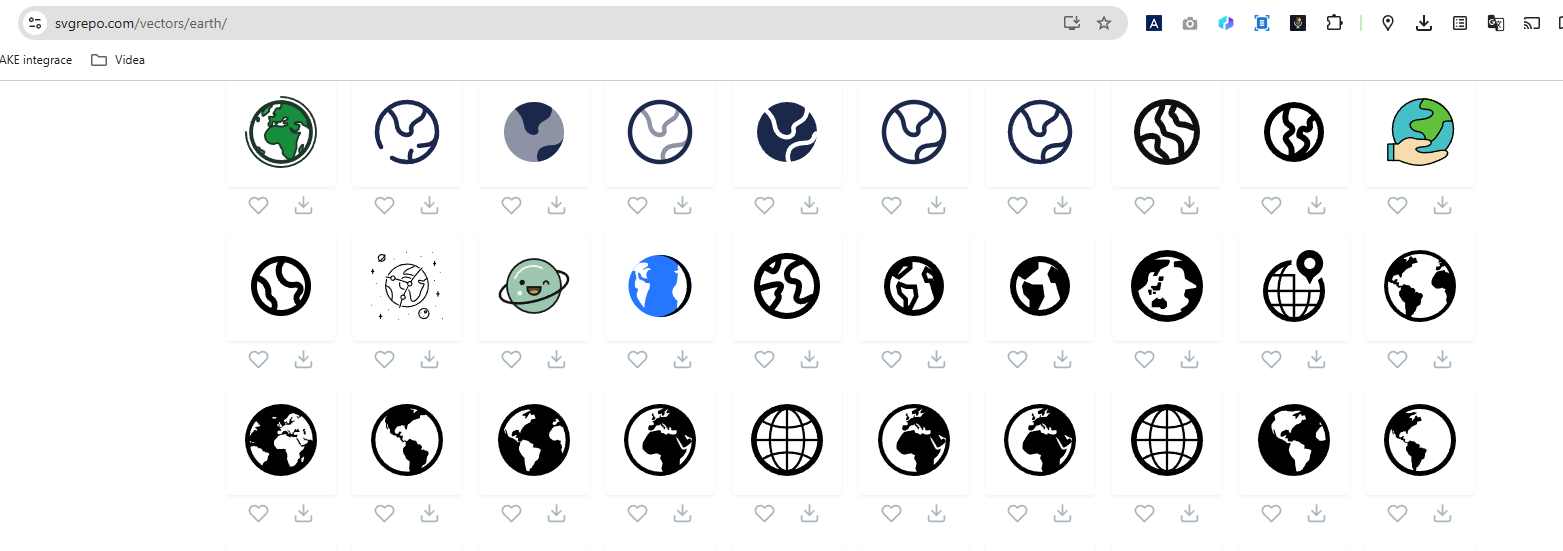
I am also trying to upload custom svg. I need a colorful svg, even if I conver it from png to svg in convertio it is not workin properly. It only appears black.
Is it possible to upload colorful SVG? See image bellow.
Thank you.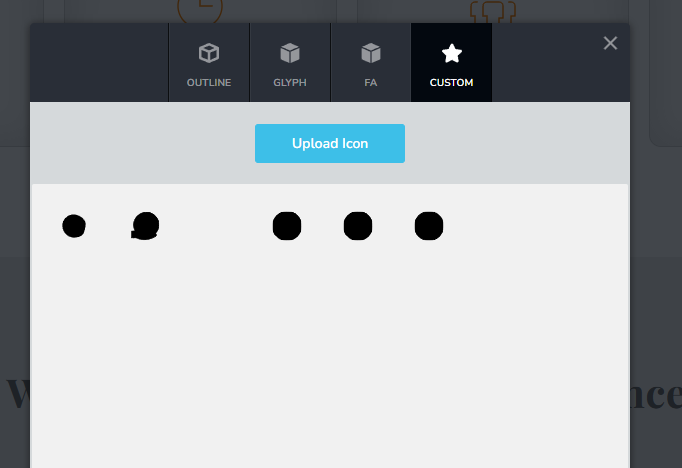
 0
0 -
Hi Pavel,
Thank you for reaching out.
Brizy currently supports SVG files, but when added through the icon option they are limited to a single color, which is why your file appears black. If you’d like to keep the original colors, you can upload your SVG through the Image element, where it will display correctly. You can also resize it there to fit your preference, similar to how you would with the icon element.
Best regards,
Ariel H.0 -
Hello Pavel,
Ideally, you should download vector icons that may be altered in color and scaled to any size using web and graphic design tools. Once you have imported the icon to your page, you can apply the desired normal, hover and active colors to the icon in Brizy.
0 -

Ariel H.
Are you sure I can upload an image into the icon element?
I want this, I tried it before but it didn't work. Even when I converted the image to svg0 -
Hi Vantrinh,
What I meant earlier is that you can upload your SVG through the Image element, not the Icon element. Using the Image element will allow your SVG to display in full color as intended.
Best regards,
Ariel H.0 -
Thank you for the clarification.
0
Please sign in to leave a comment.
Comments
10 comments