problem with mobile menus icons spacing

Hey
Can you please have a check on an issue I have.
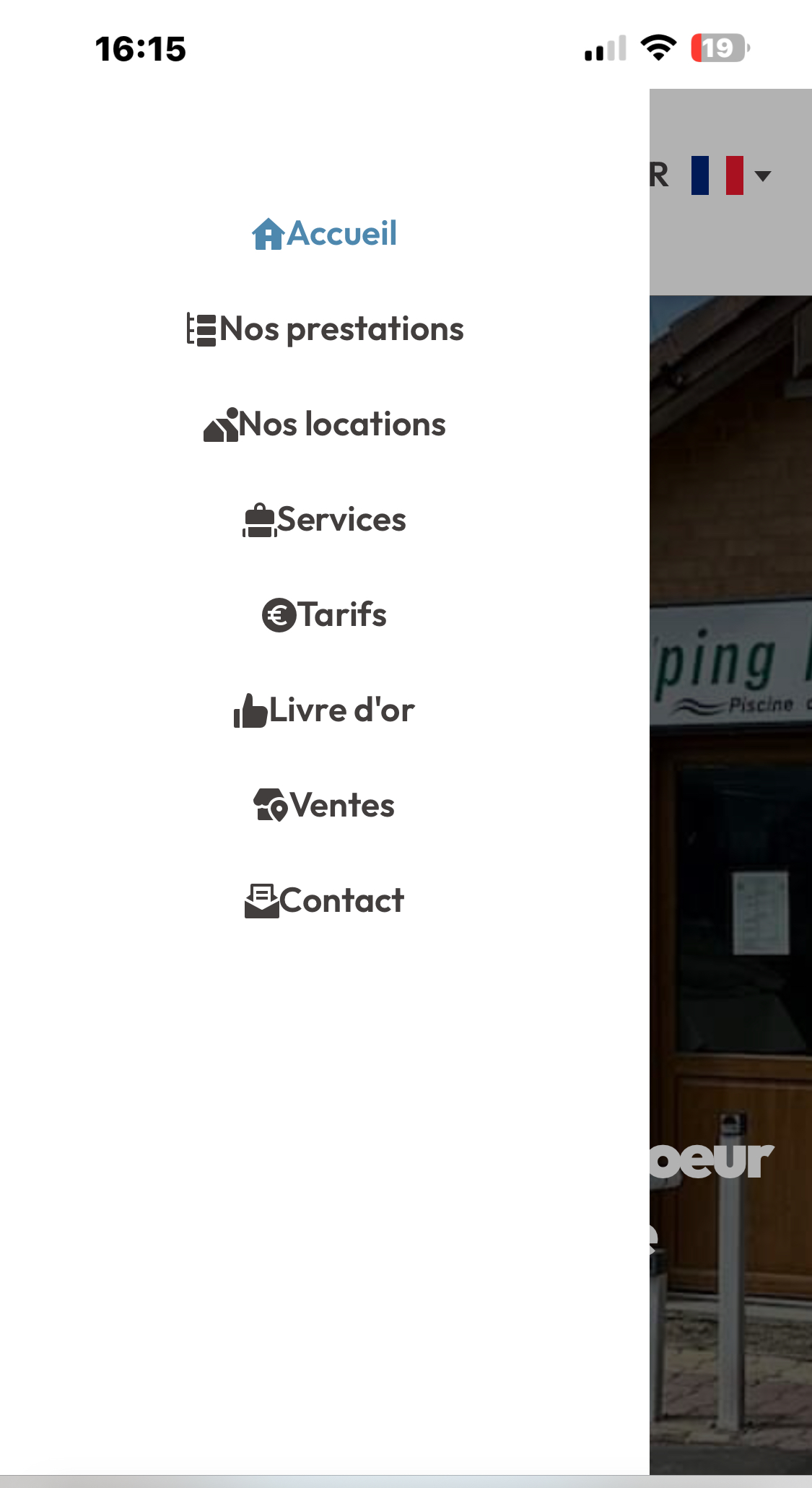
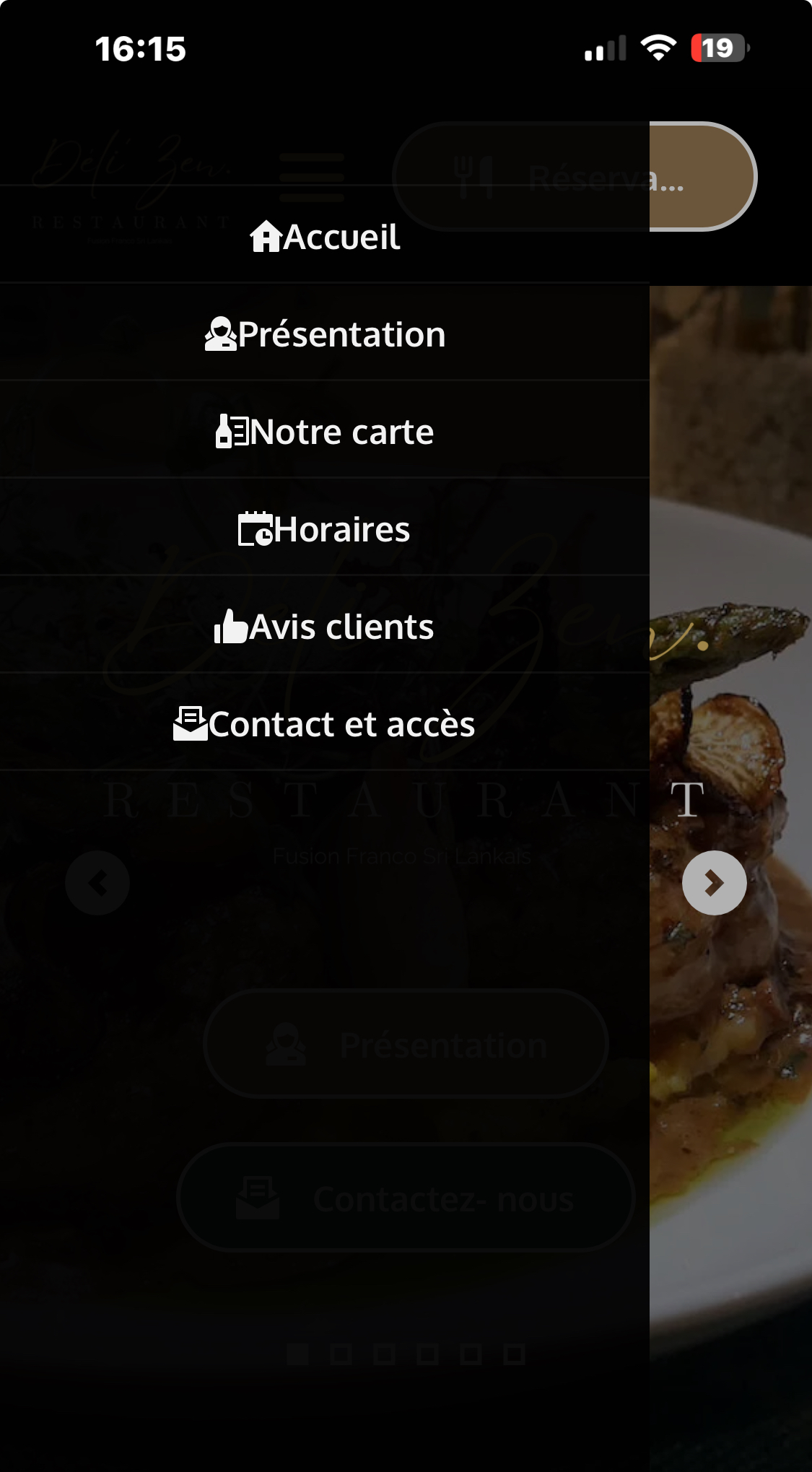
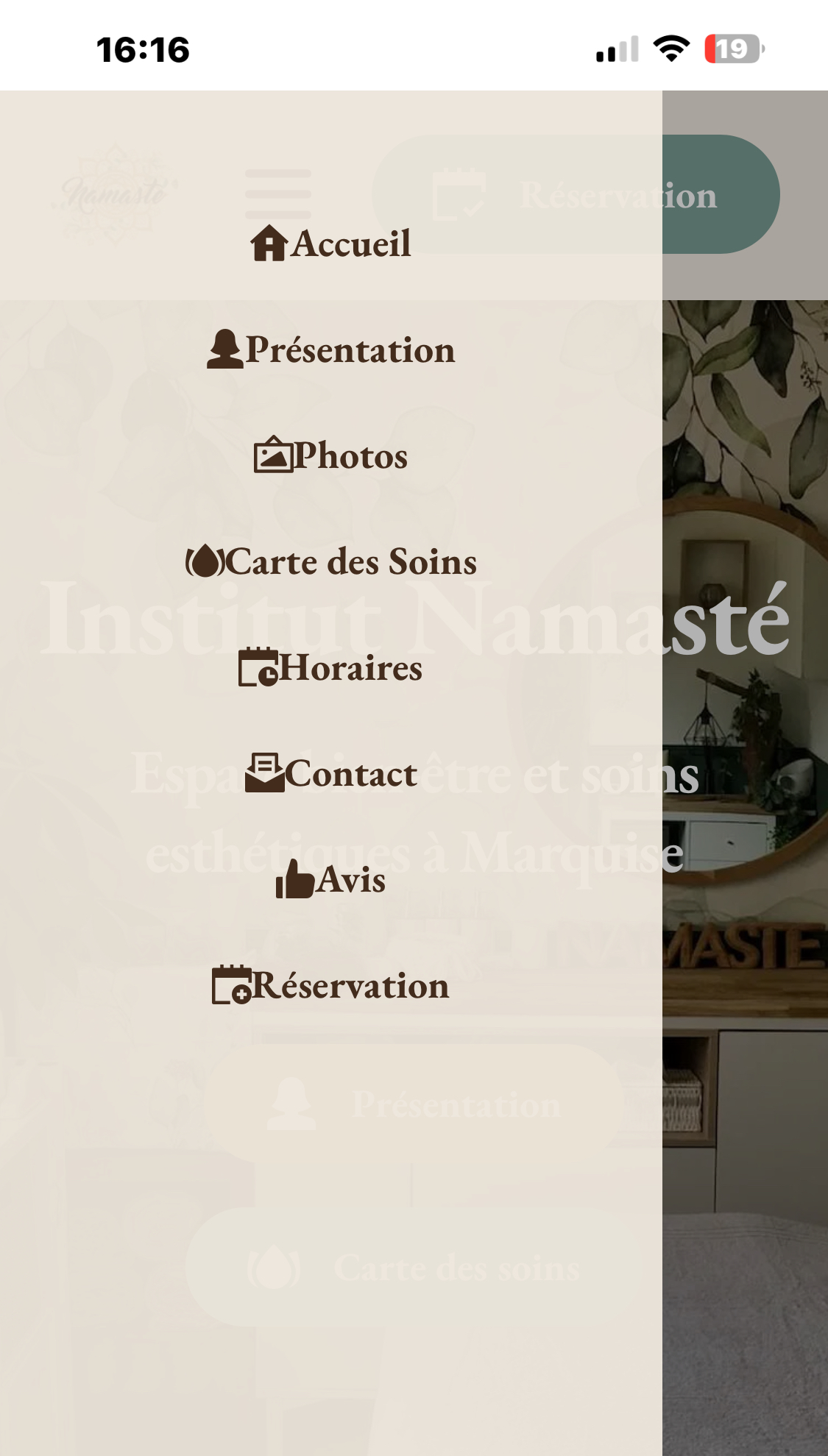
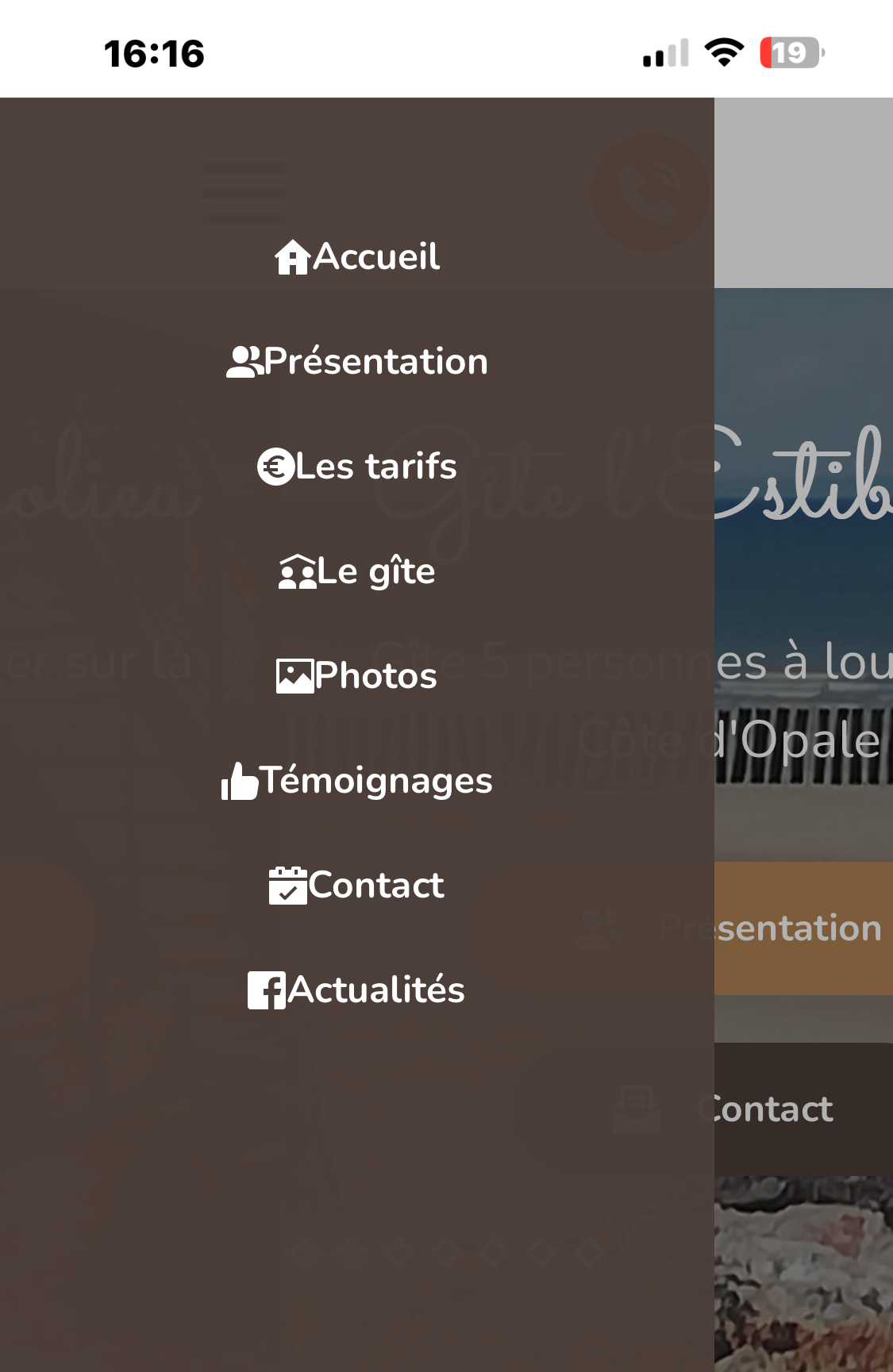
As you can on the attached pictures, all of of my Brizy Cloud websites have the same problem with the mobile menus... on different accounts (my WL account included), the space between the icons and the menu items has disappeared. Just for info, erasing the value and entering it again doesn't work, and hopefully I don't really want to take the time to do this on every one of wy websites. Let's hope for a quick fix !
Of course I have cleared the caches and tried different browsers and computers.
Cheers.
-

Hello Yves,
We apologize for the inconvenience. The spacing between icon and the menu text set in the editor does not reflect in the frontend for the hamburger menu. We could reproduce this bug at our end and we will work on fixing it.
While we work to fix this issue, you could try adding this CSS code under CMS > Project Settings > Code > Custom CSS to temporarily fix the issue in your projects. I have added this code to https://placopale-marquise.webopale.co/. Please check if the hamburger menu looks better here.
@media (max-width: 991px)
{
.brz .brz-icon-svg {
    width: 3em; }
}
0 -
Hello Yves,
We have fixed this bug. Kindly click the "Update" button in the editor for the changes to take effect in your project.
0
Please sign in to leave a comment.
Comments
2 comments