Bullet points list in Woocommerce Product Description is too far to the left, should be in alignment with the text block edge.

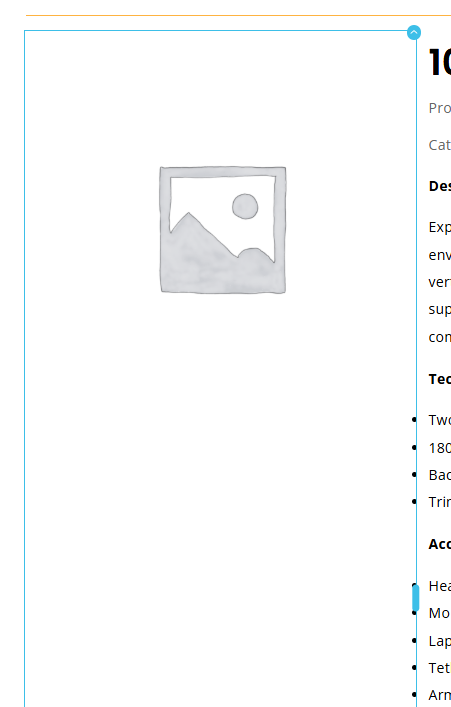
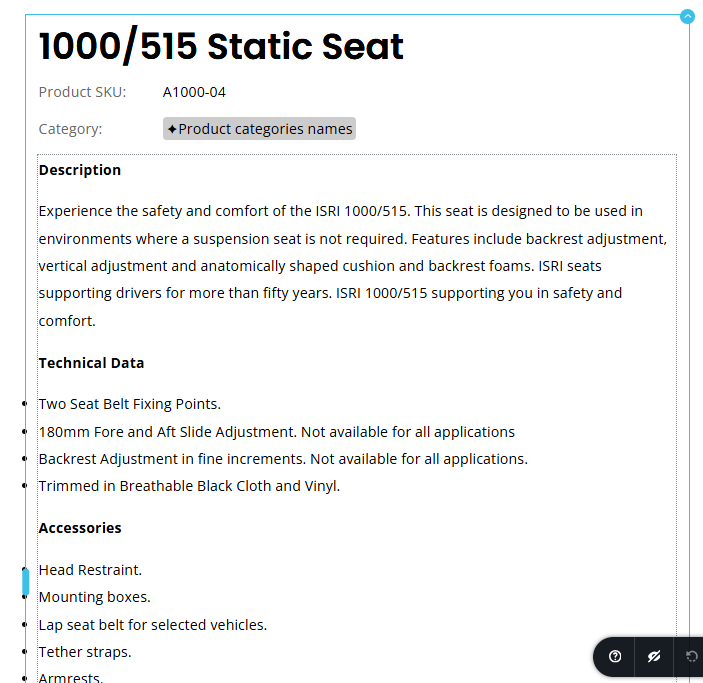
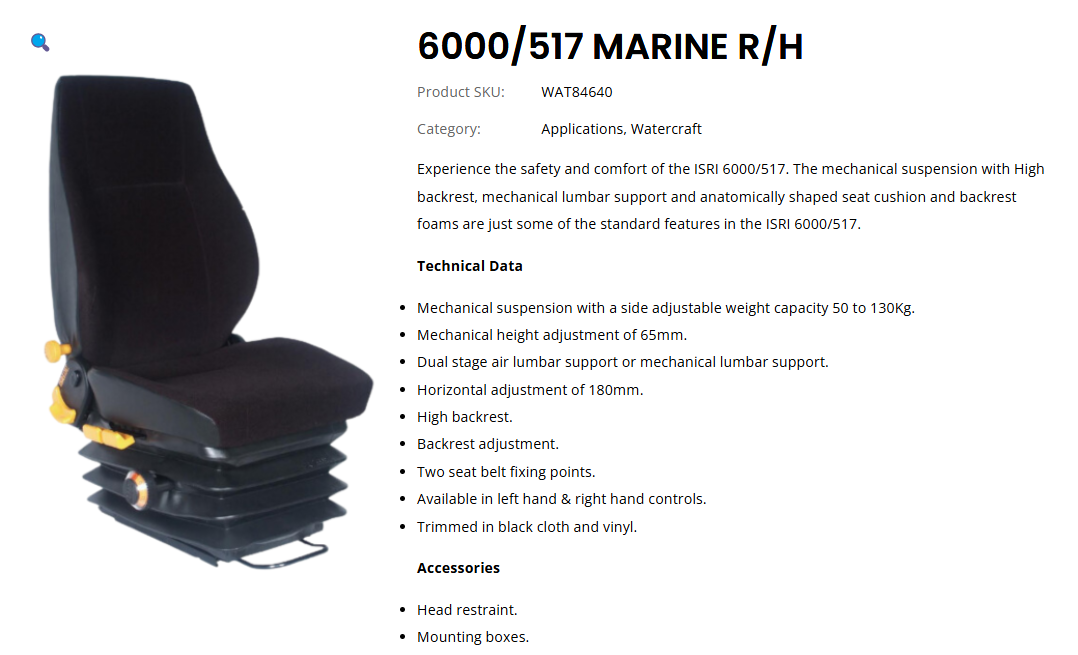
When using the Woocommerce Description block in single products template, if you use bullet points (list) the bullet points appear too far to the left, they should be in alignment with the text block edge. See below screenshots:
Editor View:
Live View:
-

Hi Dennis,
Thank you for contacting us.
It looks like the alignment issue you're experiencing with the bullet points in the WooCommerce Description block is likely set by your theme's styling. You could try temporarily switching to another theme to see if that resolves the alignment problem.
You may also provide your website URL, and we might be able to suggest a CSS fix to address the issue.
Best regards,
Ariel H.0 -
The site is still in development, but for example all product pages, this issue exists:
https://isrimky.flywheelstaging.com/product/6000-517-marine-r-h/
I am using Brizy Templates to populate the formatting in the WooCommerce pages.
It is not an issue on the Home Page which is not a WooCommerce Page.
I am using the Astra Theme (Pro Version).
I can give temporary access to the WP Admin if required.
0 -
Hi Dennis,
It looks like the issue is coming from your theme.
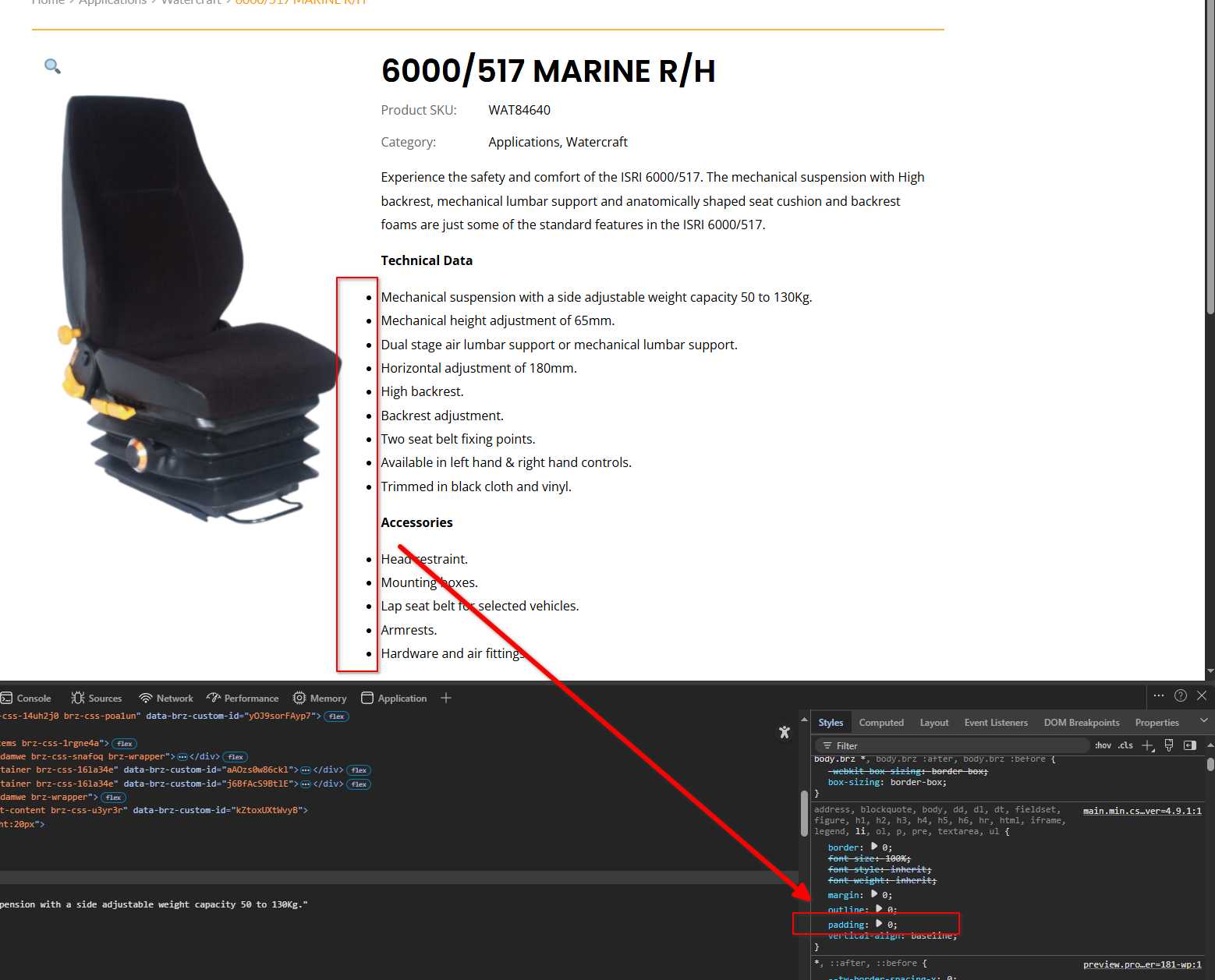
To resolve it, please try adding the following CSS. You can insert it in Appearance > Customize > Additional CSS:
ul, ol {
  list-style-position: inside;
  padding-left: 1rem; /* adjust as needed */
}
I tested this using an online CSS editor on your website:
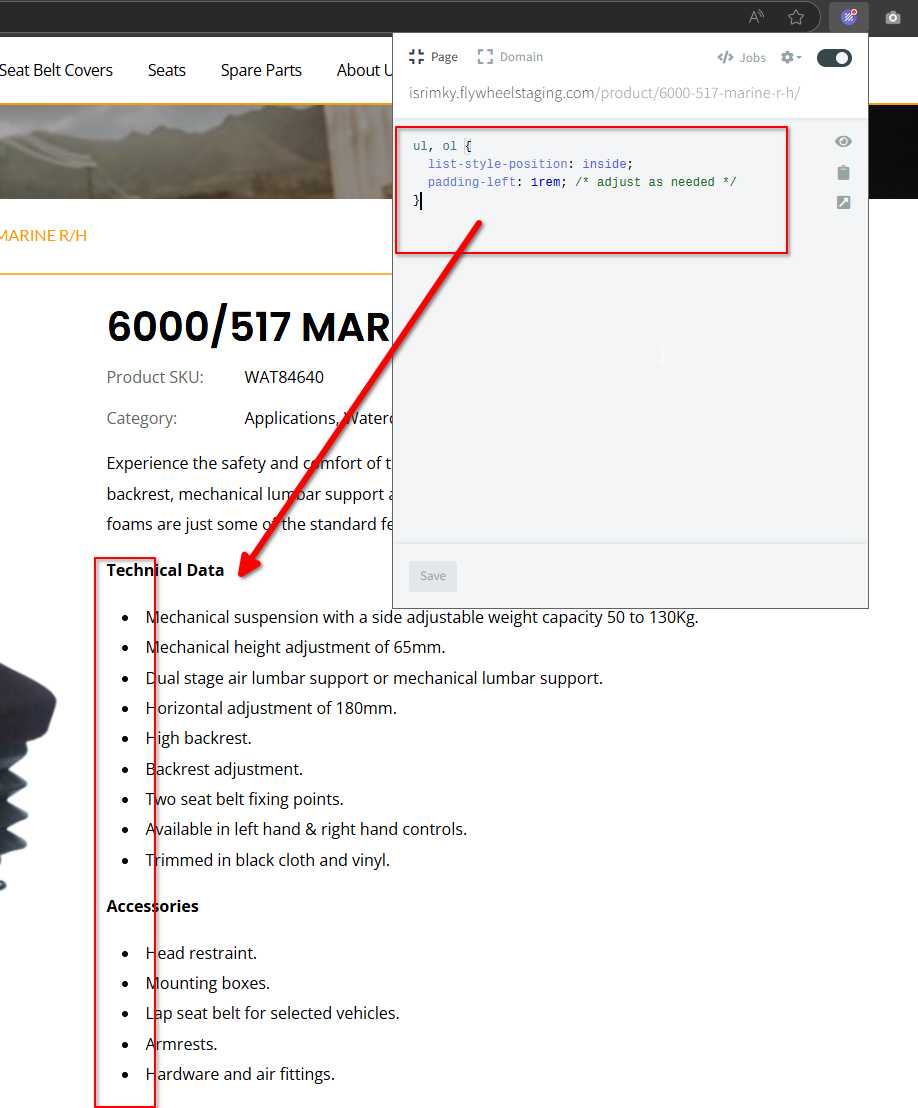
It should work, but if you run into any issues, just let me know.
Best regards,
Ariel H.0 -
Thanks Ariel!
This CSS fixed the indentation issue.
What is that online CSS editor plugin? That looks very handy!
0 -
Hi Dennis,
I'm glad that the CSS worked.
The live CSS editor I mentioned is called Animo: Live CSS Editor. It's a browser extension available for Chrome, Firefox, Edge, and other browsers.

Best regards,
Ariel H.0
Please sign in to leave a comment.
Comments
5 comments