Using more than one fontstyle with Adobe Fonts in Brizy

Hi!
I love the possibility to use Adobe Fonts in Brizy, which I wanted to try out in my latest Website-project. I wanted to use two different fon styles (black and regular) on the Website. For the two styles Adobe generates two Project-IDs for the same project. 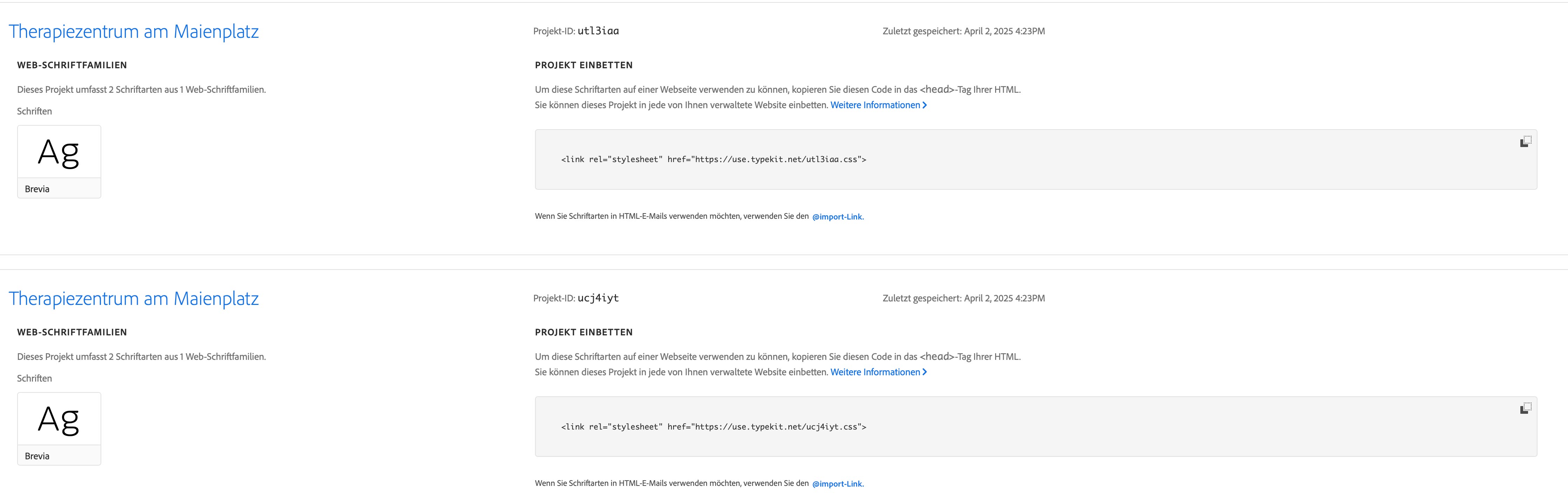
Now I have added the first ID in Brizy to Adobe Fonts which works great. When trying to add another Font I click on the "Adobe Fonts"-Icon
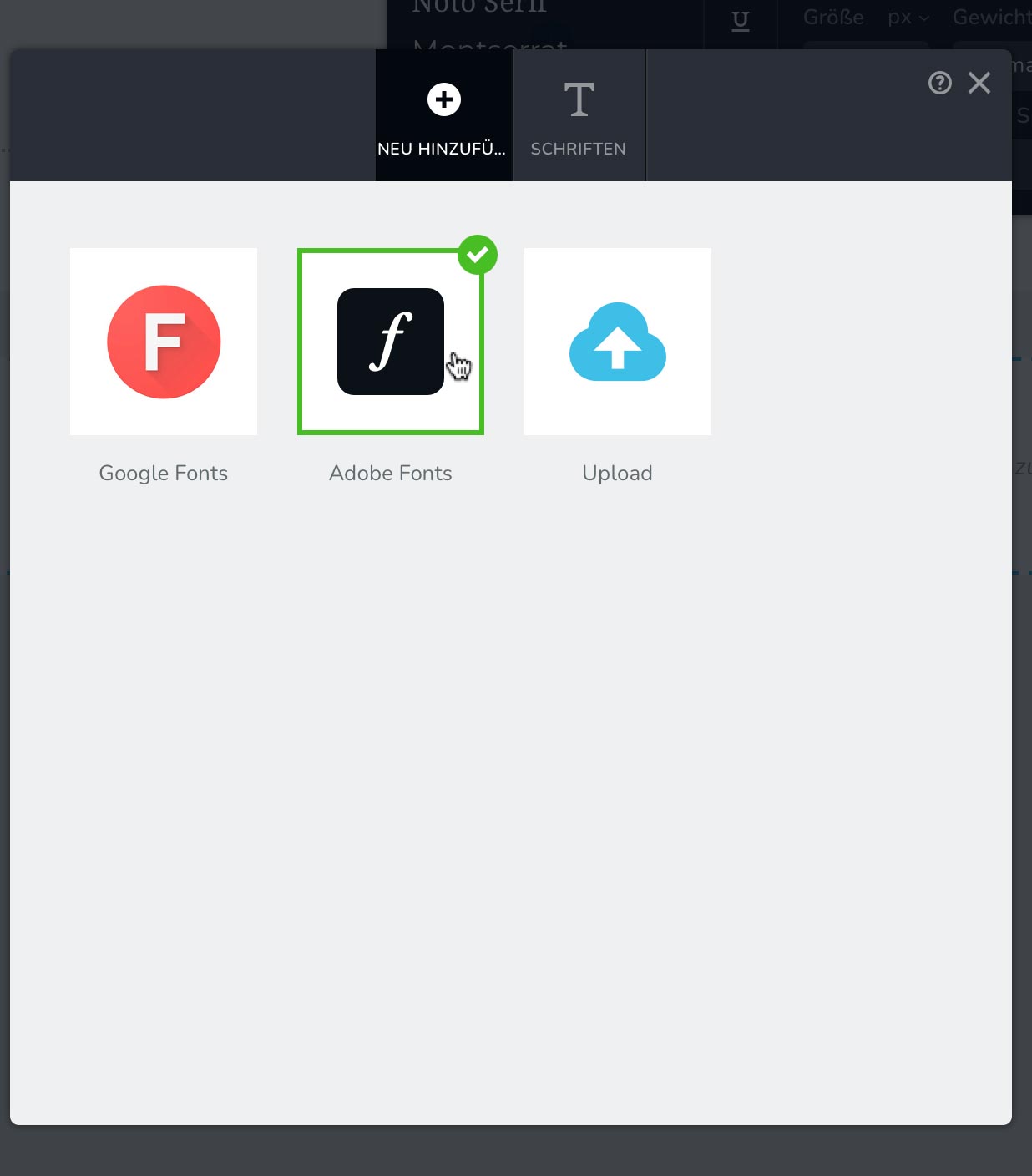
Which leads to this:
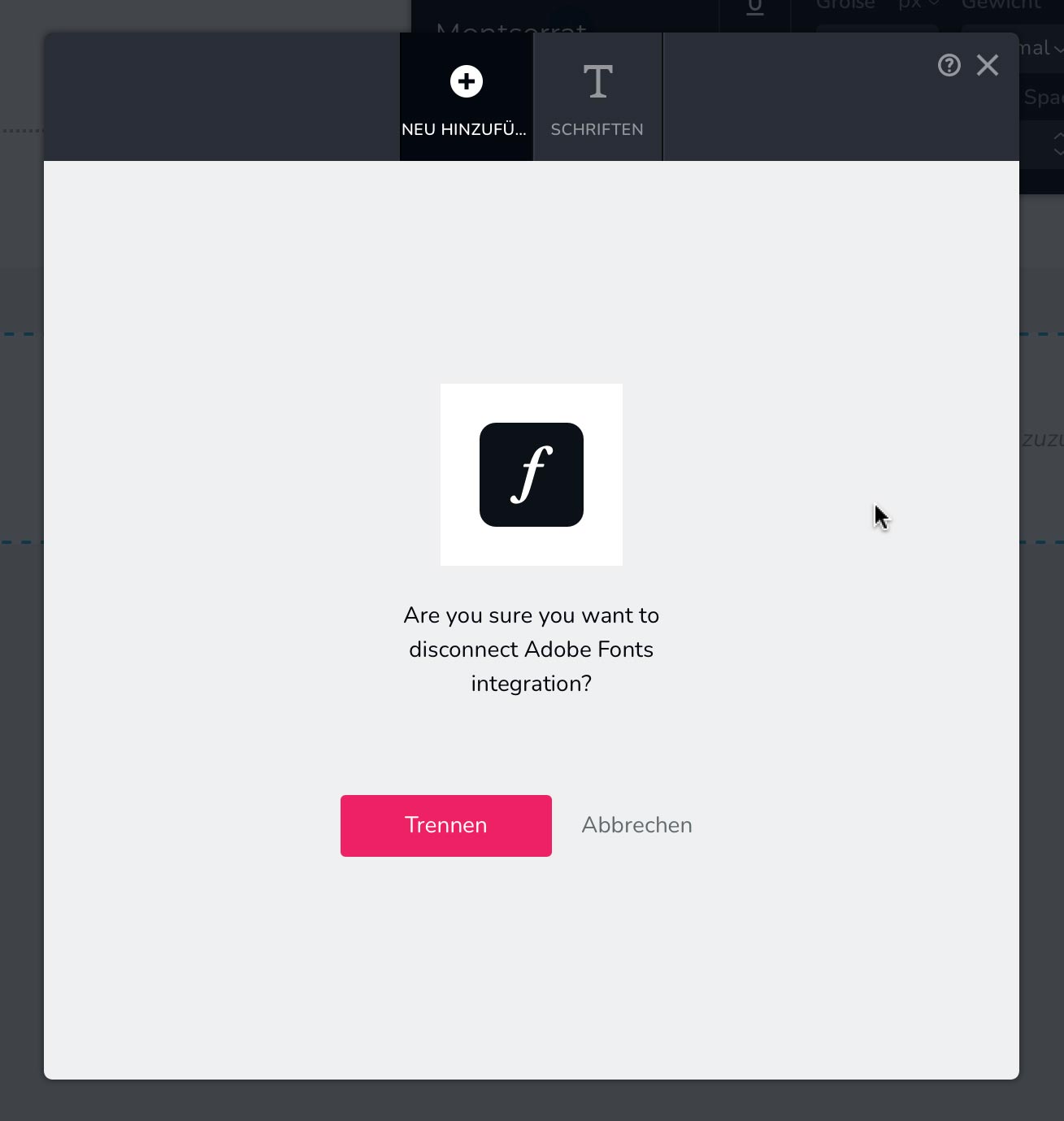
Now the question is: how do I add Adobe Fonts with more than one font style?
Thank you!
-

Hi Martin,
Thank you for reaching out. To add both the Black and Regular font styles, please open your Adobe Fonts project and add both variations to the same project by selecting "Add to Web Project." For a step-by-step guide, you can refer to this YouTube video: https://youtu.be/BBUpPGIPRs4.
Please give this a try and let me know how it goes.
Best regards,
Ariel H.0 -
Thank you.
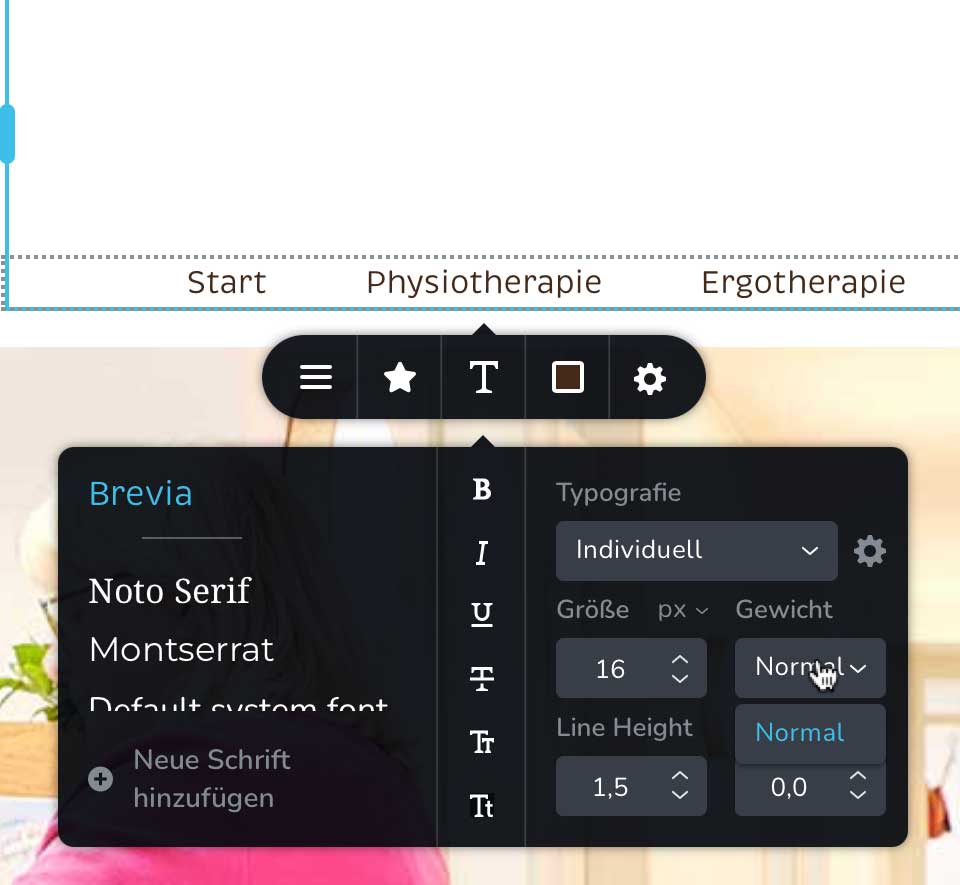
As you can see I have added 3 font-styles to the same project: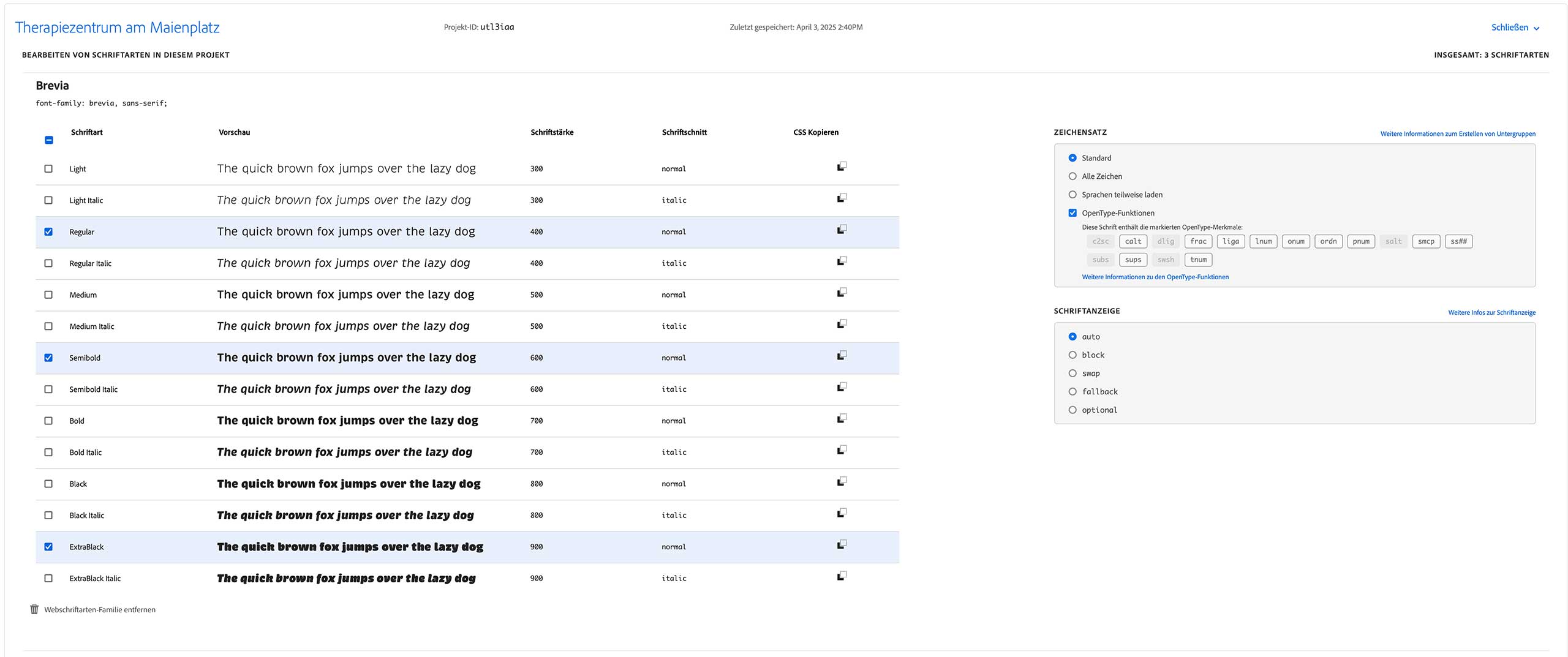
Still I can only use the Regular font-style:
 0
0 -
Hi Martin,
Could you also please provide temporary access the second website so we can take a closer look? Kindly add us as an Admin user in your WordPress Dashboard and send the details to communitysupport@brizy.io:
- Community Post link: https://support.brizy.io/hc/en-us/community/posts/25763388905874
- WordPress Admin URL:
- Username:
- Password:
Best regards,
Ariel H.0 -
Hi Martin,
Thank you for your cooperation.
Could you also share the username and password for your WP Admin page?

Looking forward to your response.
Best regards,
Ariel H.0 -
Hi Martin,
Sorry about that, I've asked a colleague to look into this issue, and I'll get back to you as soon as I have an update.
Best regards,
Ariel H.0 -
Hi Martin,
Thank you for your patience. It looks like Brizy currently supports adding only one Adobe Fonts Project ID at a time. Since Adobe assigns separate Project IDs for different font styles, this can be limiting if you need multiple variations.
In the meantime, while I’m waiting for feedback from a colleague regarding this, you might try the following workaround:
1. Download the Adobe Fonts as OTF Files
- Follow the steps outlined in this tutorial: https://youtu.be/Su1dHcoLQhU?si=qhvwdPIgPyNZdYsu
- This will allow you to obtain the font files in OTF format.2. Upload the Fonts to Brizy Font Manager
- Once downloaded, go to Brizy Font Manager and upload the OTF files just like any other custom font.
- This will enable you to add multiple variations (e.g., Black, Regular) under a single font family.3. Install Adobe Creative Cloud (Required for Font Download)
- You’ll need the Adobe Creative Cloud desktop app to access and download the fonts. You can get it here: https://www.adobe.com/download/creative-cloudI hope this helps. I’ll update you once I hear back from my colleague.
Best regards,
Ariel H.0 -
Hi Martin,
I wanted to follow up on this issue. We've escalated it to our developers, so it will be addressed in a future update. Unfortunately, this limitation is due to how Adobe Fonts integration currently works.
In the meantime, I recommend using the workaround I shared earlier to upload your font variations. This should allow you to continue working while we work on a solution.
Please let me know if you need any further assistance or have any questions.
Best regards,
Ariel H.0 -
Ok, thank you!
0
Please sign in to leave a comment.
Comments
8 comments