Brizy update issue

Hi we have tried everything on the support page and it still has the problem and there is no additional users logged in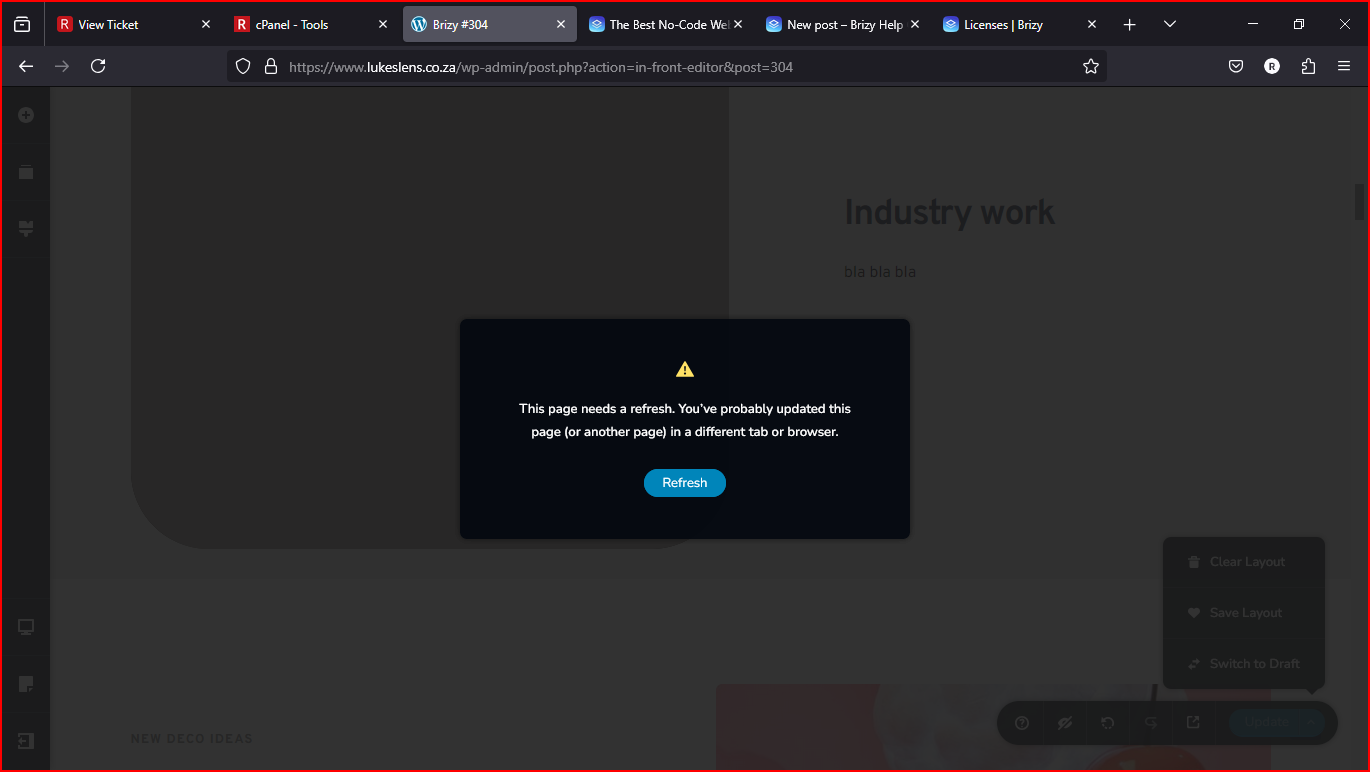
-

Hi Ryan,
Thanks for reaching out.
Could you please try the steps outlined in this support article and see if they help?
https://support.brizy.io/hc/en-us/articles/22590197512210Let us know if the issue persists after following these steps, and we’ll be happy to assist further.
Best regards,
Ariel H.0 -
Hi the error still persists
0 -
Hi Ryan,
We're sorry to hear you're having this issue with Brizy.
Please provide us with temporary access to your WP Admin page so we can take a look. Please add us as an Admin user to your WordPress Dashboard and send the following details to communitysupport@brizy.io.
Community Post link: https://support.brizy.io/hc/en-us/community/posts/25698187804178
WordPress Admin URL:
Username:
Password:Additionally, we will also need temporary access to cPanel:
cPanel host address:
Username:
Password:Best regards,
Ariel H.0 -
Hi Ryan,
Thank you for your cooperation.
This issue can happen when a page becomes too large. We recommend contacting your hosting provider and asking them to increase the PHP max input variables to 10,000 and the PHP memory limit to 512M. This helps ensure larger pages with many elements save properly and that the server can handle complex pages without issues - https://imgur.com/W6a0Ej0.
Since these settings may not be adjustable in cPanel, your hosting provider may need to update them manually.
Please give this a try and let us know if the issue persists. We're happy to assist further.
Best regards,
Ariel H.0 -
hi the hosting has increased what you stated must be but the problem still persists
0 -
Hi Ryan,
Thank you for the update. Upon checking, it appears there were no changes to the settings we requested. You can verify this by going to WP Dashboard > Tools > Site Health > Info, then expanding the Server dropdown to view your server settings. Please refer to the screenshot: https://i.imgur.com/sI03GSj.png
Please double-check this with your hosting provider.
Best regards,
Ariel H.0 -
i checked and it now has been updated but the problem is still there
0 -
Hi Ryan,
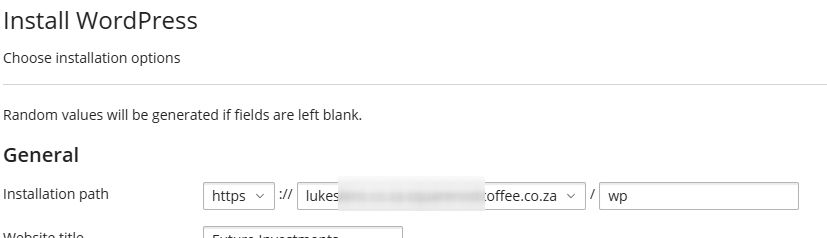
Would you mind testing whether the issue persists by setting up a fresh WordPress installation in a subdomain on your server?
Additionally, could you check with your Hosting Provider to see if ModSecurity is enabled on your site and request a temporary disablement for troubleshooting purposes? In the meantime, I asked a colleague to check if there's more that can be done to help you address the issue
Best regards,
Ariel H.0

Please sign in to leave a comment.
Comments
8 comments