I can't edit a Brizy page in wordpress?

Image when I click - Edit a page with Brizy - in word press.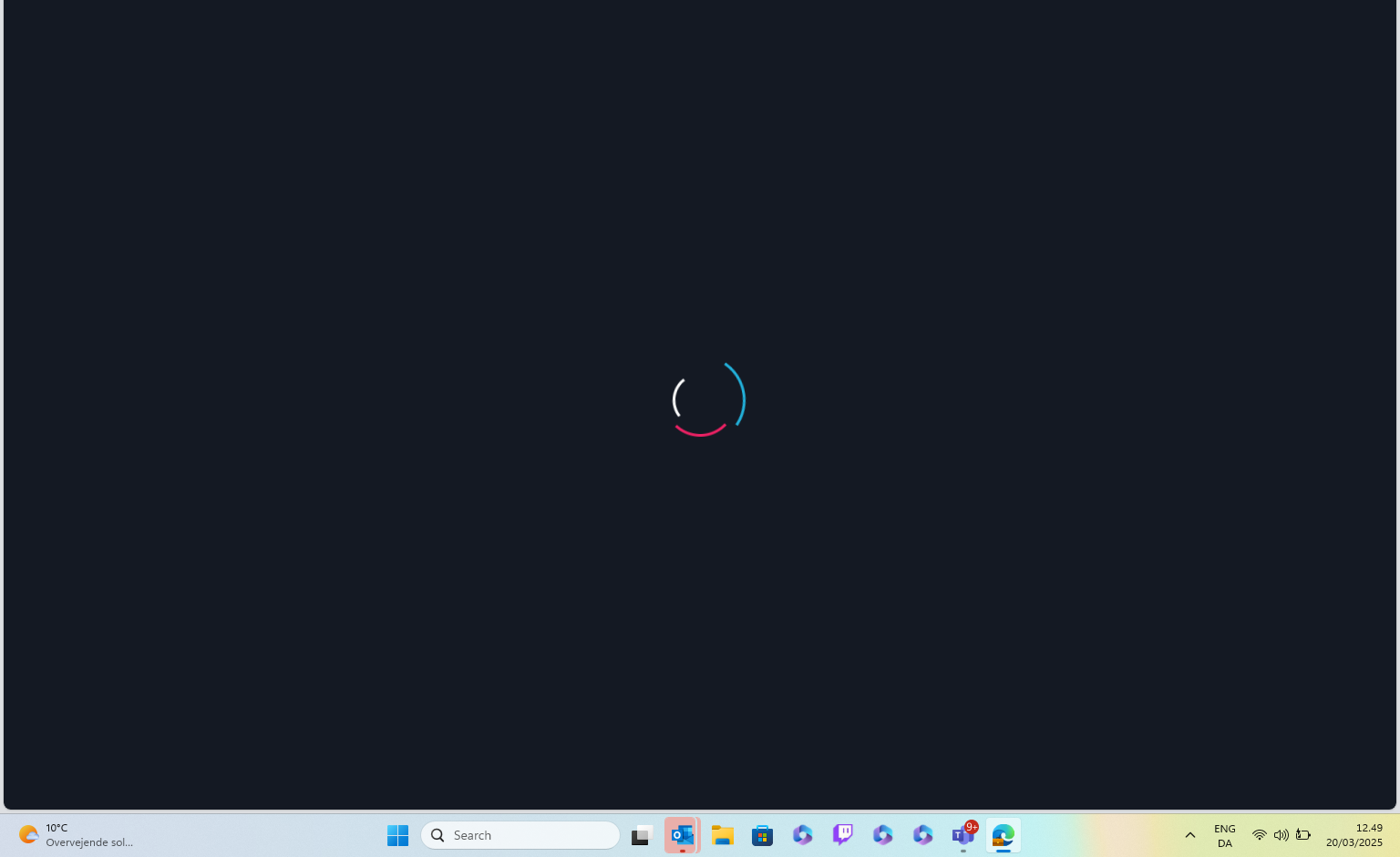
I never get further that this.
-

Hi Carsten,
Thank you for reaching out.
This issue often happens on sites using Wordfence or similar security plugins. Disabling the firewall or setting it to learning mode can usually resolve the problem. More information is available here: https://help.elegantthemes.com/en/articles/2395855-how-to-fix-saving-issues-while-wordfence-plugin-is-enabled.
If that doesn’t help or if you don't have WordFence, try disabling all plugins except Brizy and Brizy Pro to check for a conflict. If this resolves the issue, re-enable plugins one by one while testing to identify which one might be causing the conflict.
Additionally, please update these settings in your php.ini file, or ask your hosting provider for assistance:
max_execution_time: 300
max_input_vars: 8000
memory_limit: 512M (or higher)
post_max_size: 128M
upload_max_filesize: 128MIf you have cPanel access, go to "Select PHP Version," click on the "Options" tab, and you should be able to adjust these settings there. Please refer to this Youtube video for more details - https://www.youtube.com/watch?v=W3z-CbxXpiA
If the issue persists, could you please provide us with temporary WP Admin access so we can investigate further? Add us as an Admin user and send these details to communitysupport@brizy.io:
Community Post link: https://support.brizy.io/hc/en-us/community/posts/25462599084434
WordPress Admin URL
Username
PasswordAdditionally, we will also need temporary access to FTP/cPanel:
FTP / cPanel host address:
Username:
Password:Please make a full backup of your site as a precaution.
Best regards,
Ariel H.0
Please sign in to leave a comment.
Comments
1 comment