This page needs a refresh

I'm having this whenever I try to update a Post (page)
I noticed it's only happening for posts pages.
How to resolve this issue?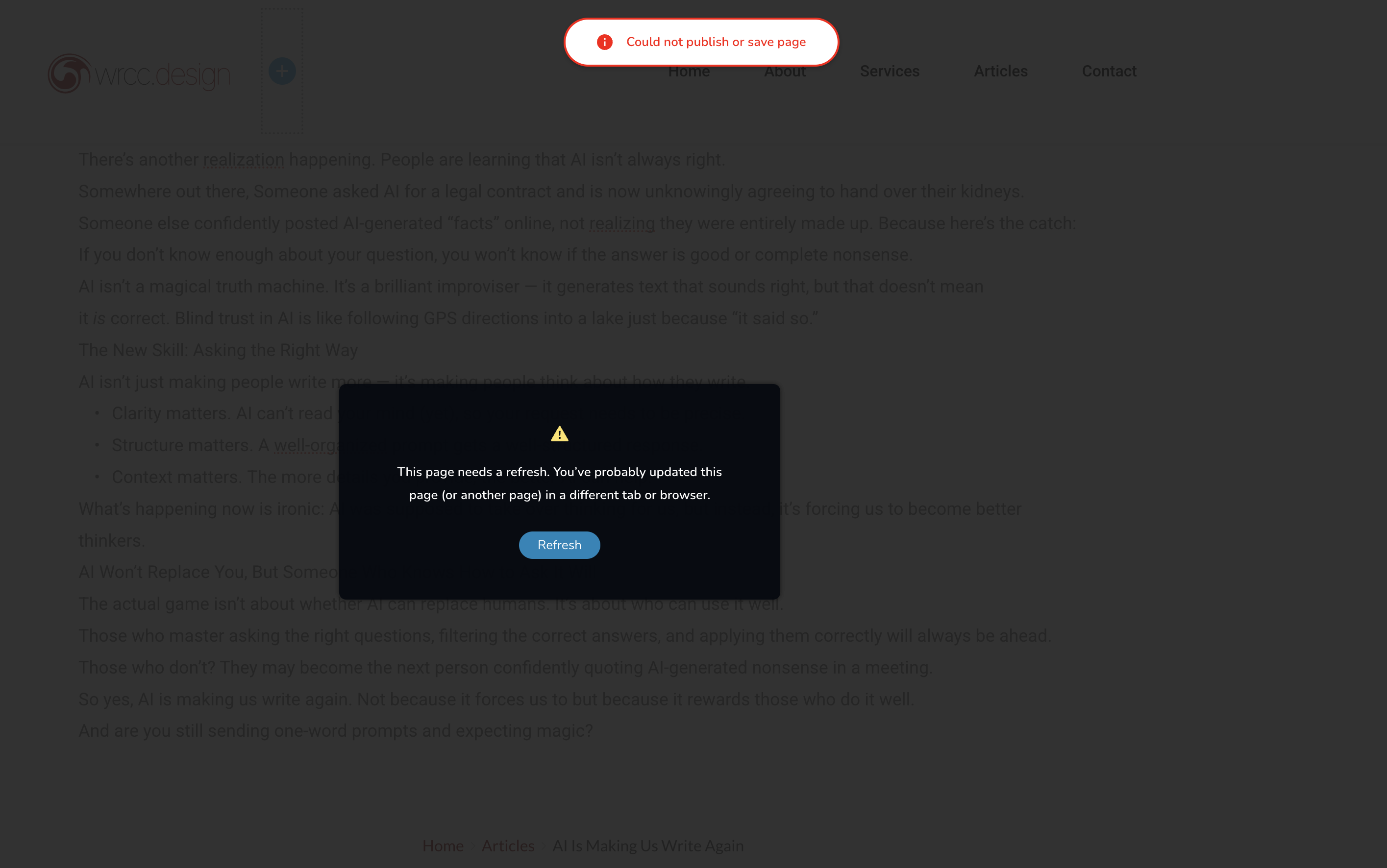
0
-

Hello Wagner,
This error usually occurs when another software in the WordPress environment blocks Brizy editing.
-
ModSecurity: The maximum size of HTTP requests for your website is set by the "SecRequestBodyLimit" configuration directive in ModSecurity. If the request size for your Brizy page exceeds this upper limit, ModSecurity can block Brizy editing and you will not be able to save you work. Revising the "SecRequestBodyLimit" to 4MB can help resolve the issue. Kindly follow the procedure at https://support.brizy.io/hc/en-us/articles/22590197512210
-
Wordfence: Brizy editing can also get blocked by the Wordfence Security plugin. When a plugin exhibits a behavior that resembles known attack patterns, Wordfence Firewall may block it mistaking it as malicious. Enabling the "Leaning Mode" for the Wordfence Firewall helps resolve this issue. Kindly follow the instructions under the heading "WordFence Security" at https://support.brizy.io/hc/en-us/articles/22590197512210 for the procedure
- Post Max Size: Brizy pages exceeding the the maximum size for your Pages/Posts set in your PHP configurations file can also cause the above error. Kindly increase the limit to 512MB or 1024 MB following the procedure at https://jmp.sh/2JOiMBXk
If none of the above helps, kindly get back to us. We will help you fix the above error.
0 -
ModSecurity: The maximum size of HTTP requests for your website is set by the "SecRequestBodyLimit" configuration directive in ModSecurity. If the request size for your Brizy page exceeds this upper limit, ModSecurity can block Brizy editing and you will not be able to save you work. Revising the "SecRequestBodyLimit" to 4MB can help resolve the issue. Kindly follow the procedure at https://support.brizy.io/hc/en-us/articles/22590197512210
-
thanks, I will check it out..
0
Please sign in to leave a comment.
Comments
2 comments