Breadcrumbs not showing in WordPress

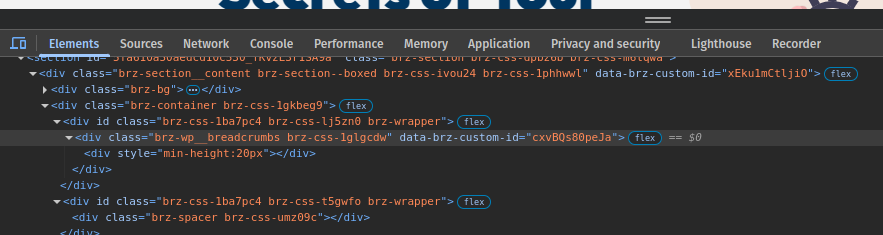
I can see the Breadcrumbs in the editor but not in page. Also they are there when you look at the code. What would stop them being seen on WordPress page?


-

Hi Ray,
Thank you for reaching out.
Could you try adding 1px padding on all sides, then updating the page? After that, preview the front end to see if the issue is resolved. If it works, you can go back to Brizy, revert the changes, and update again—this should force Brizy to recompile the page.
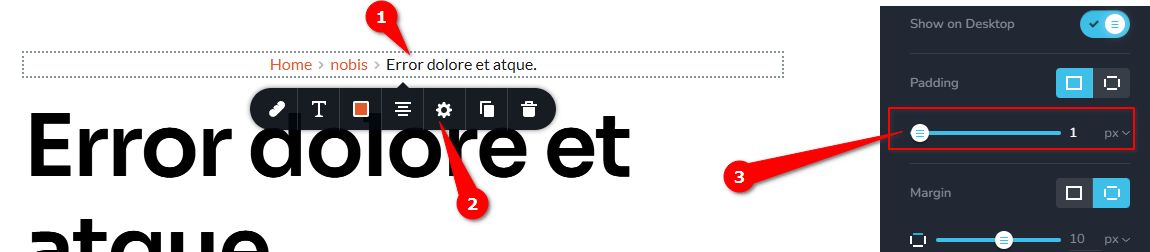
Additionally, please try increasing the z-index to see if that makes a difference.
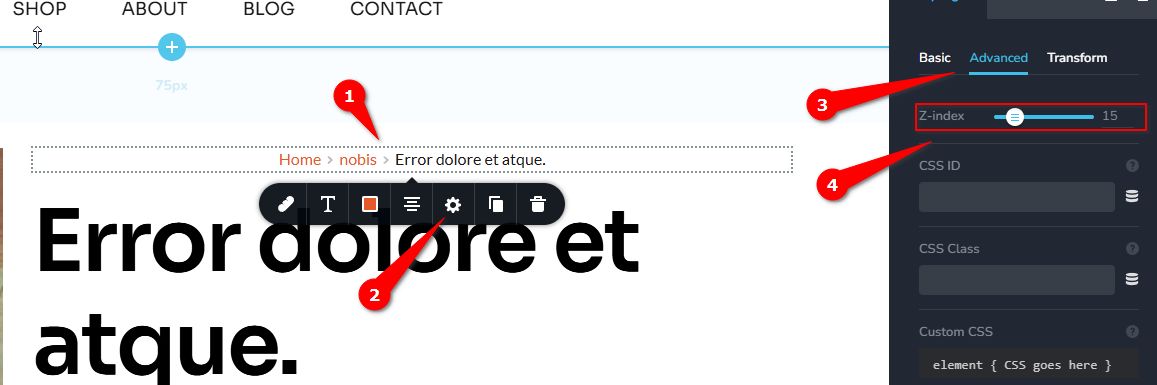
Please give it a try and let me know if you have any questions or need further assistance.
Best regards,
Ariel H.0 -
Hmm, tried that, didn't work - still invisible. I also have had a long term issue with elements being invisible when adding social media from the elements options in Brizy (I posted about this years ago).Is the equipment at issue, i.e. a bug in your system or the software for my device.I run Linux Pop OS with Chrome browser:Version 134.0.6998.88 (Official Build) (64-bit)p.s. I like your approach in answering this question.0
-
Hi Ray,
Thank you for the update.
Could you please provide temporary access to your WP Admin so we can take a closer look at your site? Kindly add us as an Admin user in your WordPress Dashboard and send the details to communitysupport@brizy.io:
Community Post link: https://support.brizy.io/hc/en-us/community/posts/25282018009362
WordPress Admin URL:
Username:
Password:
Please also include pages/dynamic templates that are affected by this issue.Best regards,
Ariel H.0 -
Generally I'm not keen on providing access. This is one of those occasions where I definitely do not wish to do so for some important and private reasons.
So lets explore other options. You tell me and I'll investigate.
0 -
Hi Ray,
Thanks for the update. I understand your concern about providing access.
I've set up a testing environment for you at this LINK—a fresh WordPress install to see if you can replicate the issue. The site already includes a single-page template with the breadcrumbs element, which is working. You can try replicating your setup here and let us know the results.
Best regards,
Ariel H.0 -
Yes works. I suspect a coming soon page plugin may have been the cause, I can't be sure as I changed to Brizy maintenance mode / coming soon tool after that. The plugin was also causing a login issue with another custom login plugin. Perhaps it cleared when Brizy updated recently? Has there been a similar issue reported by others?
0 -
Hi Ray,
Thanks for the update. You're the first to report this issue. We'll try to replicate it as described and check if others are experiencing something similar. If you notice anything else unusual, feel free to let us know.
Best regards,
Ariel H.0 -
Great, Thanks.
0 -
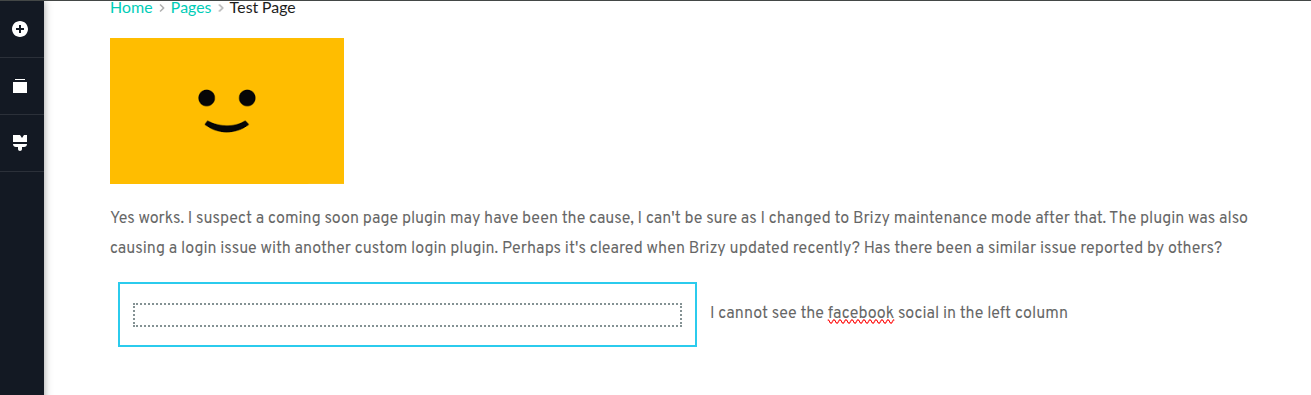
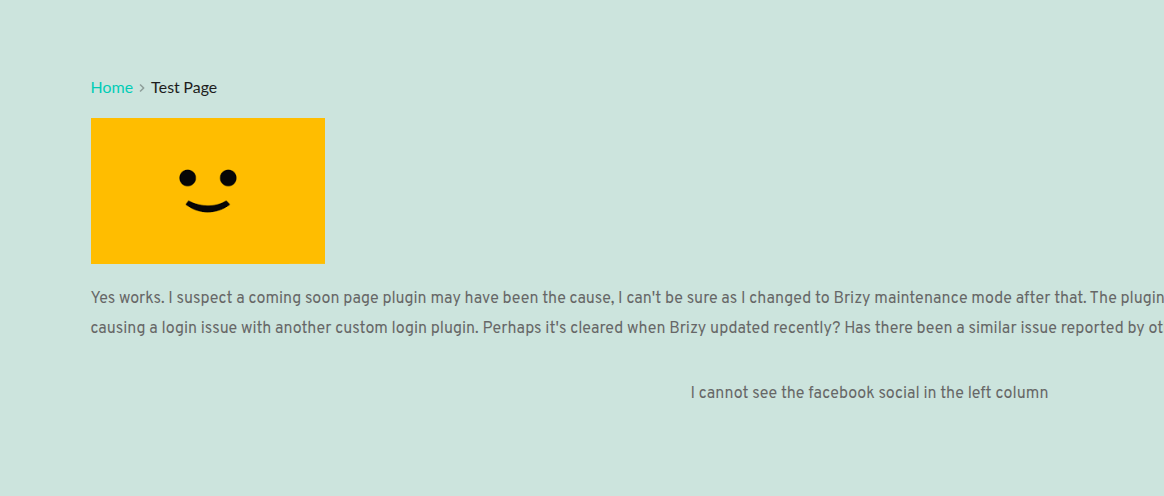
Take a look at the temp Wordpress site you created. Do you see the Facebook social, I don't!
 0
0 -
Hi Ray,
Thanks for the update.
Could you try using a different browser to see if the issue persists? Also, make sure you're logged into your Facebook account in another tab.
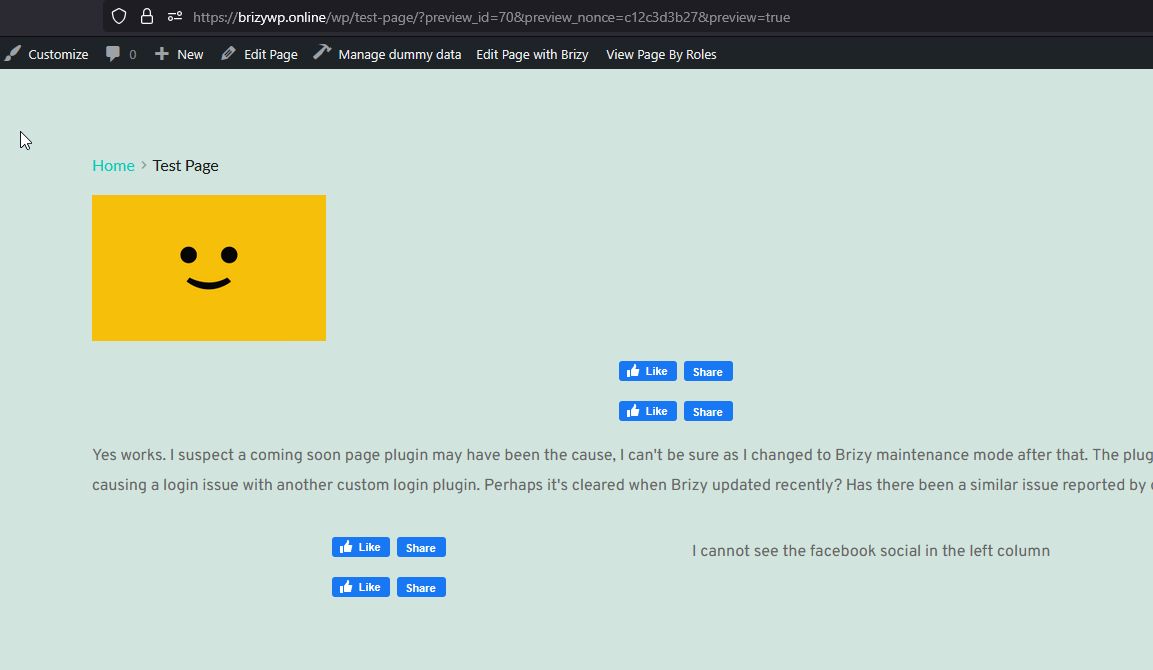
Give it a try and let me know the results.
Best regards,
Ariel H.0 -
Hello Ariel
I cannot log into Facebook as I haven't set an account because I can't see it even in the editor.
Tried Firefox and Opera, and I cannot see it in any browser. they are all updated regularly.Is this an OS issue?0 -
Hi Ray,
Thank you for the update.
To troubleshoot, please check the Developer Console in your browser (press F12 or Ctrl + Shift + I and navigate to the Console tab) to see if there are any errors related to Facebook. If you find any, please take a screenshot and share it with here.
Looking forward to your response.
Best regards,
Ariel H.0 -
No errors seen with F12
0 -
Hi Ray,
Thank you for the update.
I was able to replicate the issue in the Edge browser, but it doesn’t seem to occur on Firefox, Chrome, or Brave on Windows.
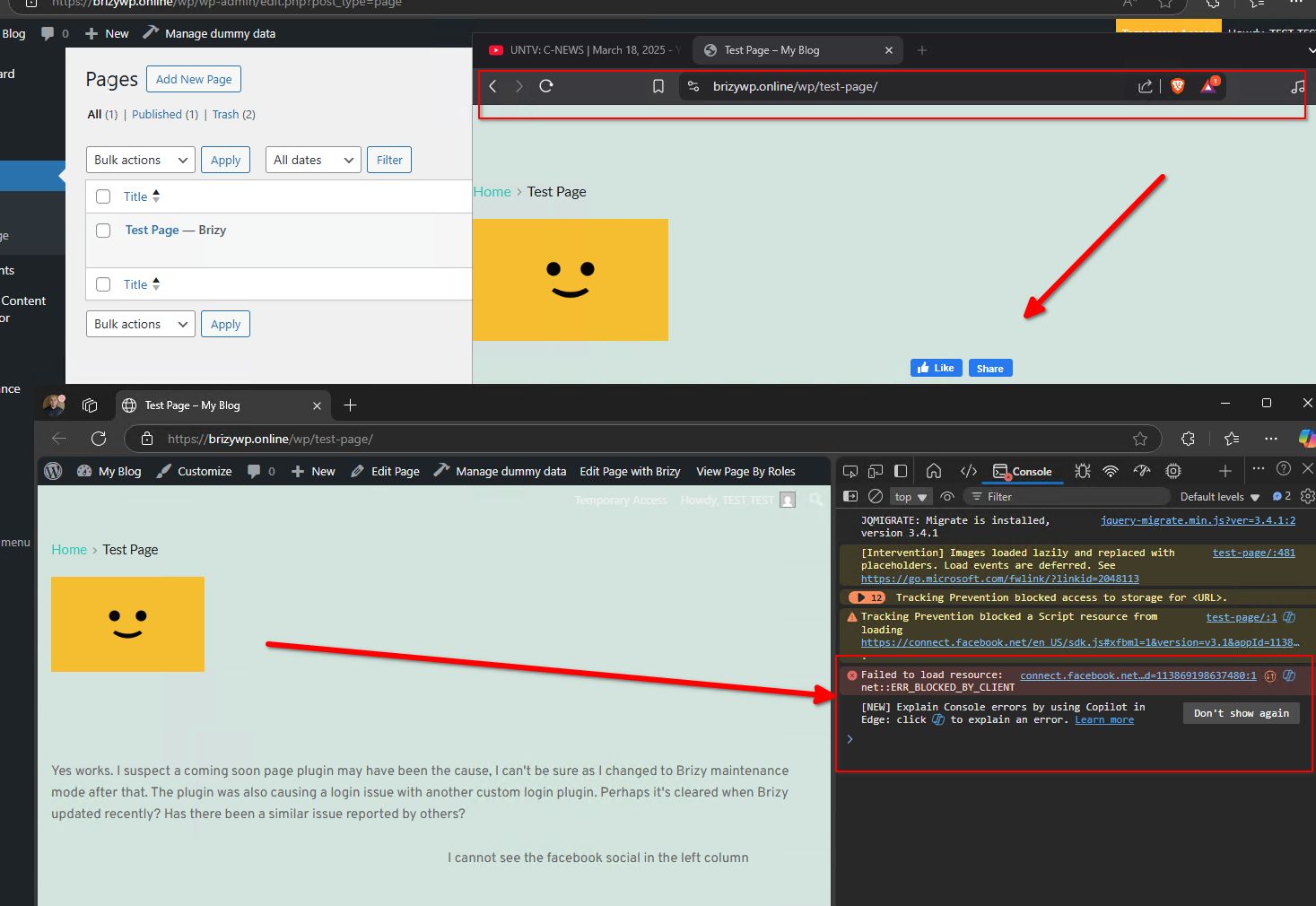
I’ll also check with a colleague who uses Linux to see if they can reproduce it. In the meantime, could you try loading the page on your smartphone and let me know the results?
Best regards,
Ariel H.0 -
ArielFor me I can not see it any browser.Also I have iPhone SE 3rd Ed. Using Chrome or Safari it is not visible. Not that it should make a difference, but I am in the UK (or GB).Thx0
-
Hi Ray,
Thank you for the update. That could be the case—Facebook's updated cookie consent rules for users in Europe may prevent the Like and Comment buttons from appearing in your region. You can find more details here:
https://developers.facebook.com/docs/plugins/like-button?locale=en_USBest regards,
Ariel H.0
Please sign in to leave a comment.
Comments
16 comments