Trying to add new block - saving endless loading

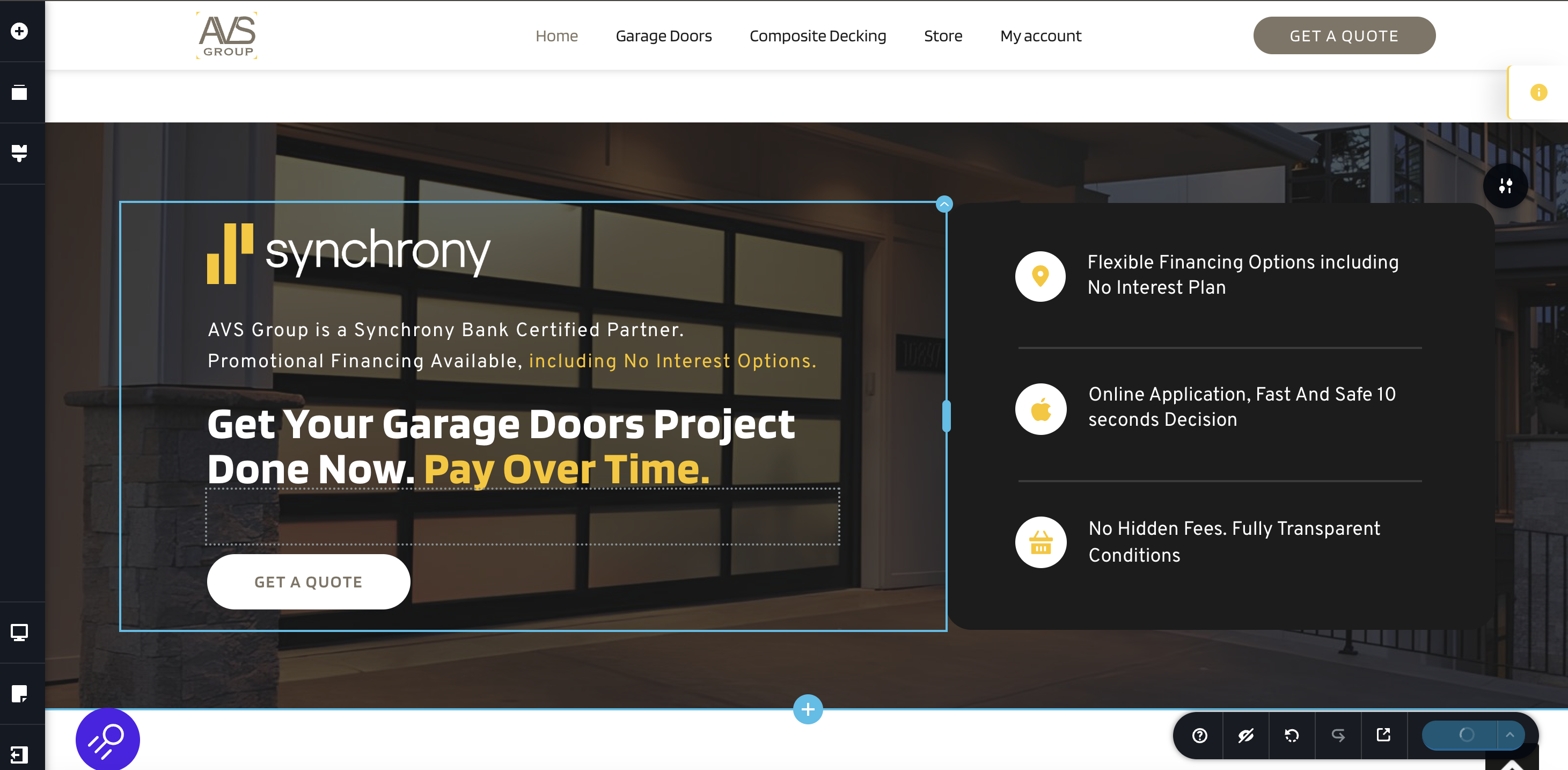
Hi. Was adding a new block - when try to save, got just endless loading. This is a block I've added, nothing special. Need help.
Thanks!

-

Hi Alexander,
Thank you for reaching out.
Please try the following steps to further troubleshoot the issue:
1. If you have Wordfence installed, temporarily disable it or set it to Learning Mode to see if that resolves the issue - https://www.wordfence.com/help/firewall/learning-mode/
2. If that doesn’t help, or if you don’t have Wordfence, try disabling all other plugins except Brizy and Brizy Pro, then check if the issue persists.
3. Additionally, consider switching to a different theme temporarily to see if that makes a difference.
Give these steps a try and let me know the results.
Best regards,
Ariel H.0 -
Hi Ariel.
I don't use Wordfence, however I did try to turn off all the plugins, but it did not really help. So after that I tried same block to other pages and it worked, that means the problem appears only at the homepage. Next I crated draft and started add saved blocks from the homepage, saving it after every block adding. All was good until I've added a menu block that I took here
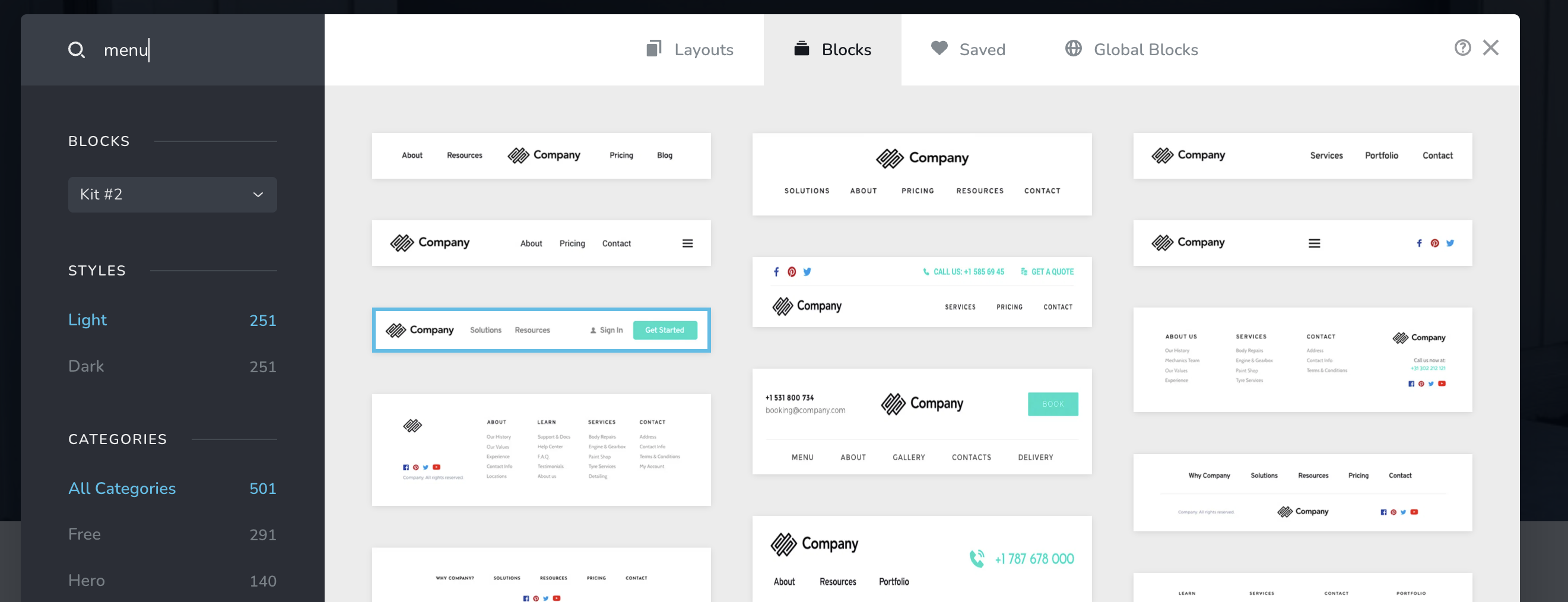
Right after that I got endless loading again.
0 -
Hi Alexander,
Could you please provide temporary access to your WP Admin so we can take a closer look at your site? Kindly add us as an Admin user in your WordPress Dashboard and send the details to communitysupport@brizy.io:
Community Post link: https://support.brizy.io/hc/en-us/community/posts/25251896759058
WordPress Admin URL:
Username:
Password:Best regards,
Ariel H.0 -
WordPress Admin URL: deleted
Username:
Password:0 -

Hello Alexander,
We receive the error "The password you entered for the username is incorrect". Kindly check the credentials.
0 -
Sorry, please use this
[ Credentials removed ]
0 -
Hi Alexander,
Thank you for the update.
Please update these settings in your php.ini file, or ask your hosting provider for assistance:
max_input_vars: 10000
memory_limit: 512M (or higher)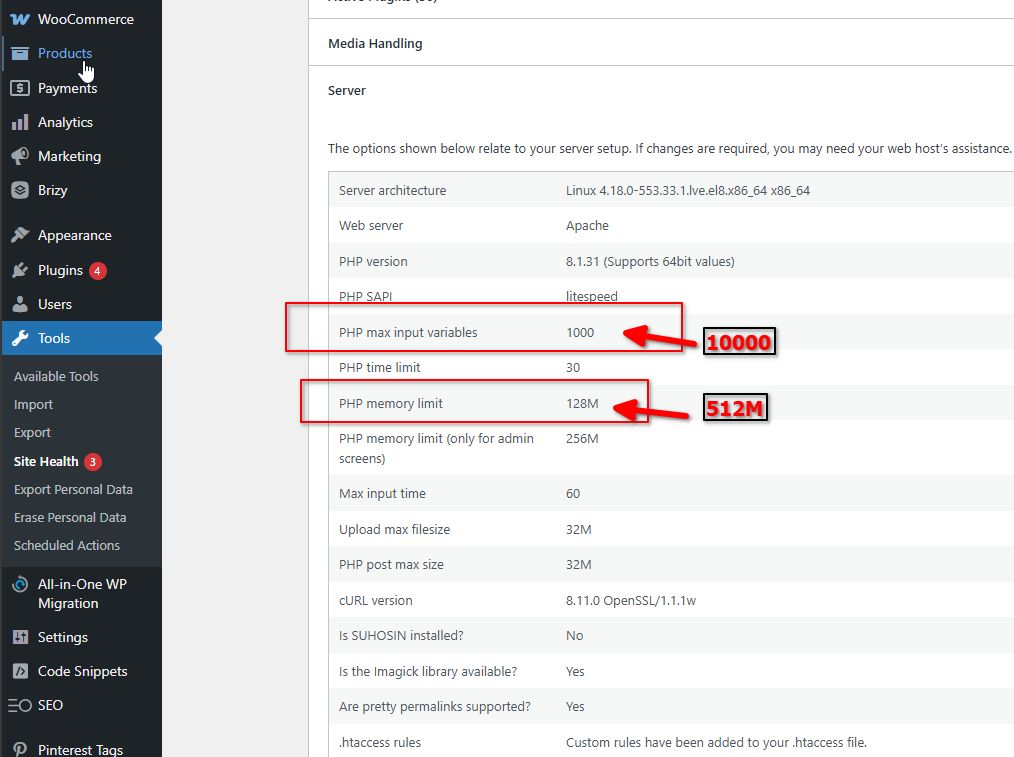
Increasing the PHP memory limit will help improve the user experience when editing and viewing pages, while increasing the PHP max input variables can help prevent saving issues.
If you have cPanel access, go to "Select PHP Version," click on the "Options" tab, and you should be able to adjust these settings there. Please refer to this Youtube video for more details - https://www.youtube.com/watch?v=W3z-CbxXpiA
Please try this and let me know how it goes.
Best regards,
Ariel H.0 -
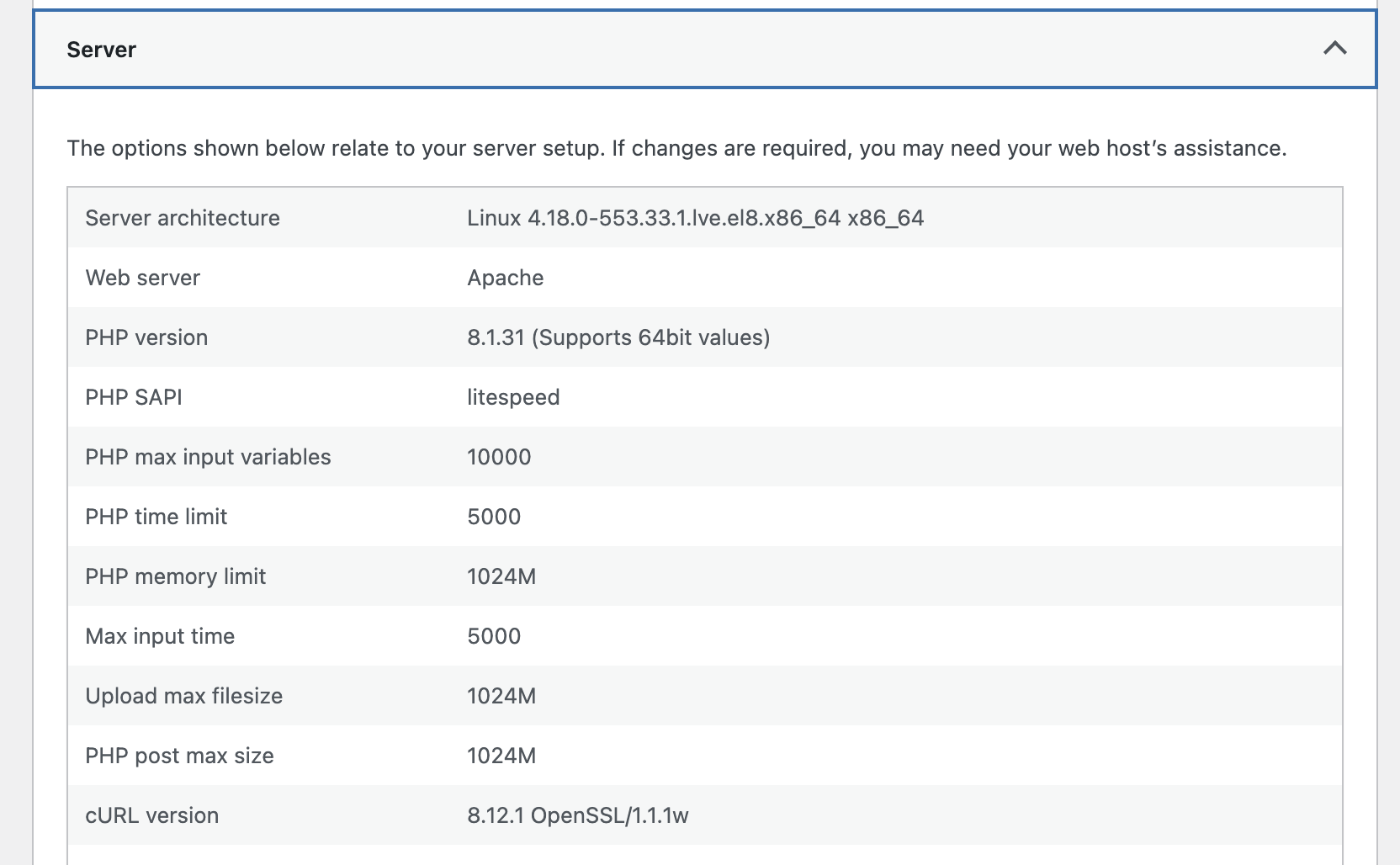
Hi Ariel. Sorry it took almost a week with GoDaddy to set correct option for php.ini. Now it's done, but result with page update is same. Could you please take a look again? Thanks!
 0
0 -
Hi Alexander,
Thank you for the update.
It seems your page saves fine with 10 blocks, but adding more triggers the issue, likely due to server limits set by your hosting provider.
To work around this, you can reduce the number of blocks, move some content to another page, or link to sections instead. You may also check with your host for any restrictions, such as request size limits, that could be causing this.
Please give this a try and let me know the outcome.
Best regards,
Ariel H.0
Please sign in to leave a comment.
Comments
9 comments