Problem: html file generated by brizy cloud without images

Hello Brizy Cloud.
I want to submit this problem to you.
If I try to download the html file of my site that I then have to upload to
my hosting I have this problem:
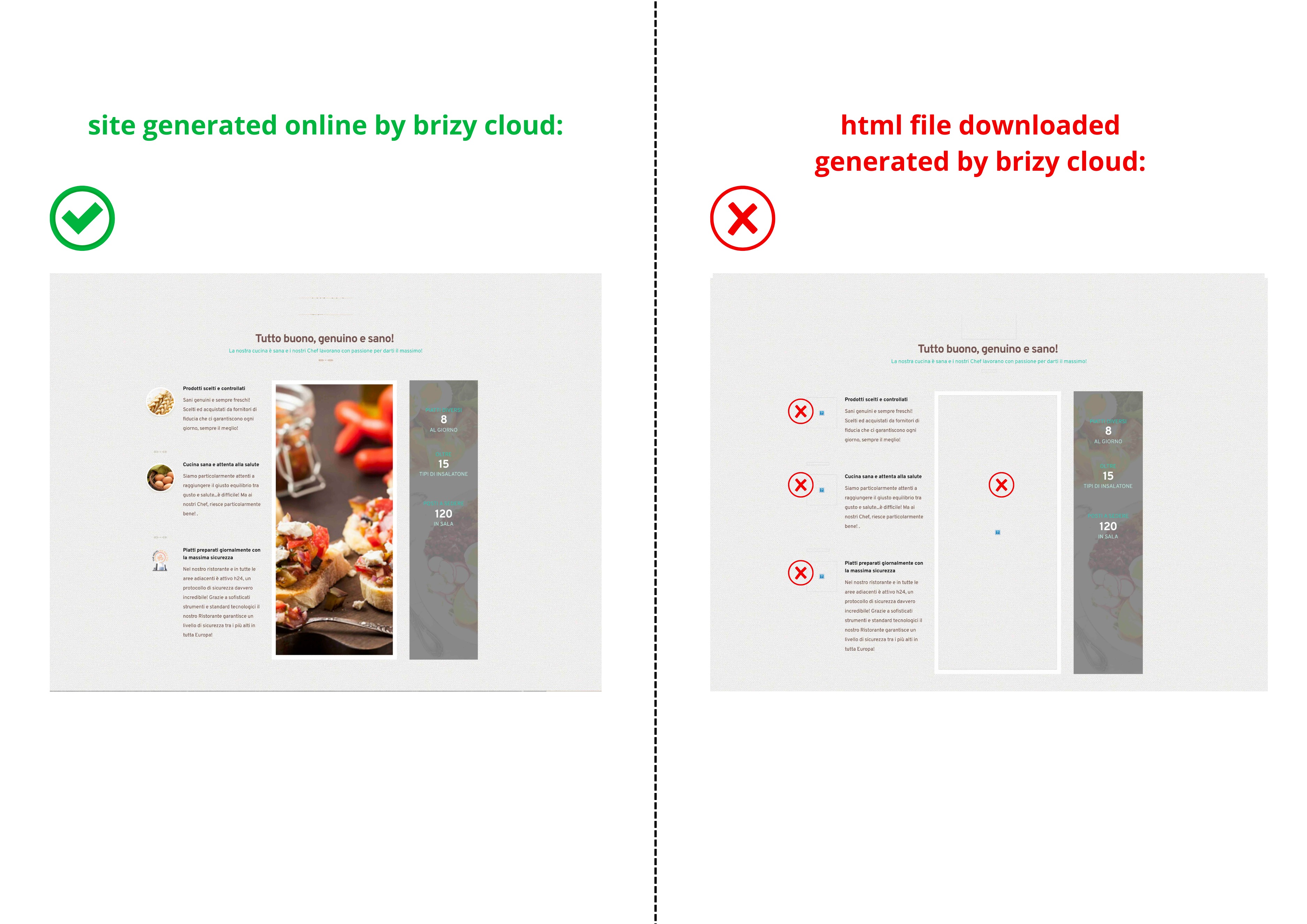
Some images that I see on the Brizy Cloud site, once I download and open
the html file generated by Brizy, are not shown. Instead of the images, an empty
space remains.
This happens both by uploading this html file to my hosting, and by
opening the html site locally, on my PC.
I would like to point out that the site has not been updated...
The images have remained identical for a long time and have never been changed.
The difference is that before they were visible, now they are no longer visible.
Attached are the images that I see by uploading the html site to
my hosting (or simply by uploading the same html site locally to my PC) compared to
what is seen on the Brizy Cloud site.
I specify that the visualization was done using the same browser and
that the same happens using other browsers.
I urgently need to solve the problem today.
Can you help me?
 Thank you very much.
Angel
-

Hello Angelo,
Kindly share with us the brizy.site URL of your project so that we can take a look. (Eg: https://quince2589296.brizy.site/)
0 -
Hello George,
The URL brizy.site generated by Brizy cloud for this site is this:
https://quince2589296.brizy.site/menu-asportoThanks for your help.
0 -
Hello Angelo,
The above project was created using the Brizy Cloud legacy project format. Projects that were developed prior to February 2021 follow this format. Export HTML option recently stopped working in this format. Since this project format is not being maintained, we cannot fix this issue in this project.
The solution is to recreate the project using the current project format. There isn't an automated procedure in place to migrate projects from the legacy format to the current format. However you can recreate the projects in the current Brizy Cloud project format, following a manual procedure.
- Save each page as a layout in the old project
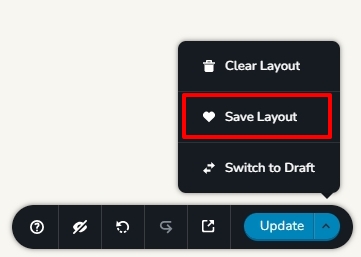
- Create a new project and add pages one by one and import the page layouts saved in step 1
- Copy paste the global styles and typography from the old to the new project
- Recreate menu, setup global blocks and display conditions
- Re-setup the email notifications for Brizy forms in the new project
I have recreated your project in the current project format following the manual process. Name of the new project is appmenu ristorante new and its preview URL is https://aardvark219980e7.brizy.site/
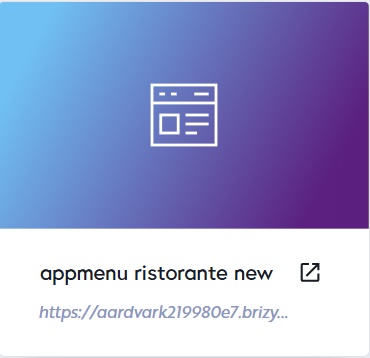
Please check and verify if all content is migrated to this project. Migrate the remaining content and then kindly generate the Export HTML file from this project. Images in this new project should work fine.
0 - Save each page as a layout in the old project
-
Thank you for your great help George!
I couldn't have solved this out by myself. Thank you!
Have a great weekend.
Regard
Angelo
0
Please sign in to leave a comment.
Comments
4 comments