Urgent: Brizy Pro Editor Not Loading – Assistance Required

Dear Brizy Support Team,
I am reaching out regarding a critical issue I am experiencing with Brizy Pro on my WordPress website.
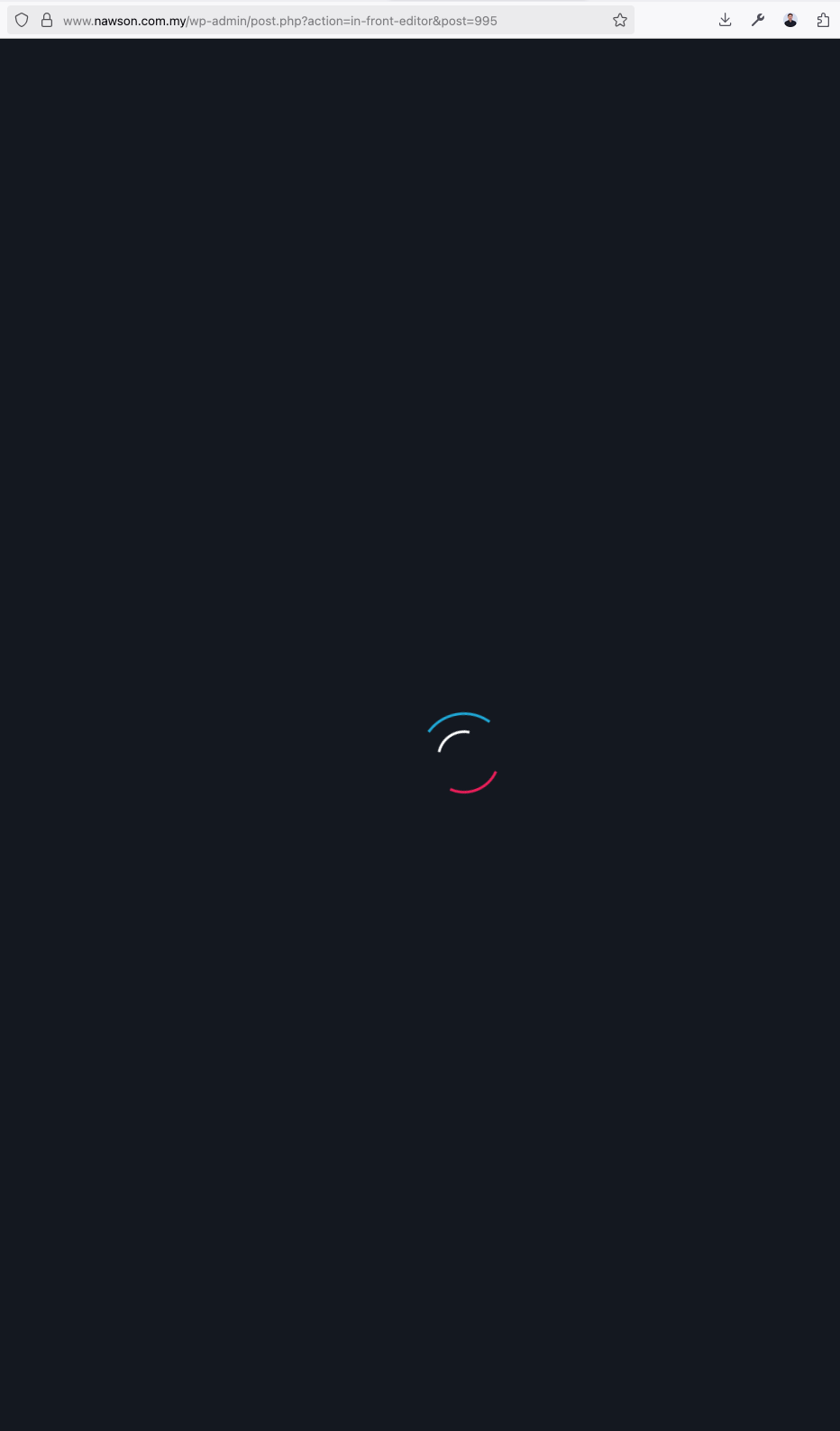
Issue Description:
•The Brizy Pro editor is not loading when attempting to edit pages. It remains stuck on the loading screen.
•I have tested different browsers and cleared all caches, but the issue persists.
•Security settings have been reviewed in Plesk, and I have ensured that PHP execution is not blocked in required directories.
Troubleshooting Steps Taken:
1.Updated Brizy Pro to the latest version.
2.Disabled all other plugins and themes to check for conflicts.
3.Reinstalled Brizy Pro after completely removing it.
4.Checked wp-config.php and enabled WordPress Debug Mode, but no specific errors related to Brizy appeared in the logs.
5.Cleared OPcache and server-side caching.
Request for Assistance:
I would appreciate your guidance on how to resolve this issue.
•Is there a recommended server configuration that I should follow for Brizy Pro to function correctly?
My website details:
•Domain: nawson.com.my
• WordPress Version: 6.7.2
•Brizy Pro Version: 2.6.8
•Brizy Version: 2.6.12
• PHP Version: 8.3
Please let me know how I can proceed to resolve this issue. Thank you for your prompt support.
Best regards,
Josh
-

Hello Josh,
Can you try these and get back to us with your findings?
- Install the theme "Blocksy", activate it and check if the above issue resolves
- Sign in to your hosting account and check if a security system, malware protection software or a firewall (or any software that can interfere with other software) is enabled in your hosting control panel. Disable it and check if the issue persists
0 -
It's fixed! George, you did helped me to understand the problem is coming from my template. I didn't use the Blocksy but tweak some setting on the current template, and it works! Thanks!
0
Please sign in to leave a comment.
Comments
2 comments