SMTP emails can not be sent

Hello,
We have entered the following settings for the e-mail form connection: Host: smtp.office365.com, TLS, Port 587. Unfortunately, the connection cannot be established. We have checked all the settings on the email server and the configurations are correct.
can you please check this
Kind regards,
Romel Janeski
-

Hello Romel,
Kindly share with us the URL of the page where you are facing this issue. We will take a look
0 -
Hello George
Thanks.
http://kizacasa.cyon.site/demo-products/
the website is not running with the correct domain yet.
regards Romel
0 -
Hello Romel,
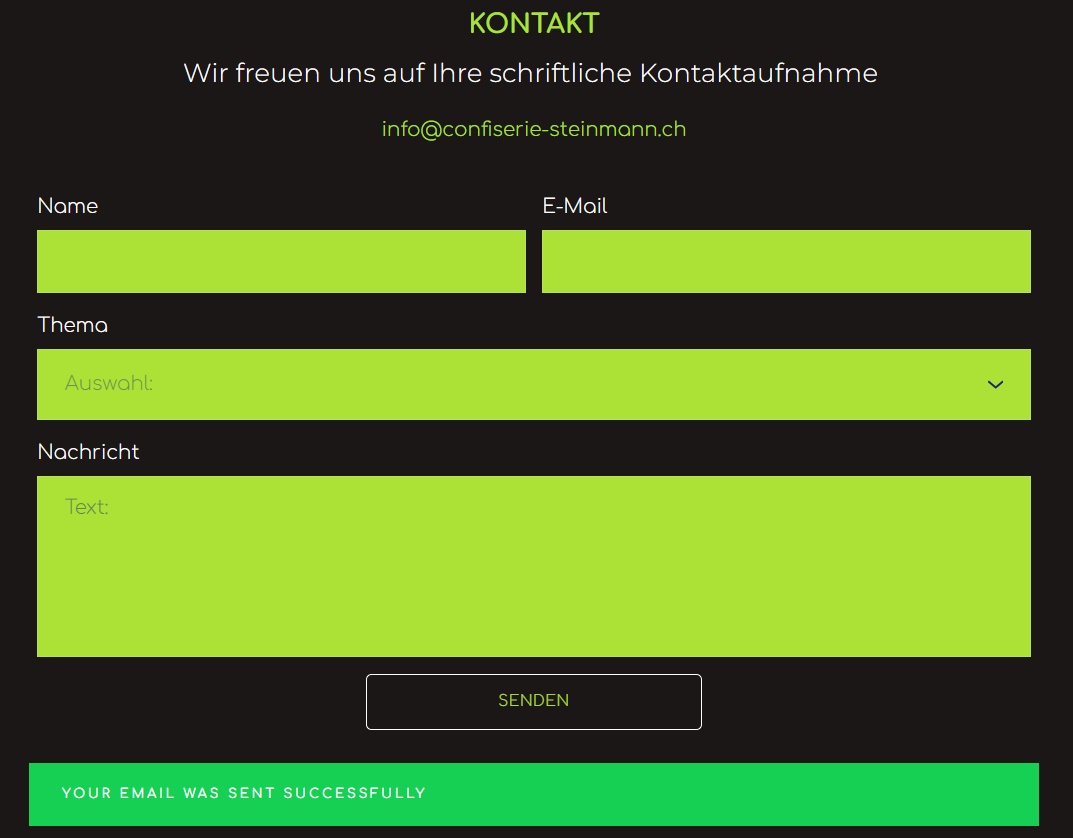
Are you facing the issue with Brizy form at https://kizacasa.cyon.site/#kontakt? I filled up the form and I received a confirmation "Your email was sent successfully". Are you experiencing the error "the connection cannot be established" with this form or another form? How do we see the error?
 0
0 -
Yes, it works. Unfortunately, the contact email connection in WordPress is not secure and many emails end up in the spam folder. We would therefore like to set up an SMTP connection.
Here is the link to the form in which we have correctly entered the host, port, user name and password. I have already contacted IT support, but unfortunately the connection is not working.
https://kizacasa.cyon.site/bestellvormular-apero/
See photos:
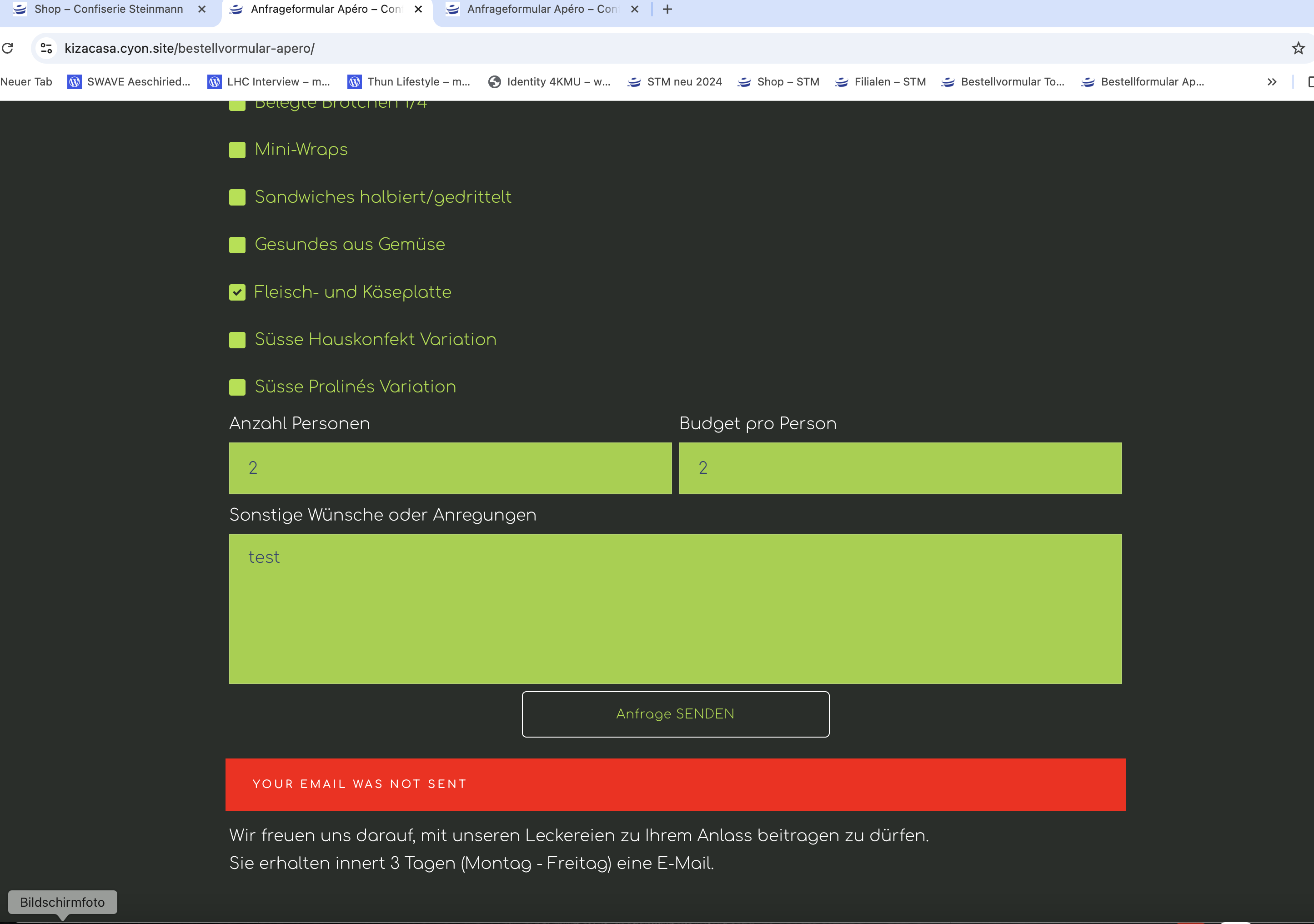
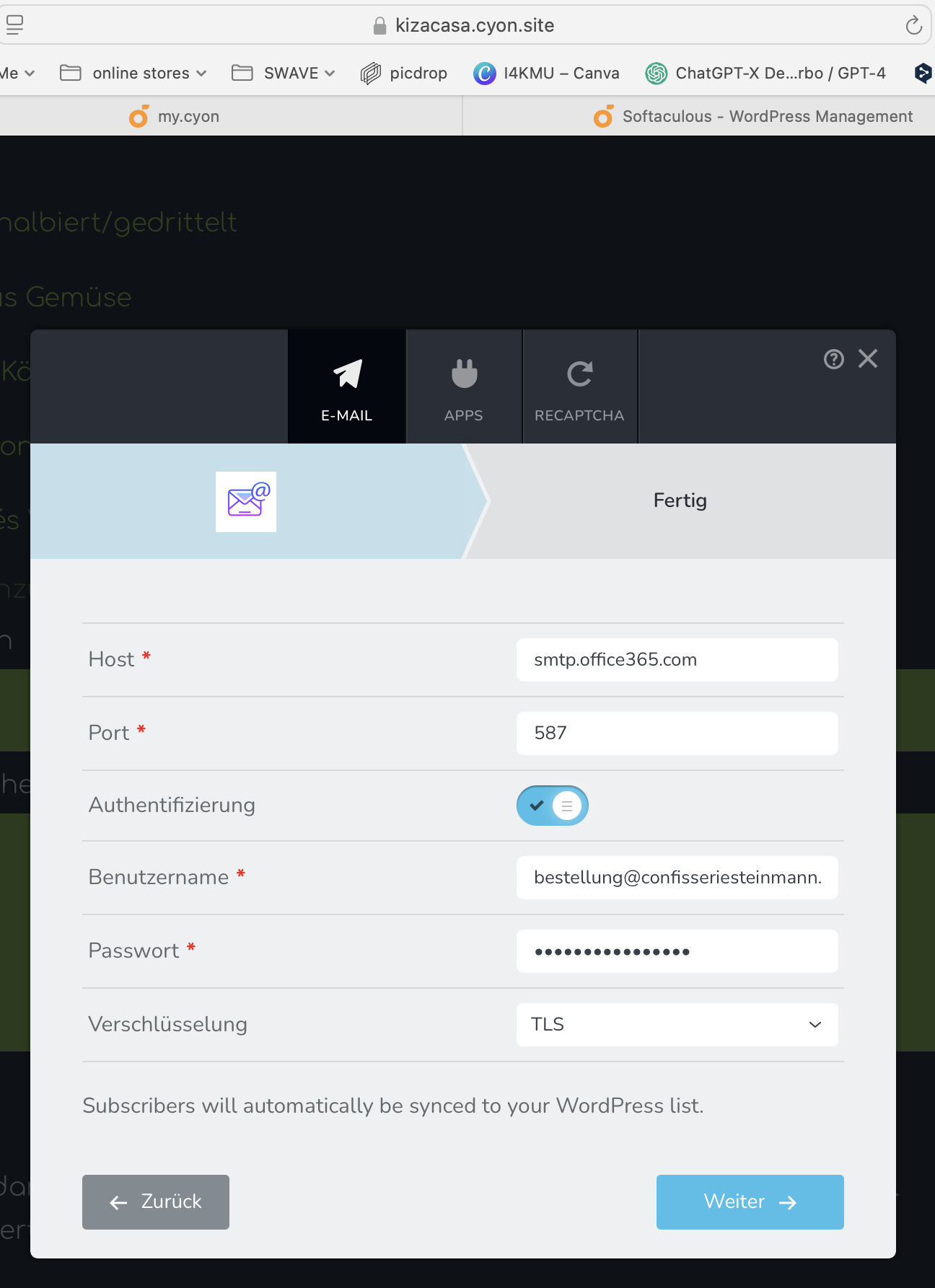
Could you please help us to solve the problem?
Many thanks in advance!
0 -
Hello Romel,
I see the message "SMTP Error: data not accepted" in the browser console when submitting your form. Please see the screenshot at https://jmp.sh/sbZLDPRA This message usually indicates that the SMTP server is rejecting the email data you're trying to send, often due to issues with the "From Email" address not matching the configured SMTP username, incorrect email formatting, or potential restrictions on the sending domain within your Office 365 settings. To fix the issue, kindly try these
- To ensure that Office 365 can authenticate your email address, set the username for the SMTP authentication as your "From Email" address. You can read more about it at https://learn.microsoft.com/en-us/defender-office-365/email-authentication-about
- If you want to use a different "From Email" address than your username, confirm that this the email domain is configured to send emails through your Office 365 account. Kindly follow instructions at https://learn.microsoft.com/en-us/microsoft-365/admin/email/select-domain-to-use-for-email-from-microsoft-365-products?view=o365-worldwide You may need to verify the domain before Office 365 accepts it as a sending domain.
You could also the SMTP testing service at https://www.gmass.co/smtp-test to test and verify that your SMTP is correctly configured. After the test, if you do not see errors highlighted in red, your SMTP settings are correct.
0 -
Yes Thanks it works! ;-) I have only entered "from email"
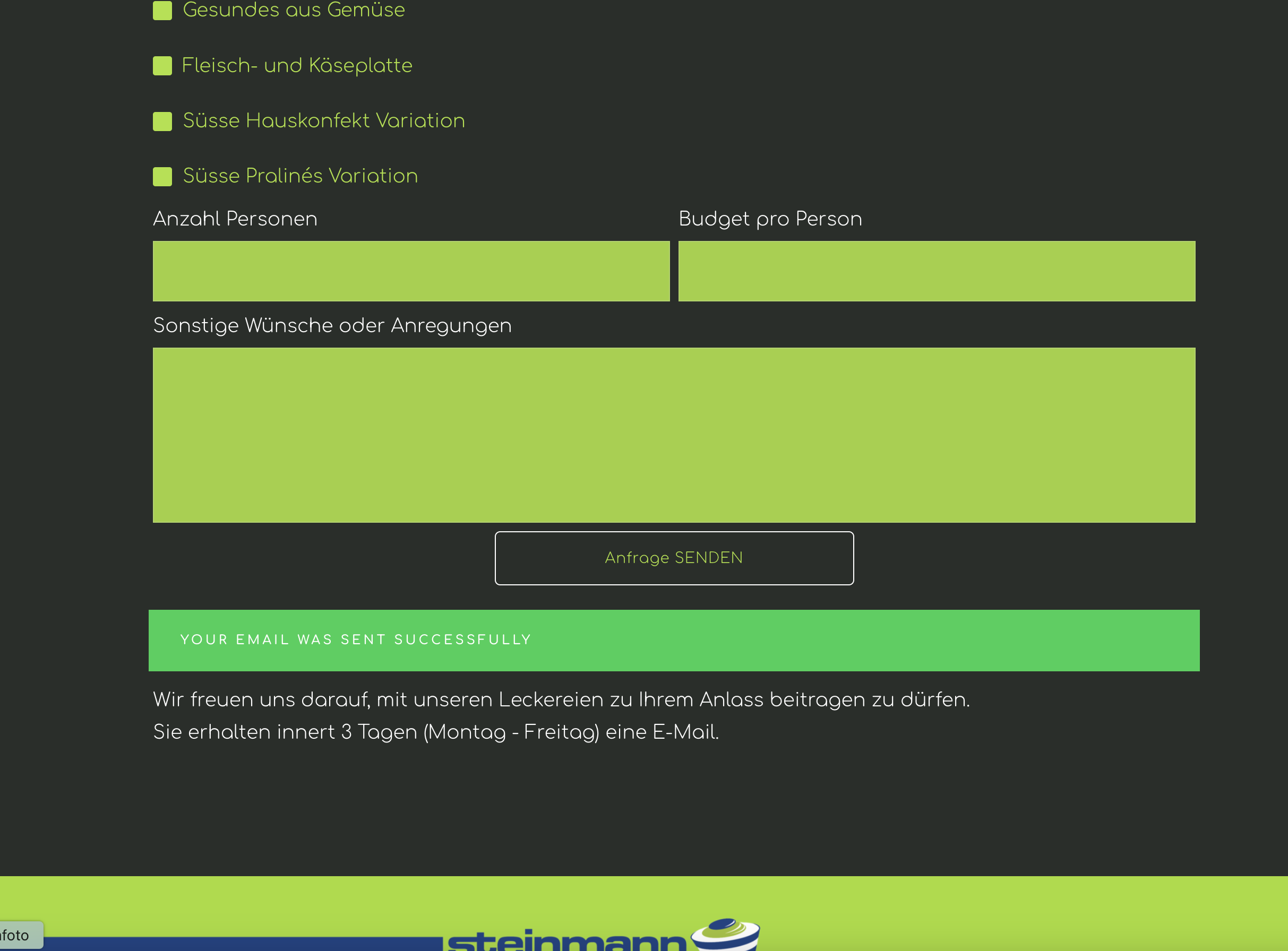
is it possible to have the confirmation text in german?
 0
0 -
Hello Romel,
Yes; you can add a custom success message in German. Click on the "Anfrage SENDEN" button, select the "Link" icon and add your custom success message.
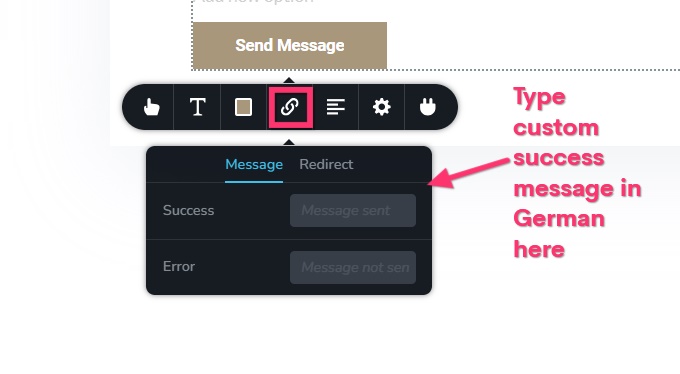 0
0
Please sign in to leave a comment.
Comments
7 comments