Contact form issue upon saving

Hi,
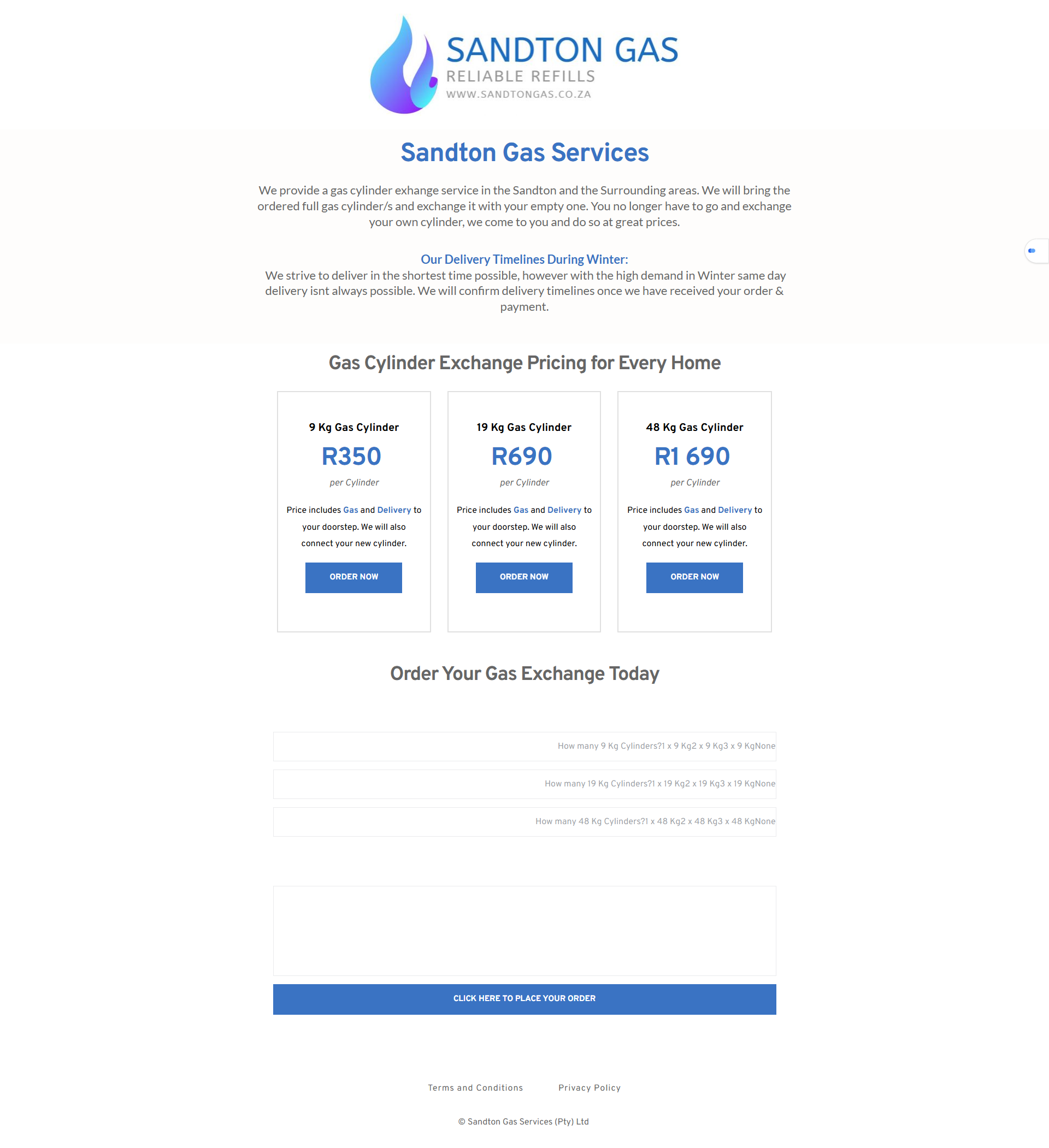
we have read as many posts are available, we have put wordfence in learning, disabled modsecurity and added the suggested file additions to htaccess. None of this have solved the problem, that the moment we make a change to the current page it breaks the form. Even if we just change one character this issue occurs. Below is a screenshot of the admin view and the preview.

-

Hi Niel,
We're sorry to hear you're having this issue with Brizy.
Please provide us with temporary access to your WP Admin page so we can take a look. Please add us as an Admin user to your WordPress Dashboard and send the following details to communitysupport@brizy.io.
Community Post link: https://support.brizy.io/hc/en-us/community/posts/25036167774354
WordPress Admin URL:
Username:
Password:Additionally, we will also need temporary access to FTP/cPanel:
FTP / cPanel host address:
Username:
Password:Best regards,
Ariel H.0 -
Hi Niel,
Thank you for your cooperation.
It looks like the issue is related to a conflict with the current theme. However, since your site doesn’t allow adding a new theme for testing, I recommend temporarily switching to a different theme to see if that resolves the issue.
If that doesn’t help, you might try setting up another WordPress instance on a subdomain and testing the form there to see if the issue persists.
Best regards,
Ariel H.0 -
Hi Niel,
Thank you for the update.
I imported the page to my testing site to investigate, but I couldn’t replicate the issue. You can see this in the screencast: https://youtu.be/BRBo0LgCXSE
As shown in the video, I added a new field, saved it, and the form remained intact.
The issue seems to be related to server limitations on your end. I recommend reporting this to your hosting provider so they can look into it further. Alternatively, you could install WordPress on a subdomain or subdirectory and check if a fresh installation resolves the issue.
Let me know how it goes.
Best regards,
Ariel H.0 -
Hi Niel,
I understand your concern, and I want to clarify that the homepage was never modified. We imported the layout and exported it into a remote testing server to ensure that we were working with a cloned version. The screencast we provided also shows a different URL, confirming that the testing was done on a separate environment.
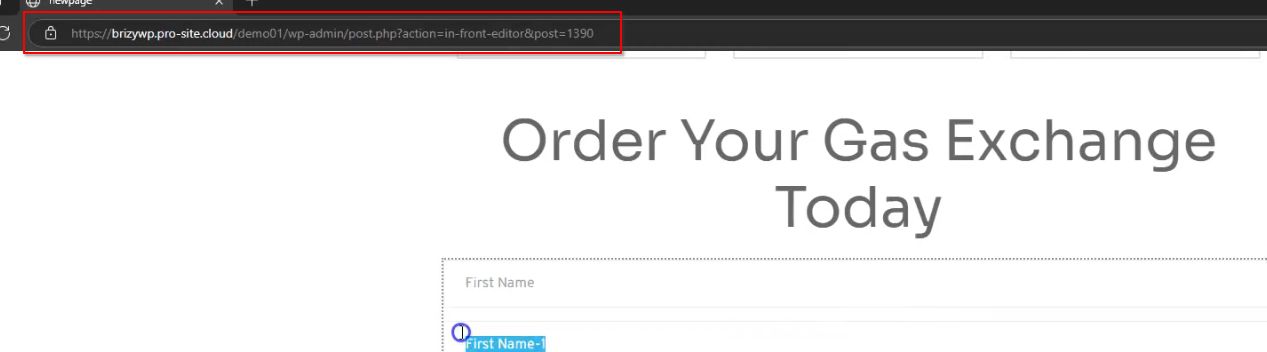
Additionally, during our testing, we were unable to replicate the issue you described with the form. To help narrow down the cause, have you checked with your hosting provider regarding this? You might also try replicating the issue on a separate staging site to see if the behavior persists.
Let us know how you'd like to proceed, and we’d be happy to assist further.
Best regards,
Ariel0 -
Hi Lenie,
Thank you for the update. I tested the form on my end, and it appears to be working properly.
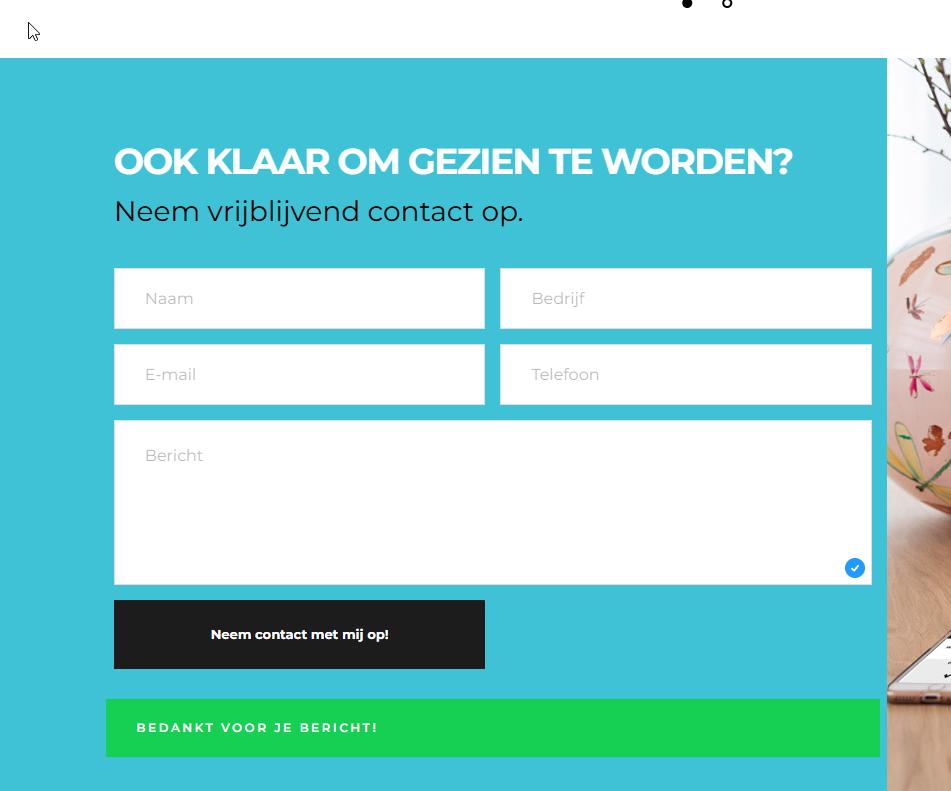
Could you please try clearing your browser cache or testing it in a different browser to see if the issue persists?
Kind regards,
Ariel H.0
Please sign in to leave a comment.
Comments
5 comments