iFrame Popup Performance

I am experiencing an issue with a significant drop in page performance when using Brizy popups with iframes. I have the following booking popup saved in my project library:
It has an iframe that loads external booking content: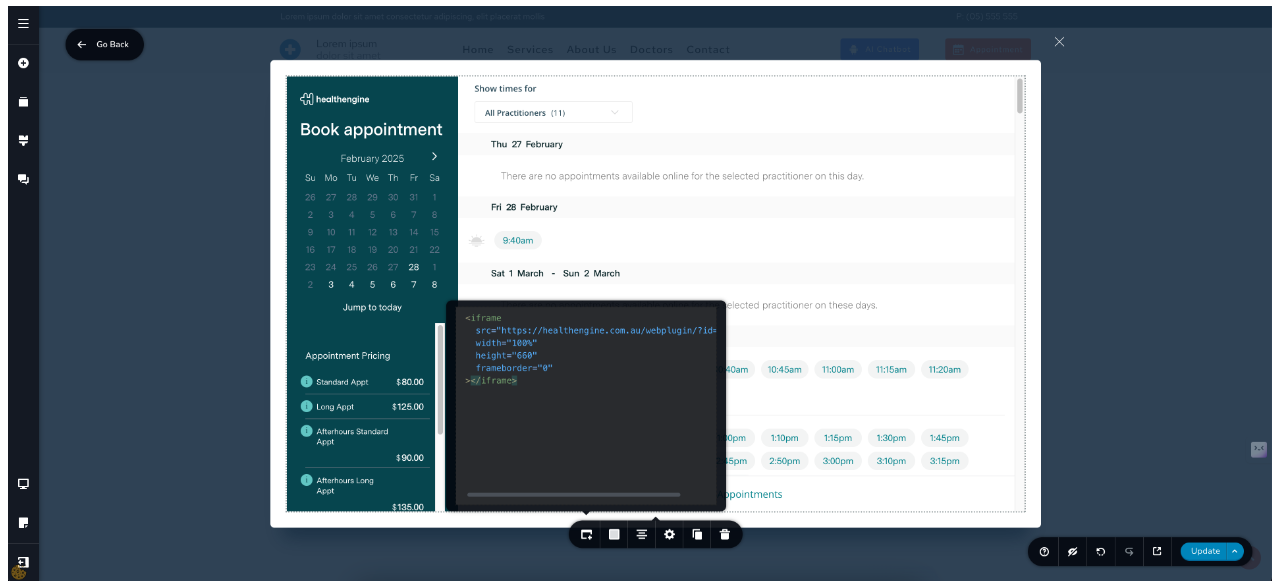
Brizy Cloud has two options to create popups within a project:
- Global Popups Builder under “Project Assets > Popups & Alerts”
- On page popups that are triggered from the block link.
If I need to trigger a popup from the button click on the page, I would have to create a new one or select my saved popup template from the library. In this case, it would inject popup code with an iframe into the HTML page.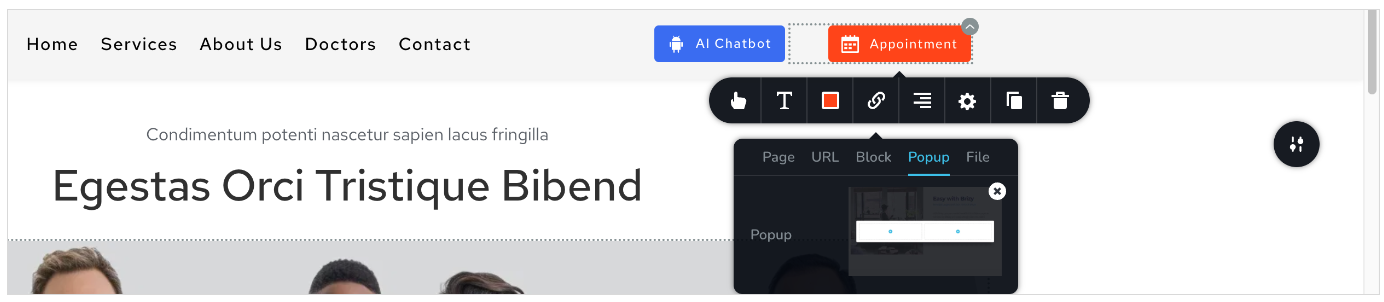
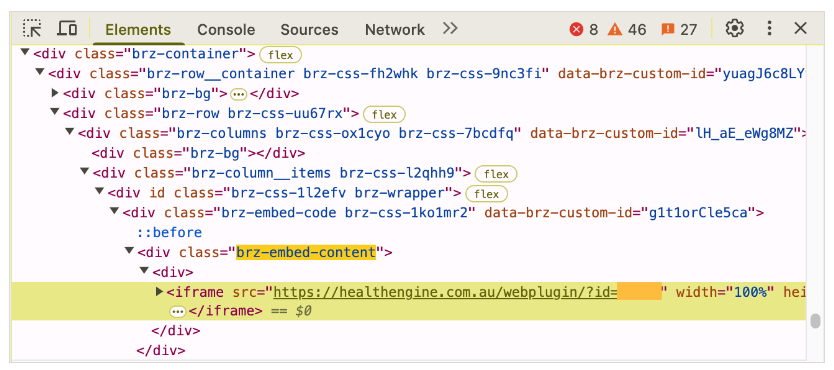
However, if I want to have multiple buttons on the page that would trigger exactly the same popup, I would have to select my saved template from the library again. In this case, it would inject the same popup code with an iframe into the HTML page again. The more buttons I use to trigger that popup, the more popup/iframe injections I would have in the HTML. This creates a bloated html code and significantly decreases the page speed performance.
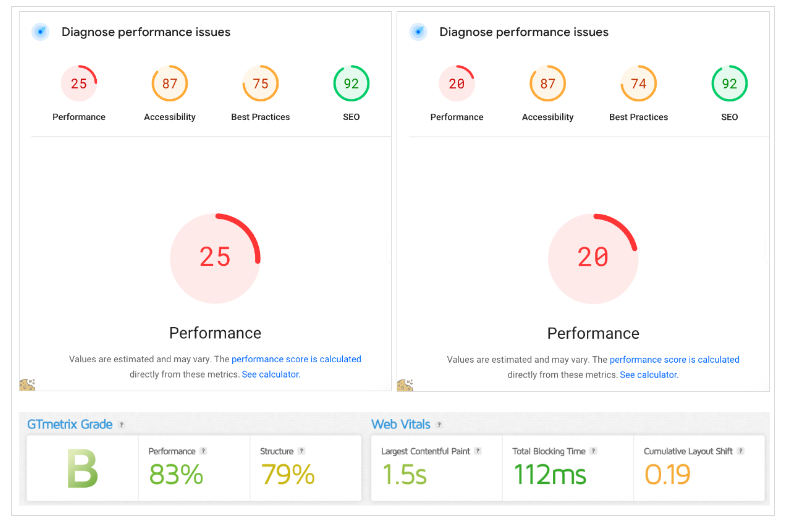
In some WordPress page builders and themes, there is an option to create popups with dedicated popup builders similar to the Brizy Global Popups Builder. It is possible to trigger these popups from a button click. In this case, the popup/iframe code is only injected into the HTML once and can be triggered multiple times from any number of page elements without repeatedly injecting the same code.
Similarly, in the Brizy Global Popups Builder, there is a “Display Condition” setting where I can set an “On Click” trigger. However, it only applies to a number of clicks on any page element, not a particular button. If I leave the “Display Condition” setting empty, nothing will trigger this popup.

In WordPress page builders and themes, each popup has its own ID, which can be triggered through the additional CSS class of the button or any other element. However, I couldn’t find anything similar in Brizy WP/Cloud.


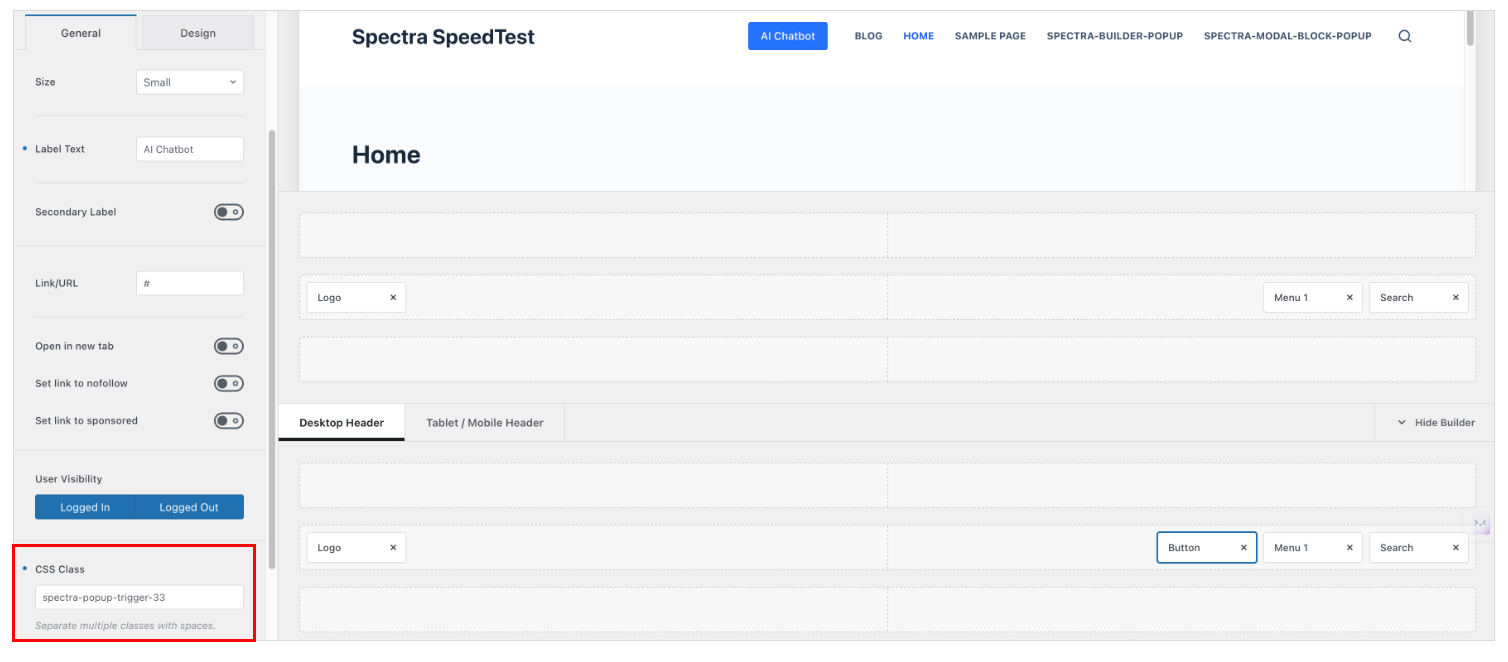
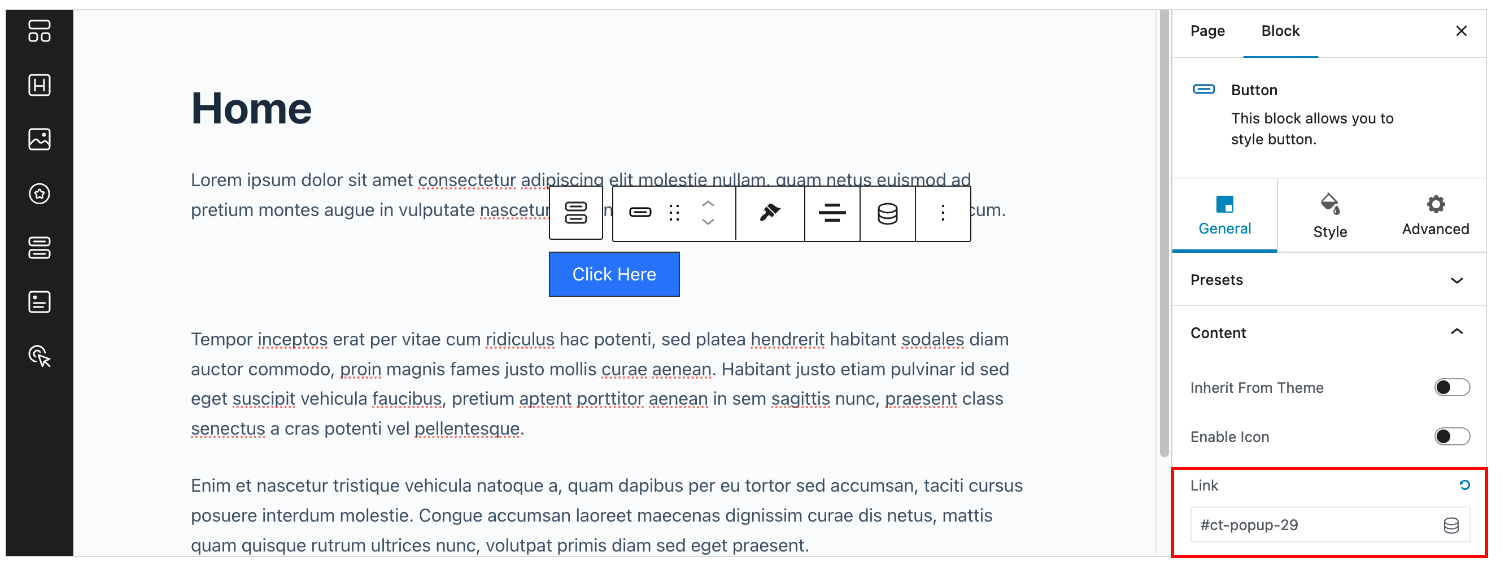
Is there a workaround to create one global popup using the Brizy Popup Builder that I can trigger from buttons or any element multiple times? This would help minimize code bloat, as it would inject the code once and enable triggering from any element multiple times.
-

Hi,
Thank you for contacting us.
At the moment, creating a single global popup in Brizy that can be triggered multiple times from different elements is not possible. Each popup is currently tied to individual elements when set up.
We encourage you to share this idea as a feature request on our Ideas and Roadmap page at https://www.brizy.io/roadmap. This platform allows users to comment and vote on features, increasing their chances of being included in future updates.
We appreciate your support and insights as we strive to make Brizy even better. If you have any further suggestions or feedback, please feel free to share.
Best regards,
Ariel H.0 -
Hi Ariel,
After a few experiments with the assistance of DeepSeek V3, I was able to figure out quite a solid alternative that solves two issues: increasing page speed performance and providing the option to trigger the same "iframe popup" from different elements/buttons. It's based on a JS "onclick" script, which is one of the oldest and lightest methods. It opens content in a separate, sized, and centered window when any element with the class 'mybutton1' is clicked.
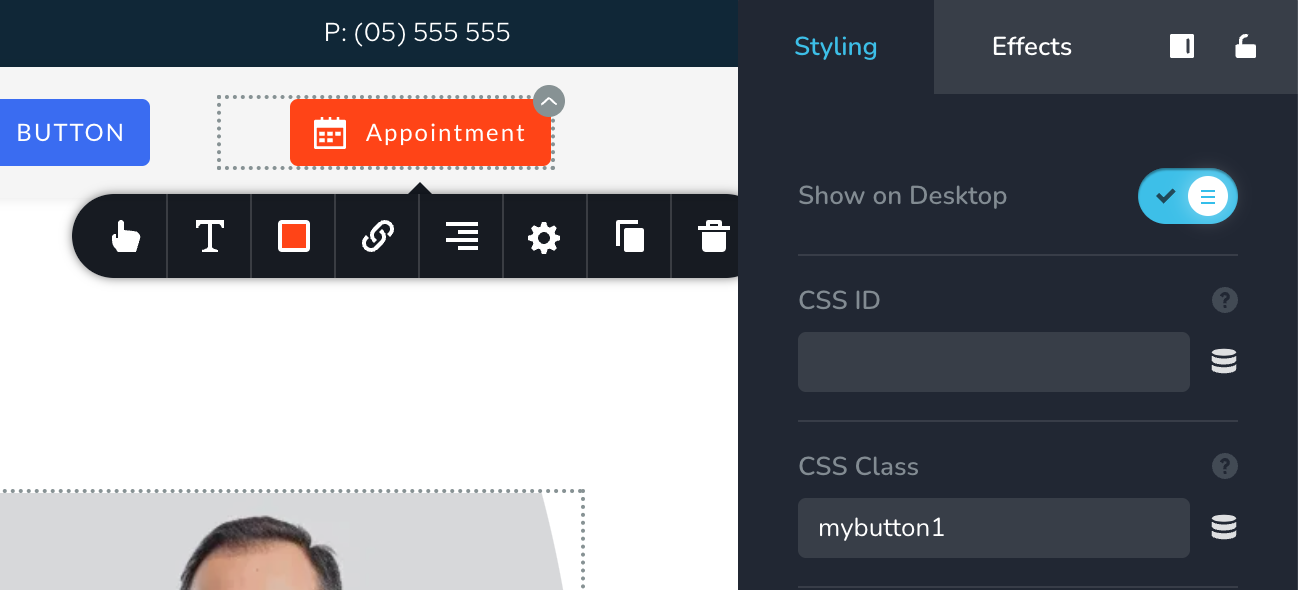
All I needed to do is add the custom class 'mybutton1' to all the required buttons and inject the following script into the footer of the page or the entire project.<script>
var contentWindow;
function openContentPopup() {
var screenWidth = window.screen.width;
var screenHeight = window.screen.height;
var popupWidth = window.innerWidth * 0.4; // 40% of the viewport width
var popupHeight = window.innerHeight * 0.7; // 70% of the viewport height
// Calculate the position to center the pop-up window
var popupLeft = (screenWidth - popupWidth) / 2;
var popupTop = (screenHeight - popupHeight) / 2;
// Define popup features to hide browser elements
var popupFeatures = `width=${popupWidth},height=${popupHeight},left=${popupLeft},top=${popupTop},resizable=no,location=no,menubar=no,toolbar=no,status=no,scrollbars=yes`;
// Open the popup window
contentWindow = window.open('https://your-domain.com/page', 'contentWindow', popupFeatures);
// Add focus event listener to the parent window to close the popup when focus is lost
window.addEventListener('focus', closePopupOnFocusChange);
}
function closePopupOnFocusChange() {
// Check if the popup window is open and close it
if (contentWindow && !contentWindow.closed) {
contentWindow.close();
}
// Remove the event listener after closing the popup
window.removeEventListener('focus', closePopupOnFocusChange);
}
// Add event listener to all elements with the class 'mybutton1'
var buttons = document.querySelectorAll('.mybutton1');
buttons.forEach(function(button) {
button.addEventListener('click', function() {
openContentPopup();
});
});
</script>The only disadvantage of this method is that opening a new popup window may feel less integrated than a native lightbox modal iframe, as it may include browser elements like the URL bar, scrollbars, etc., unless explicitly hidden. However, it performs its job and works quickly without impacting website performance. This way, I can create dynamic content on a WordPress subdomain (WooCommerce, Amelia booking plugins) and load it on demand in a modal-like popup while keeping the primary pages in a static format on Brizy Cloud or BunnyCDN.
Obviously, this method only relevant if my popup consists of a single iframe, as that is all I need. I cannot use this method if I want to create a fully functional popup with multiple Brizy elements. I would need to create a new page in Brizy and trigger it as a JS onclick popup.
0 -
Hi,
Thank you for sharing your findings, and I appreciate the effort you've put into addressing these limitations. I’m sorry for the challenges you've encountered while trying to achieve this setup.
Unfortunately, we don’t have a built-in solution to offer at the moment. However, I’d recommend exploring third-party popup builder plugins, as they might provide a more customizable integrations for your needs.
Best regards,
Ariel H.0
Please sign in to leave a comment.
Comments
3 comments