Page Layout Export-Import Error

I am experiencing an issue with exporting and importing a page layout. I have a page created in Brizy Cloud that includes several buttons associated with on-page popups. I exported this page from one project and imported it into another (Save Layout > Download > Import Layout). I also exported the layouts of my popups and imported them into the library of the new project. It is clear that all the buttons in the new project do not maintain their association with the on-page popups, so I need to recreate these connections. However, when I click the Popup [+] button and try to select the imported (saved) popup from the library, an error message appears: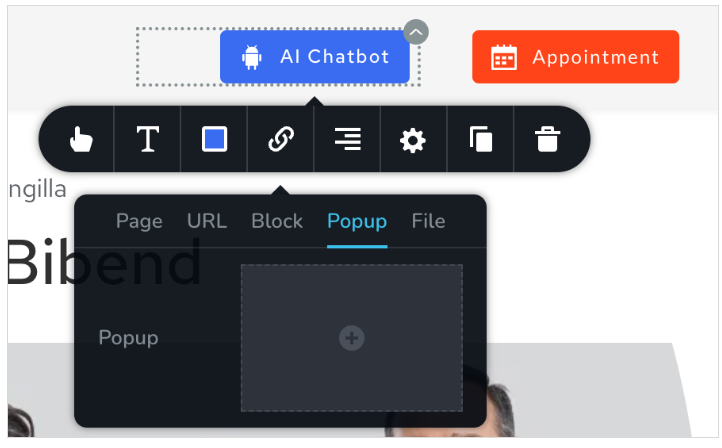
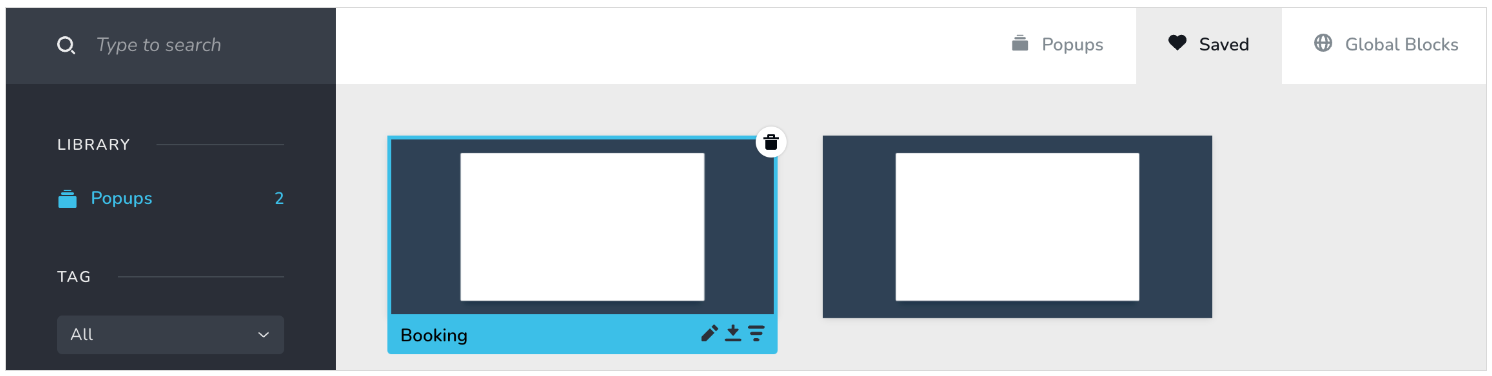
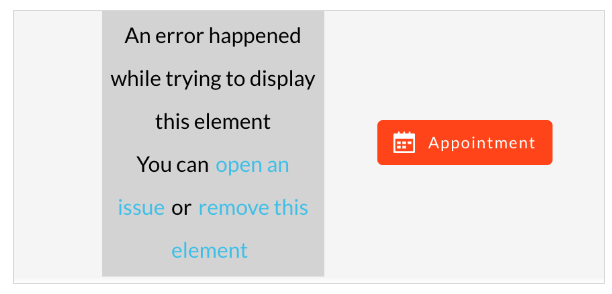
I have to refresh the page to remove the error, but this doesn't fix the problem if I repeat the same steps. As a workaround, I found that if I recreate the button by adding a new one, copying the styles from the original faulty button, and then deleting the original, I can follow the same steps without any issues. I am then able to select my saved popup layout from the library.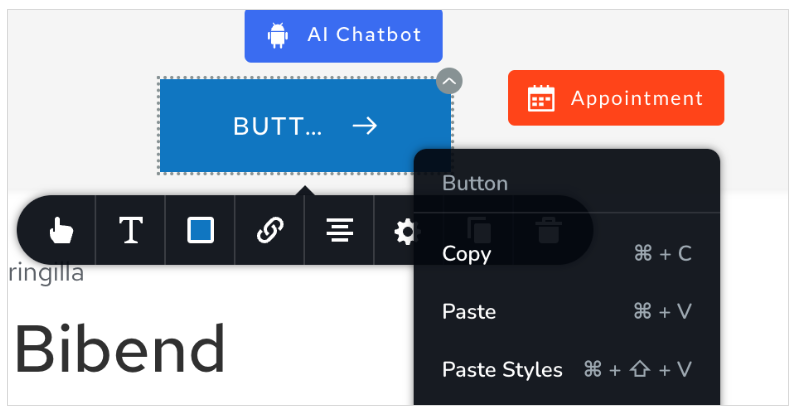 This issue only occurs when I select my own imported (saved) layout. It does not happen if I create a new layout or select a template. This issue occurs with the import and export between Brizy Cloud projects, as well as between Brizy Cloud and Brizy WordPress.
-

Hi,
Thanks for contacting us.
It seems the button issue might be due to the layouts being created in older versions of Brizy for WordPress. To resolve this, please update the saved layout or block using the latest versions of Brizy and Brizy Pro.
If the issue occurs again, you won’t need to rebuild the button from scratch—simply duplicate it and reassign the popup link.
We apologize for the inconvenience and understand this is taking up a lot of your time.
Best regards,
Ariel H.0 -
Hi Ariel,
Thank you for your response. I am currently using Brizy Cloud. I exported a page layout from one project and imported it into another project within the same Brizy Cloud account. I would expect Brizy Cloud to handle all version updates automatically. Nevertheless, the issue persists. I attempted to follow your suggestion to duplicate the button, but it didn't help, as both the original and duplicated buttons cause this issue when I try to select my saved popup layout. The only working solution is to add a new button and manually copy the style of the original one, changing the text and icon.
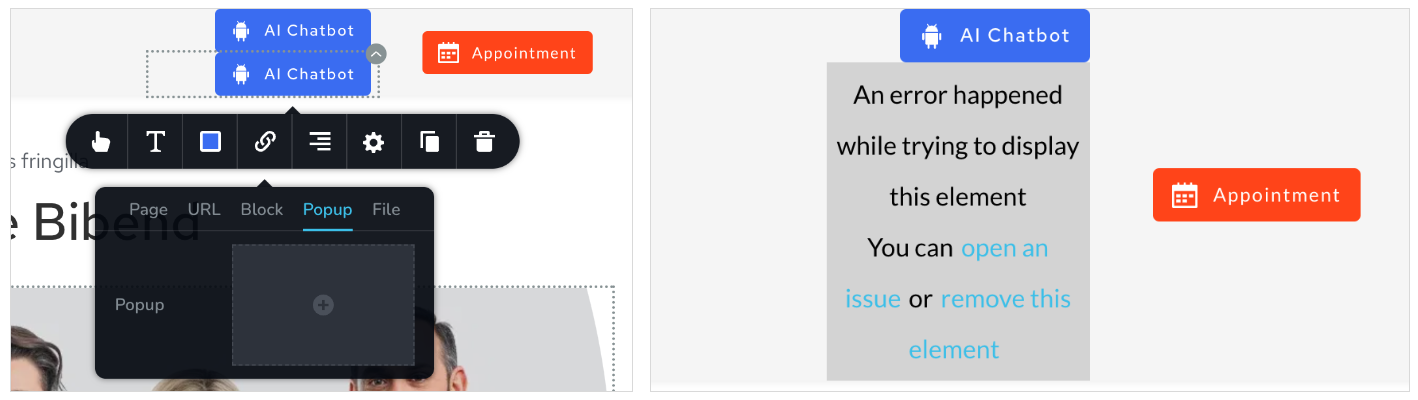 0
0 -

Hi
Let's say you want to import the design from the "source" project to "destination" project.
- Use the cloning tool to clone the source project. Follow the procedure at Clone Entire Projects with URL in Brizy Cloud in under 15 seconds! The project will get cloned to your default workspace.
- Move the cloned source project to the workspace where the destination project is
- In the cloned source project save the page with on-click popups as a design layout
- In the destination project, import the saved layout by selecting the design in the "Saved Blocks and Layout Library". The design should import with the on-click popups attached to the respective buttons.
Kindly try this approach and let us know if you have an easier workflow.
0 -
Hi George. Thank you. Project cloning is definitely a great feature in Brizy Cloud. I was previously using another method involving project duplication and moving projects to different workspaces. However, this approach only works within my own workspaces. If I am invited to someone else's workspace as a Manager, I can duplicate the project, but I cannot move it to my own workspace. Conversely, I am able to move projects from my workspaces to someone else's workspace. With the project cloning link, it is much easier. This feature resolves the reported issue within Brizy Cloud, but migration between WordPress and Cloud remains problematic, as exporting and importing layouts seems to be the only option.
0
Please sign in to leave a comment.
Comments
4 comments