Custom Domain Website Inaccessible – HTTP Error 401

Hi Brizy Support Team,
I am experiencing an issue with my website that uses a custom domain. The website intermittently becomes inaccessible and returns an HTTP Error 401.
I have already tried the following troubleshooting steps:
- Cleared cache and cookies
- Updated the website
- Removed and re-added the custom domain
- Tried accessing it from different browsers
I would appreciate your assistance in identifying and resolving this issue.
-

Hi Khairul Azahar,
Thank you for reaching out. Your site seems to be working fine on my end. Could you try accessing it on your mobile phone or another computer to see if the issue persists?
Best regards,
Ariel H.0 -
Hi,
Thank you for your response. I have tested accessing the website using multiple methods, including:
- Mobile phone (different network)
- Incognito mode
- Different browsers
Here are my findings:
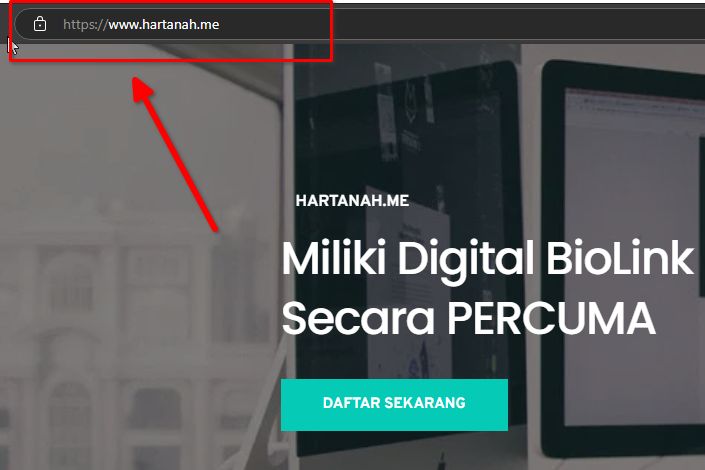
- Websites hartanah.me, lamanweb.org, and webmaster.my work only when using "www." in front (e.g., www.hartanah.me). However, when accessing them without "www.", they return an HTTP Error 401.
- For miqkie.com, the issue is more severe—both "www." and naked domain (without "www.") do not work at all.
I appreciate your assistance in resolving this issue. Looking forward to your reply. Thanks
0 -
Hi Support Team,
I have tried adding a new domain, santai.my, and it works fine.
However, the issue still persists for the following domains:
- hartanah.me
- webmaster.my
- lamanweb.org
This issue started after my account was blocked and later restored. The websites only work when accessed with "www." (e.g., www.hartanah.me), but when accessed without "www." (naked domain), they return an HTTP Error 401.
0 -

Hello Khairul,
We apologize for the inconvenience. After the account block was removed, the root domain was not redirecting to www due to a caching issue. We have purged the cache and all work fine at my end (see my test at https://jmp.sh/9NMTGcLe). Kindly check.
0 -
Hi K C George,
Thank you for your assistance. I have cleared cache and used Incognito mode, and I have also asked a few friends from different locations to test. Unfortunately, the issue still persists.Here are the findings:
- The root domain (without "www.") is still inaccessible.
- The websites only work when accessed with "www." (e.g., www.lamanweb.org).
- However, all slugs (e.g., lamanweb.org/blog) are accessible, which means the issue seems to be specific to the root domain.
- Based on my understanding, the CNAME should automatically redirect the root domain to "www." but this is not happening.
I have tried multiple troubleshooting steps, including:
- Testing on different devices and networks
- Deleting and re-adding the domains
- Re-cloning and switching workspaces
Unfortunately, none of these have resolved the issue. I hope you can assist in identifying the root cause and providing a solution.Looking forward to your response.I'll try again within the next 12 hours, maybe the cache hasn't fully cleared yet, K C George.
0 -
Hi K C George,
I tried using a website speed test, and as shown in the reference image, hartanah.me, webmaster.my, and lamanweb.my have no content (they do not redirect to www).
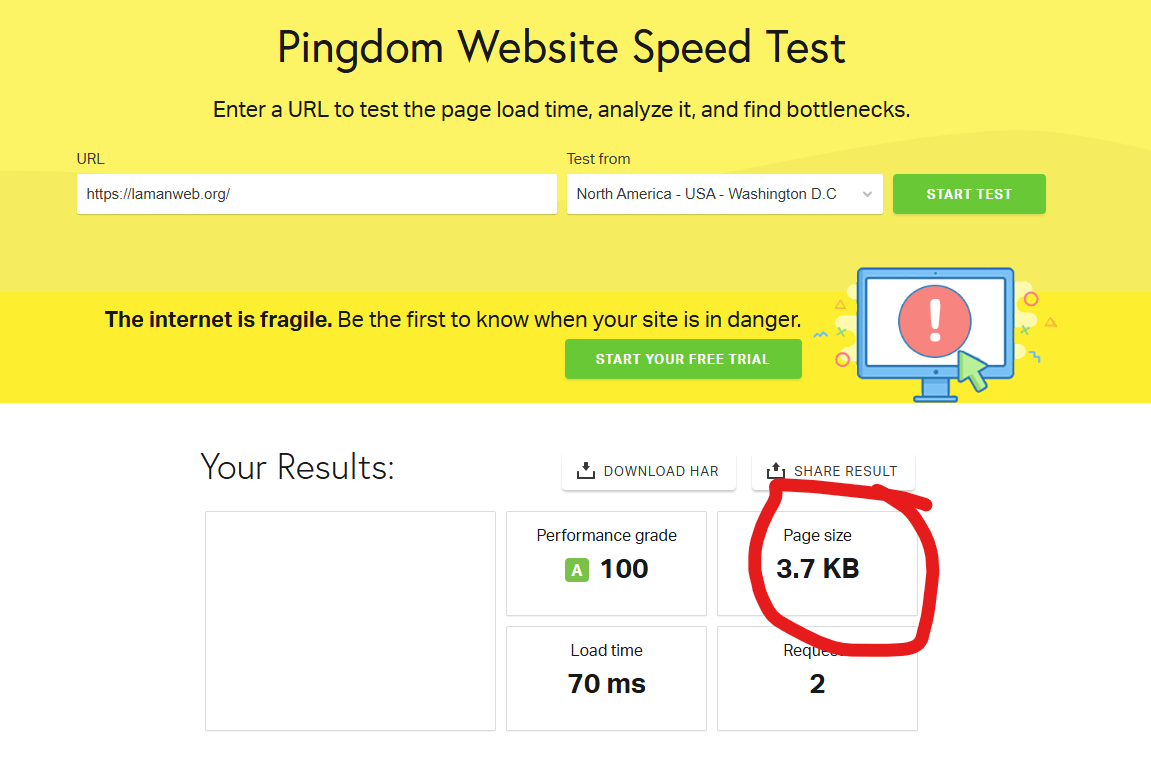
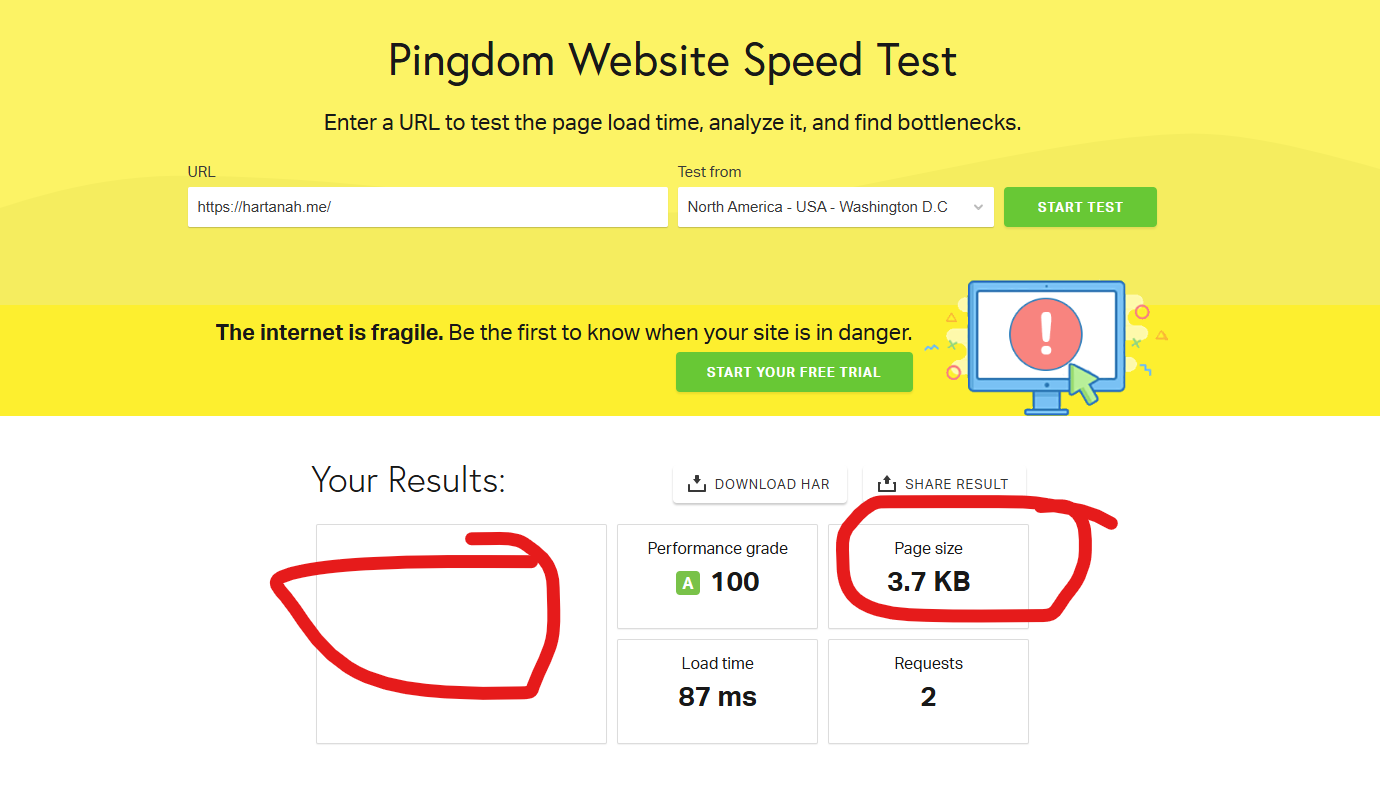
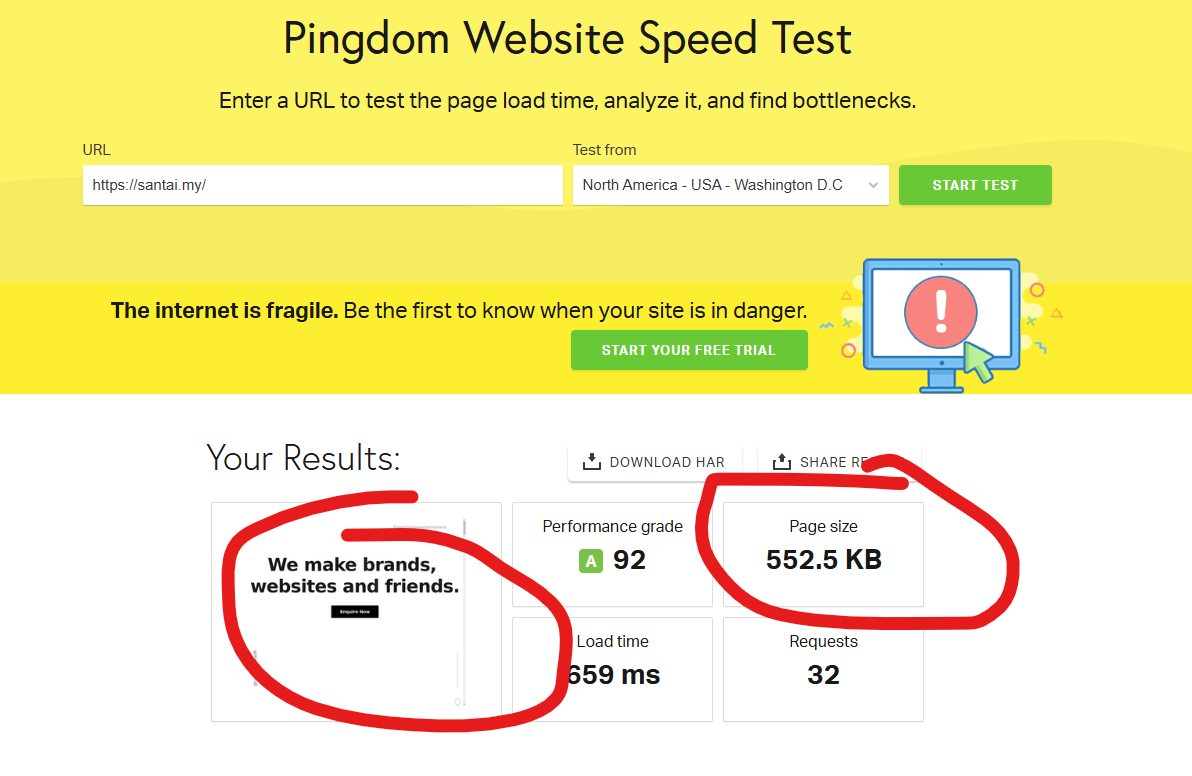
This website santai.my (same workspace and new website added have content inside) :
 0
0 -
Hello Khairul,
Kindly check these three websites again. If you are checking from your regular browser, please reload the page in your browser
0 -
Hi K C George,
I've checked everything again, and all the websites are now working perfectly.
Really appreciate your help in getting this sorted out. Thanks for your quick response and support, I truly appreciate it.
0
Please sign in to leave a comment.
Comments
8 comments