Saved layouts GONE

Hi there,
I'm trying to recreate a saved layout I've used before but it states that my saved layouts are syncing to my account. I really do hope that these haven't been wiped clean as I had several in there - close to 30 - 40 layouts - that I like to use as a starting point for my designs.
Can you guide me on how to proceed or provide an update on what's going on?
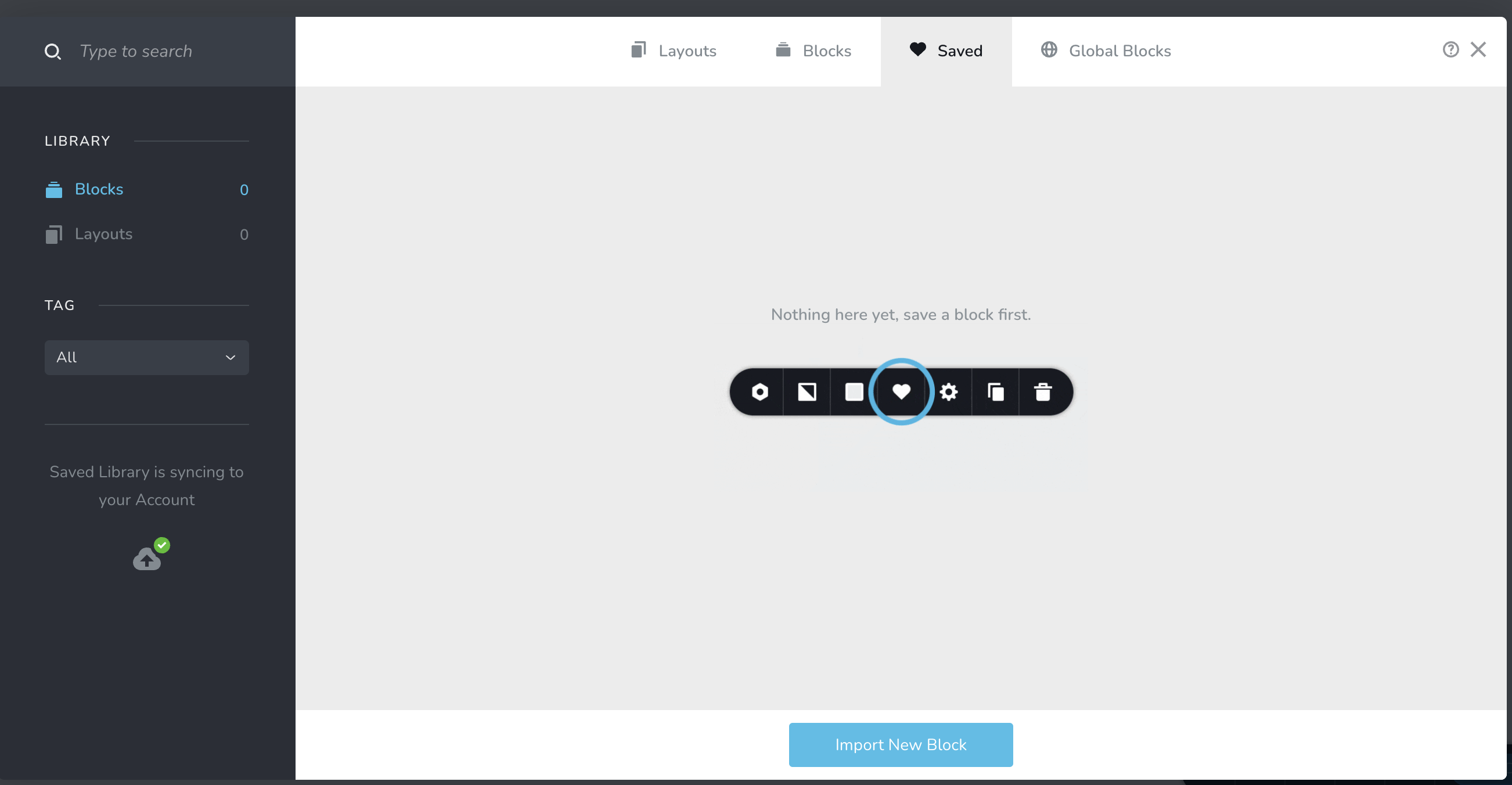
-

Hello Jason,
If you saved a design layout from a specific project, it will be accessible only from other projects within the same workspace. If you need to import a design layout from one workspace to another, kindly resave the layout in the original project, hover over the design layout and click on the "download" icon. The design will be downloaded as a ZIP file.
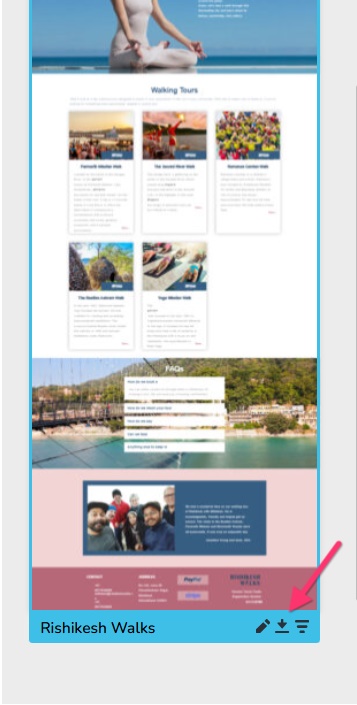
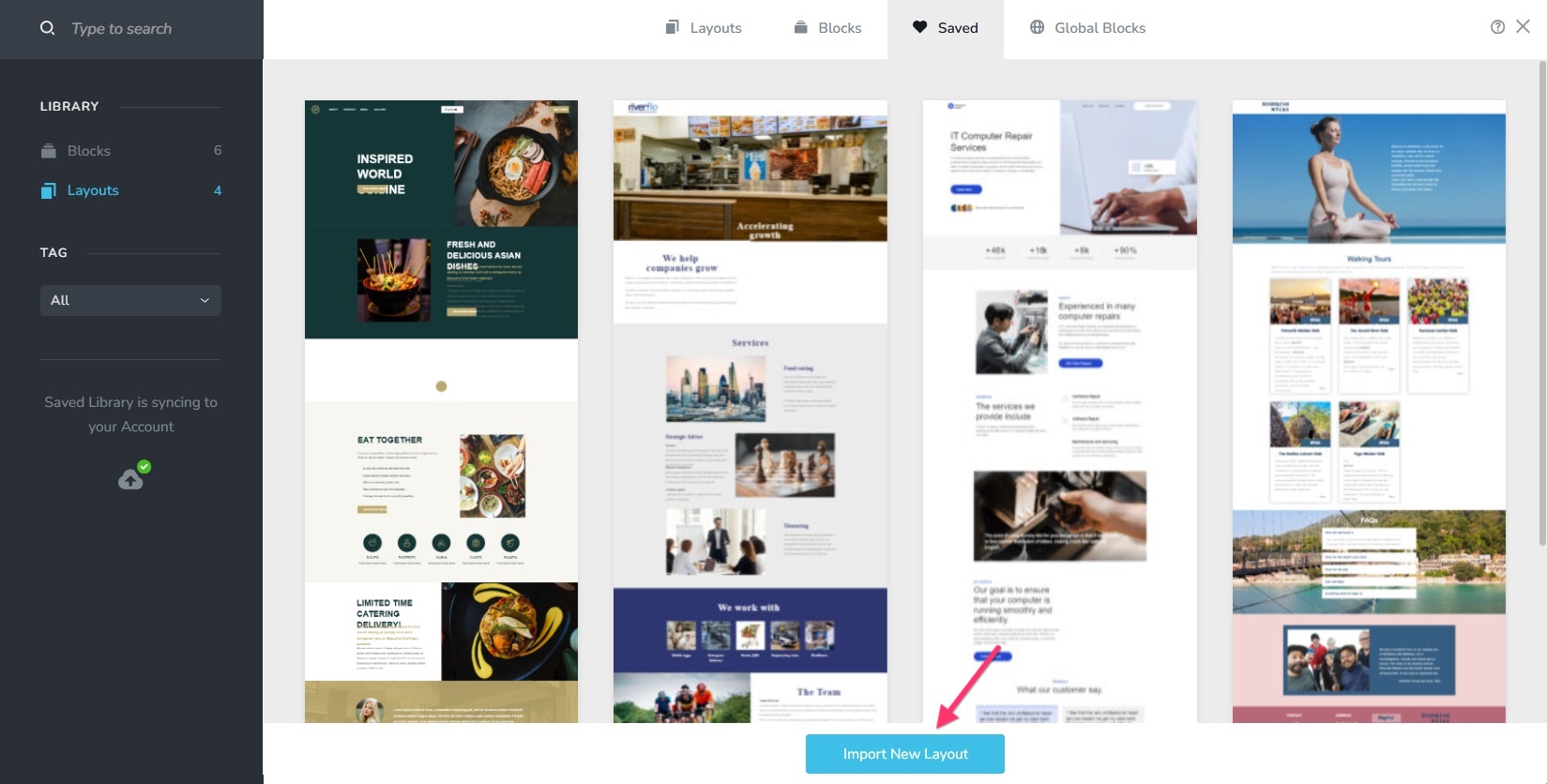
In the project where you wish to import the design, open the Saved Blocks and Layouts library and click on the "Import New Layout" button and select the downloaded ZIP file to import the design
 0
0
Please sign in to leave a comment.
Comments
1 comment