Layout issues for Header / Nav bar on tablet and mobile

Hi!
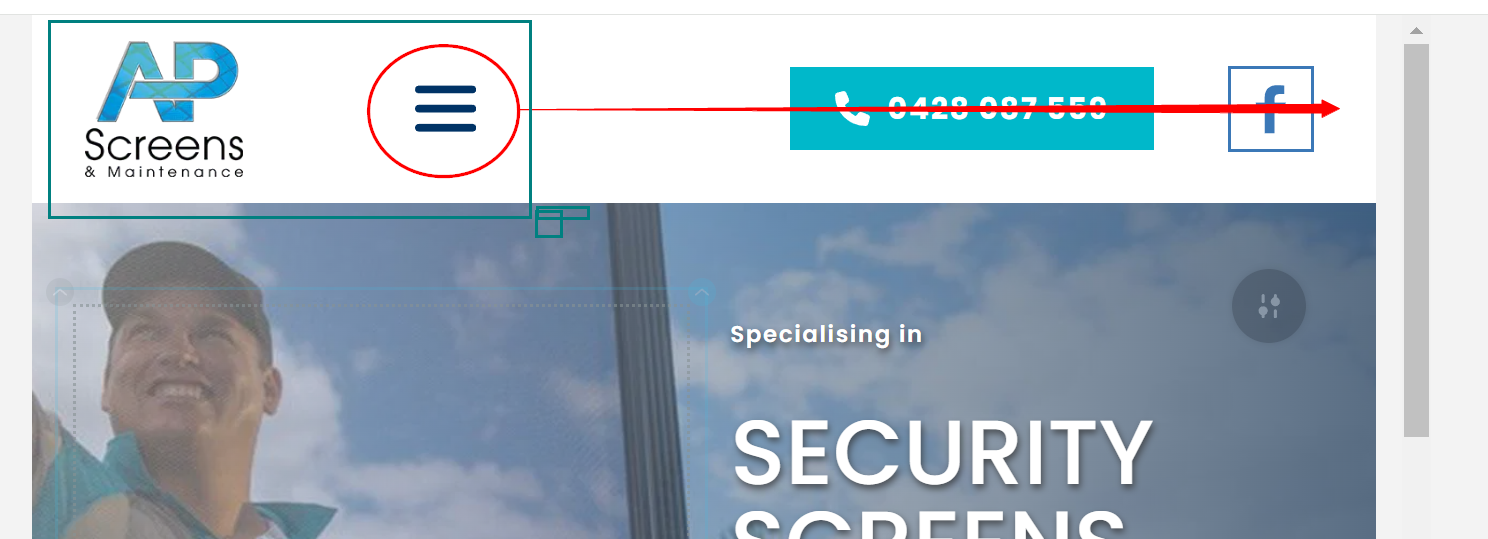
I cannot get my tablet and mobile nav bars to look decent. I'm trying to have a basic layout where the logo is on the left, followed by phone number then Facebook icon and lastly the hamburger icon sitting on the right. When I use the arrows to move the columns, they shift the entire section including the logo, so it looks even worse. I can't seem to move column by column... Can you advise what I might be doing wrong? The site URL is here: https://apscreens.letslaunch.website/ and here are some screenshots of my dilemma:
Screenshot 1: I'm trying to move hamburger icon to the very right, but leave that logo on the left - but it takes the logo along with it and reverses it
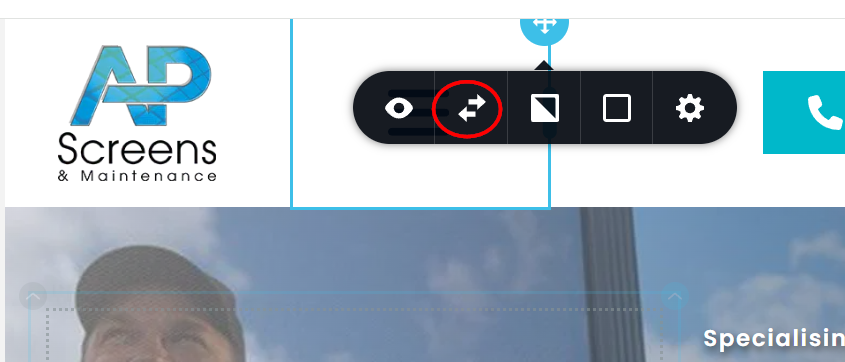
Screenshot 2: I'm using those arrows to try and move the elements where I need them, I've only highlighted the column with the hamburger icon:
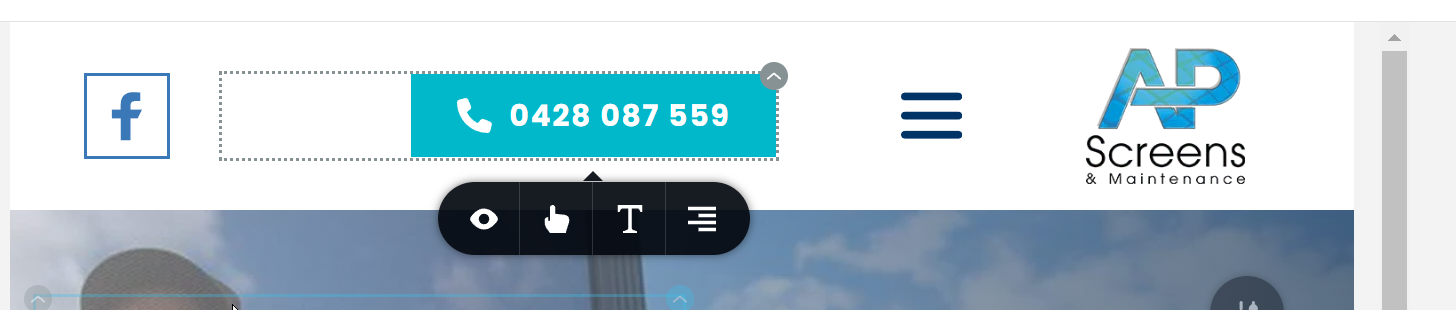
Screenshot 3 : It ends up looking like this: it flips the logo to the right and takes both logo and hamburger across together instead of just the hamburger icon on it's own
Also is there a good tutorial that steps through how to design for mobile/tablet with scenarios like this? It seems I'm using the wrong techniques.
Thanks.
-

Hello Eva,
I have added a "Row" element around the menu, the phone button and the FB icon. Now you should be able to move the three columns within the newly added Row without disturbing the position of your logo. Pleas check.
 0
0 -
Thanks for that. I ended up hiding the FB icon on the mobile view because I couldn't move that independently either. But not to worry it looks fine without it so I shall leave it like that. Looks like I need some practice with these layouts. Are there any tutorials or videos that go through this in more detail?
One issue also is that I have Google Tag Manager embed code on top of the menu, when you hide it, it still leaves a space, so I did negative top margin to the menu row to hide it - which now looks good layout wise - but now it's hidden and you can't see it. If I (or another designer) come back to this one day, I have no way of knowing it's there. It would be good if there is a layer manager or some way of finding all the elements quickly and easily. And for opening body code having an area in site settings similar how you have the <head> code injection. Do you know if Brizy are adding something like these in the future?
0 -
Hello Eva,
The Google Tag Manager installation instruction says to paste the code within the <head> section of every page.
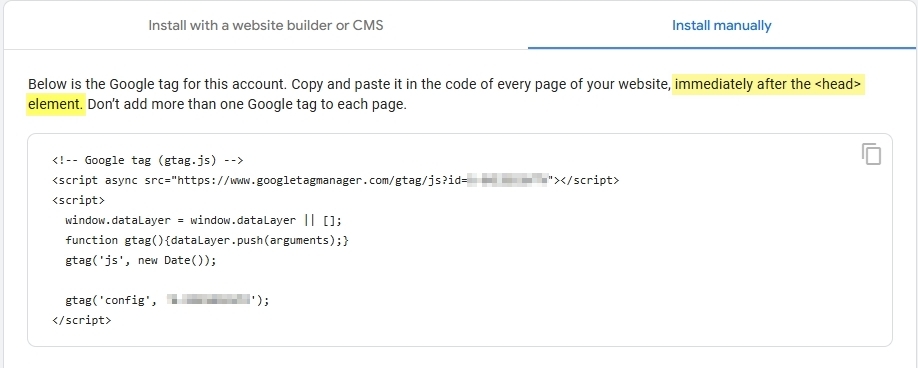
You could consider deleting the GTM tag from your global header and add it under CMS> Project Settings > Code > Code injection > Header
0 -
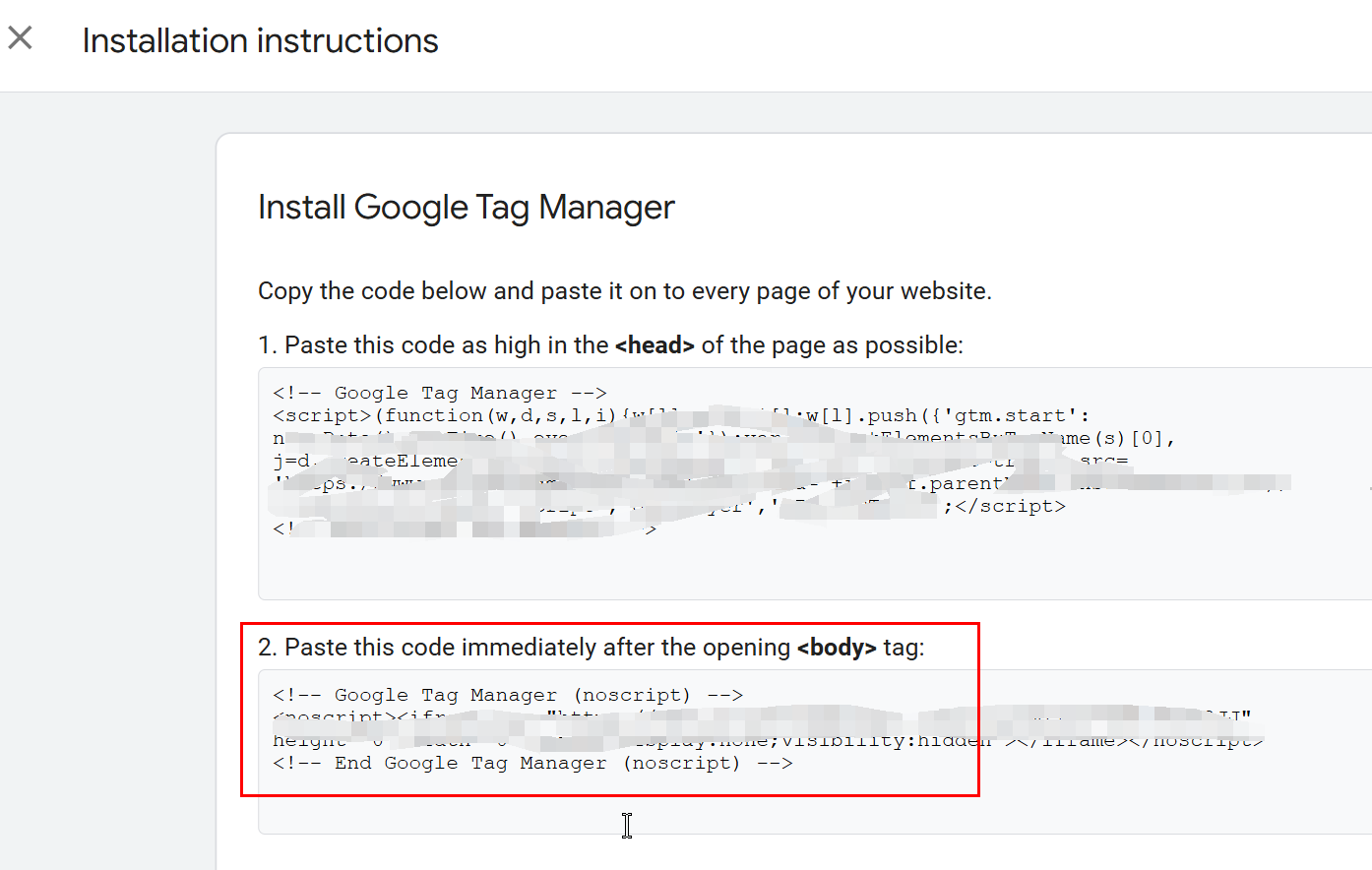
Thanks KC George but my GTM code also has a <body> tag code, it comes in two sections. I already added the <head> section but in another Brizy forum post, you said you needed to add the <body> tag to the top of the global navbar. Or do the instructions mean you only need to do one option (head OR body tags, not both)? My other CMS, only requires me to copy and paste a GTM code within the builder, so I haven't installed manually before on Brizy. Many thanks.
 0
0 -
Hello Eva,
If you see an instruction to paste the GTM code immediately after the <body> tag, you must add it to the Embed element as you have rightly done.
When you add a negative margin or hide the element, currently there is no way to locate the element quickly and easily. The Embed element can only be found by the individual who is aware of the previous actions.
0 -

Eek, OK.
Thanks for getting back to me on that.
0
Please sign in to leave a comment.
Comments
6 comments