Brizy taking up disk space on computer

I'm on a mac and using Brizy Pro WP plugin to design my website. It has only 1 page. Every time I open Brizy editor, I notice sudden drop in disk space on my macbook. I got 4,7 GB free space on it and after I opened Brizy it is 3,07 GB. I have nothing else going on at the same time, malware check was safe, no downloads, simply nothing other than Brizy at the moment. Why is it taking so much disk space and how to avoid it?
-

Hello Cihan,
If you experience a sudden drop in disk space on your Mac when accessing your WordPress dashboard on your browser, it's likely due to a temporary cache file being created by your browser while loading the dashboard, which can appear as a large file taking up space until the browser finishes processing the data and cleans it up; this is usually a normal behavior, but can seem like a sudden drop in available disk space.
Kindly check these
- Open your browser settings and navigate to the cache section. Clear the cache and browsing history. Ensure your cache is set to a reasonable size and is automatically cleared periodically.
- Open Activity Monitor on your Mac while accessing the WordPress dashboard to see if any specific process is using a large amount of disk space.
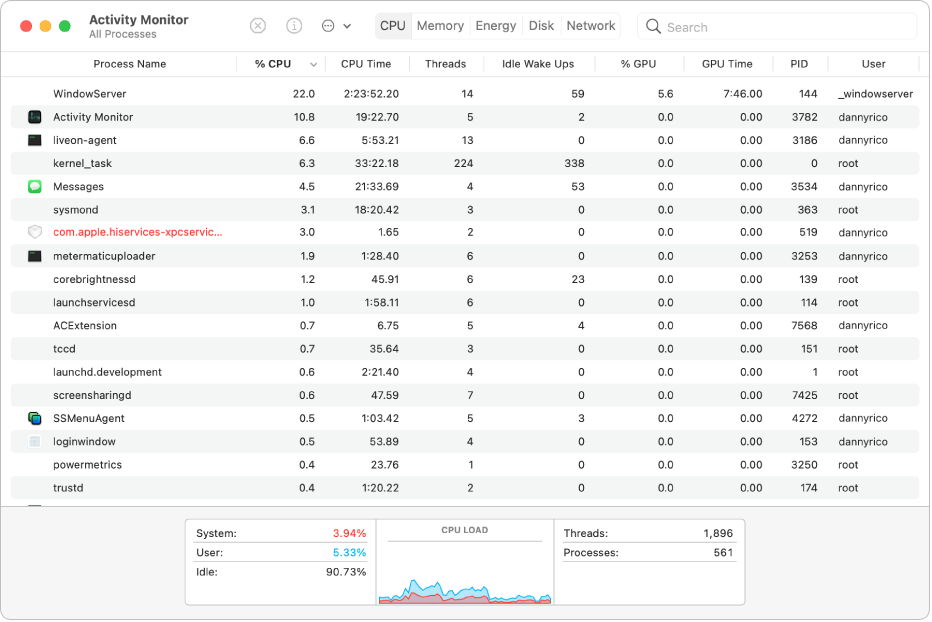
- Certain browser extensions might also contribute to temporary disk usage spikes. Disable extensions and check again.
- Review your WordPress media library to see if there are any unnecessary large files that can be deleted.
0
Please sign in to leave a comment.
Comments
1 comment