gallery slider

Hi!
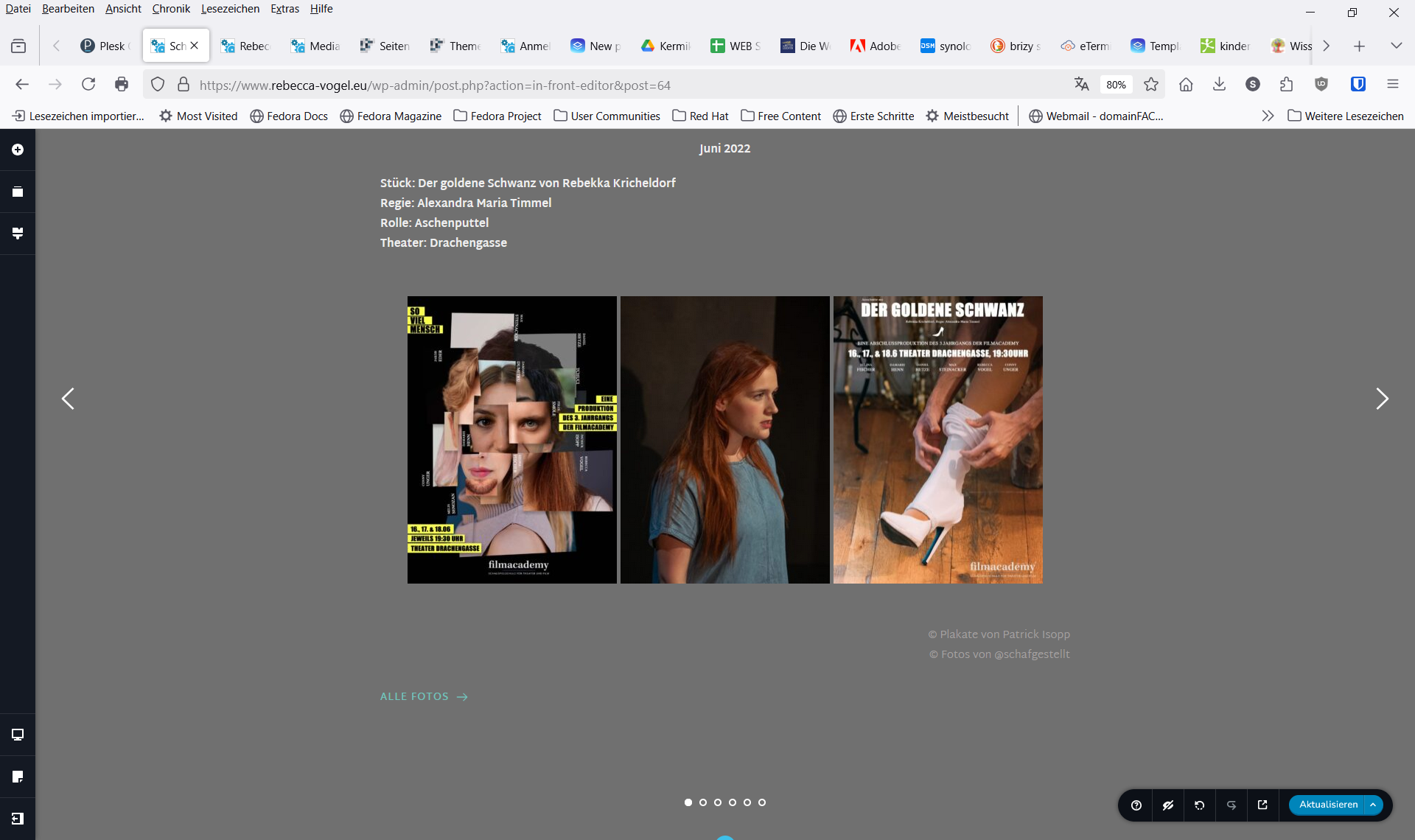
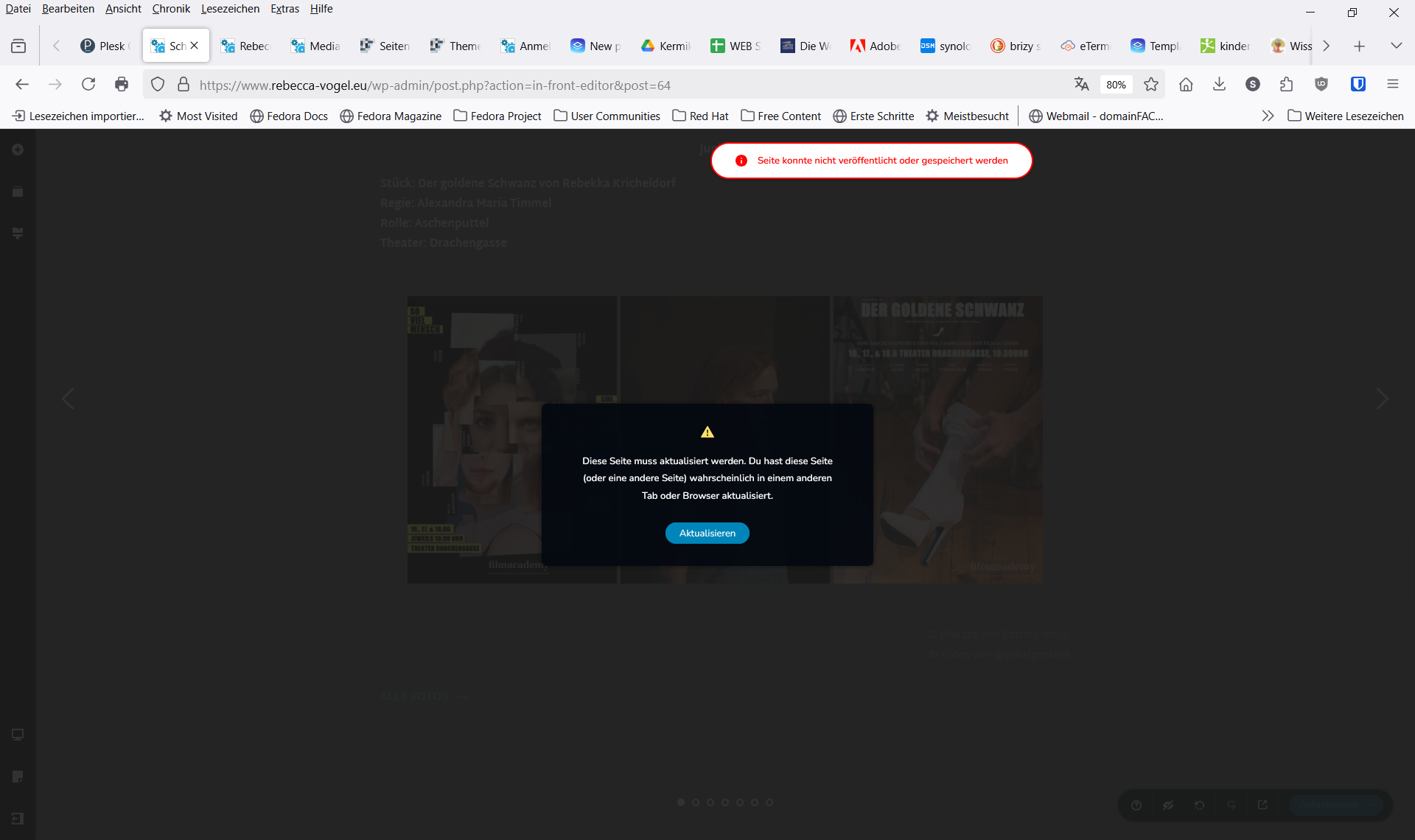
After searching for an error making my website unable to save I figured out, that there seems to be a problem with the gallery in a slider element.
It seems it isn't possible to add more than 6 Slides (with link to an popup) - the error message ocures when trying to add the 7th slide.
I try a workoround with a seperate block for the other slides I need - but it is not the way of choice...
So, hopefully you can fix the problem in near future.
Thanks for your help!
Best regards Alexandra
-

Hi Alexandra,
Please try the following to fix the issue.
1. If you have WordFence installed, set it to Learning Mode and check if this helps resolve the problem.
https://thrivethemes.com/docs/reason-to-set-wordfence-firewall-to-learning-mode/2. Try ot adjust the following settings in your php.ini file, or reach out to your hosting provider for assistance:
max_execution_time: 60
max_input_vars: 6000 (or higher)
memory_limit: 512M (or higher)
post_max_size: 64M
upload_max_filesize: 64MAdjusting the max_input_vars helps when working with large pages that contain many elements, such as complex designs, long forms, or big menus, ensuring all data is processed when saving a page.
Increasing the memory_limit provides more resources for the backend, preventing crashes when working on pages.
Additionally, adjusting post_max_size and upload_max_filesize improves file handling, allowing for larger uploads.
If you have access to cPanel, you can make these changes by going to the "Select PHP Version" section, clicking on the "Options" tab, and updating the necessary values. Here is a short screencast for your reference - https://youtu.be/NcyeCGe3m9Q
Please try this and let me know how it goes.
Best regards,
Ariel H.0
Please sign in to leave a comment.
Comments
1 comment