Team Members unable to use Brizy Cloud - says need to make a purchase. Please help!

Hi team, i have Brizy PRO Studio since few years. Recently my team members are complaining that they are unable to work on brizy for the project i have shared with them as a team member. They are getting that they need to purchase and 14 days trail is over.
Team Member
-

Hello Abhishek,
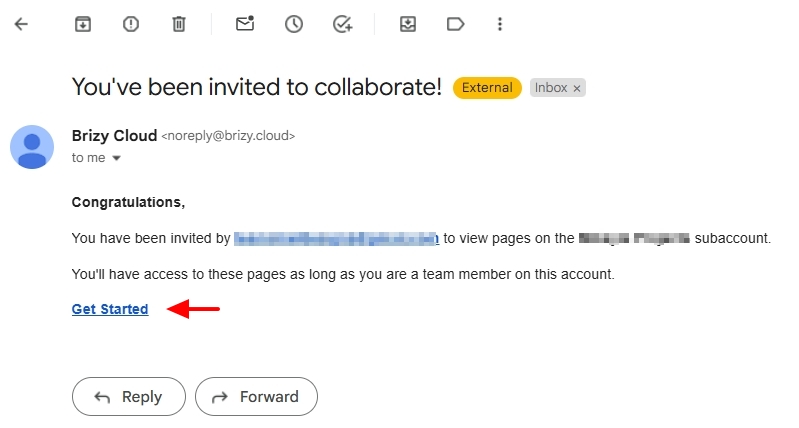
Kindly request your Team Members to look for your invitation email from noreply@brizy.cloud with the subject "You've been invited to collaborate!" and ask then to click on the "Get Started" link once more. Please let us know if this helps them gain access to your workspace, bypassing the upgrade notification.
0 -
Hi KC,
Nice seeing your message. How are you doing?
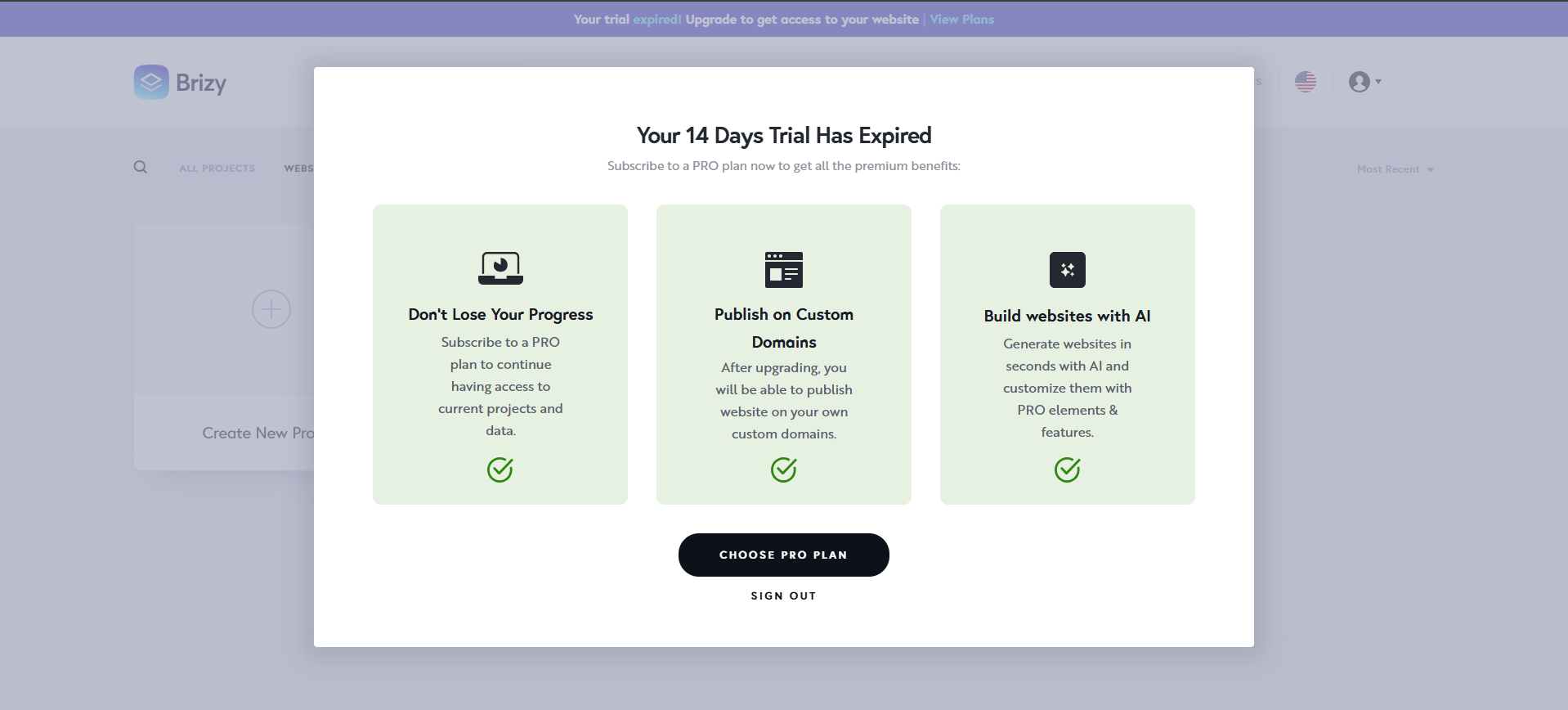
Yes, they got access to the project after accepting the invite. My team members helped me with the project for few days, but lately they are getting this popup and unable to edit the site we are working on.
Thanks,
Abhishek0 -
Hello Abhishek,
I have reported this issue and we are working on implementing a solution. In the interim, kindly follow the above suggestions for your team members to gain access to your workspace.
Kindly confirm if you could request your Team Members to go back to the old invitation email you had sent them earlier and click on the "Get Started" link one more time (as suggested above)? Did that help them to gain access to your workspace?
0
Please sign in to leave a comment.
Comments
3 comments