Missing left side toolbar and no header on mobile blog posts

Hello,
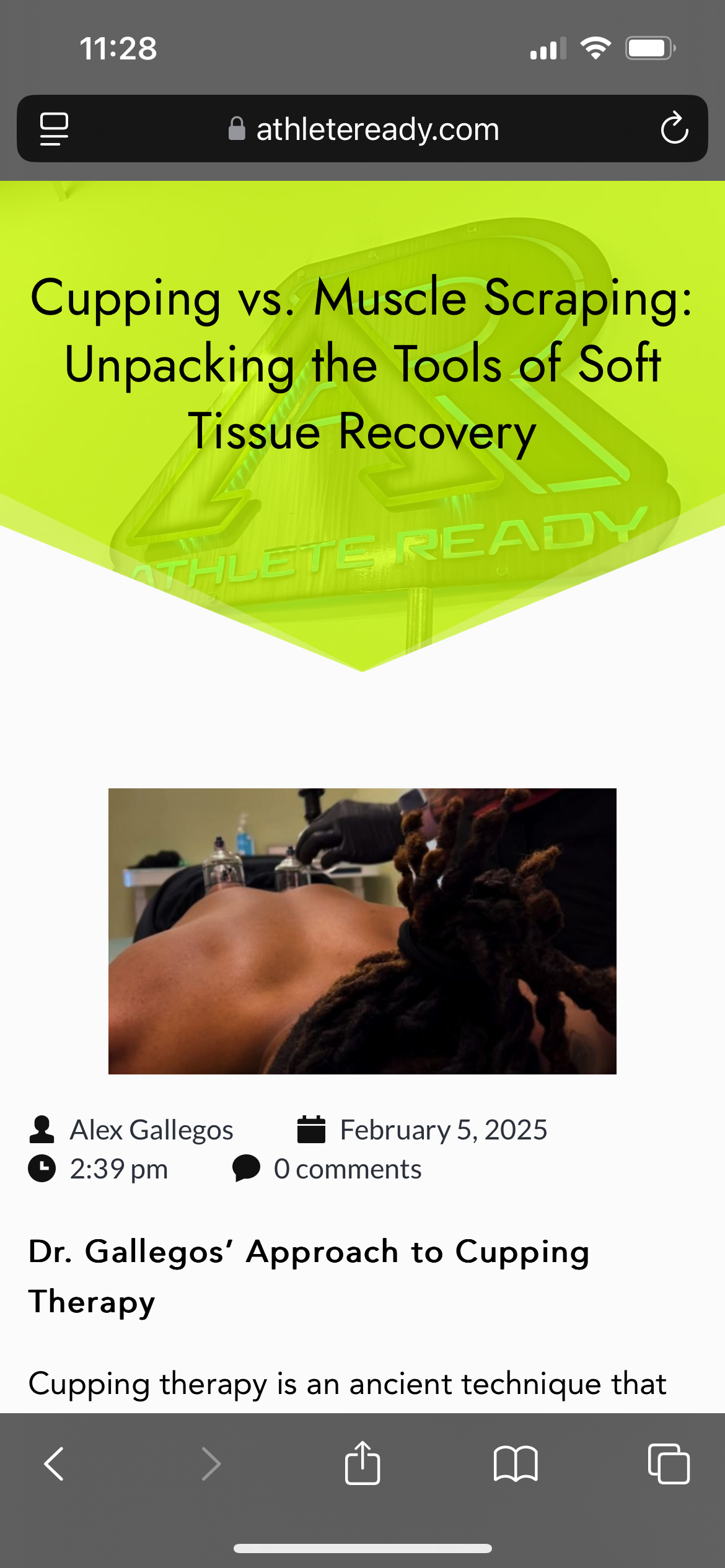
I am missing the left side toolbar on the page editor on all my pages. And my blog posts don't have a header on them on mobile. I have attached a photo of the missing toolbar and the missing header on mobile. In trying to resolve the issue with WPX support, they found a PHP fatal error related to Brizy. I have included that below. Could you please help me with this? Thank you!
PHP Fatal error: Uncaught ArgumentCountError: Too few arguments to function suki_custom_archive_title(), 1 passed in /home/property18/domains/athleteready.com/public_html/wp-includes/class-wp-hook.php on line 324 and exactly 3 expected in /home/property18/domains/athleteready.com/public_html/wp-content/themes/suki/includes/template-functions.php:324\nStack trace:\n#0 /home/property18/domains/athleteready.com/public_html/wp-includes/class-wp-hook.php(324): suki_custom_archive_title()\n#1 /home/property18/domains/athleteready.com/public_html/wp-includes/plugin.php(205): WP_Hook->apply_filters()\n#2 /home/property18/domains/athleteready.com/public_html/wp-content/plugins/brizy-pro/content/providers/wp.php(819): apply_filters()\n#3 /home/property18/domains/athleteready.com/public_html/wp-content/plugins/brizy-pro/content/providers/wp.php(116): BrizyPro_Content_Providers_Wp->getArchiveTitle()\n#4 /home/property18/domains/athleteready.com/public_html/wp-content/plugins/brizy/content/placeholders/simple.php(48): BrizyPro_Content_Providers_Wp->{closure}()\n#5 /home/property18/domains/athleteready.com/public_html/wp-content/plugins/brizy-pro/content/placeholders/simple-post-aware.php(26): Brizy_Content_Placeholders_Simple->getValue()\n#6 /home/property18/domains/athleteready.com/public_html/wp-content/plugins/brizy/vendor/bagrinsergiu/content-placeholder/lib/Replacer.php(66): BrizyPro_Content_Placeholders_SimplePostAware->getValue()\n#7 /home/property18/domains/athleteready.com/public_html/wp-content/plugins/brizy/content/dynamic-content-processor.php(30): BrizyPlaceholders\Replacer->replaceWithExtractedData()\n#8 /home/property18/domains/athleteready.com/public_html/wp-content/plugins/brizy/content/main-processor.php(48): Brizy_Content_DynamicContentProcessor->process()\n#9 /home/property18/domains/athleteready.com/public_html/wp-content/plugins/brizy/editor.php(382): Brizy_Content_MainProcessor->process()\n#10 /home/property18/domains/athleteready.com/public_html/wp-includes/class-wp-hook.php(324): Brizy_Editor->brizy_content()\n#1 2025-02-06 12:10:17.823396 [NOTICE] [1515242] [T0] [108.181.54.109:42342-8#APVH_athleteready.com:443] [STDERR] 1 /home/property18/domains/athleteready.com/public_html/wp-includes/plugin.php(205): WP_Hook->apply_filters()\n#12 /home/property18/domains/athleteready.com/public_html/wp-content/plugins/brizy/editor/api.php(582): apply_filters()\n#13 /home/property18/domains/athleteready.com/public_html/wp-includes/class-wp-hook.php(324): Brizy_Editor_API->placeholders_content()\n#14 /home/property18/domains/athleteready.com/public_html/wp-includes/class-wp-hook.php(348): WP_Hook->apply_filters()\n#15 /home/property18/domains/athleteready.com/public_html/wp-includes/plugin.php(517): WP_Hook->do_action()\n#16 /home/property18/domains/athleteready.com/public_html/wp-admin/admin-ajax.php(192): do_action()\n#17 {main}\n thrown in /home/property18/domains/athleteready.com/public_html/wp-content/themes/suki/includes/template-functions.php on line 324\n

-

Hi Roman,
Thank you for reaching out to us.
Can you replicate the issue with all other plugins disabled besides Brizy and Brizy Pro?
If the issue persists, please provide us with temporary access to your WP Admin page so we can take a look. Please add us as an Admin user to your WordPress Dashboard and send the following details to communitysupport@brizy.io.
Community Post link: https://support.brizy.io/hc/en-us/community/posts/24471645053842
WordPress Admin URL:
Username:
Password:Additionally, we will also need temporary access to cPanel/FTP:
cPanel/FTP host address:
Username:
Password:Please make a full backup of your site as a precaution.
Best regards,
Ariel H.0 -
Hi Ariel,
It seems to be an issue with W3 Total Cache. If the plugin is disabled then I have access to the left side menu bar. I had to change from WP Rocket to W3 Total Cache because the former had been causing issues with Brizy. What I believe is happening is that there is an incompatibility between Brizy and my host, WPX Hosting. I have other clients with Brizy on different hosting services with no problems, but ever since I switched to WPX for this account, I have had nothing but problems with caching and other weird things. But other clients I have on WPX without Brizy have no problems Anyway, that's something for you guys to have on your radar and maybe look into.
Thanks for you help!
0 -
Hi Roman,
Thanks for sharing this with us.
We’ll keep an eye out to see if other users experience similar issues with WPX Hosting and investigate further if needed.
Best regards,
Ariel0
Please sign in to leave a comment.
Comments
3 comments