HTML font does not match page Typography font

Hi,
I needed to put a copyright symbol by some texts. The only way that I was able to make it work was to create an embed object and input some HTML code. The text on the page is "DM Serif Text", checking the generated code I found dm_serif_text in the code. I used that in my HTML but the fonts do not look the same.
Here is the code in case I am leaving something out:
<p style="font-family: dm_serif_text; font-size: 70px; line-height: 1.3; text-align: center; color: white; letter-spacing: 1.0px;">Copyright words<span style="font-size:22px;">©</span></p>
Top is the page text and bottom is the HTML generated text.
Thanks in advance for any input you may have.

-

Hi Victor,
Thank you for reaching out.
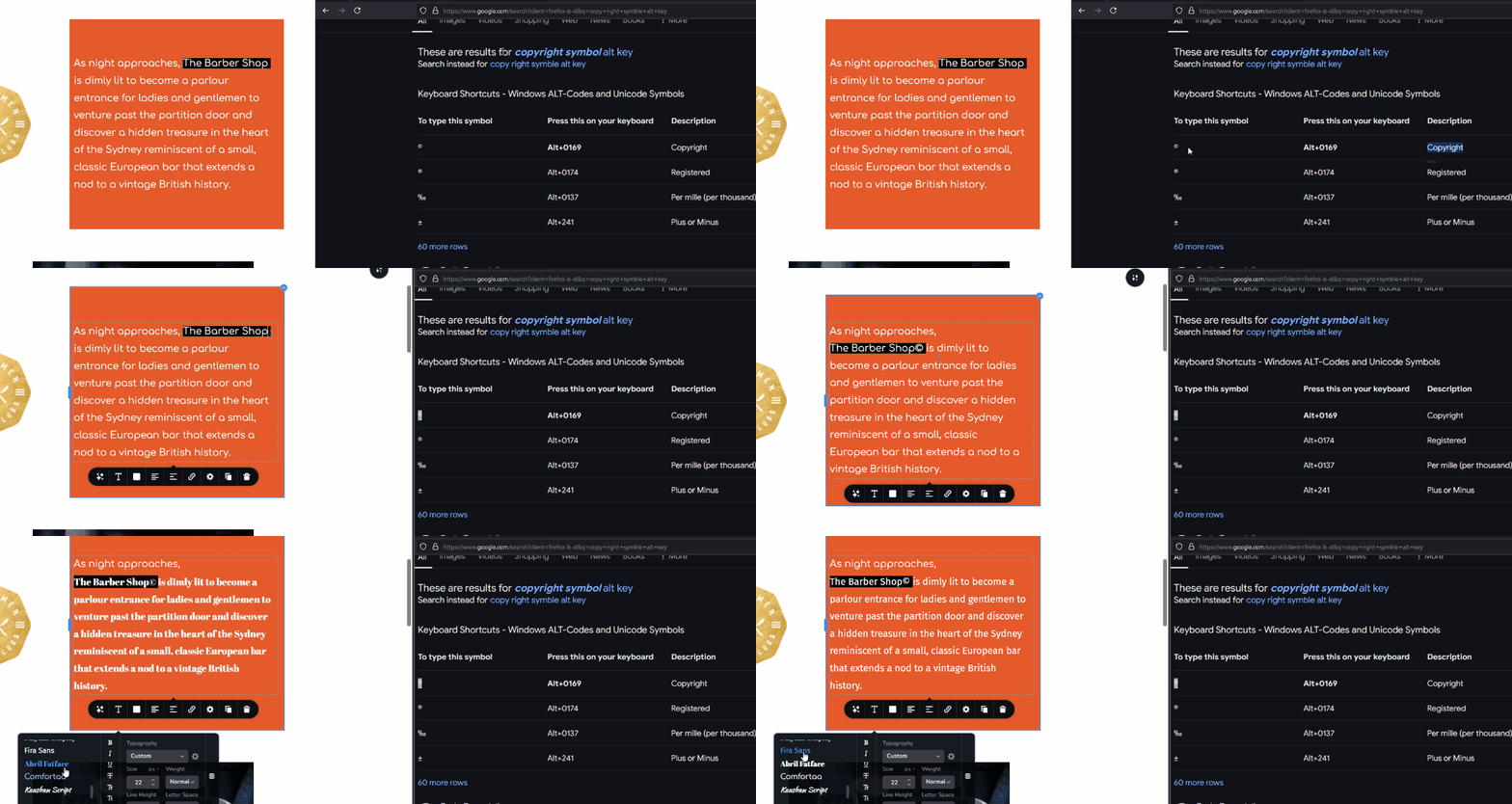
To add a copyright symbol, you can search for 'Copyright symbol alt key' on Google. Once you find it in the search results, simply copy the copyright symbol and paste it next to the text where you want to include it in a text element. This ensures the symbol uses the same typography as the rest of your text, rather than relying on custom HTML.
In the example below, we’ve intentionally added a black background for visibility. As you can see, even when changing the font, the copyright symbol matches the font style.
If you have any further questions, feel free to reach out.
Best regards,
Ariel H.0 -
Hi Ariel,
Thanks for the quick reply and the information.
I forgot to say that the reason I needed to use the HTML was to change the size of the font for the copyright sign. The sign comes out very large and unappealing when used with the font size for the text.
Here is a picture with the copyright sign at the font size of the text and the one beneath is the one created with HTML.
Edit: For clarification, it is not the Typography of the copyright sign, it is the typography of the text in my HTML text versus the text on the rest of the page. This can be seen in the differences in the "Q" in the pictures. It also can be seen in the "S" of the second picture.
Thanks,
Victor 0
0 -

Hello Victor,
The size of the symbol © alone cannot be reduced. Hence if you need to make the © symbol smaller without affecting the surrounding content, you must place it in a different column. Please see the screen recording at https://jmp.sh/neZDLufQ for the procedure.
0 -
Hello K C
Thank you for the information and demonstration. That really helped me understand.
0
Please sign in to leave a comment.
Comments
4 comments