Brizly Cloud Popup Customization

Dear support:
I'm also using popup feature and I have read your replies(above) and your uploaded videos(above).
Can you please let me know how do I:
i. change the width setting of the popup to below 200pix?
ii. change the background of the popup to be transparent(it seems to force white on me)?
My site is:
https://jaguar0e00c954.brizy.site/
Thanks!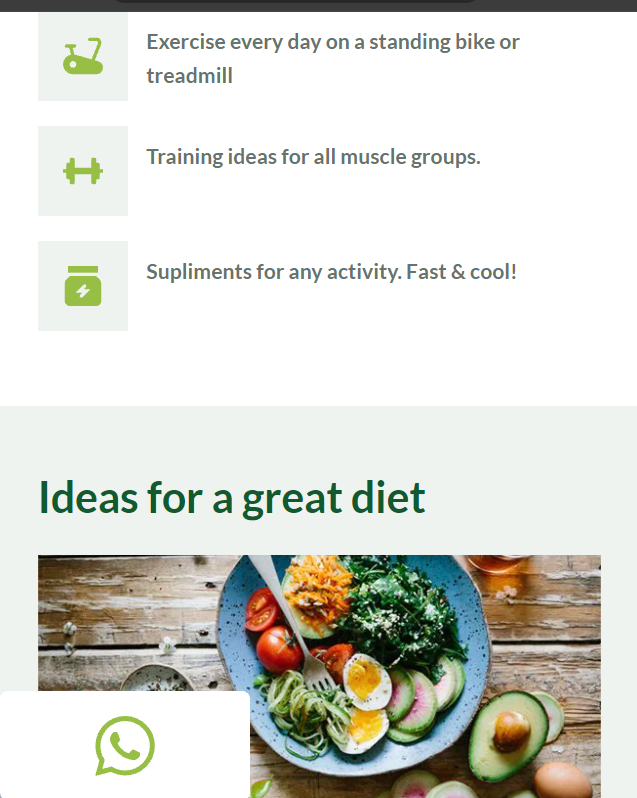
0
-

Hello Barry,
Let me go over your questions.
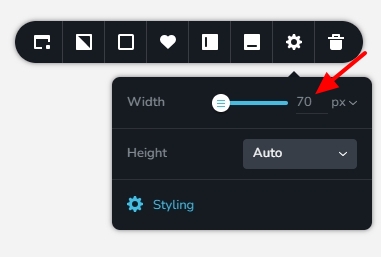
- The popup width can be set to below 200 pixels by typing its value here.
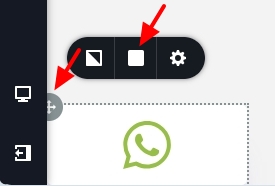
- To make the popup background transparent, click on the top left corner of the "Row" element around the WhatsApp icon. Then select the Color icon and reduce the Opacity to 0%.
0 - The popup width can be set to below 200 pixels by typing its value here.
Please sign in to leave a comment.
Comments
1 comment