画像ファイルのURLが異なるもので生成される

brizyで画像を設置して、ページを確認すると、サブディレクトリが二つ生成されてしまって、正しい画像URLになりません。
原因はなんでしょうか?

【バージョン】
brizy 2.6.8
brizypro 2.6.4
-
画像はbrizyの編集画面をいろいろいじっていたら表示されるようになりました。
ただ、新しく画像を選択して入れようとしても反映されません。
・サーバーの容量を減らす
・.htaccessで容量を増やす
・wp-config.phpでアプロードに関しての修正を行いましたが、改善されません。
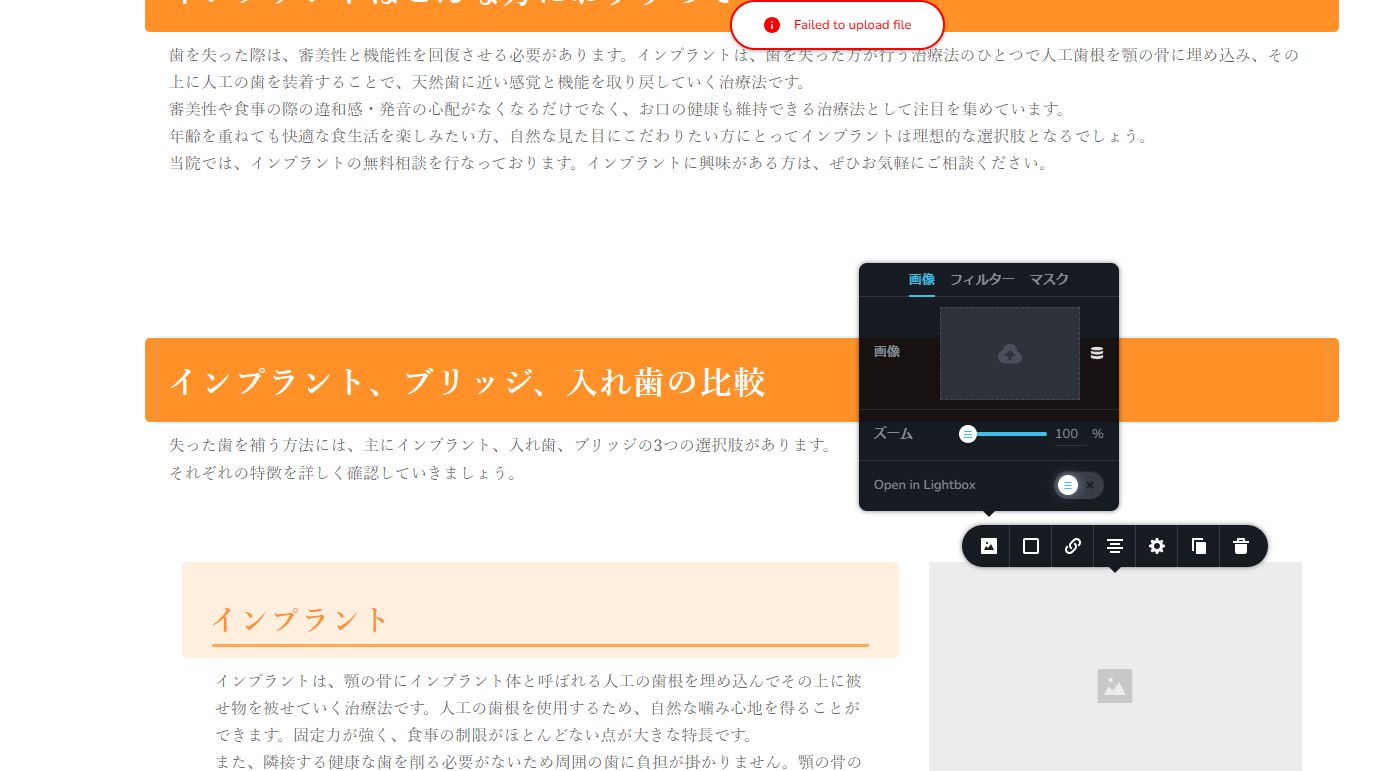
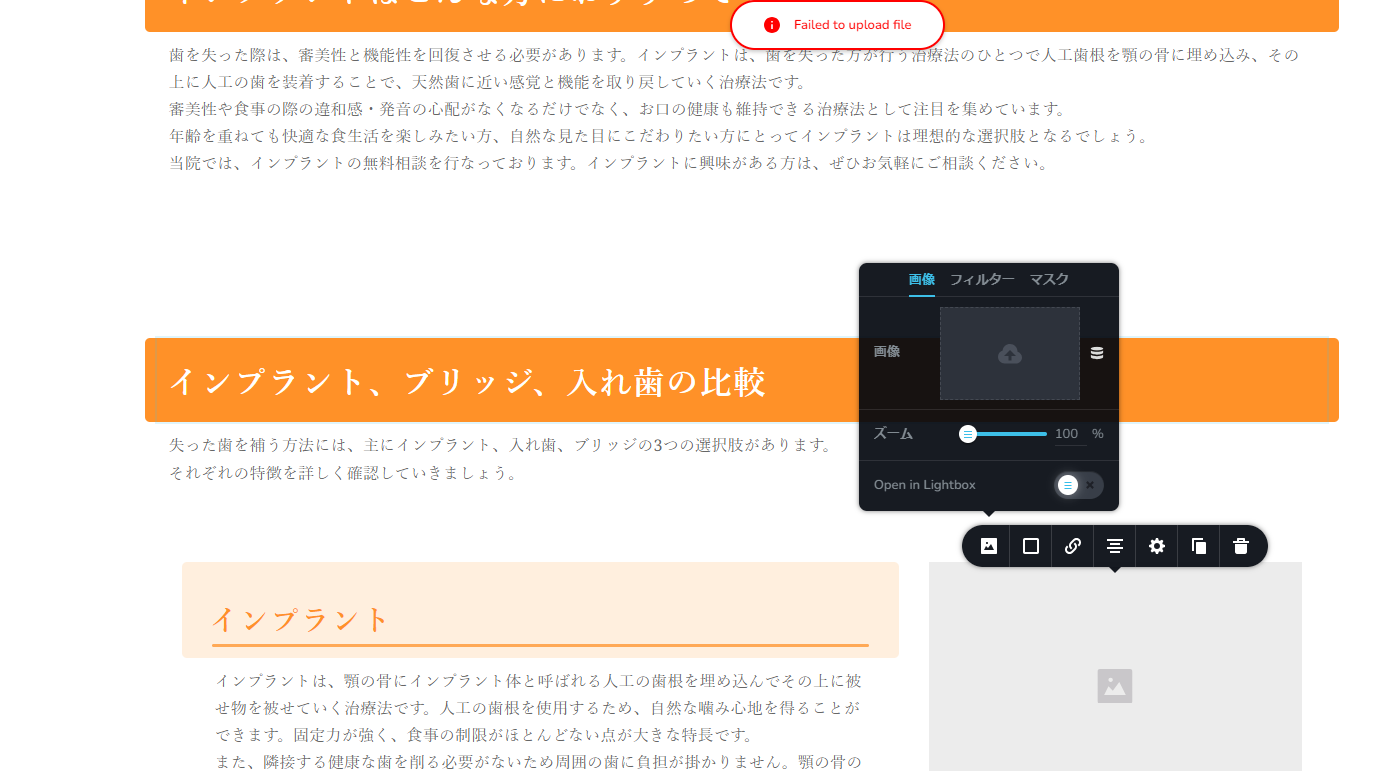 0
0 -

Hi Shogo,
My apologies for the inconvenience.
It looks like there are some ongoing issues with the recent update. A fix for this is currently in the Beta testing phase and should be released soon.
In the meantime, please revert to the following versions to resolve the issue:
Brizy 2.6.4 : https://jmp.sh/hTF2g1V8
Brizy Pro 2.6.3 : https://jmp.sh/3FPsswmyFollow the below procedure to roll back.
1. Deactivate and delete Brizy Pro
2. Deactivate and delete Brizy
3. In your WordPress Dashboard under Plugins - Add New - Upload Plugin, upload Brizy 2.6.4
4. In your WordPress Dashboard under Plugins - Add New - Upload Plugin, upload Brizy Pro 2.6.3If you encounter any issues during this process, feel free to reach out for further assistance.
Best regards,
Ariel H.0
Please sign in to leave a comment.
Comments
2 comments