Brizy Ai Builder not working

Each time I try to build a site using Brizy Ai builder it ends up with the message: Sorry, something went wrong, please try again.
-

Hello Simon,
I added a website using the AI builder in your Brizy Cloud dashboard.
Kindly try again and let us know if you continue to face the issue with the AI builder.
0 -

I'm having the same problems. If you've had an AI site built and try to go live... sorry, something went wrong. If you want to extend a piece of text, sorry, something went wrong.
No matter what you try to do. Sorry, something went wrong.0 -

Hi Rene,
Thank you for contacting us.
To help us identify what might be causing it, could you please try disabling all other plugins temporarily, leaving only Brizy and Brizy Pro active, and check if the issue persists?
If you're still experiencing the same problem, please try accessing Brizy using an incognito/private browsing window or a different browser to see if that makes any difference.
Please try this and let me know how it goes.
Best regards,
Ariel H.0 -
Hi Ariel,
I've tried everything you suggested, but it's still the same. I can't do anything with it.
Kind regards,
René
0 -
Hi René,Could you please share temporary WP Admin access so we can take a closer look at the issue? You can add us as an Admin user in your WordPress dashboard and send the details to communitysupport@brizy.io:
Community post: https://support.brizy.io/hc/en-us/community/posts/24267436281618
WordPress Admin URL:
Username:
Password:Best regards,
Ariel H.0 -
Hi René,
We just wanted to confirm one detail, as the community post link wasn't included with the credentials. Could you please confirm if test2.yourpixel.nl is the website where you're experiencing the issue?
Once confirmed, we'll be glad to proceed and inspect the site.
Thank you for your cooperation.
0 -
Hi Ariel,
I send you an email, but I don't think anything else has happened yet. The website is correct, it's just a test anvironment.
0 -
Hi René,
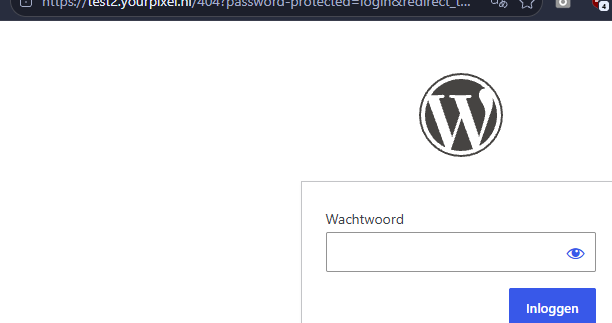
We were able to reset the password successfully, but we're still unable to access the WordPress dashboard. When we try to log in using the new password, the site keeps redirecting us to the password-protected login page instead of allowing us to access the dashboard.
Kind regards,
Ariel H.0 -
Hi Ariel,
I removed the password and enabled maintenance mode, but you should be able to bypass this. Click the padlock icon on the maintenance page.
0 -
Hi René,
After further testing, we identified Wordfence as the source of the issue. We temporarily deactivated the plugin, and the issue no longer occurred.
We have now re-enabled Wordfence and switched its firewall to Learning Mode. This allows Wordfence to learn and recognize legitimate Brizy actions without blocking them. After a few days, it should automatically switch back to Enabled and Protecting mode.
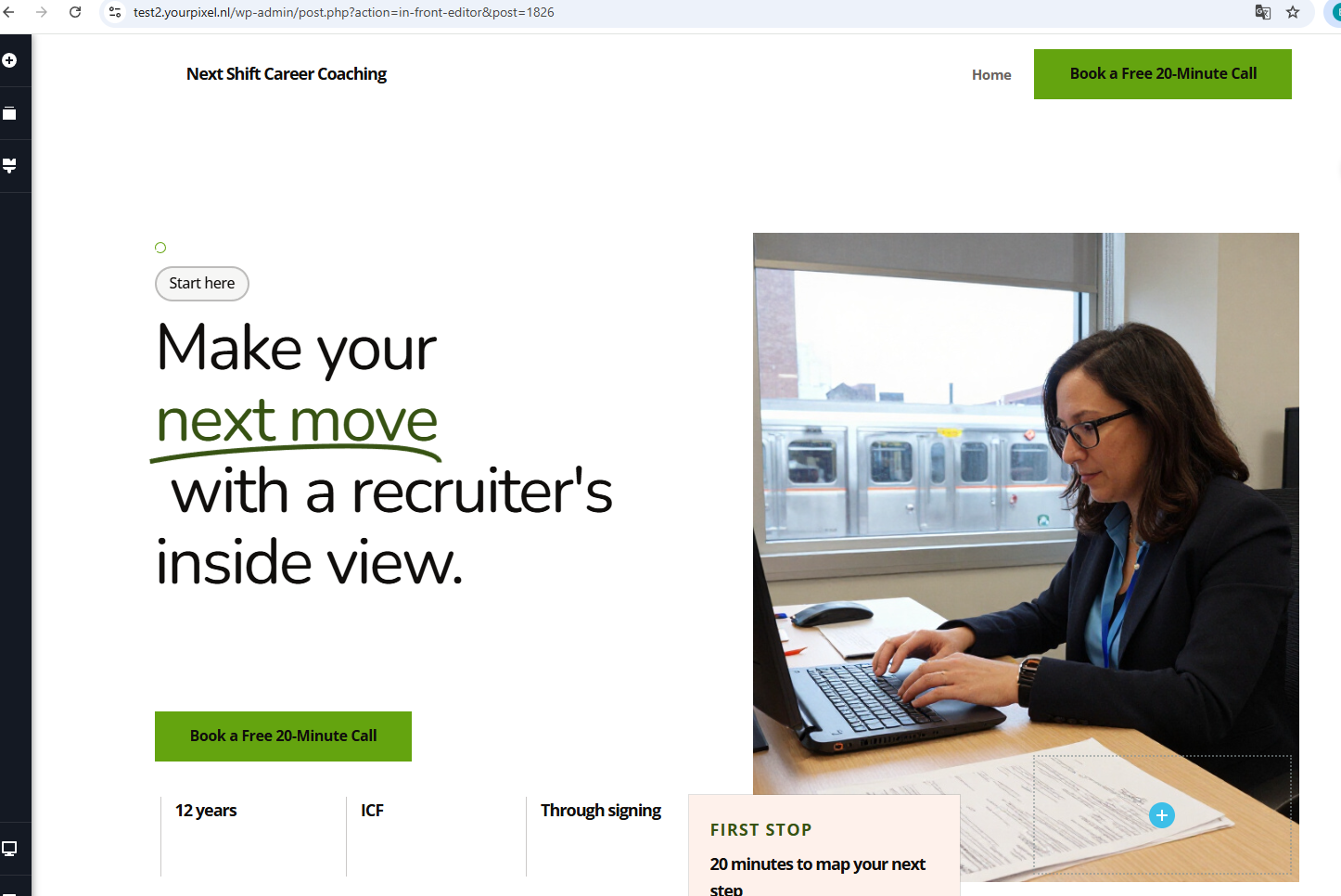
Also, please note that we created a backup of the old website using the All-in-One WP Migration plugin. If you ever need to revert to the previous version, you can restore the backup directly through the plugin.
Please let us know if you encounter any further issues.
Kind regards,
Ariel H.0
Please sign in to leave a comment.
Comments
10 comments