Critical error on the website!!

Hey please help.
Out of sudden, the website original set up are disappeared. The menu icon on the mobile version is not working, the tick is gone, and a lot of errors have happened!!!

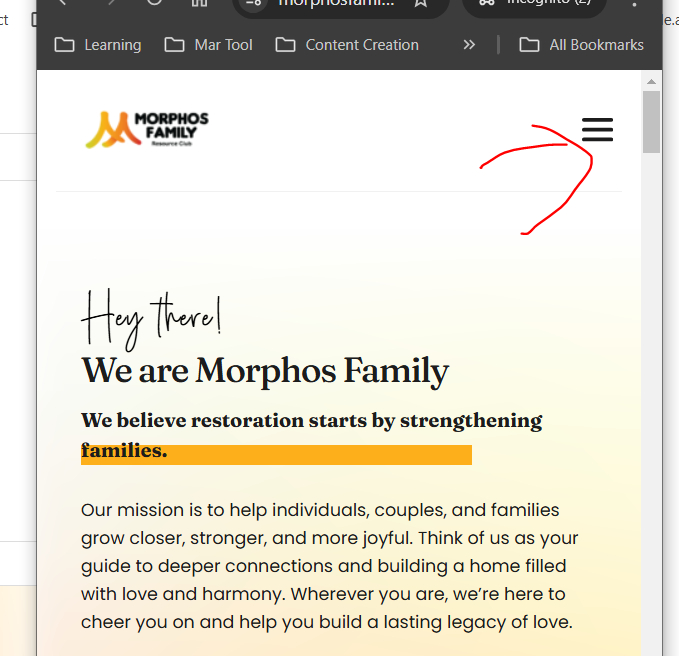
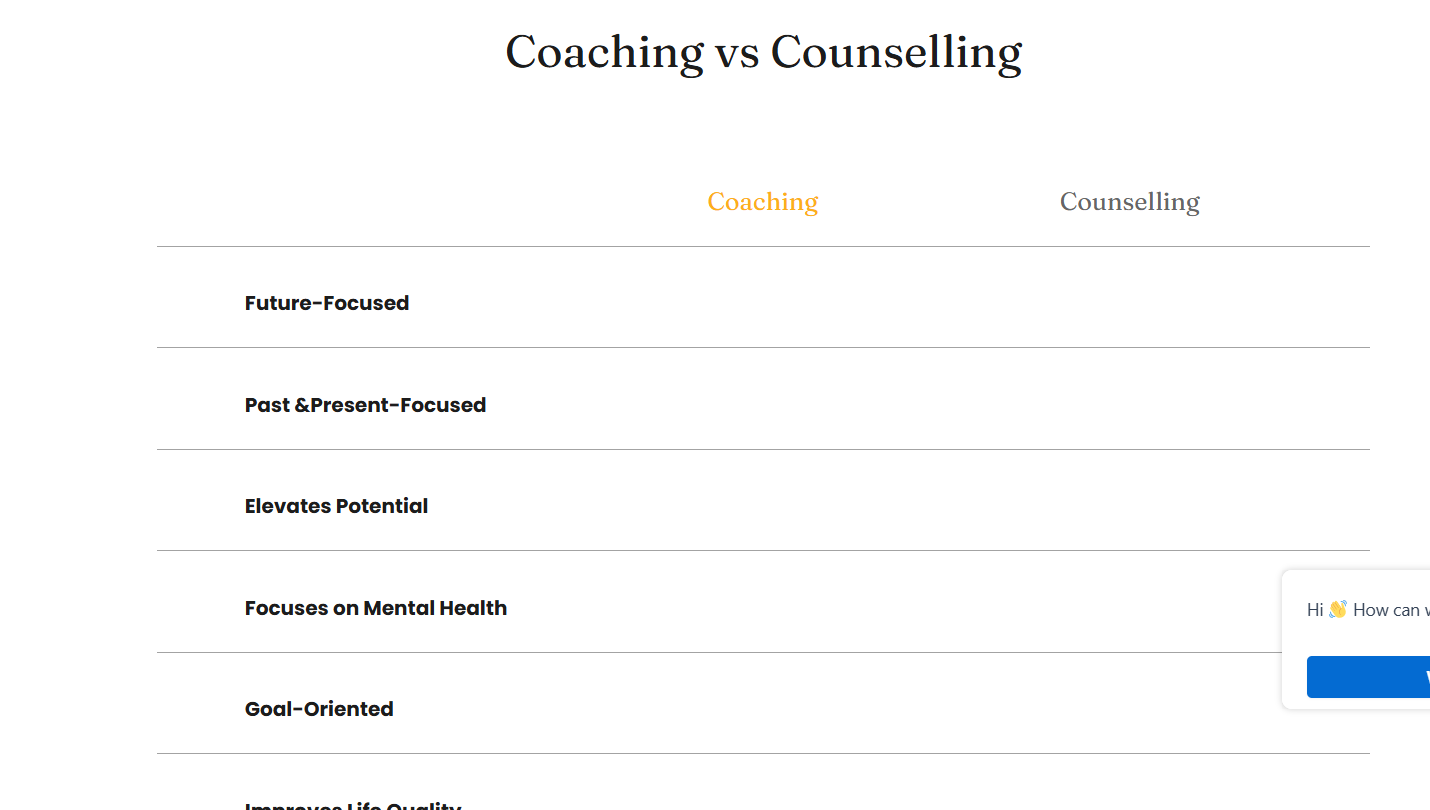
What happened to the website?
It is really poor as we were showing it to the customer and your website is not working.
-
I have disabled some of the plugins and open it incognitio window and none of these works.
please i have also shared teh temporarily access to the website cna you please investigate it further.
0 -

Hi Janet,
Thank you for contacting us.
Could you please try reverting to these versions and see if resolves the issue.
Brizy 2.6.4 : https://jmp.sh/hTF2g1V8
Brizy Pro 2.6.3 : https://jmp.sh/3FPsswmyFollow the below procedure to roll back.
1. Deactivate and delete Brizy Pro
2. Deactivate and delete Brizy
3. In your WordPress Dashboard under Plugins - Add New - Upload Plugin, upload Brizy 2.6.4
4. In your WordPress Dashboard under Plugins - Add New - Upload Plugin, upload Brizy Pro 2.6.3If you encounter any issues during this process, feel free to reach out for further assistance.
Best regards,
Ariel H.0 -
Hi Ariel,
By doing so, will all changes be gone? or it wont affect anything
0 -
hello?
0 -
Hi Janet,
Thank you for the update. Reverting to an earlier version will not result in losing all your changes.
Best regards,
Ariel H.0 -
tried, nothing resolved. Pls help - I have already sent you the admin access
0 -
Hi Janet,
Thank you for the update. Please check again and let me know if you experience any further issues.
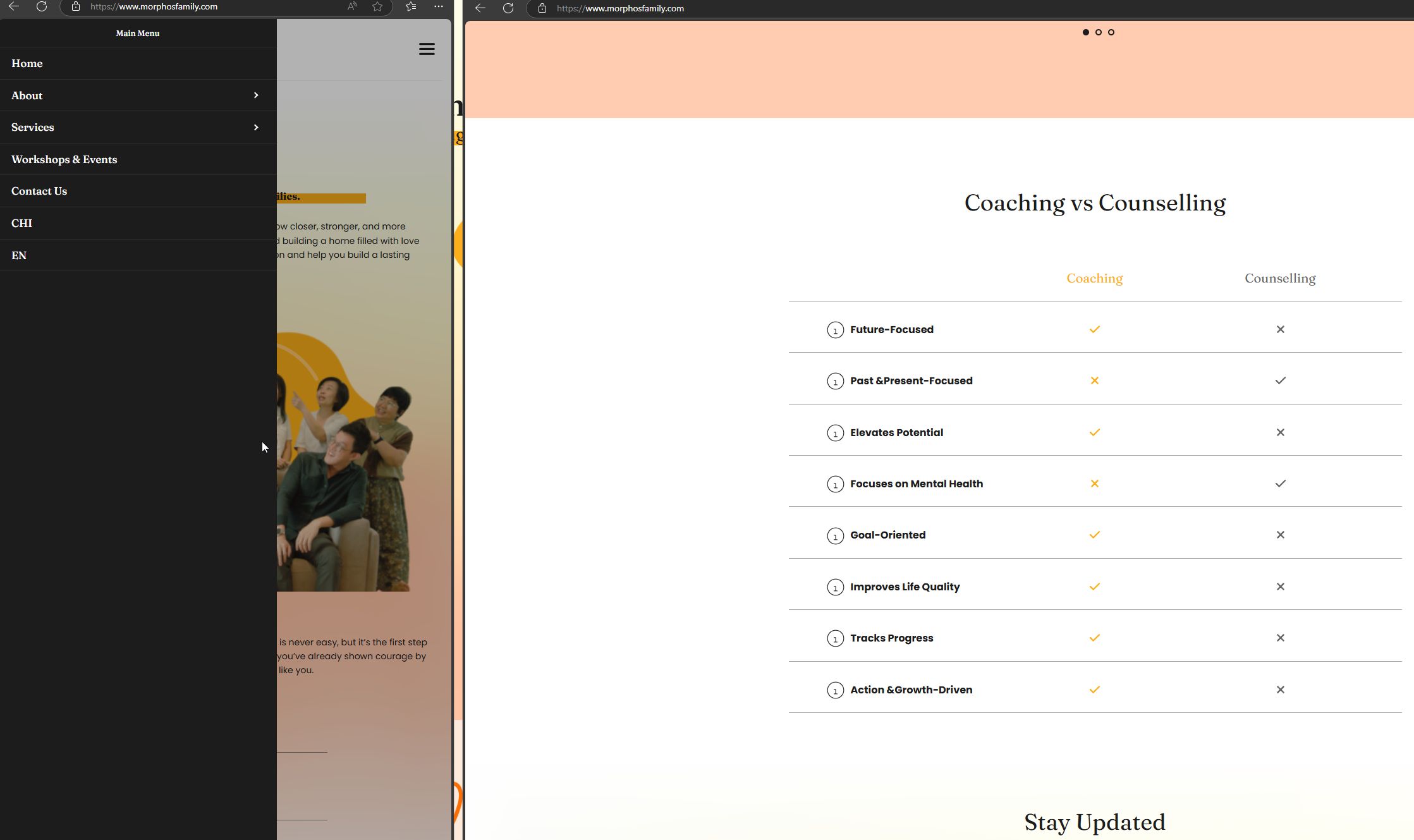
Kind regards,
Ariel H.0 -
yes it fixed, what had happened and hwo to fix it
0 -
Hi Janet,
The recent update introduced some issues that we’re still working to resolve, which is why we recommended reverting to a previous version. Sometimes, these problems don’t go away right away after downgrading.
To address this, you can go to the global header, add 1px padding all around, and then click update to save the changes. Then, check your browser to see if it worked. If it’s fixed, you can undo the padding change and save again. This small tweak forces the Brizy compiler to apply the changes across your site.
I hope this helps.
Best regards,
Ariel H.0 -
hey, same issue across the website again and its unstable for the whole time which is not great for the website performance.
There are some tweaks on the site which are not working fine, and especially on the mobile page. Can you please take a look on this?
0 -
Hi Janet,
Thank you for reaching out.
Could you please provide more details about the issues you were facing for better understanding. If possible, please create a short screencast or take some screenshots to demonstrate the issue.
In the meantime, please try to isolate the issue by disabling third party plugins except Brizy and Brizy Pro and your translation plugin. After doing so, check if you could still reproduce the issue. Third party plugin conflicts often times could affect the editing and user experience.
Please try this and let me know how it goes.
Best regards,
Ariel H.0 -
I have disabled most of the plugins, leaving 3 hostinger, translation and brizy plugins and the issue remains.
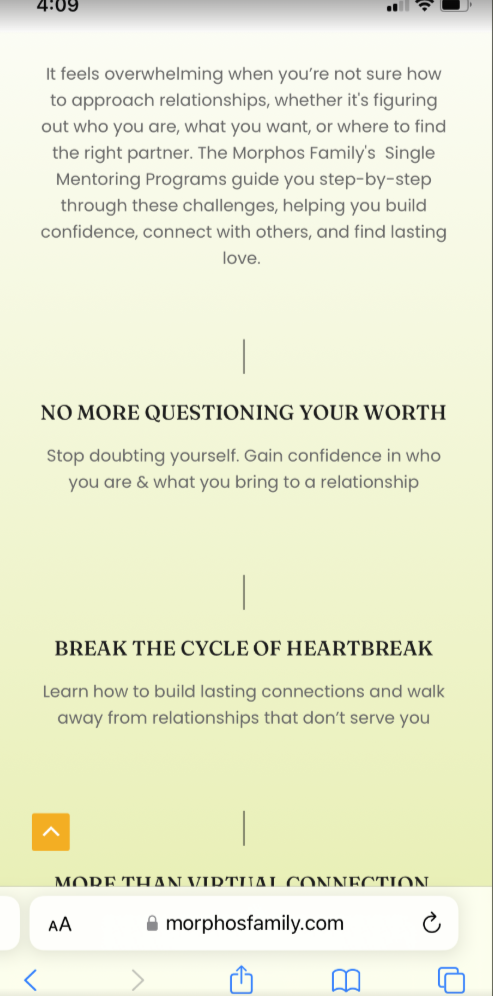
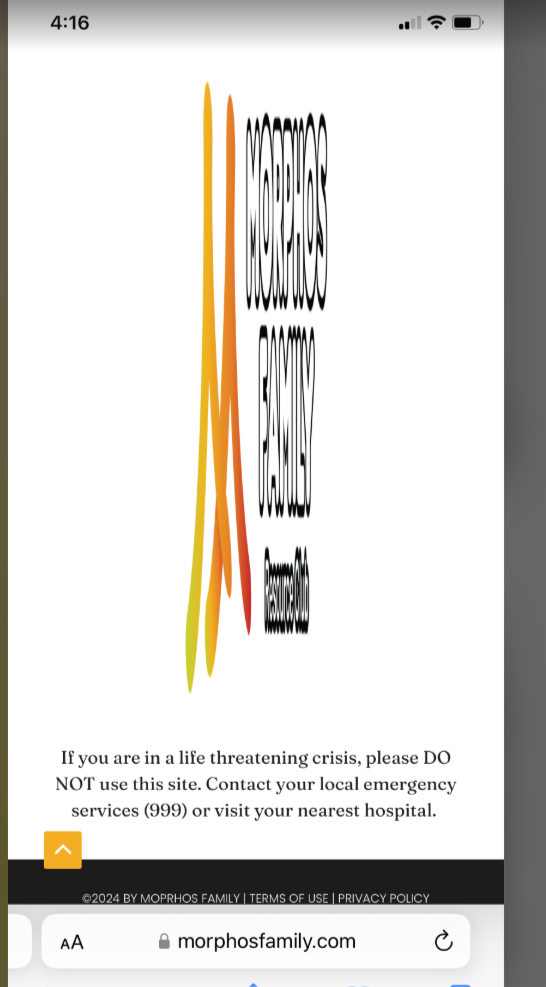
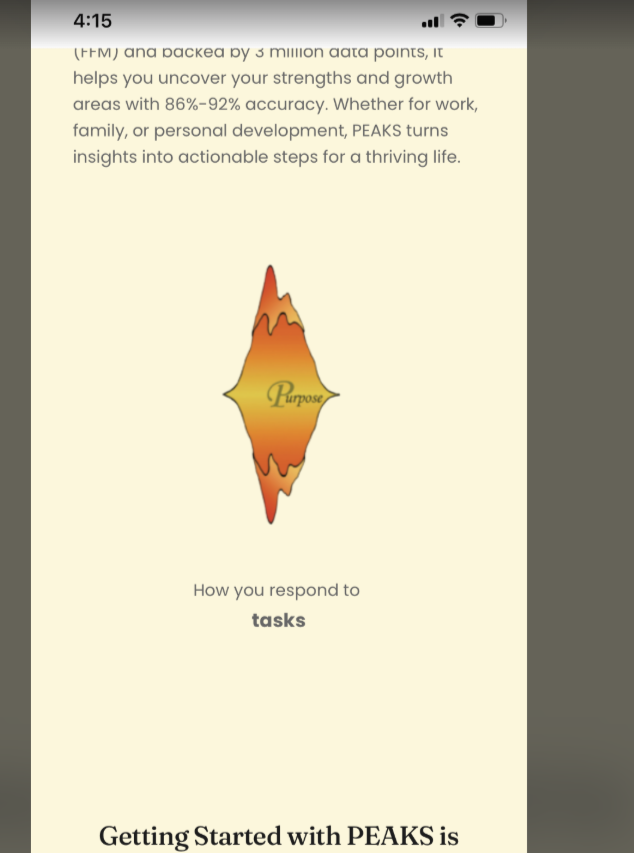
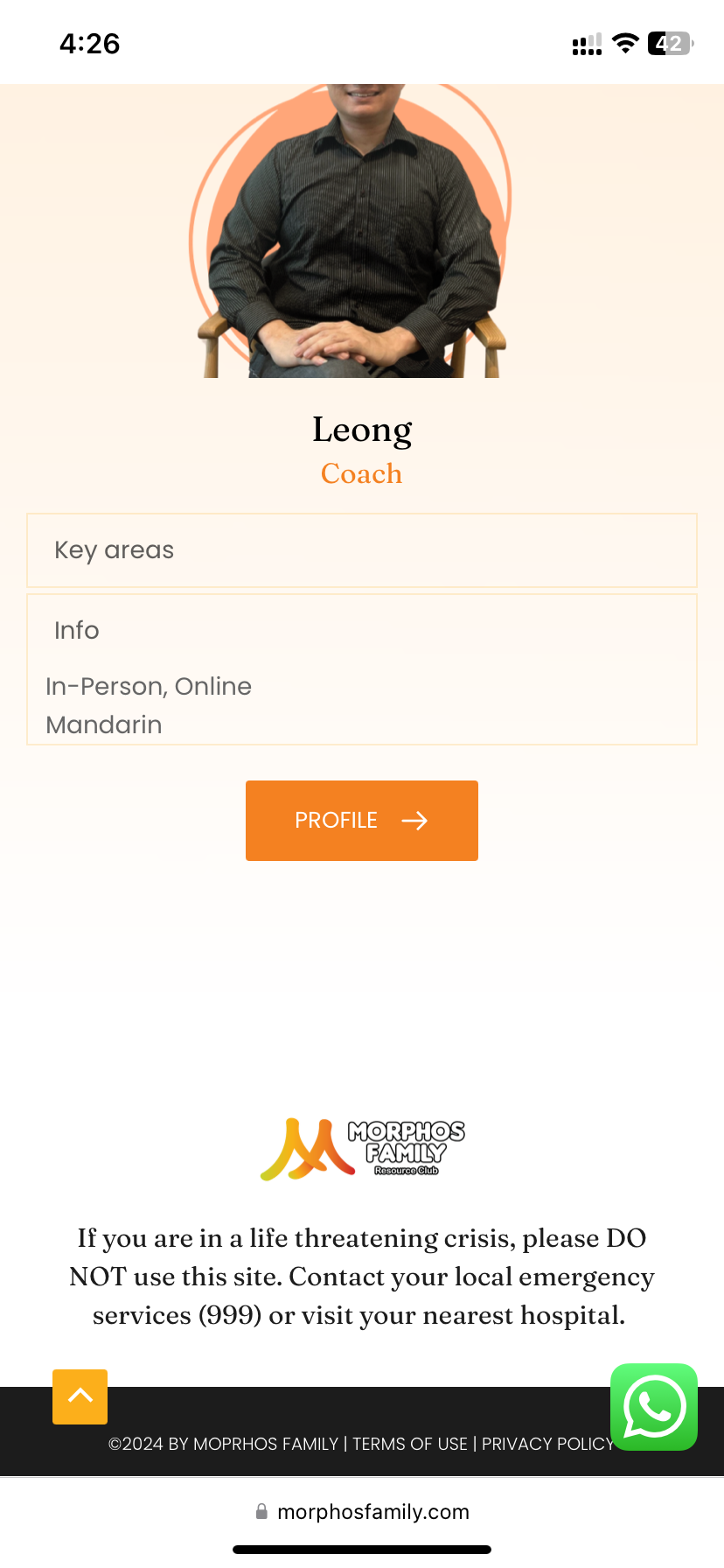
First the icons from brizy icon disappeared as you can see, and image is being distorted incorrectly which i have double checked on the mobile editor page and it was fine.
The icon does not have the previous colour as expected, slider disappeared - these are really bad since they all shown unstable status to me

 0
0 -
Hi Janet,
Thank you for the update. The reported issues have been fixed.
If you encounter similar issues, adjusting size of the icons by 1px and clicking update should resolve them. This also applies to misaligned elements or entire blocks—adding or increasing the padding by 1px and saving the changes should help. If the issue is fixed when previewing the page on the front end, you can revert your changes and update again.
Let us know if you have any further questions.
Best regards,
Ariel H.0 -
the logo image ( footer ) under our team still a shit - please fix that.
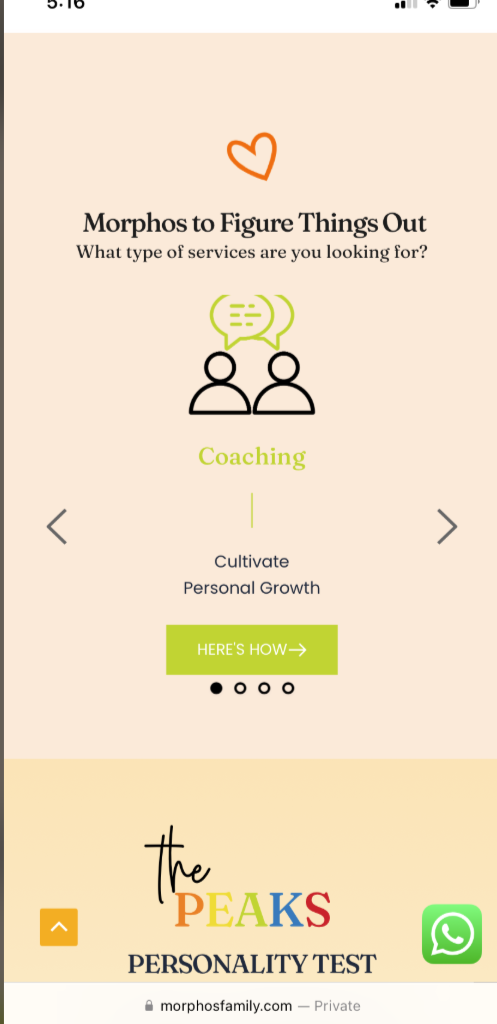
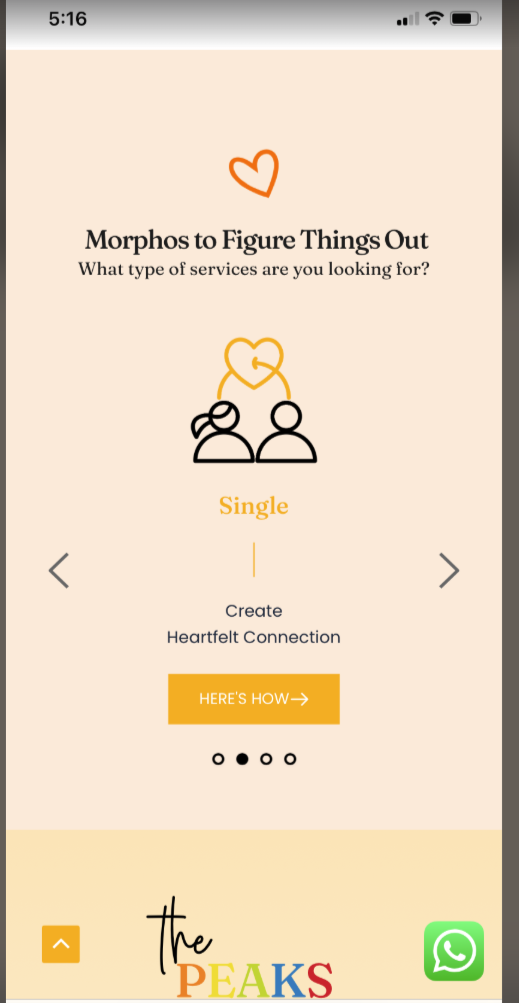
What happened to these manual fixes or bug issues that occurred frequently? the site was just established last Dec but a lot of maintenances are required. the first load on the coaching always couldnt render properly but when we transit from the next image and back, it was rendering okay.
 0
0 -
Hi Janet,
Thank you for keeping in touch, and we apologize for the inconvenience.
We've fixed the reported issues. However, if you're still experiencing any problems, we'd be happy to take another look.

For a faster response and clearer understanding of the issue, please share the URLs of the affected pages along with a short description of what you're seeing. This will help us address the problem more efficiently.
Best regards,
Ariel H.0
Please sign in to leave a comment.
Comments
15 comments