Brizy Image Element Not Working

Hi Team,
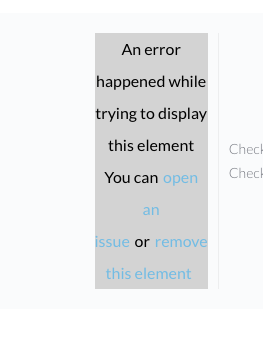
I was planning to update some images this morning, but none of my Brizy elements seem to be working. Whenever I click on an image, I get an error, as shown in the attached screenshot.
Are there any known issues with the Brizy Image Element today?
Thanks,
Daniel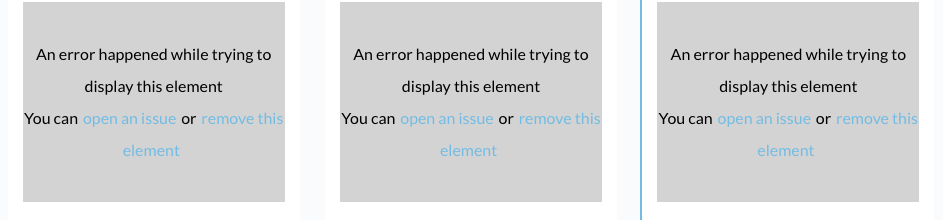

-

Hi Daniel,
Thank you for contacting us.
This issue often occurs due to a mismatch between the versions of Brizy and Brizy Pro. Additionally, there are known issues with the latest update.
Could you please try reverting to these versions and check if that resolves the issue?
Brizy 2.6.4 : https://jmp.sh/hTF2g1V8
Brizy Pro 2.6.3 : https://jmp.sh/3FPsswmyFollow the below procedure to roll back.
1. Deactivate and delete Brizy Pro
2. Deactivate and delete Brizy
3. In your WordPress Dashboard under Plugins - Add New - Upload Plugin, upload Brizy 2.6.4
4. In your WordPress Dashboard under Plugins - Add New - Upload Plugin, upload Brizy Pro 2.6.3If you encounter any issues during this process, feel free to reach out for further assistance.
Best regards,
Ariel H.0 -
Hi Ariel,
Thanks for the respond.
I'm using Brizy 2.510 and Brizy Pro 2.6.4. See attached.
Since there are known issues with the lastest update, what are the prospects of this being resolved wihtout me having to reinstall the plugins?

Best,
Daniel0 -

Hello Daniel,
The Brizy and Brizy Pro versions you are using are not compatible with each other. Hence Brizy Pro will be inactive in your project. To use both plugins, you must use compatible Brizy versions.
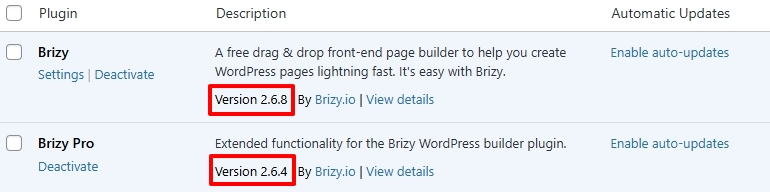
These are the most recent Brizy versions. We recommend updating to these versions. In case you face issues after updating to these versions, you can consider rolling back to the previous versions recommended above.
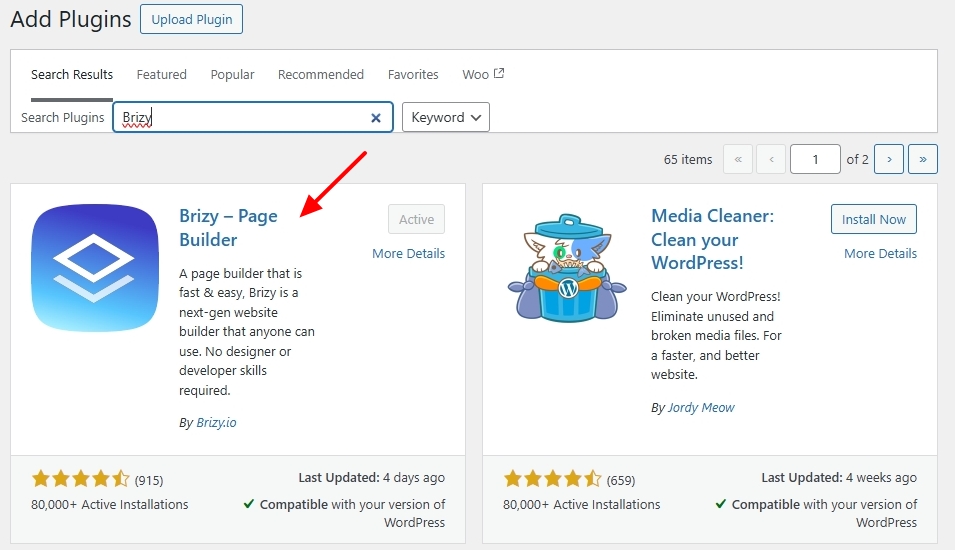
Kindly deactivate and delete the Brizy plugin and reinstall from the WordPress plugin repository to update to Brizy 2.6.8
 0
0 -
Hi KC,
Thanks! :)
I’ve now updated the regular Brizy plugin to version 2.6.8, and it solved the image issue! :)
However, I’m quite concerned that I have to manually update the regular Brizy plugin whenever the Brizy Pro plugin is updated.
I’ve enabled "Auto-Updates" in WordPress, but the regular Brizy plugin isn’t updating automatically. Why is this happening, and how can it be resolved so I don’t have to update the regular Brizy plugin manually?
Best regards,
Daniel0 -
 0
0 -
Hello Daniel,
WordPress handled auto updates for your plugins. Hence, we do not have insight into why auto updates failed in your project.
We do not recommend auto updating Brizy and Brizy Pro plugins. Page builder updates can introduce new compatibility issues with other plugins in your WordPress Dashboard and can have bugs. It is important to check your website immediately after every Brizy update and ensure that there are no issues.
Its good to backup your website before updating Brizy and Brizy Pro plugins so that in case something breaks, you have a way to restore your website. Consider checking for Brizy updates every 3-6 months and manually updating.
0
Please sign in to leave a comment.
Comments
6 comments