I can't upload the company logo and the blog doesn't display

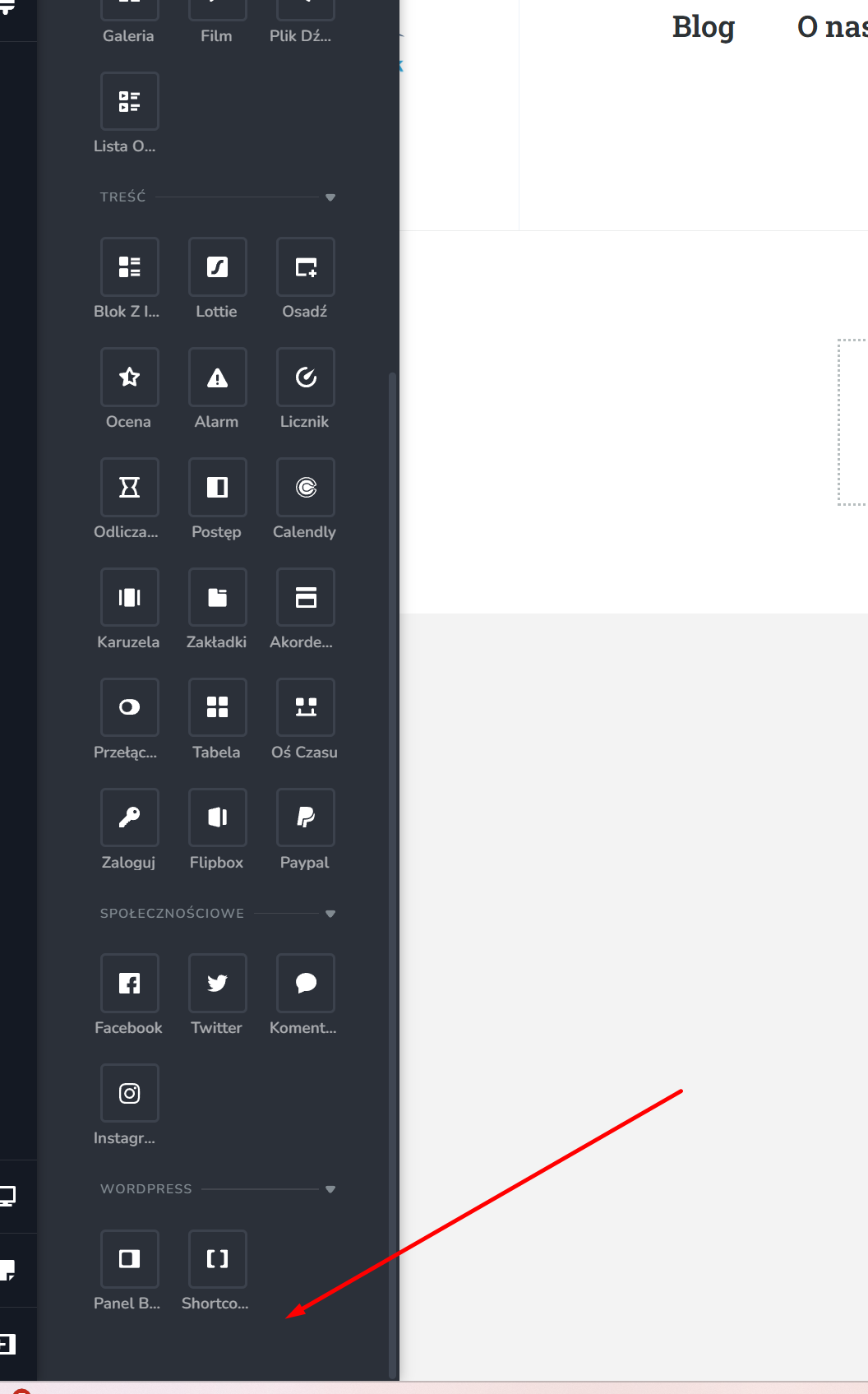
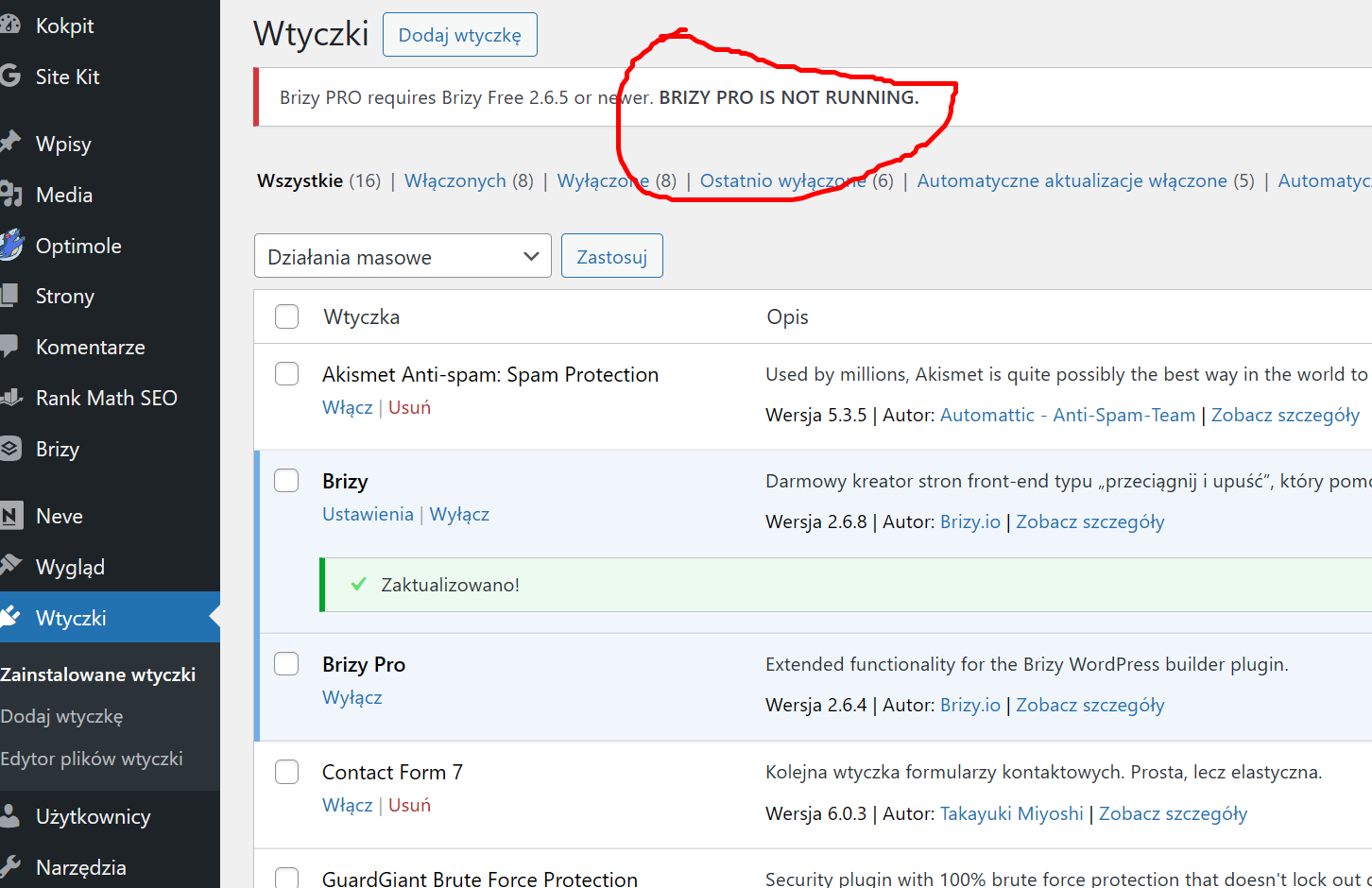
1. I can't update the plugin
2. I can't change the logo in the header
3.the blog is not showing
-
 0
0 -
 0
0 -

Hello Artur,
Kindly try these steps and check if the above issues resolve.
- Deactivate and delete Brizy and Brizy Pro plugins
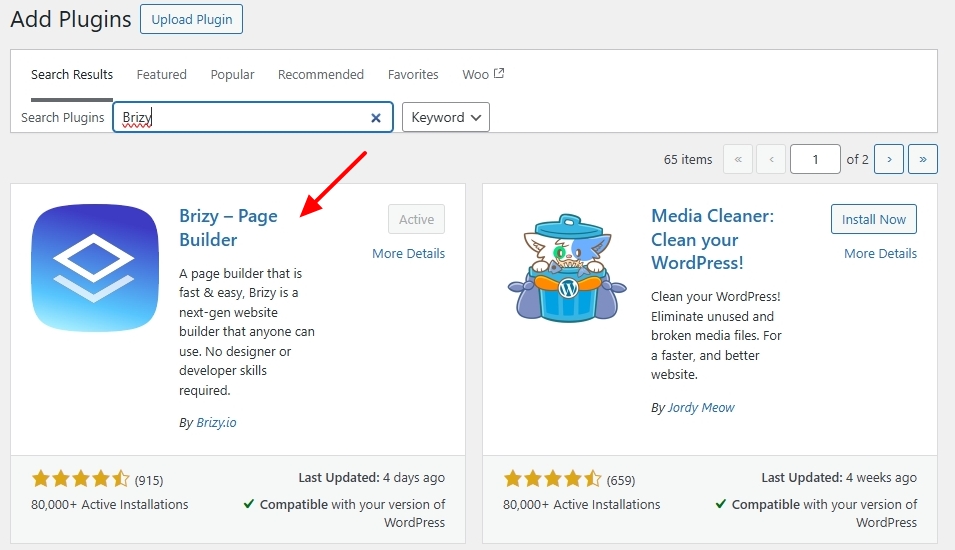
- Install Brizy from the WordPress Plugin repository
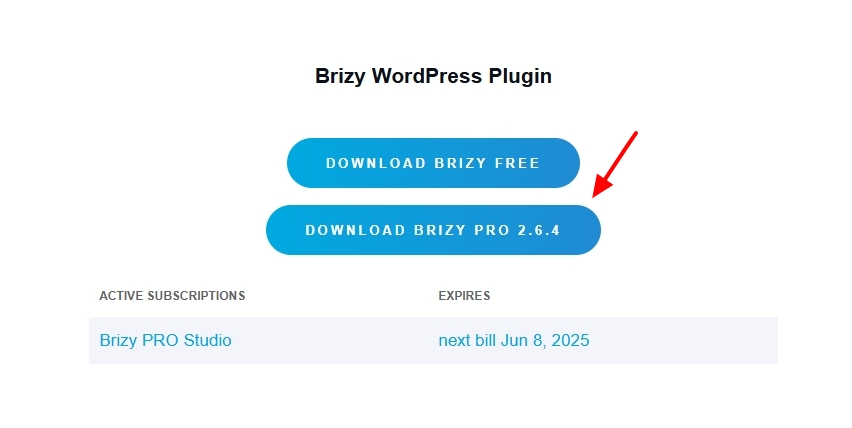
- Sign into your Brizy account at https://www.brizy.io/account/login and download Brizy Pro 2.6.4 by clicking on the button below
- In your WordPress Dashboard, under Plugins - Add New, upload Brizy Pro 2.6.4
0 - Deactivate and delete Brizy and Brizy Pro plugins
-
Hi. I did these steps before writing to you. It didn't solve my problem
0 -
Hello Artur,
We would like to take a look at your WordPress Dashboard to fix the above issues. Please add a new user to your WordPress Dashboard and send the following details to our email: communitysupport@brizy.io
- Support Forum link: https://support.brizy.io/hc/en-us/community/posts/24076947190162
- WordPress Admin URL:
- Username
- Password
Please let us know in this forum when you send us the email.
0 -
I sent the login details
0 -

Hi Artur,
Thank you for your cooperation.
We tried inspecting your site, but we were unable to open the page in the editor. It appears the issue is related to insufficient memory and other server settings that need to be adjusted. Please set the PHP Max Input Variable to 6000 and the PHP Memory Limit to 512M or higher. You may contact your hosting provider to assist with these updates.
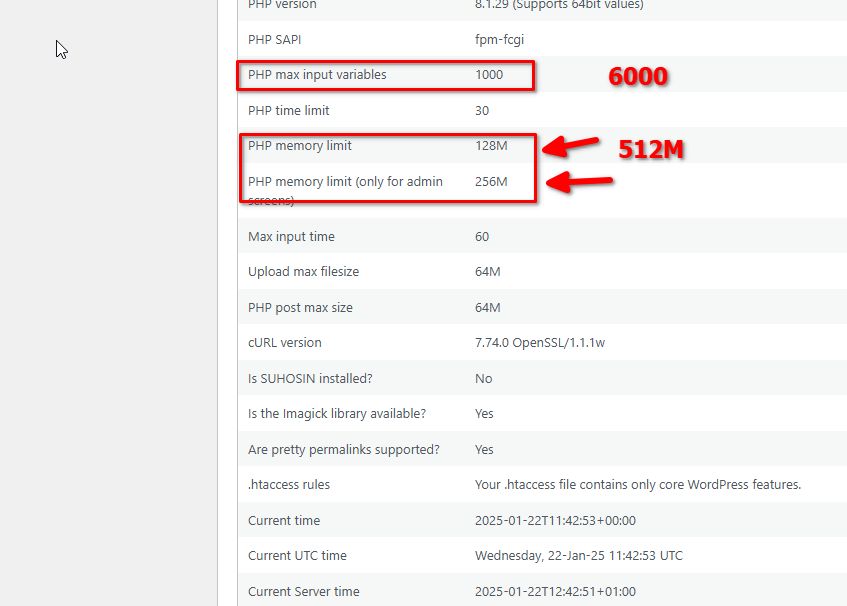
If you have access to Direct Admin, you can make these changes yourself. Navigate to Select PHP Version > Options, where you can locate and modify these settings.
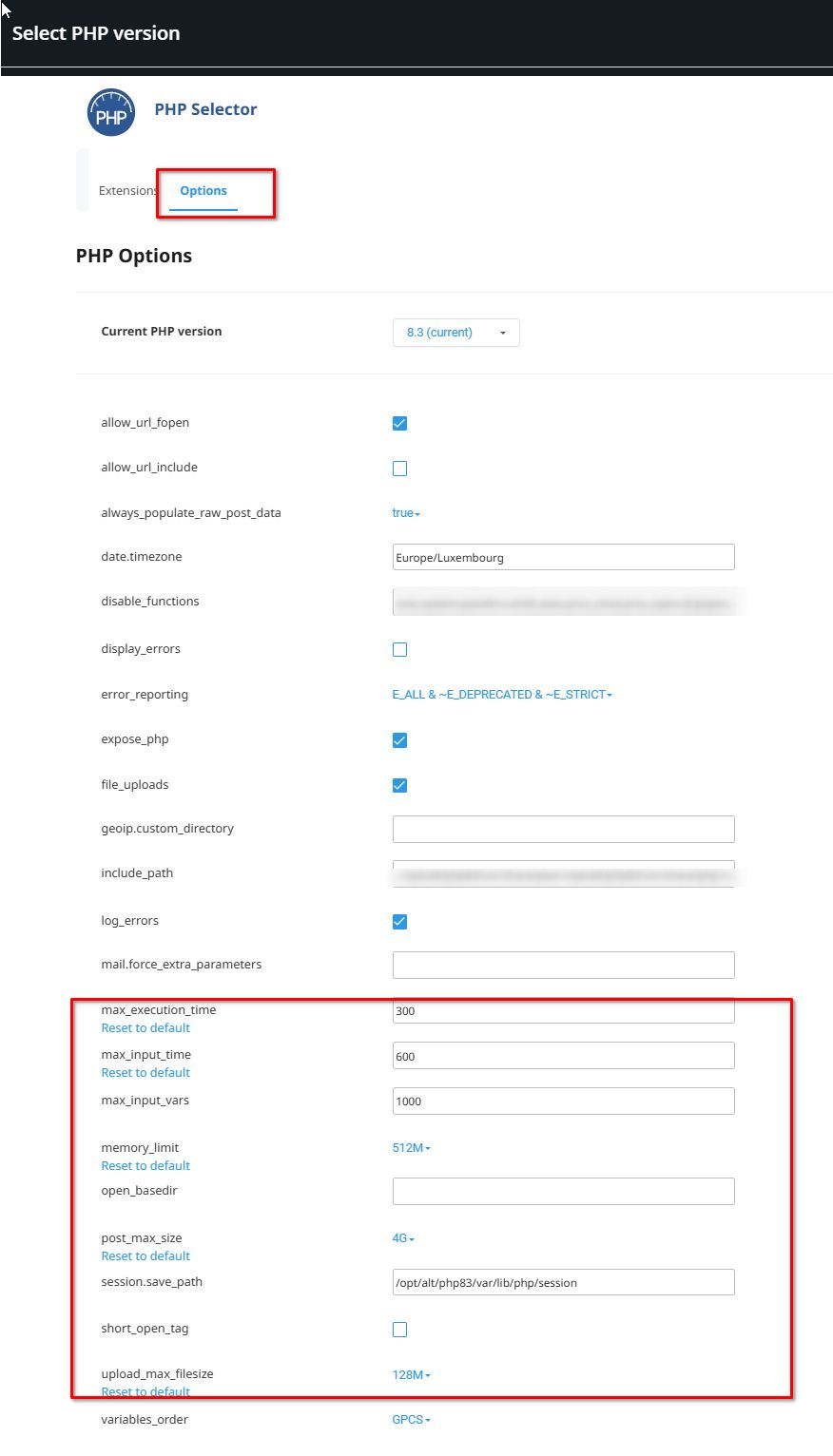
Let me know once this is done so we can continue inspecting your site.
Best regards,
Ariel H.0 -
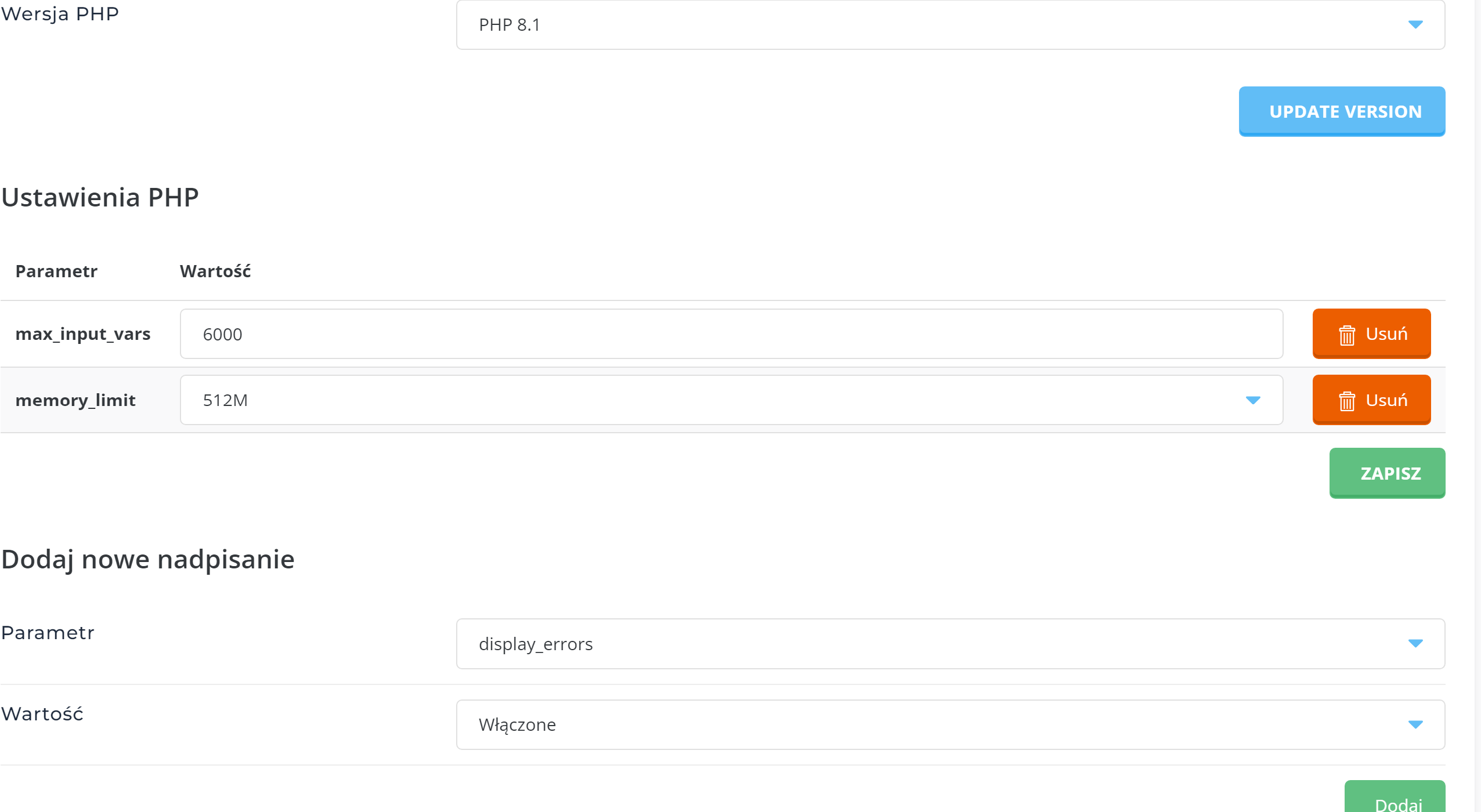
Done!
 0
0 -
Hi Artur,
Thank you for your cooperation. Everything seems to be working fine on my end.
Could you please try again and let me know if you’re still experiencing the same issue?
Best regards,
Ariel H.0 -
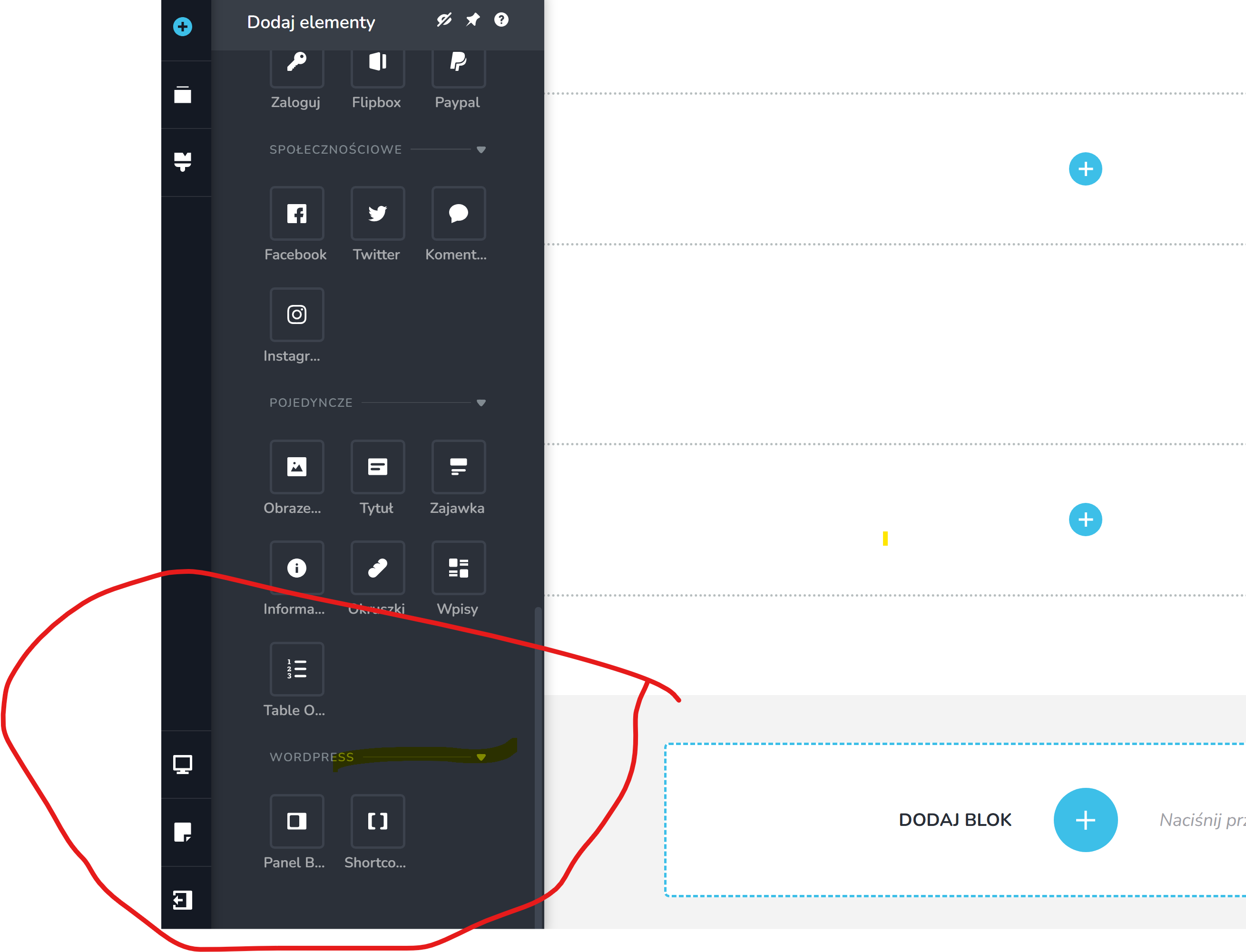
I don't have the pro version. I still can't build a site based on blog posts.
 0
0 -
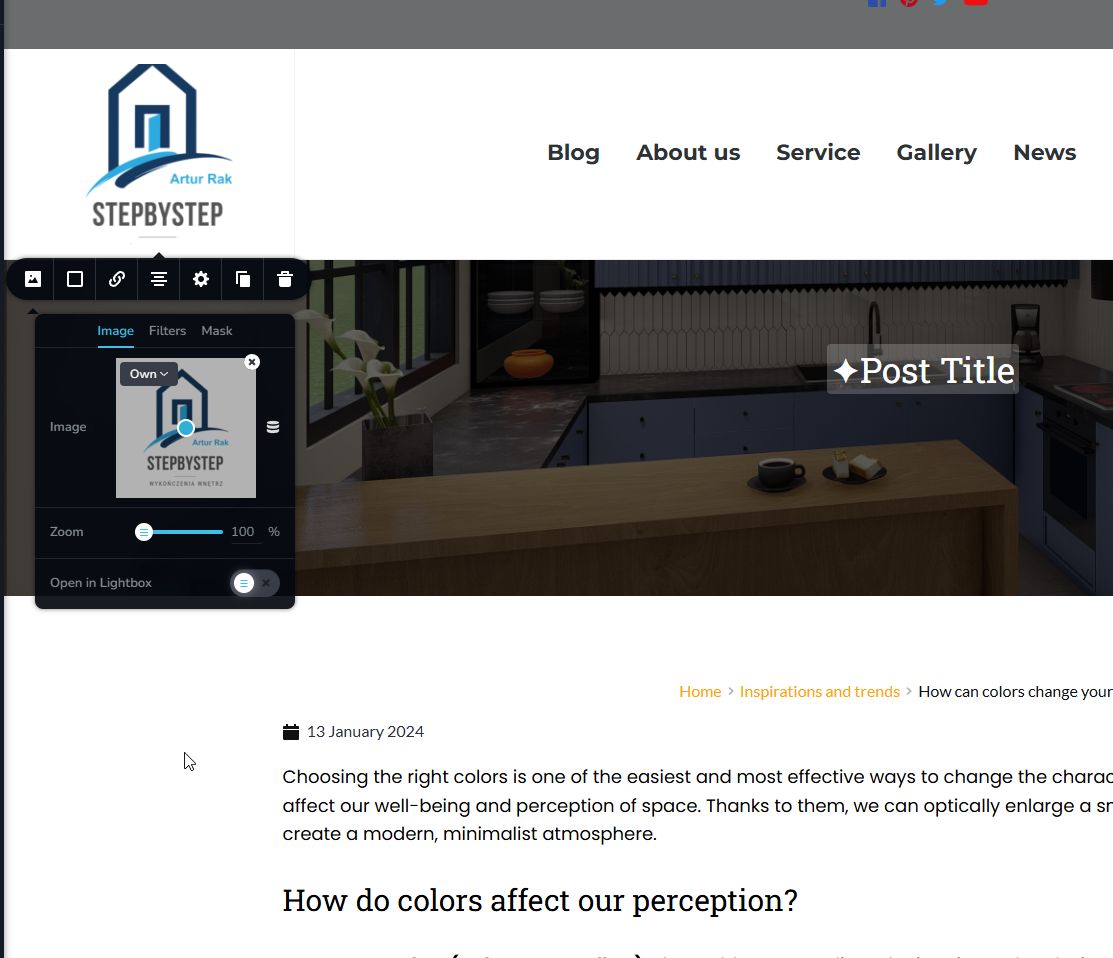
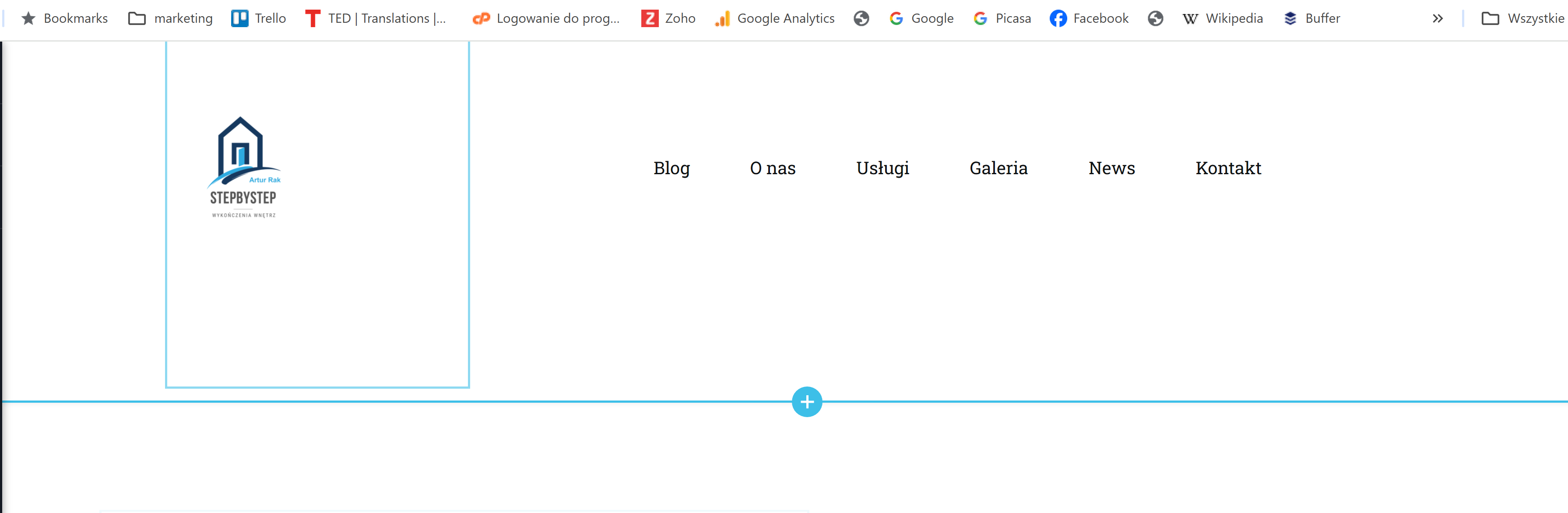
Besides, when I create a new page and want to create a header with a menu with the "sticky" option, if I replace my logo and insert the Wordpress menu, when I scroll down, your logo disappears and appears with the inscription: company
0 -
 0
0 -
 0
0 -
Hello Artur,
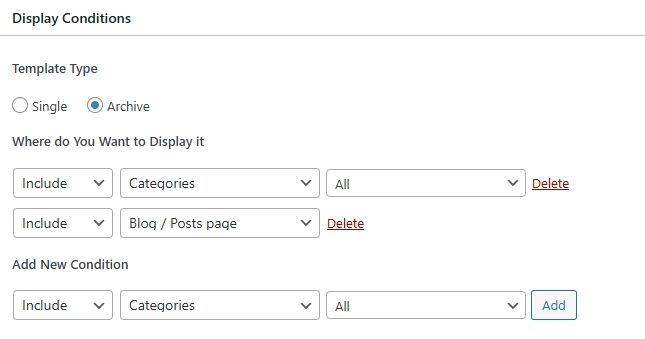
The Brizy "Archive" element was missing in the blog archive template because you had not added the display conditions. I have now added these display conditions. Once you add a display condition, you will see the "Delete" option next to it. Kindly ensure that you see the "Delete" option next to your Display Conditions (and not the "Add" button)
I have added a sample blog design for your blog page at https://arturrak.pl/blog/. Feel free to modify the design according to your preferences.
The regular and sticky headers are independent of each other. After designing your regular header, you must also design your sticky header. You can copy the content of the Row element in the regular header and paste it in the Sticky header. Have a look at this screen recording for the procedure https://jmp.sh/TjTpLmML
0 -
Cześć, George
great. thank you for your quick help and objective explanation. Everything works now.
0
Please sign in to leave a comment.
Comments
15 comments