Website Visibility Issue on HTTPS

Hello,
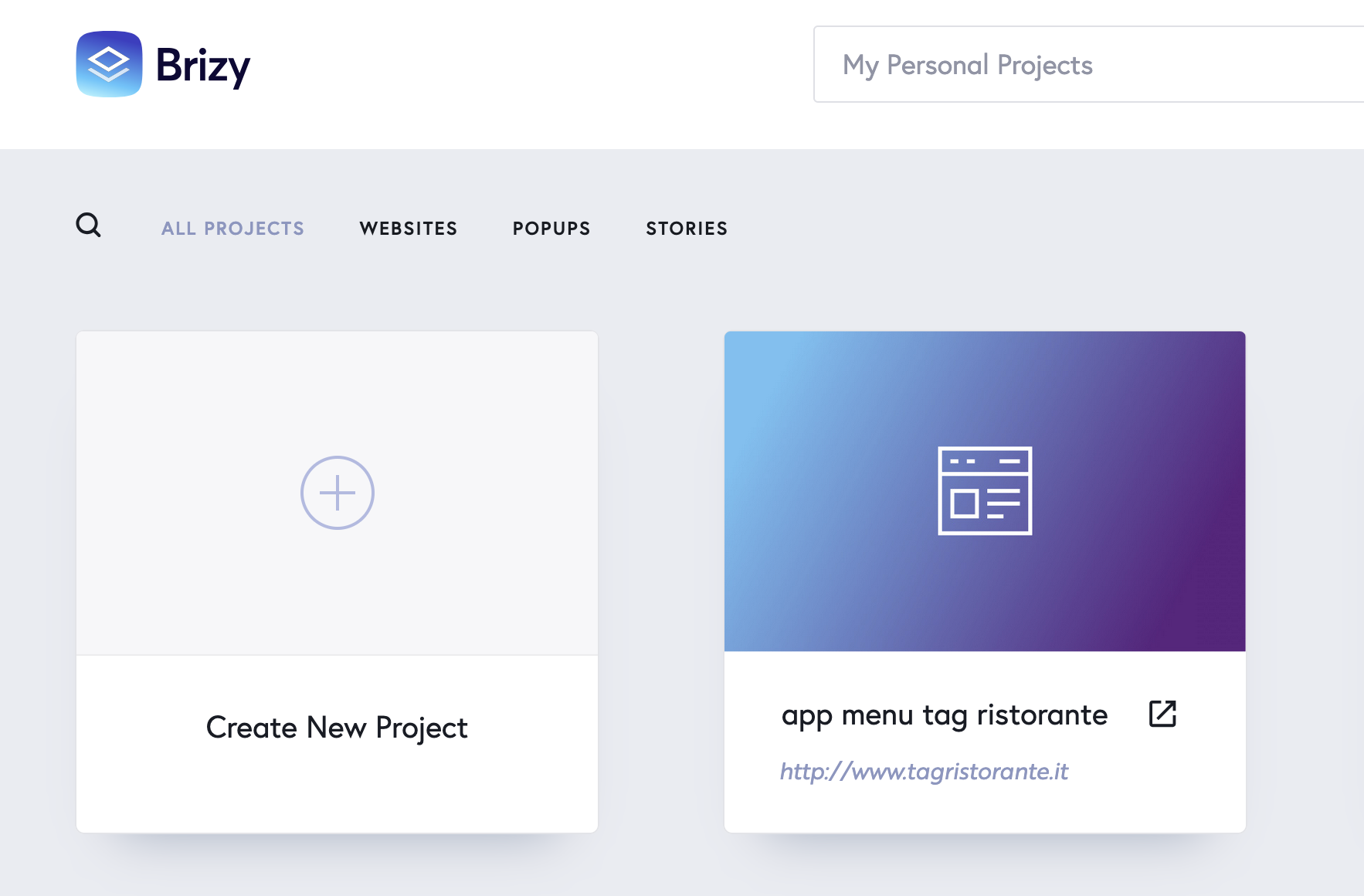
We have encountered a problem with our website, www.tagristorante.it, created with Brizy Cloud and hosted on an external hosting service. Currently, the site is recognized only via the HTTP protocol and not HTTPS. As a result, in many browsers, the site is not visible and displays the following error: {"message":"Invalid base url"}. I also noticed that in the Brizy Cloud dashboard, the link to the site shown on the reference card uses the HTTP protocol. I am not sure if this is the cause of the problem, but it could be a relevant factor. We have already attempted to resolve this issue by setting up a redirect from HTTP to HTTPS directly on our hosting, with assistance from the hosting service support. However, this operation has not been successful, and the site continues to fail to load correctly. We are unclear whether we need to make changes directly within our hosting or if it would be more appropriate to re-upload the site from Brizy Cloud to our hosting, deleting the files from the previous installation. We would appreciate any guidance you could provide on how to proceed in order to restore proper visibility for the site.
Thank you in advance for your support!
Angel
 Best regards,
-

Hello Angel,
When you host your website on an external server, the SSL certificate for the specific domain is deployed on the same server. Please check whether an SSL certificate for the specific domain name is installed on the hosting server. Only after the SSL certificate has been installed will it be useful to set up a redirect from HTTP to HTTPS.
Because you created a custom domain to your project and the necessary A Record and CNAME records were missing, your project was pointing to http://www.tagristorante.it in your Brizy Cloud dashboard. Your project now points to a brizy.site subdomain after I deleted the custom domain.
Both http://www.tagristorante.it/ and https://quince2589296.brizy.site look identical. Hence I do not see the need to reupload the files to your server.
0
Please sign in to leave a comment.
Comments
1 comment