Cannot Invite a Team member to a Workspace

My Client wants to mange his project himself. I tried adding him as a team member (designer) to the project but he didn't get any notification and it still shows pending from my end. Even after the client has gone ahead to create a brizy account. How do i give him access?
-

Hi Mouneeb,
Thank you for reaching out. Could you please ask the client to check if the notification might have ended up in their spam folder? Also, request an alternate email address and try sending it again.
Please give this a try and let me know how it goes.
Best regards,
Ariel H.0 -
- The Client didn't get it. Even after removing and adding the client again.
- So I added the client's second email. This time around he got the email but clicking on the link just takes him to a blank page.
- Now he logs off and tries to log in again but can't see anything pertaining to the workspace he was added to.
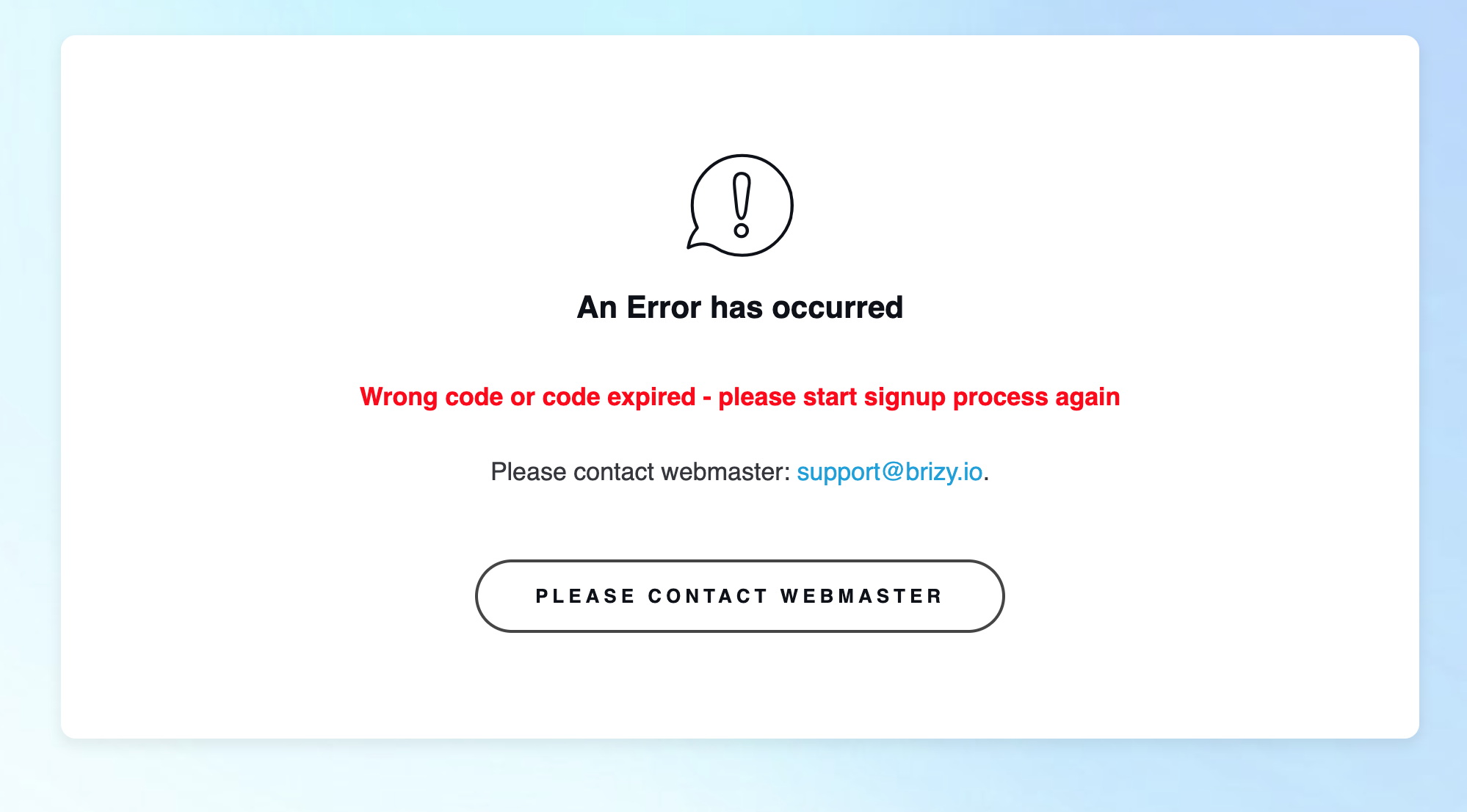
- He then clicks on the link sent to his email earlier and gets this error
 0
0 -

Hello Mouneeb,
We apologise for the inconvenience. We were experiencing an issue with the email notifications in Brizy Cloud. It was fixed on Sunday, 19th January. Please check again if you can add a Team Member to your workspace. If the issue persists, kindly share with us your Workspace name. We will take a look.
0 -

I am having the same exact issue. This is a poor client experience.
0 -
It looks like this problem has not been fixed after a year of issues.
0 -
Hello Donna,
I tested the Team Invitation feature in your account, and it worked smoothly. I received the following email notification in my Inbox.
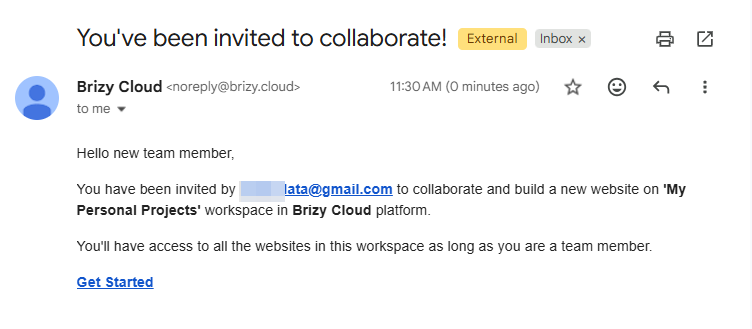
I clicked on "Get Started" link in the invitation email and I could join your workspace.
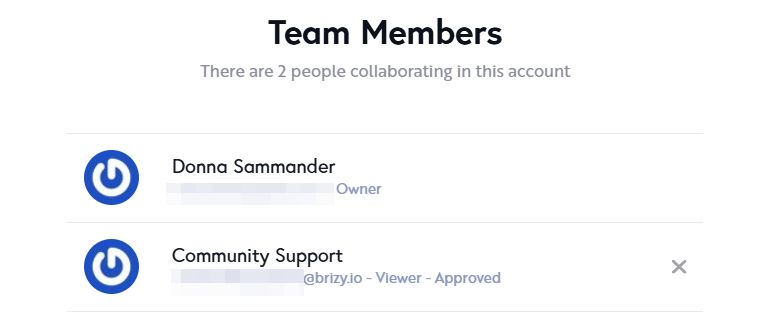
What was the issue you were facing? If you attempt to invite a Team Member again now, do you face the same issue?
0
Please sign in to leave a comment.
Comments
6 comments