About form,map,slider

I have a problem, please help me.
Parts that were originally displayed without any problems have stopped displaying for the past few days.
Below is the test page.
https://valuew.jp/t116/
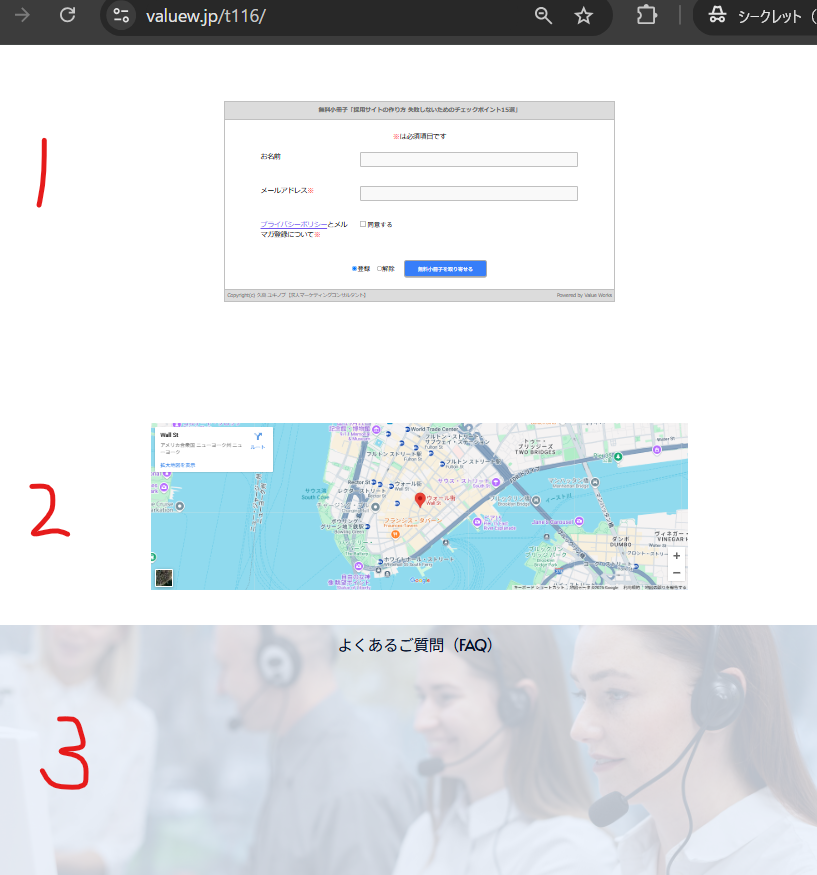
1. Form doesn't work. (text is displayed)
2.MAP is not displayed.
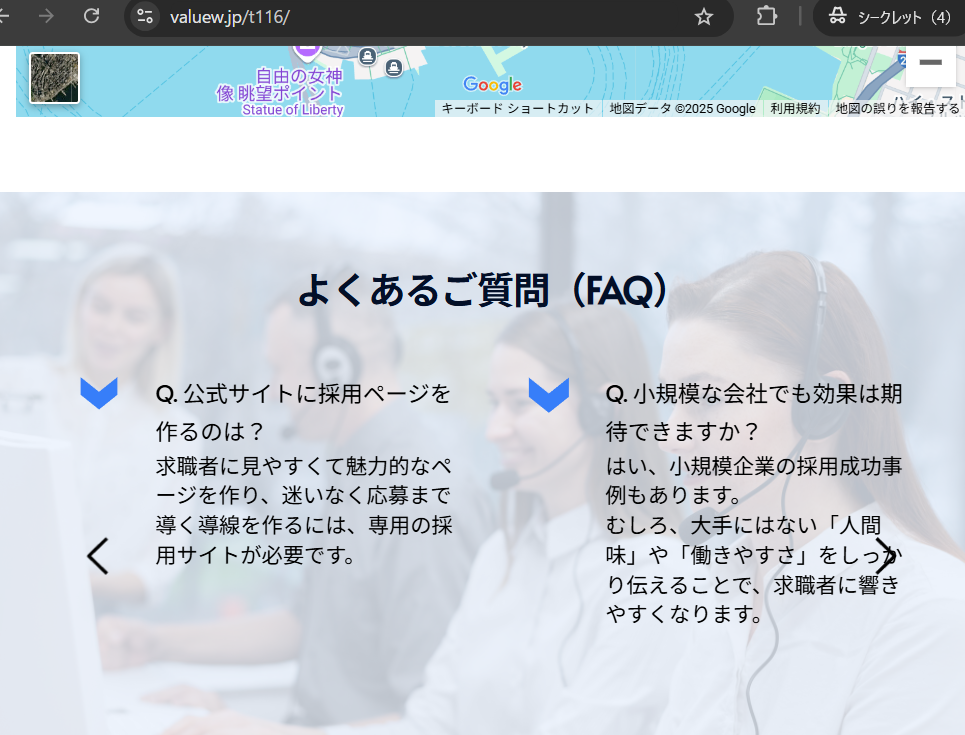
3. FAQ content (using slider) is not displayed.
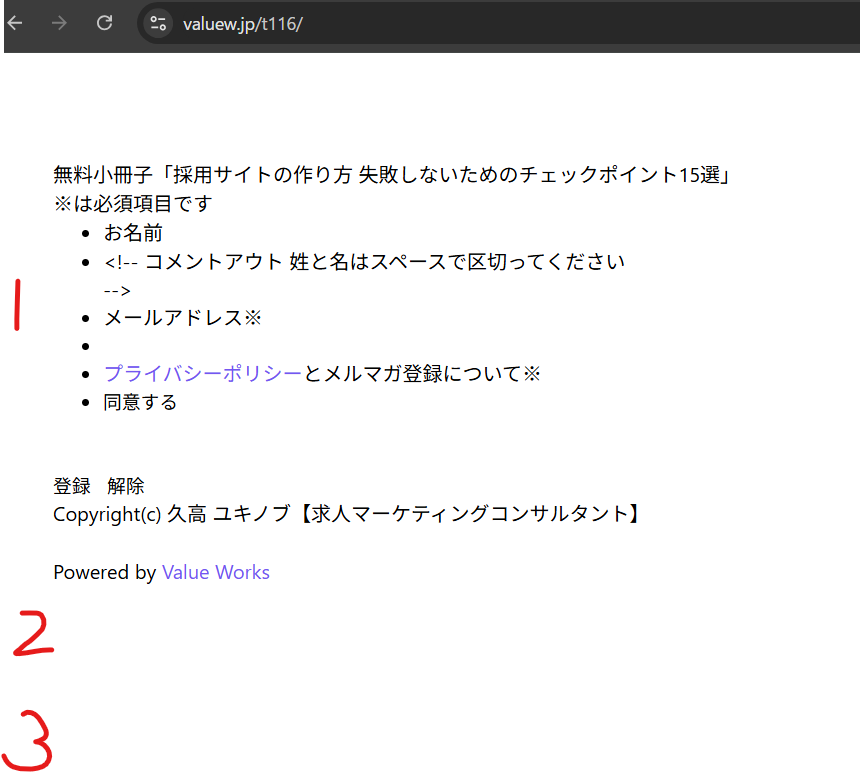
1.2 was improved by downgrading brizy (2.6.7 → 2.6.4).
3, the title and background are now displayed, but the slider is not.
Even if I disable brizy pro, it doesn't improve.
I don't know how to downgrade brizy pro, so I haven't tried it.
Please support us.
-
After that, I downgraded brizy pro (2.6.4 → 2.6.3)
and the FAQ content was also displayed.
Thank you.
 0
0 -

Hi,
We apologize for the inconvenience caused by the recent updates. Our team is actively working to resolve these issues, and we appreciate your patience.
In the meantime, please roll back to the following versions to address the issues until we are able to roll out a fix.
Brizy 2.6.4 : https://jmp.sh/hTF2g1V8
Brizy Pro 2.6.3 : https://jmp.sh/3FPsswmyFollow the below procedure to roll back.
1. Deactivate and delete Brizy Pro
2. Deactivate and delete Brizy
3. In your WordPress Dashboard under Plugins - Add New - Upload Plugin, upload Brizy 2.6.4
4. In your WordPress Dashboard under Plugins - Add New - Upload Plugin, upload Brizy Pro 2.6.3If you encounter any issues during this process, feel free to reach out for further assistance.
Best regards,
Ariel H.0 -
Hi,
We’ve recently released an update to address the issue. Please ensure you have the following versions installed and let us know if the problem persists.

Best regards,
Ariel H.0 -
Hi
I updated to the latest version and the problem did not occur.
Thank you for your prompt response.0
Please sign in to leave a comment.
Comments
4 comments