My brizy pro license for WP is not working?

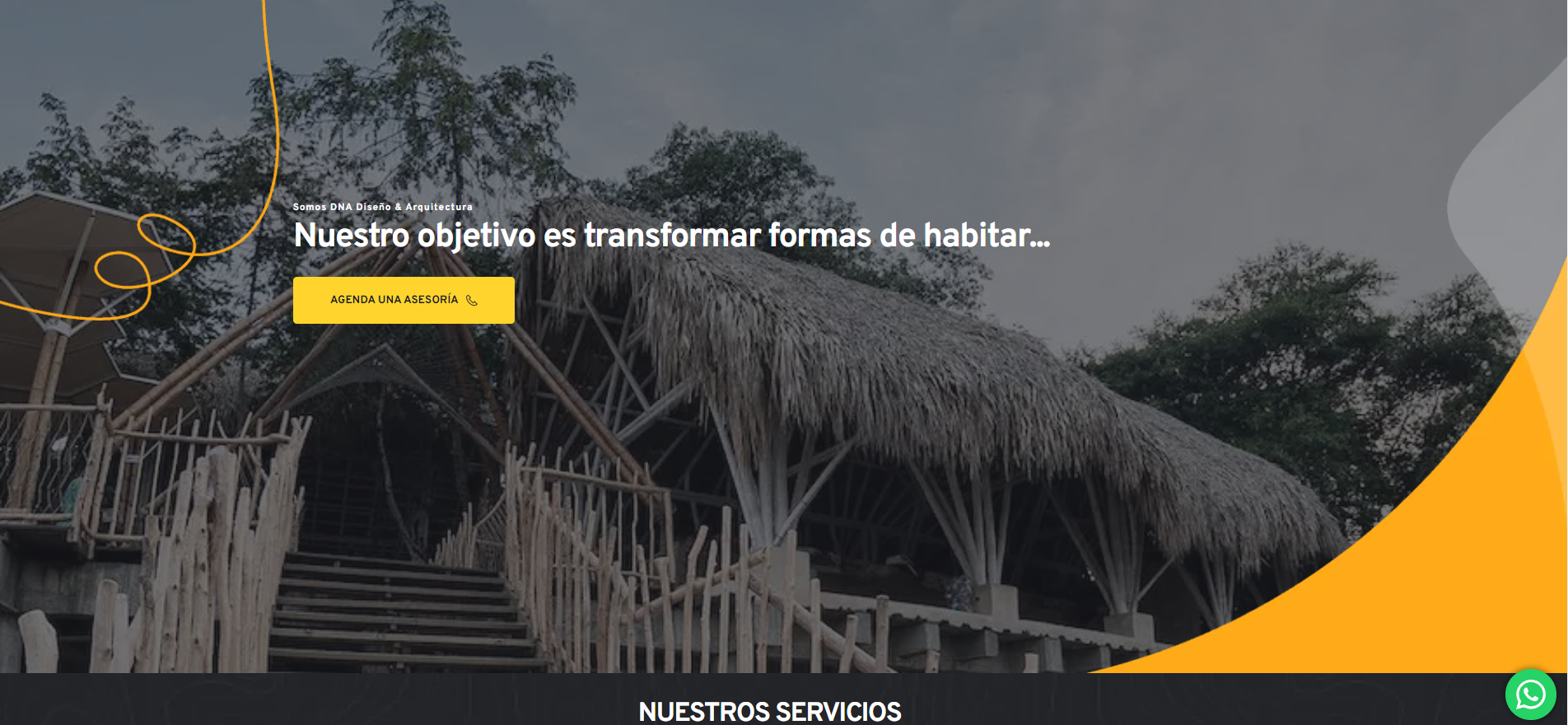
Hello! Yesterday I re-activated my brizy pro license wich was disable cause due date innvoice. The status for both license I have is disable. I deleted one of these license and create a new one. I´ve already followed the steps to activate it, but it´s not working I guess. For example the stycky menu header it´s not working yet. I don´t know if there´s something related wit the re-activation
-

Hi Jaime,
Thank you for contacting us.
Could you please try temporarily adding 1px padding to the affected block and saving your changes by clicking the update button? Afterward, preview your site to see if this resolves the issue. If it works, you can revert the changes and click update again.
If the issue continues, please provide us with temporary access to your WP Admin page so we can take a look. Please add us as an Admin user to your WordPress Dashboard and send the following details to communitysupport@brizy.io.
Community Post link: https://support.brizy.io/hc/en-us/community/posts/23948947993490
WordPress Admin URL:
Username:
Password:As a precaution, we recommend creating a full backup of your site.
Best regards,
Ariel H.0 -
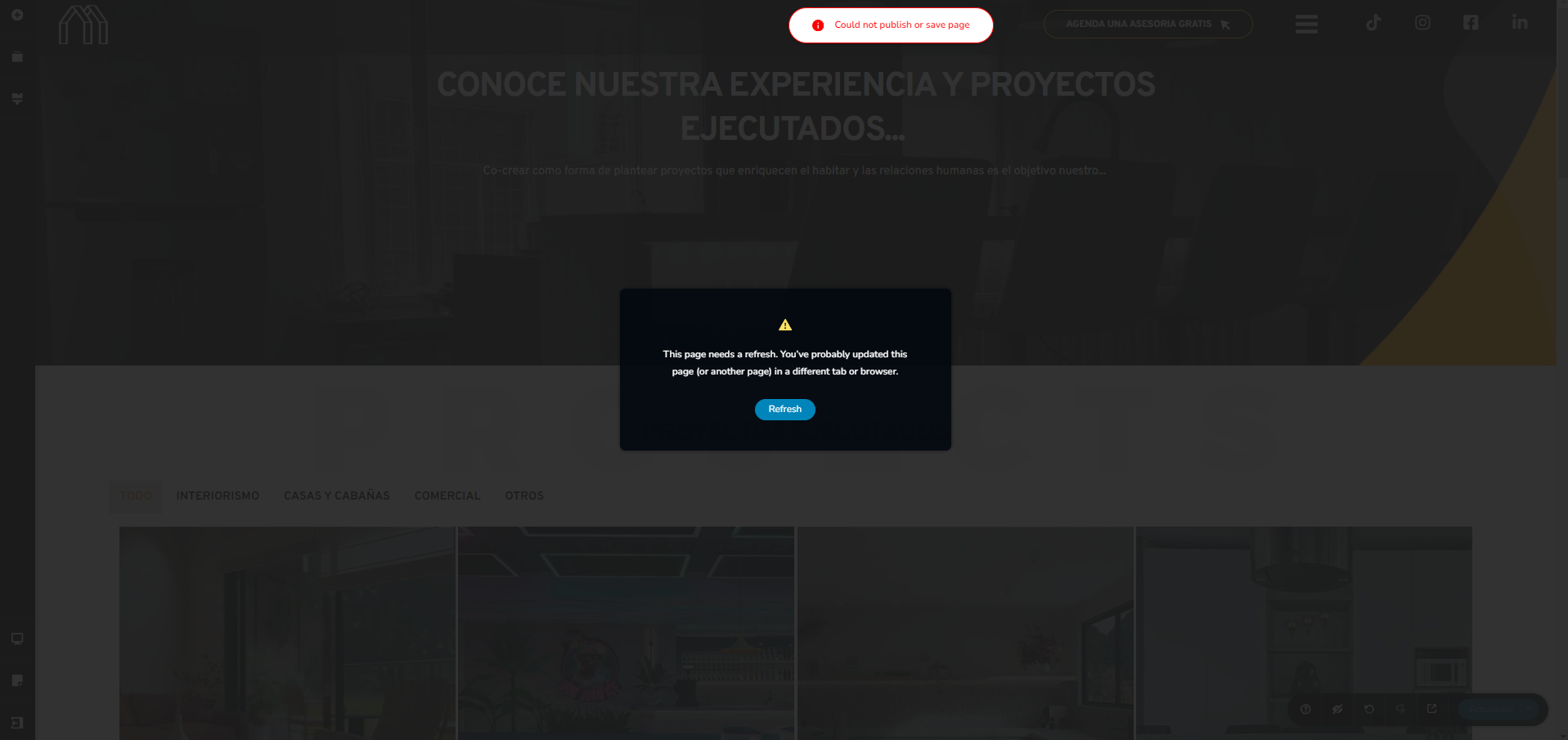
Thanks. I´ve already try to modify the padding on the menu header block in some different pages and templates, and every time I try to update this message is display.
 0
0 -
Hi Jaime,
Sorry about that, please follow the steps I shared in my previous reply to send your site’s credentials so we can inspect your site.
Best regards,
Ariel H.0 -
Thanks. It´s done
0 -
Hi Jaime,
Thank you for your cooperation. Upon checking, the issue with the license not showing was caused by a version mismatch. Updating Brizy to version 2.6.8 has resolved the issue, and the sticky header is now working as expected. Please check again and let us know if you encounter any further issues.

Kind regards,
Ariel H.0
Please sign in to leave a comment.
Comments
5 comments