Migration to another server is constantly failing

Hi, I tried with Duplicator, with WP All In One Migration, with WPVivid, manually, with Wordpress Export/Import, migrating the single layouts one by one, syncing the account...there's no way to get the website I developed on my server live on the client's server.
Layouts are completely broken, images are not shown...
This is the dev home frontend
this is the Client Site, the backend (with images not showing)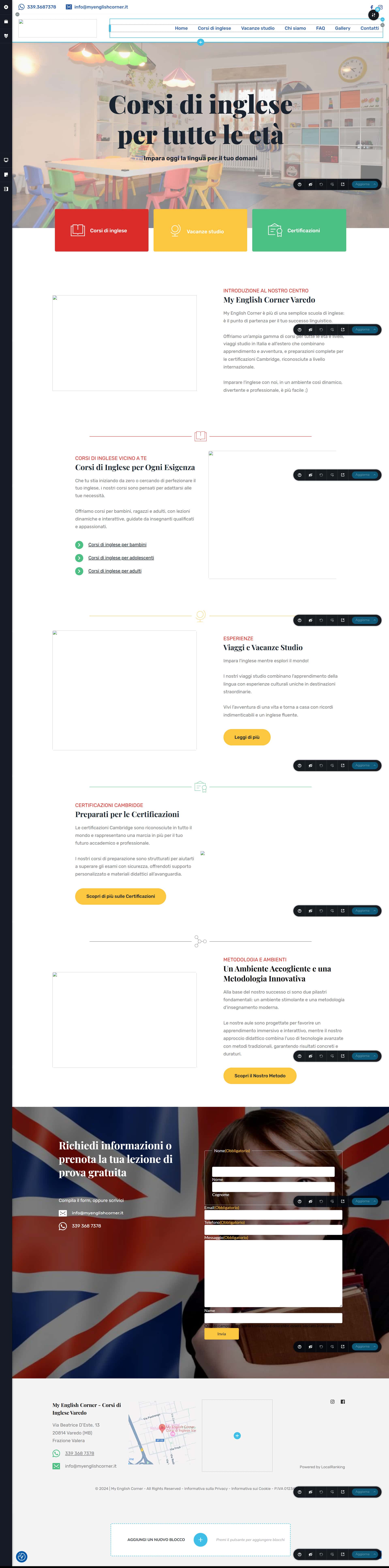
And this is the Client Site, the frontend...

I tried every single way you suggested in this support forum, I need your help to get this working...
thanks
-

Hello Antonio,
The website frontend appears loading well at my end. Please see the screenshot at https://jmp.sh/HeDLBTPF
Kindly give us access to your WordPress Dashboard so that we can troubleshoot this issue. Please add a new user to your WordPress Dashboard and send the following details to our email: communitysupport@brizy.io
- Support Forum link: https://support.brizy.io/hc/en-us/community/posts/23728391895954
- WordPress Admin URL:
- Username
- Password
Please let us know in this forum when you send us the email.
0 -
To avoid surprises I migrated first to a different folder, that's why you see it ok, it's the old site I should substitute with this new one
0 -
you should have received the credentials to log in
0 -
I installed Debug Log Manager, so you can verify the errors from the backend
0 -
<script id="brizy-asset-main-30-js-after">
document.addEventListener('DOMContentLoaded', () => window.Brz.emit("init.dom", jQuery(document.body)));
</script>
this is causing JS Uncaught TypeError: Cannot read properties of undefined (reading 'emit') on every page
0 -

Hi Antonio,
Thank you for your cooperation.
Could you please also provide temporary access to cPanel or FTP so we further investigate the issue? You can send the credentials to communitysupport@gmail.com and include the reference number 23728391895954 in the subject line.
I look forward to your response.
Best regards,
Ariel H.0 -
done
0 -
Hi Antonio,
Thanks for the update. Unfortunately, we haven’t received the cPanel/FTP credentials yet. Could you kindly check and resend them?
Best regards,
Ariel H.0 -
I forwarded the previous email to communitysupport@brizy.io . Do you confirm communitysupport@gmail.com is an email of yours?
0 -
Hi Antonio,
Thank you for your cooperation.
The front end is now working, but the console is showing some Mixed Content issues, causing some images not to load in the editor. Could you please check with your hosting provider to confirm if a CDN is being used? If so, ensure the CDN serves all resources over HTTPS and update its settings to enforce HTTPS.
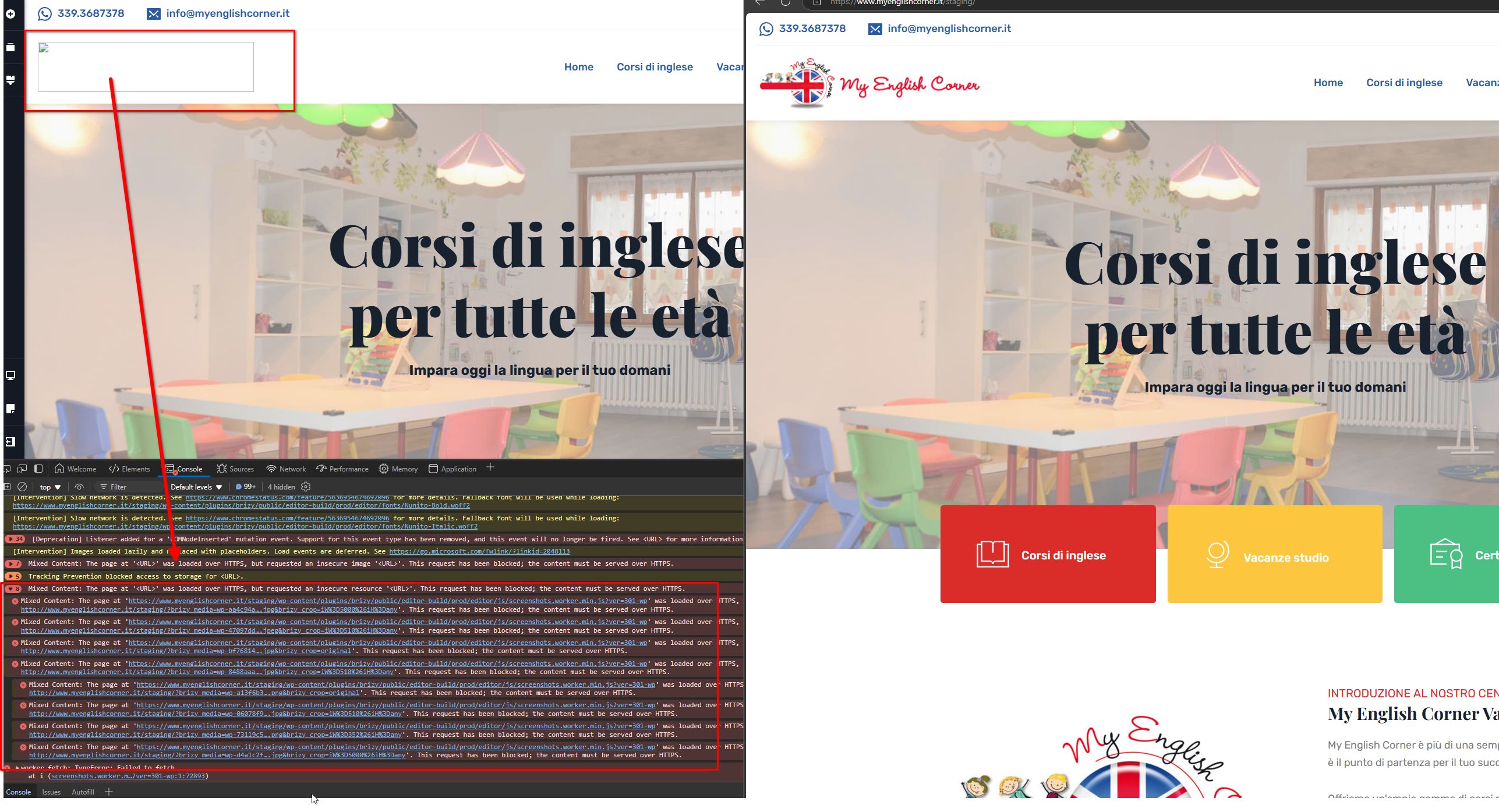
Please try this and let me know how it goes.
Best regards,
Ariel H.0 -
Hi Ariel, I'll investigate and force the https, and I'm happy you solved the issue on the homepage...but the rest of the site it's still not working...all the other pages are still messy, and if you look at the menu on the homepage, if you put your mouse over 'corsi di inglese' you'll see the css is not working well, the second level menu is opening over and not beside the first level...
the issues in place are still a lot, this way the site cannot go live...it shoiuldn't be so hard to migrate a website, right?0 -
To be clear, I appreciate a lot the work your're doing to help me, but may I hope to solve all the issues so to finally migrate the site again, from the staging to the root domain?
0 -
Hi Antonio,
Thank you for your feedback, and we completely understand your concerns regarding the site migration.
In the meantime, could you please check with your hosting provider first to ensure everything, like forcing HTTPS, is correctly set up? Let us know what they say, and we’ll take it from there.
You may also try moving the site to the root domain to see if the issue persists. If the problem continues, please temporarily set the site to development mode until we receive an update from your hosting provider.
We will also review this matter further and replicate the issue on our testing sites. If we can reproduce the problem, we will escalate it to our development team for a closer look.
We sincerely apologize for the inconvenience caused and appreciate your patience as we work to resolve this.
Best regards,
Ariel H.0 -
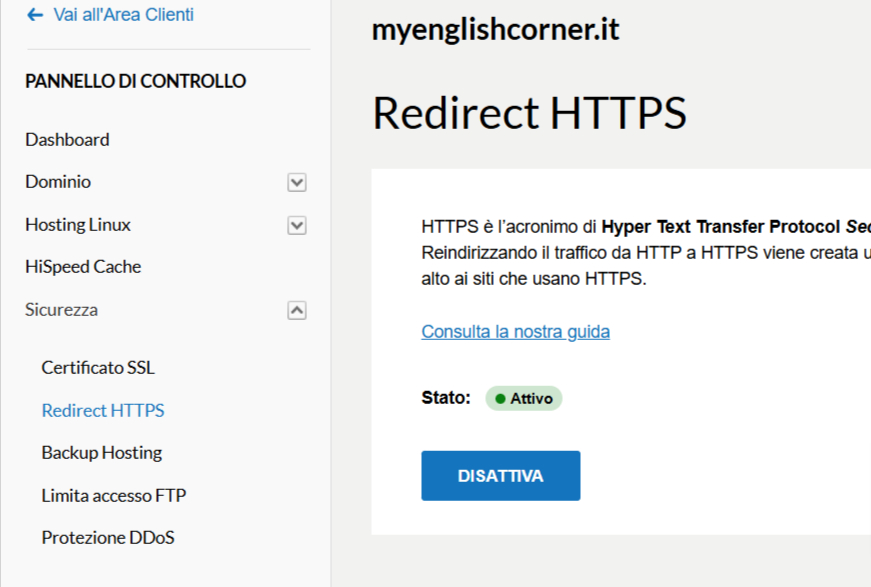
I verified but there's no CDN at work (beside bunny cdn used by Brizy for the fonts), and the HTTPS is forced both on the server and the htaccess (and now also with a plugin, to be sure)
 0
0 -
I've done a search and replace in the database and found 3 cells in wpfe_options that were with http://, now they're should be gone
0 -
Hi Antonio,
Good job! are the pages loading in the editor?
0 -
Absolutely not... https://www.myenglishcorner.it/staging/vacanze-studio/
0 -
but modifying the page and then saving makes it almost working...the problem are the images
0 -
Hi Antonio,
Thank you for the update.
I was able to get it working on a temporary testing site, which I’ll delete later: https://demo.pro-site.cloud/test001/.
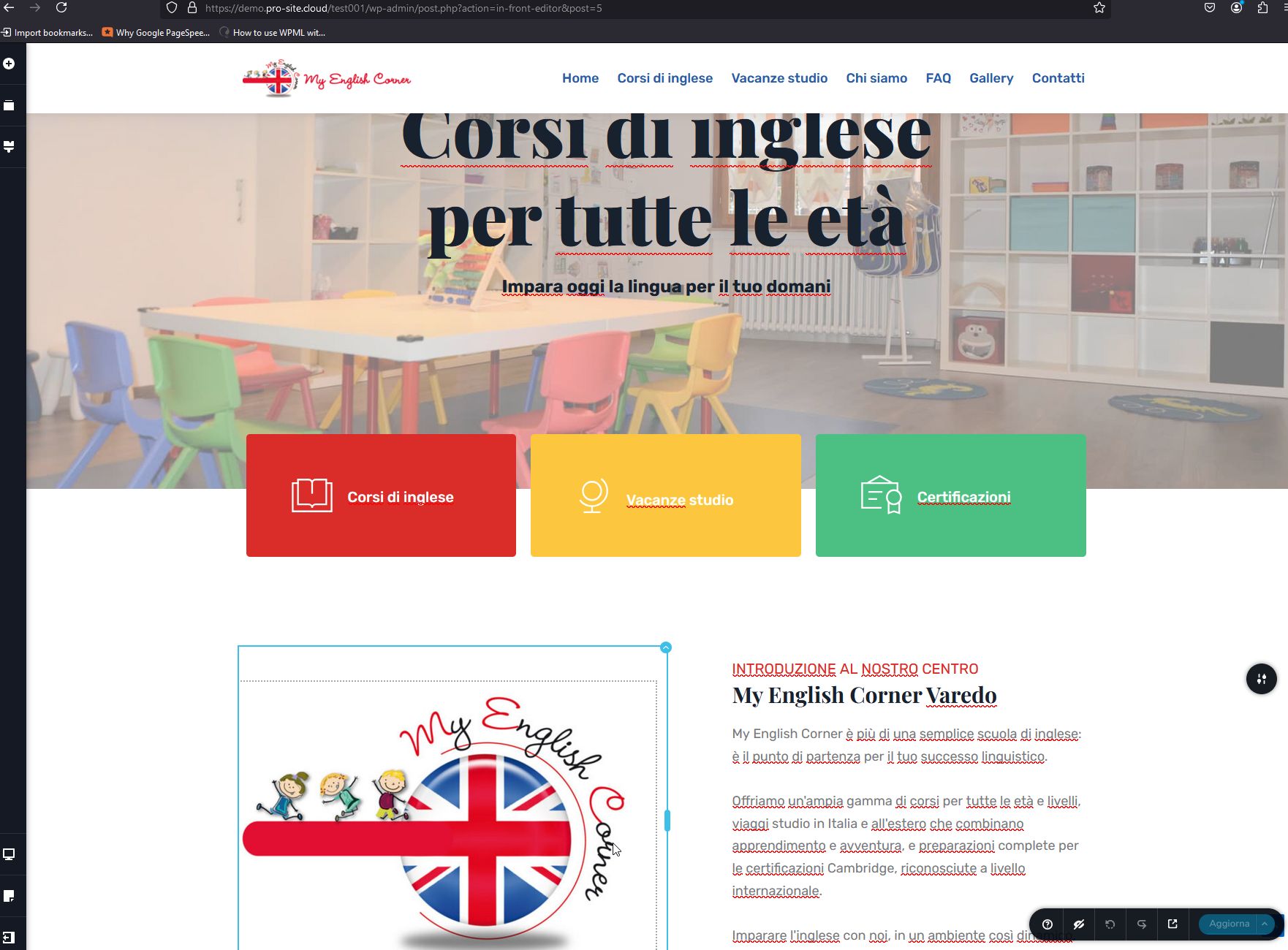
The issue with the URL was reproducible, and I used the Search and Replace plugin to resolve the mixed content problem. However, when I tried the same on your staging site, it didn’t seem to make any difference.
Best regards,
Ariel H.0 -
I can tell you that the cause are the brizy block images, and not the images themselves.
If i edit the block and change image, nothing happens.
but if i delete the block and then re select the same image, it shows without problems.0 -
Hi Antonio,
Thank you for the update.
Please proceed with this approach to resolve the issue on your site, and let me know if you encounter any further problems. It appears we are dealing with a similar ongoing issue that has already been escalated to our development team. I’ve included this support thread for their reference, so they can address it in one of the upcoming updates.
Best regards,
Ariel H.0
Please sign in to leave a comment.
Comments
21 comments