Featured Image focus

Hi, is it normal that the focus point of the Featured Image only works when using the Image Module? It doesn't seem to work when set as a container background.
Also, is there a way to add the focus point feature to custom fields containing images?
Thanks. Best regards.
-

Hello
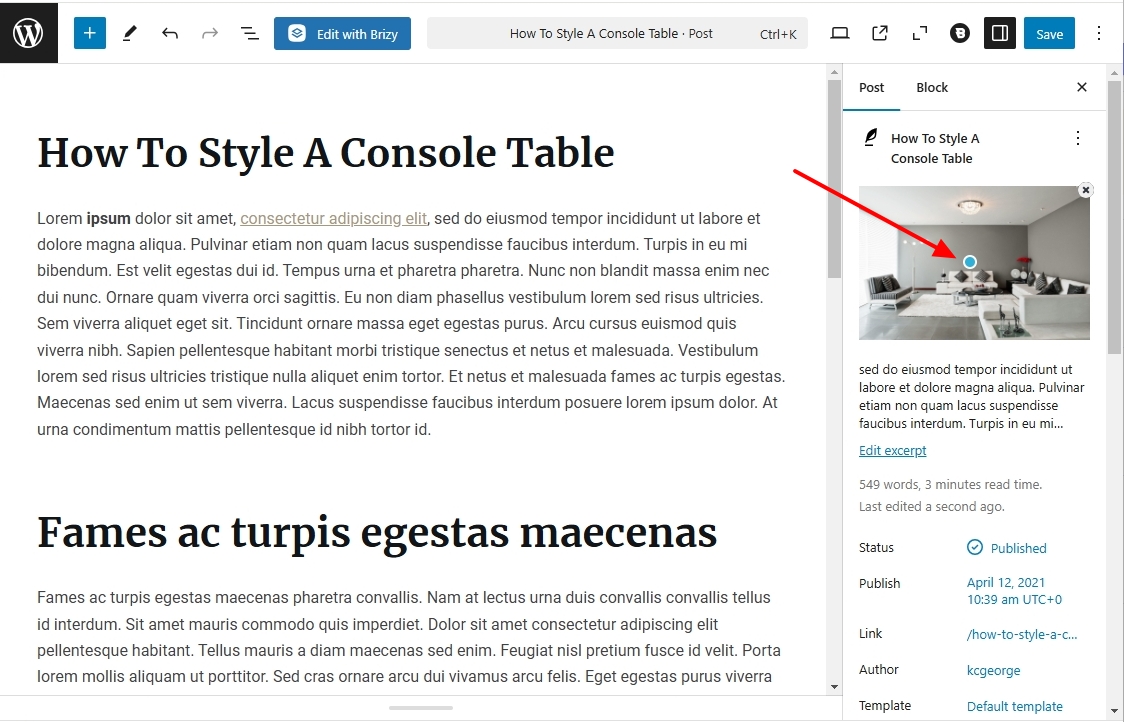
The focal point for your featured images are set in the Gutenberg editor and not in Brizy. Kindly edit the blog post with the Gutenberg editor and set the focal point on the right pane.
 0
0 -
Hi, I understand, but the problem is that in Brizy, the focal point is only considered when using an image module. It is not taken into account when the image is used as a container background (e.g., row, column...).
0 -
Hello
Kindly have a look at the screen recording at https://jmp.sh/z5x7YsWI, where I explain how the focal point dot is expected to work in Brizy.
0 -
Thanks for the detailed explanation, but perhaps I didn't formulate the question properly.
I am not talking about the focal point in the Brizy's modules. I am referring to the focal point of the standard WordPress Featured Image.
Allow me to explain with a real case scenario:
Let's say we want to create a fashion model portfolio using standard WordPress Posts. So we set:
- The models details in the WP Post Content
- A full-body picture of the models as WP Featured Image
- The focal point in the WP Featured Image to the model face, as this is the part we want always visible
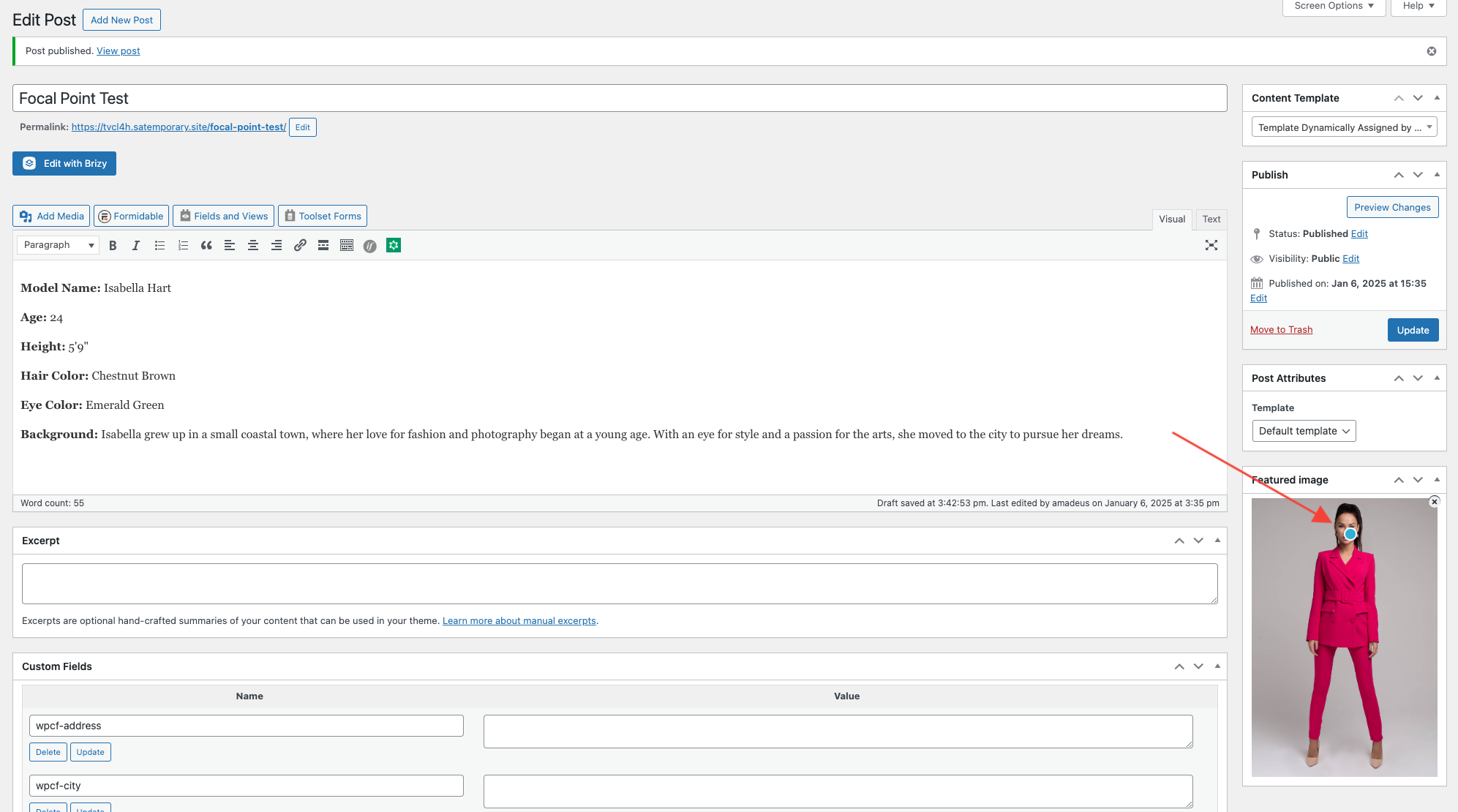
Now we create a Brizy's template to display all post contents in two columns:
- Left column dynamically populated with the WP Featured Image
- Right column dynamically populated with the WP Content
To show you the difference I created 2 rows: one with the image module and one with the column background.
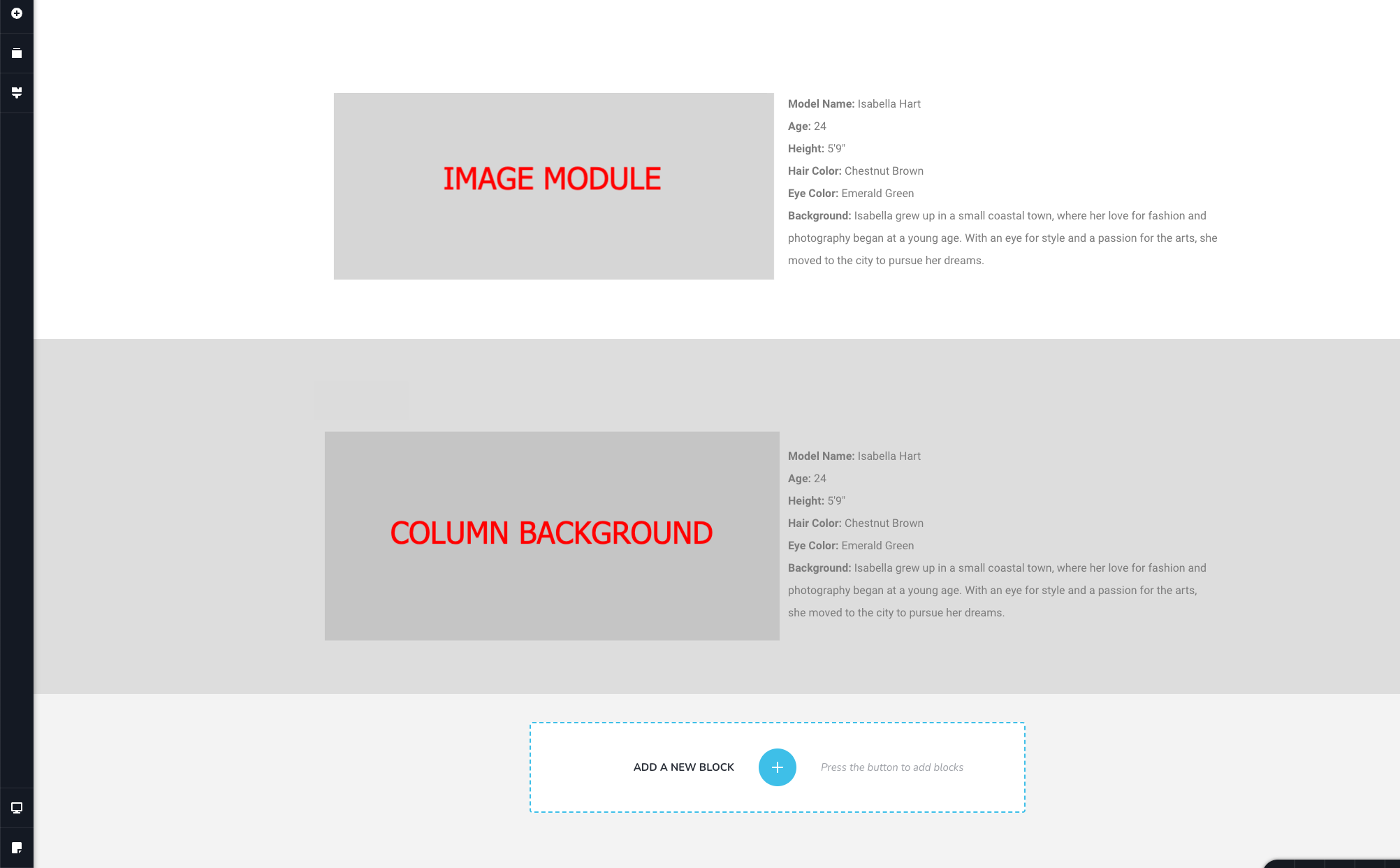
The first example works perfectly because Brizy's Image module takes the WordPress focal point into consideration, ensuring that the face is always visible.
However, in the second example, the WP Featured Image focal point is NOT respected in the column background.
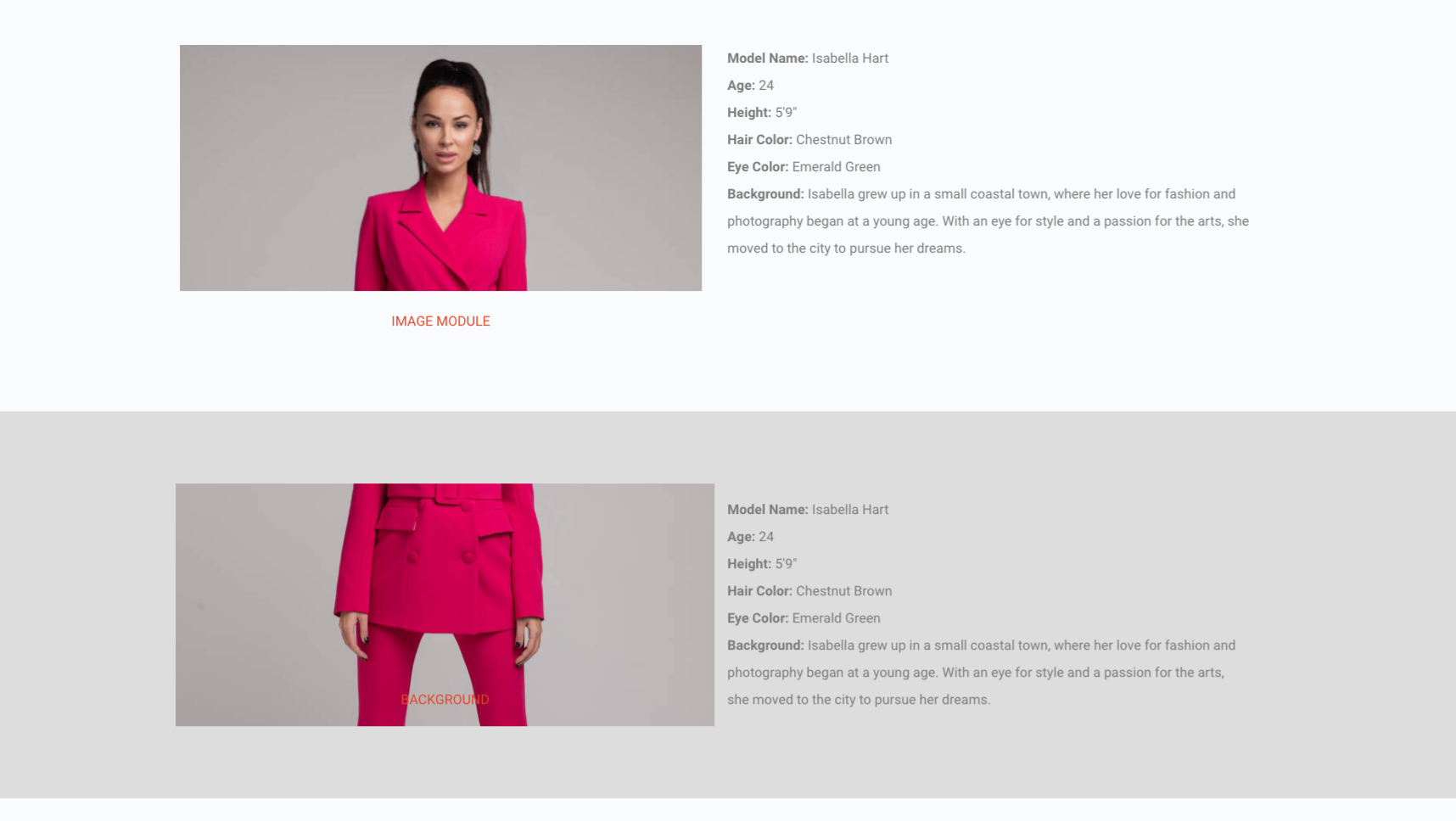
Of course, that would lead to the question: why use the background instead of the image module?
Brizy's Image module uses a fixed height, so the description on the right side can extend lower than the image.
In contrast, when using the background of the left column, the image automatically adjusts according to the description length.
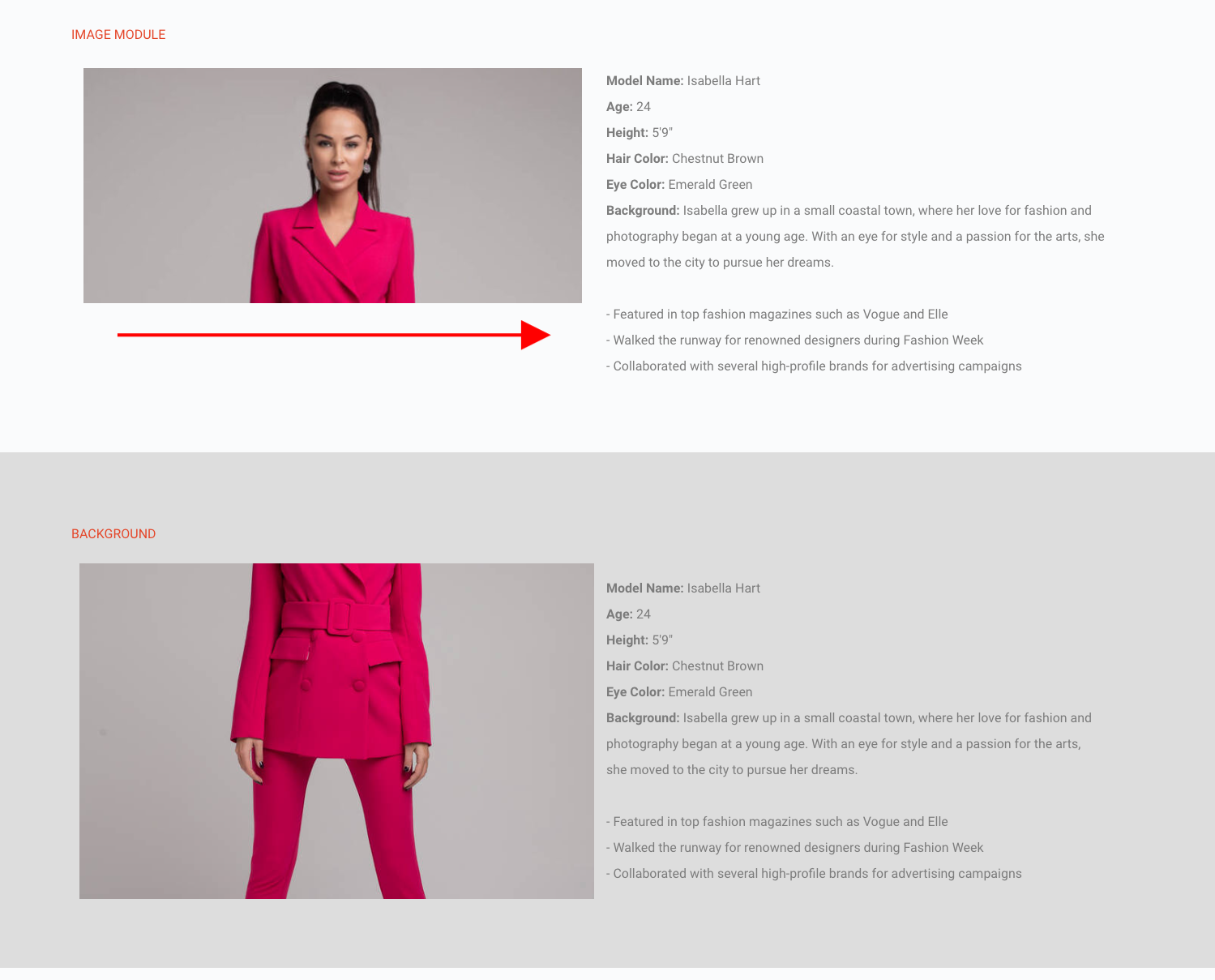
Fazit: When using images dynamically as backgrounds, the WP focal point should be considered, just as in the Image Module.
I hope I was able this time to explain this issue better.
0 -
Hello
Thanks for taking the time to elaborate your use case. It helps to understand the issue in more depth. Let me suggest an approach to overcome the current limitation with the background featured images.
Use the image element to display the featured images of models and set the height of the element according to the longest description available on your website. Let's say
- Model 1 has a short description: Featured Image height of 600 pixels is suitable
- Model 2 has slightly longer description: Featured Image height of 800 pixels is suitable
- Model 3 has very long description: Image height of 1000 pixels is appropriate
To ensure that no model's image is shorter than its description, set the featured image height to 1000 pixels for all models if the model with the longest description requires a 1000 pixels featured image. Place the image and the descriptions in the center of each column, vertically. This will improve the alignment of the pictures and their descriptions.
0 -
Hi, we have just realized that the focal point of a Featured Image doesn't work anymore with the new updates!
The last version we found that works is 2.6.4 (free) and 2.6.3 (pro).
0 -
Hello
Thanks for reporting this bug. I have escalated it and we will work on fixing it. Kindly use the previous Brizy versions until we are able to roll out a fix for this.
0 -
Hi, please also report that the focal point should also work when the image is set dynamically as a background in a row or column container.
When creating grids or carousels, the image module is insufficient for images with slightly different heights. In such cases, container backgrounds are ideal, but without the focal point, they become useless as the images are cropped incorrectly.
Let's hope this can be integrated into this bug fix.
Thanks
0 -
Hello
The background image point has been included to the Focal Point issue that was made for our development team.
0
Please sign in to leave a comment.
Comments
9 comments