Register New WordPress User with Brizy Form

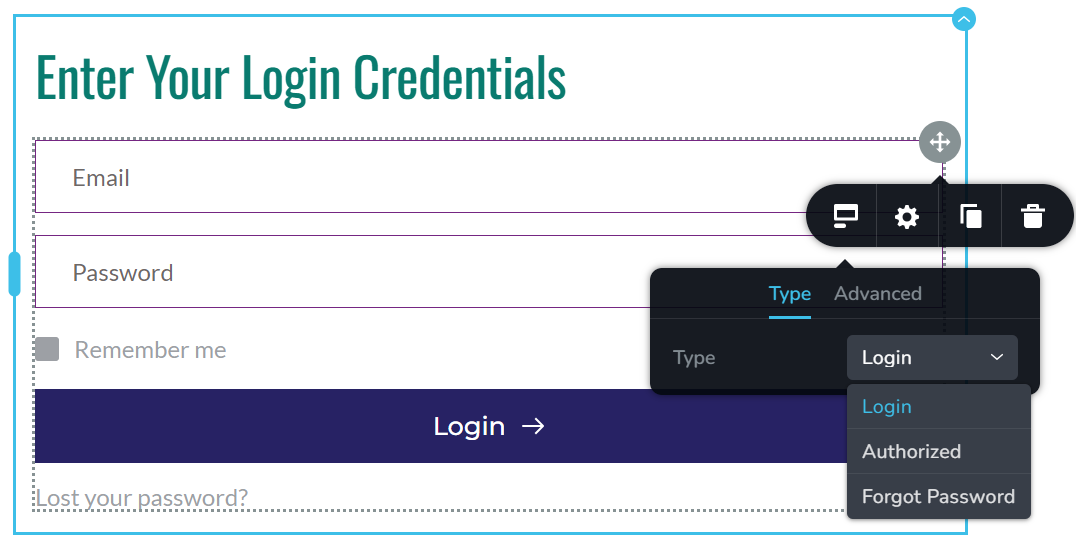
In Brizy Wordpress, it does not appear that you can register a new WordPress User, so I subscribed to Bit Integrations. Was this a right decision?
When I try to connect a form that I had created to create a New User, the Bit Integrations tool cannot 'fetch' the form.
-

Hi Michael,
Thank you for contacting us.
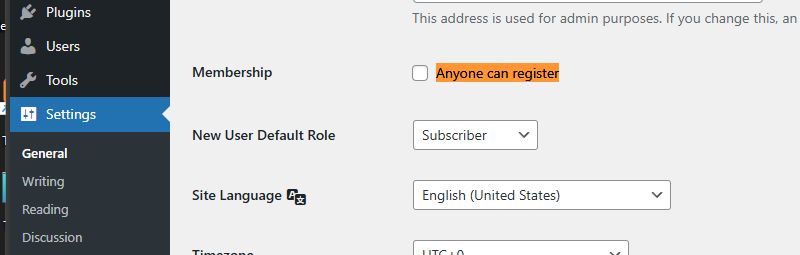
Please enable user registration in WordPress by going to Settings → General in your dashboard. Scroll down until you see the option that reads Membership. Tick the Anyone can register box.
Best regards,
Ariel H.0 -
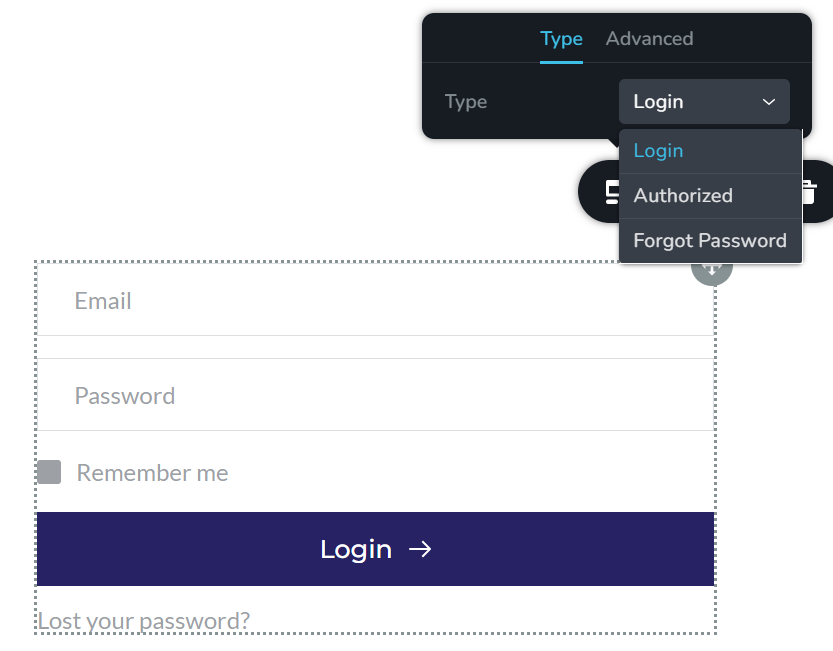
I have done this, logged out, and back in, added a new login form and reviewed the available types. Nothing has changed.
 0
0 -
Hi Michael,
Thank you for contacting us
Could you please provide us with temporary access to your WP Admin page so we can inspect your site? Kindly add us as an Admin user to your WordPress Dashboard and send the following details to communitysupport@brizy.io:
Community Post link: https://support.brizy.io/hc/en-us/community/posts/23658109922066
WordPress Admin URL:
Username:
Password:
Page or URL of the login/registration form:Please make a full backup of your site as a precaution.
Best regards,
Ariel H.0 -
Ariel -
Thank you for getting back to me, and I am happy to provide you access for troubleshooting purposes, but I have been able to use a Multi-Step form (with the Bit Integrations plugin) to accomplish my task.
0 -
Hi Michael,
I’m glad to hear you found a good plugin for your task.
Upon checking, the registration option reappeared after switching to Twenty Twenty-Five and then back to Blocksy.
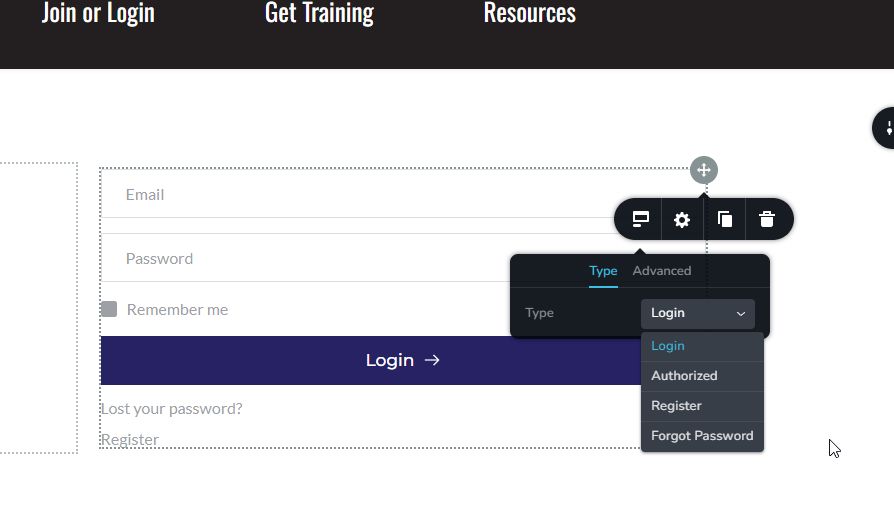
Switching themes forces WordPress to clear cached theme files and settings, which can temporarily resolve issues caused by cached or outdated settings in the Blocksy theme.
Best regards,
Ariel H.0 -
Good technique to remember - the temporary swapping out of themes. As always, thanks for the great support!
0
Please sign in to leave a comment.
Comments
6 comments