Broken Menu and info on where to sign in clients

Hi, I am new and looking to use your white label program. There are two things.
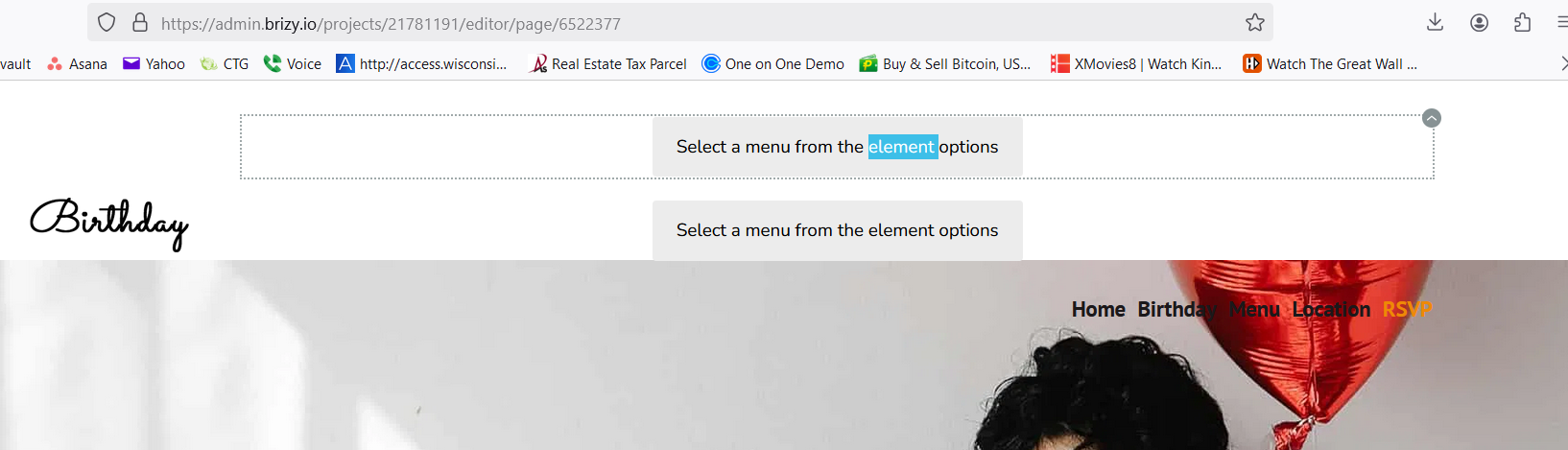
1st, I tried to make a Menu but when add a menu, it seems I cannot configure it. I am attaching a screen shot. THis looks like a bug to me as I cannot find what I am doing wrong.
2nd item. Ok, assuming I am a reseller with clients under me, what url would I send my potential clients to in order for them to create a username / pass and sign up? Once signed up, where would they go to log into their website builder so they see just their website? Please advise. I know you mentioned an API, but I'd like to try without an api and allow people to log in for starters just to see how things work.
Thank you!
0
-

Hello Jesse,
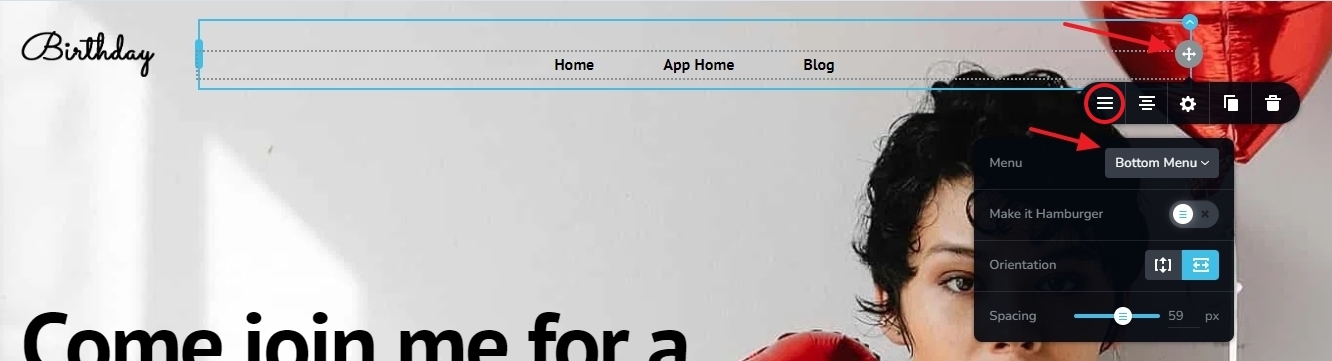
- Click at the top right corner of your menu element, select the hamburger icon in the toolbar and select the Menu you want to use
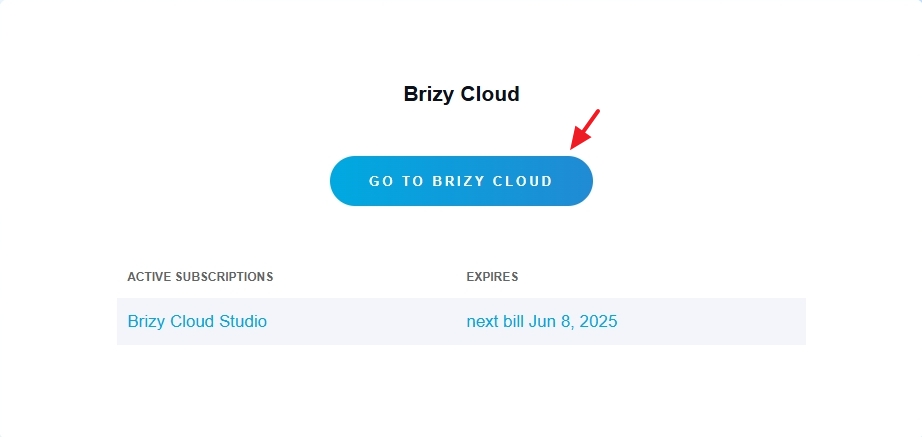
- Users can sign up by visiting the URL https://www.brizy.io/account/signup They can login at https://www.brizy.io/account/login After logging in, they can click on the button "Go To Brizy Cloud" to access their Brizy Cloud dashboard.
0 - Click at the top right corner of your menu element, select the hamburger icon in the toolbar and select the Menu you want to use
Please sign in to leave a comment.
Comments
1 comment