The change of language breaks my brizy template

When I change the language to Spanish or English, the page takes me to contacts automatically and appears without the Brizy template. But when I click on another menu option, everything returns to normal. How can I fix this, please?
Brizy pro Versión 2.6.3
This image is when I changed the language:

-

Hello Javier,
The ES and EN language codes on your website header hyperlink to https://inspiranimation.com/contact/?is-editor-iframe=1721815421&post=127 which displays the Gutenberg version of your Brizy Contact page. Please check why your language codes hyperlink to the above URL.
 0
0 -
Hello George,
Thanks for your help. How can we change the current hyperlink?
We don't find the option:
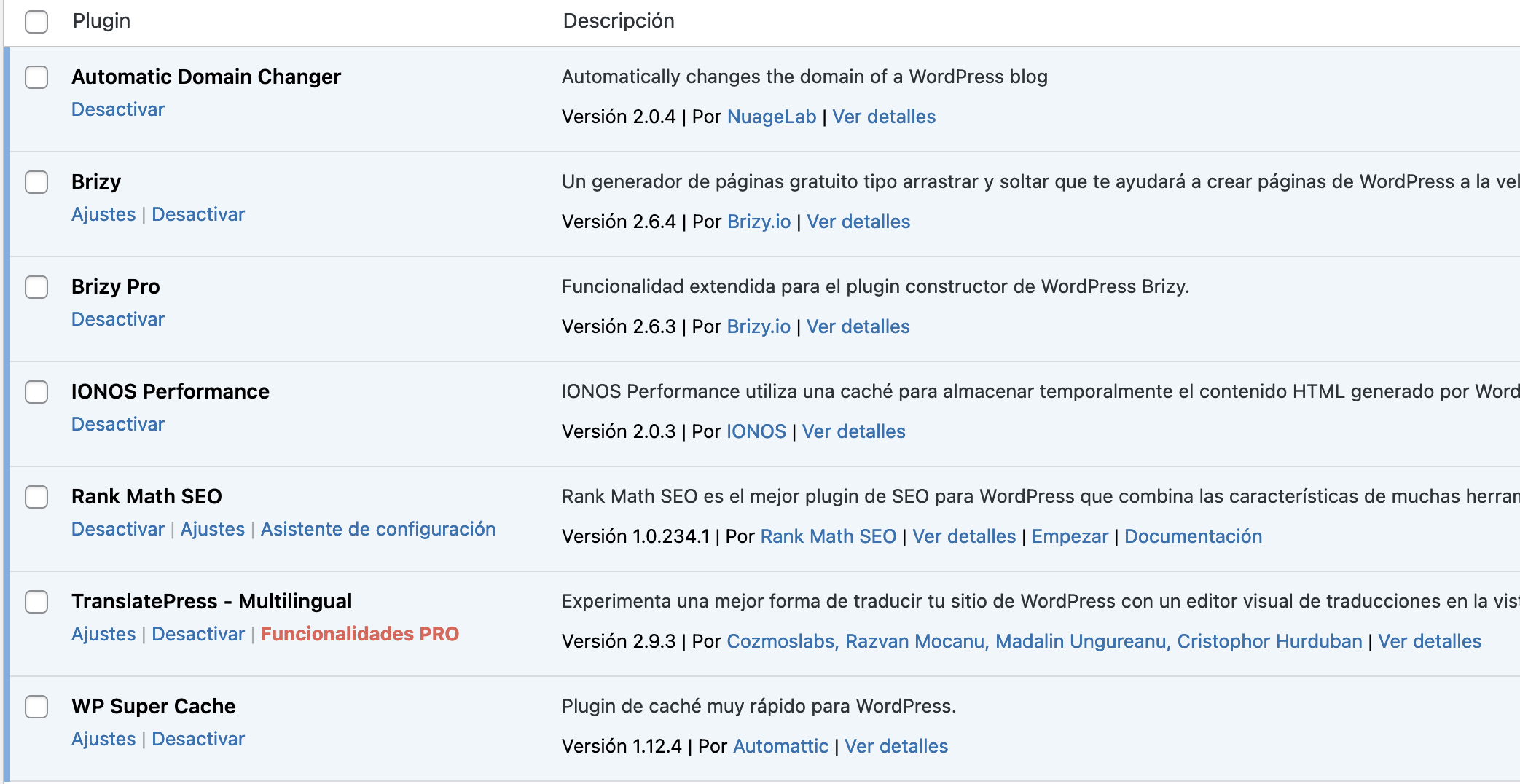
 0
0 -
Hello Javier,
Kindly try these two work around procedures, to fix the issue with the TraslatePress language switcher
- In your Brizy global header, resave the Display Conditions, update your project and check if the issue resolves
- Add a new column for the Language Switcher in the header block and drag the "Shortcode" element to the new column and paste the following shortcode and check if the issue resolves. If this works, you can remove the language switcher entries from your WordPress menu.
[language-switcher]
Kindly watch the screen recording at https://jmp.sh/irg7F3oA for more detailed procedure.
0 -
Hello George,
We resaved the Display Conditions and the web works perfectly.
Thank you so much for your help.
Regards.
0
Please sign in to leave a comment.
Comments
4 comments