Forms not submitting no matter what you do

I have tried at least 20 times and 30 different ways and I still cannot get the forms to submit any of my email addresses. I am using Brizy cloud and looks like all of your fixes are for Wordpress tool. I have tried to use webhooks and I have tried to use just regular lead capture.
-

Hello Jenny,
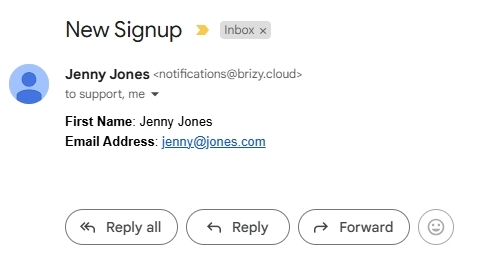
I tested the contact form on one of your projects, "Digital Marketing Tool Shed". The form was successfully submitted and the email notification was also received. Kindly check if you received the same email notification in your Inbox.
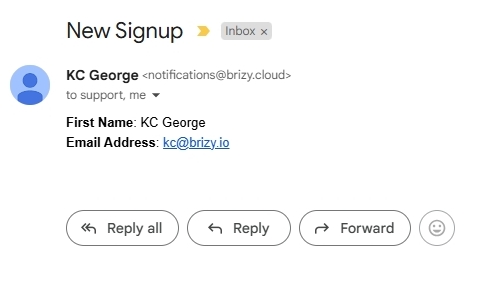
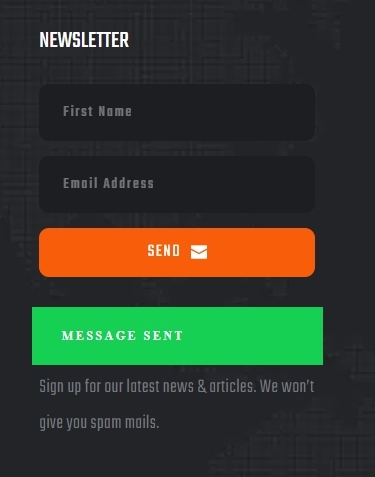
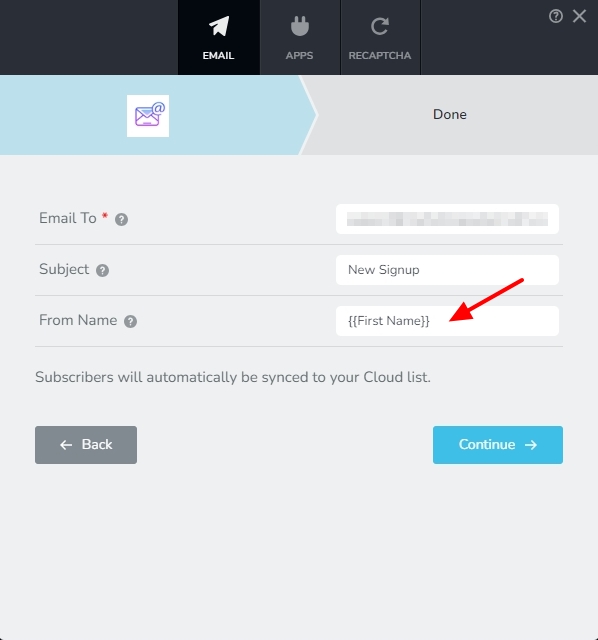
Kindly use a single code in your "From Email" field to ensure that emails get delivered.
Do you have this issue on a single project or on all your 6 projects?
0 -
This is not fair. I spent 3 hours on this and you fixed it in 3 mins. You have to tell me what you did. I created a new form from scratch and everything. Every fix I see you have done on here is about you making it work. Is it something you need to tell us? lol
0 -
Hello Jenny,
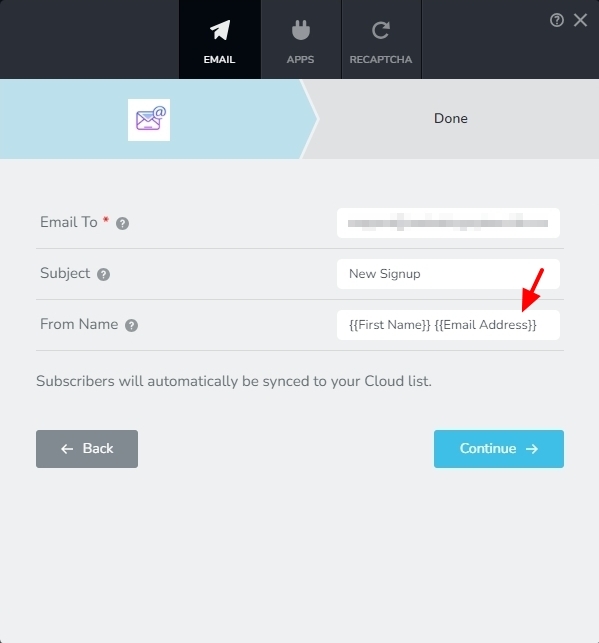
In the "From Name" you had {{First Name}} and {{Email Address}}. I removed the {{Email Address}} and your form started working.
 0
0 -
It never worked when I logged back in to the site. I have not changed anything. Can you check that form again? What happened it never worked for me.
0 -
Hello Jenny,
I tested the form again on your project "Digital Marketing Tool Shed" and I saw a confirmation message and received the email notification. Please check if you received the same notification in your Inbox.
If you have installed any of these on your computer, it can interfere with sending email notification. You may want to temporarily disable such software and check if that helps.
- A firewall
- An antivirus software like AVG, McAfee, Kaspersky
- Malware protection software like "Malwarebytes"
- Ad blocker software
- Any other software that can manage other software in your computer
If your computer is part of a centrally managed network, check with your system administrator if any such software is installed at the network level (which can block/permit other software)
0
Please sign in to leave a comment.
Comments
5 comments